RemoteLink
source

RemoteLink

(21)
Price
Free
Category
Medical
Last update
Sep 01, 2021
Publisher
View in store
Loading...

Ratings & Reviews performance

Ratings & Reviews performance provides an overview of what users think of your app. Here are the key metrics to help you identify how your app is rated by users and how successful is your review management strategy.

Number of reviews,
total
21
Avg rating,
total
⭐3.0
Loading...

User Reviews for RemoteLink

Why to reply to reviews?face_screaming

User reviews affect conversion to installs and app rating. Featured and helpful reviews are the first to be noticed by users and in case of no response can affect download rate.

Description

1239 chars

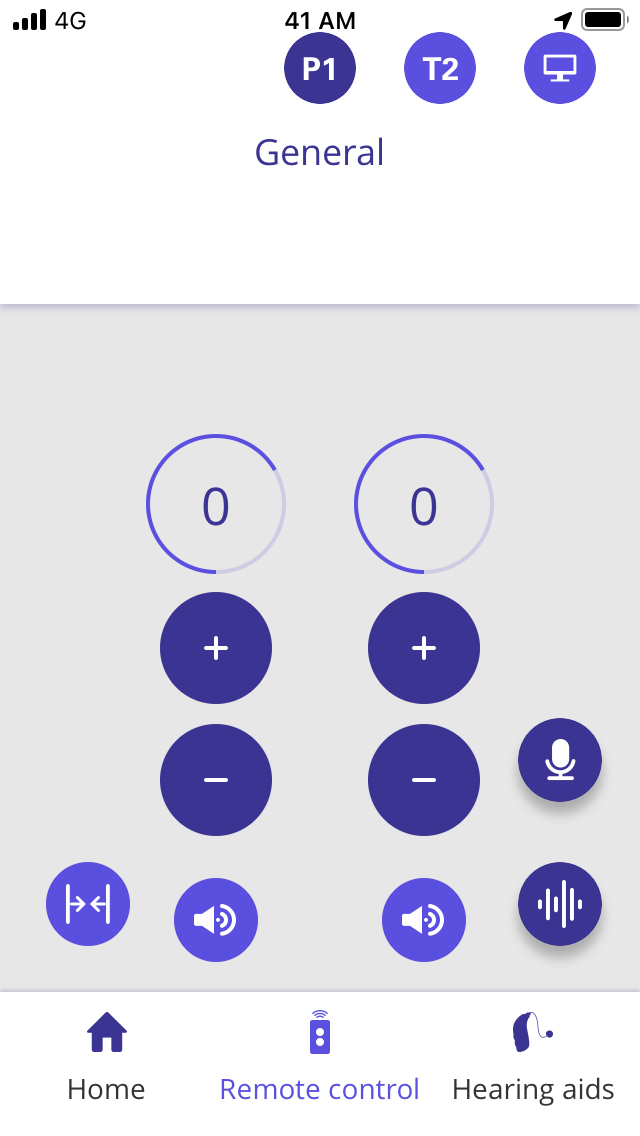
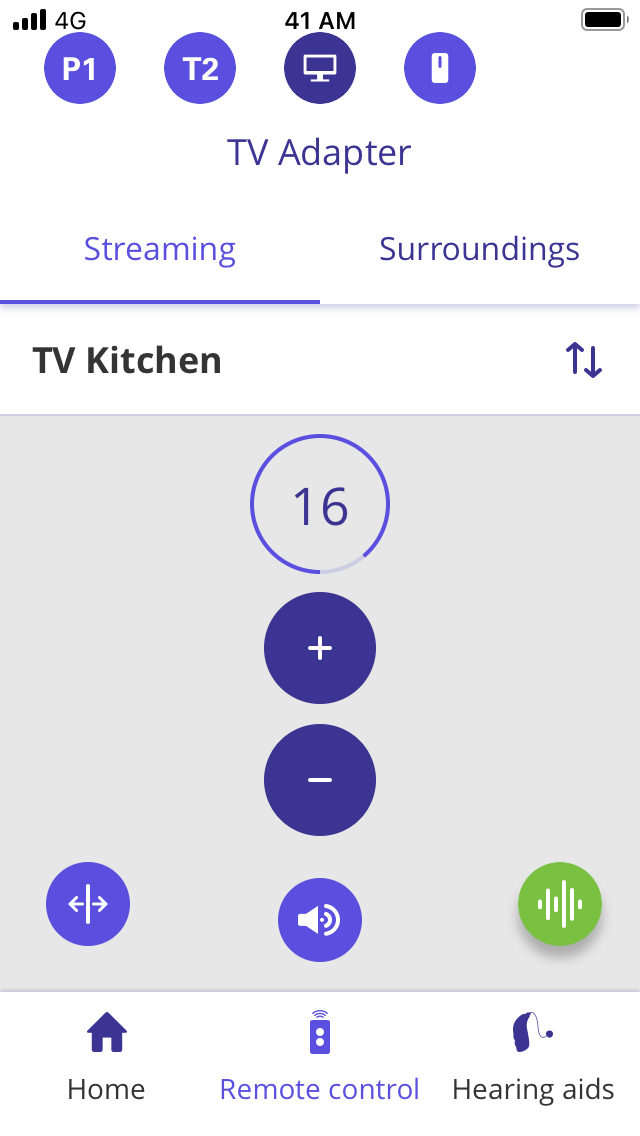
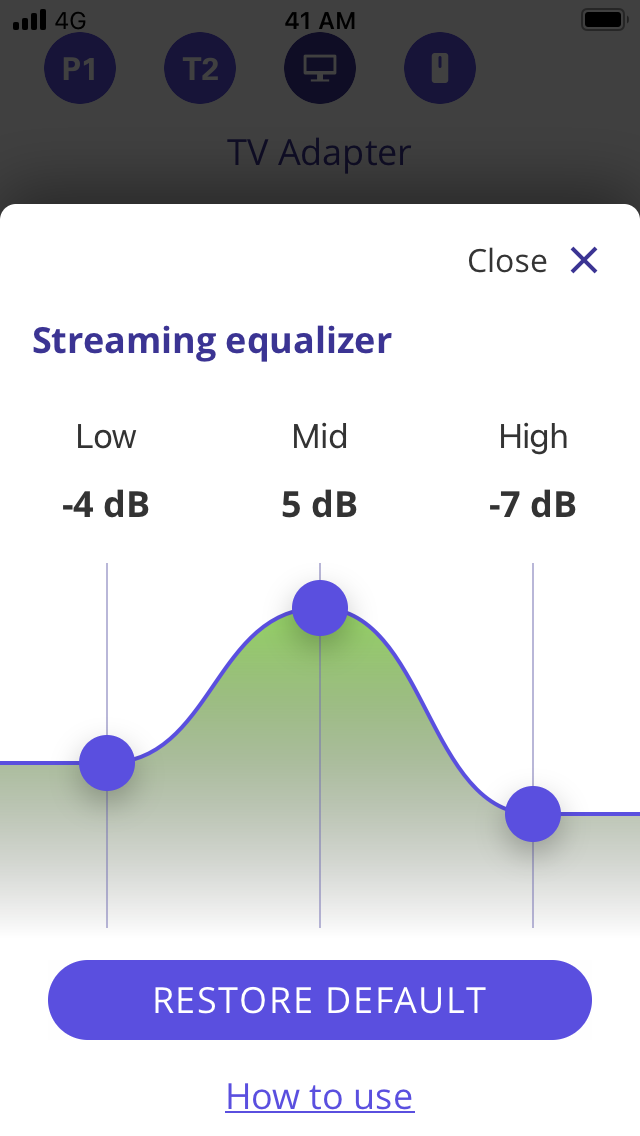
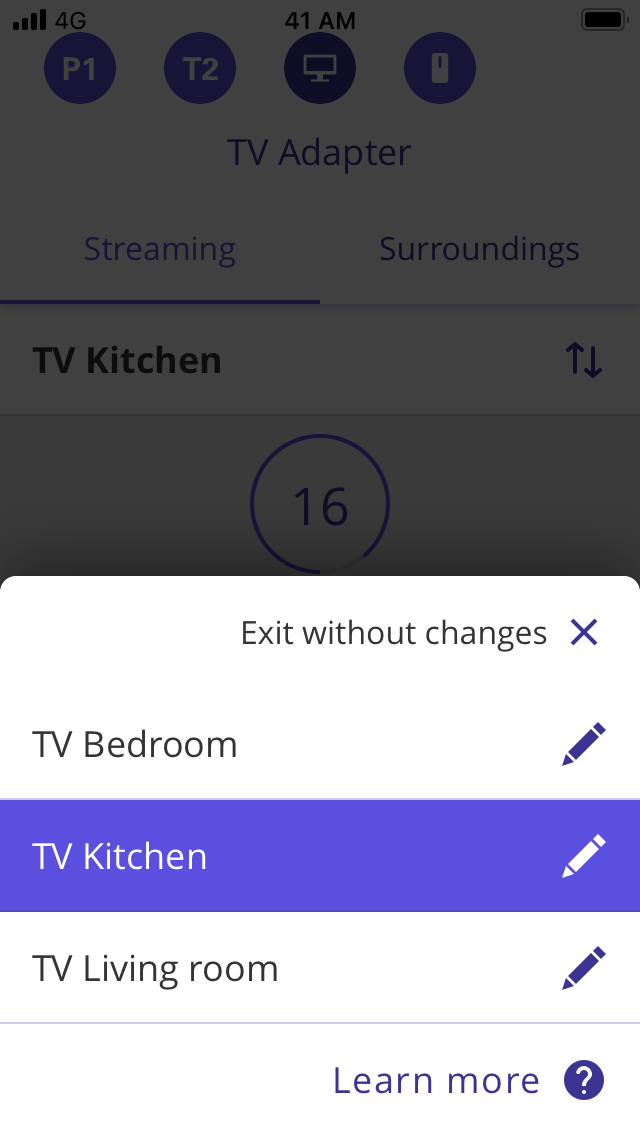
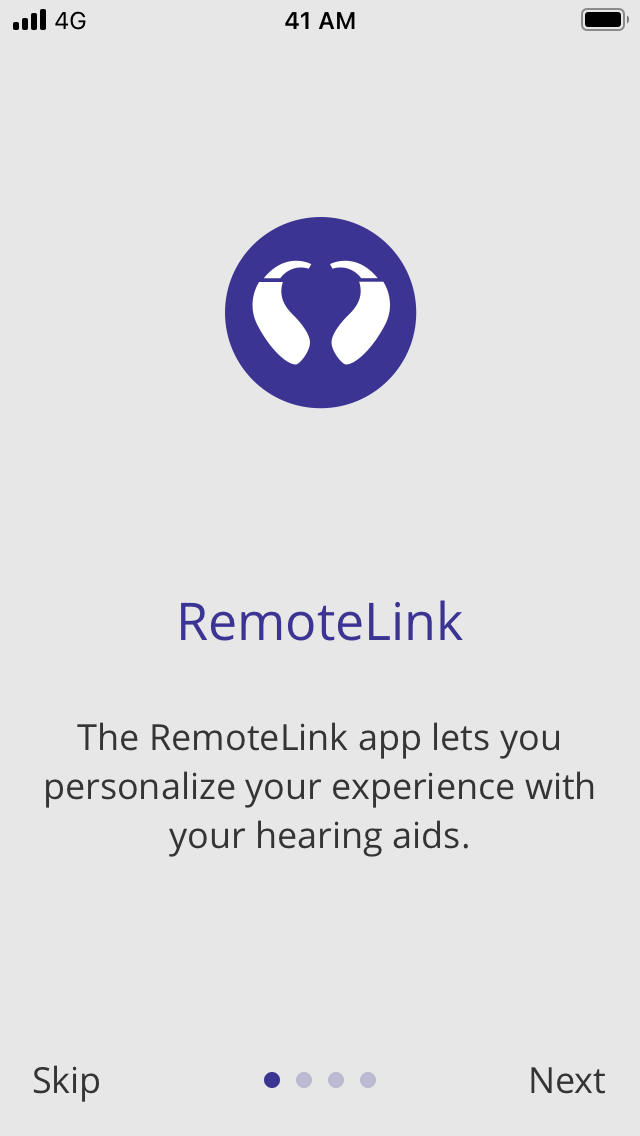
The RemoteLink app enables you to control your hearing aids, choose what you want to hear, and adjust the sound. RemoteLink is compatible with all wireless hearing aids. Depending on the hearing aids and the mobile device you are using, you may or may not have access to all features the app offers. The app offers a “Find my hearing aid” search feature, links to user instructions, and low battery notification. Other features: - Select from which of your TV-Adapters you want to stream the signal to your hearing aids - Streaming of the microphone signal of the phone to the hearing aids. - Support for remote/partner microphone via SoundClip-A - Advice on coping with hearing loss - Connect your hearing aids to other devices and web services via IFTTT service. - Individual volume Left & Right - Control of tinnitus relief sounds (if supported by hearing aid) - Fine-tune the sound when watching a movie or streaming audio using the streaming equalizer, for a personalized listening experience. The streaming equalizer may not be available for certain older Bluetooth hearing aids. For more information, you can access instructions on how to use this app in the application settings. We recommend using the latest version of iOS.

Screenshots

https://is5-ssl.mzstatic.com/image/thumb/PurpleSource124/v4/01/18/05/01180590-1e9e-9cd4-9d8f-90c9cf5373c7/06d27fbc-ec51-48a6-aab4-4bfc2f1a4cbf_iPhone_SE-0.1.1.Onboarding.png/640x1136bb.pnghttps://is4-ssl.mzstatic.com/image/thumb/PurpleSource114/v4/33/f7/9b/33f79b39-9712-4a7f-9545-0c53d1caa1fa/b60c1882-1402-4589-8163-b658c3f134a0_iPhone_SE-1.0.Dashboard.png/640x1136bb.pnghttps://is1-ssl.mzstatic.com/image/thumb/PurpleSource124/v4/dd/d7/72/ddd772e5-38ee-ce3c-d713-040f6b1eb9fe/81ea87c8-1a5d-4b93-9522-f44a2ada9f13_iPhone_SE-2.0.4.GeneralProgram.SeparatedSliders.png/640x1136bb.pnghttps://is5-ssl.mzstatic.com/image/thumb/PurpleSource124/v4/ad/b6/5d/adb65db8-d4ae-9387-7df2-7c37198cbb4d/b2aedd31-cd93-4484-b14b-b8b42945ffff_iPhone_SE-2.4.0.TvAdapterProgram.StreamingTab.png/640x1136bb.pnghttps://is2-ssl.mzstatic.com/image/thumb/PurpleSource114/v4/c8/47/db/c847db8b-0ca5-cc25-c165-b375d6aa3707/b644255b-dfc4-4c1b-8b83-2a4fc6299f89_iPhone_SE-2.4.2.1.StreamingEqualizer.Changed.png/640x1136bb.pnghttps://is4-ssl.mzstatic.com/image/thumb/PurpleSource124/v4/c9/32/3b/c9323b0e-75c4-6c9e-7d50-3ec2cd404a95/dec72917-7ce1-4d9c-a8a4-fc852ad35da1_iPhone_SE-2.4.3.TvAdepters.DeviceList.png/640x1136bb.pnghttps://is2-ssl.mzstatic.com/image/thumb/PurpleSource114/v4/0b/6c/ba/0b6cba25-98db-90b8-8a4f-d28325375779/514c0b62-c30d-4f2f-8f0f-f767a86bcd87_iPhone_SE-3.3.FindMyHearingAids.png/640x1136bb.png
Loading...
Loading...

Find growth insights on our blog

React to user feedback and market trends faster