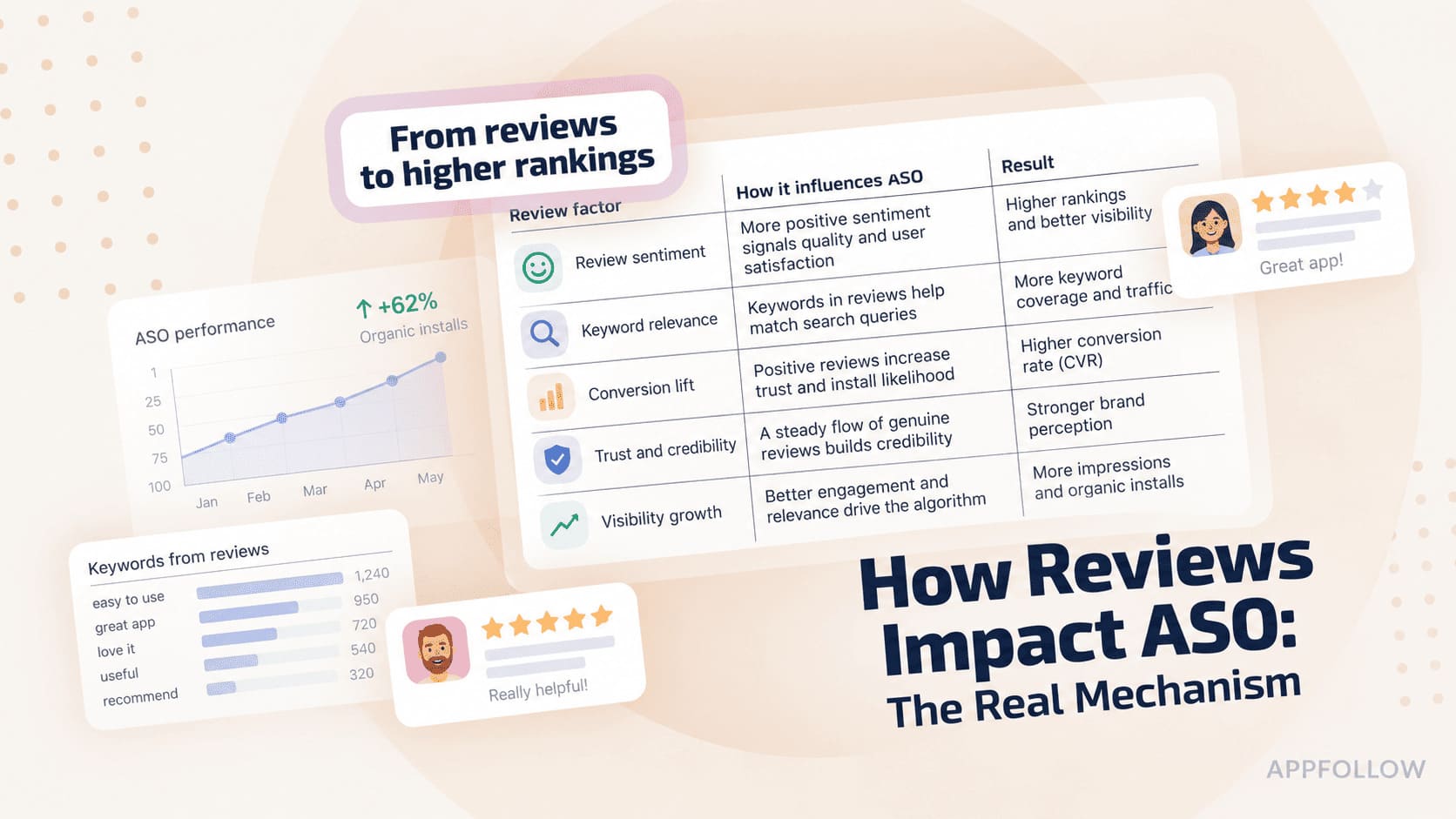
Ratings & Reviews performance provides an overview of what users think of your app. Here are the key metrics to help you identify how your app is rated by users and how successful is your review management strategy.
 4.3
4.3Remote Mouse™ turns your mobile device into a powerful remote control app for your PC or Mac. Use your phone or tablet as a wireless mouse, keyboard, and touchpad — complete with multi-touch gestures and media controls. Whether you're watching movies, controlling a presentation, or browsing the web from your couch, Remote Mouse™ offers an effortless way to control your computer remotely. With over 20 million users and featured by CNET, Mashable, and Product Hunt, Remote Mouse™ offers one of the most elegant solutions to computer control from mobile. What you can do: Mouse • Control the cursor like a real PC mouse • Move using your phone’s gyroscope (Gyro Mouse) • Left-handed mode support Keyboard • Type remotely in any language • Use voice input (if supported by your soft keyboard) • Send system and app shortcuts • Adaptive layouts for Mac or PC • Use your phone as a remote keyboard for your computer Touchpad • Simulates Apple Magic Trackpad • Supports multi-touch gestures • Ideal wireless touchpad app for remote navigation Specialty Panels • Media Remote: Control videos, music, and presentations across apps and sites like YouTube, Netflix, Disney+, Apple TV+, VLC, Spotify, and more. • Browser Remote: Navigate Chrome, Firefox, and Opera • App Switcher: Launch and switch between apps • Power Options: Shut down, sleep, or restart remotely • Clipboard Sync: Copy and paste text/images across devices Other features • Control volume using physical phone buttons • Secure the connection with a password • Reorder specialty panels • Customize your remote with personal wallpapers Connection & Compatibility • Connect over Wi-Fi or Bluetooth • Connect by IP address, QR code, or connection history • Supports Windows, macOS, and Linux Easy to set up: 1. Download and install Remote Mouse for desktop on your computer: [https://remotemouse.net](https://remotemouse.net) 2. Launch the desktop version (it runs in the background) 3. Connect your mobile device to your computer via Wi-Fi or Bluetooth