Ratings & Reviews performance provides an overview of what users think of your app. Here are the key metrics to help you identify how your app is rated by users and how successful is your review management strategy.
 3.0
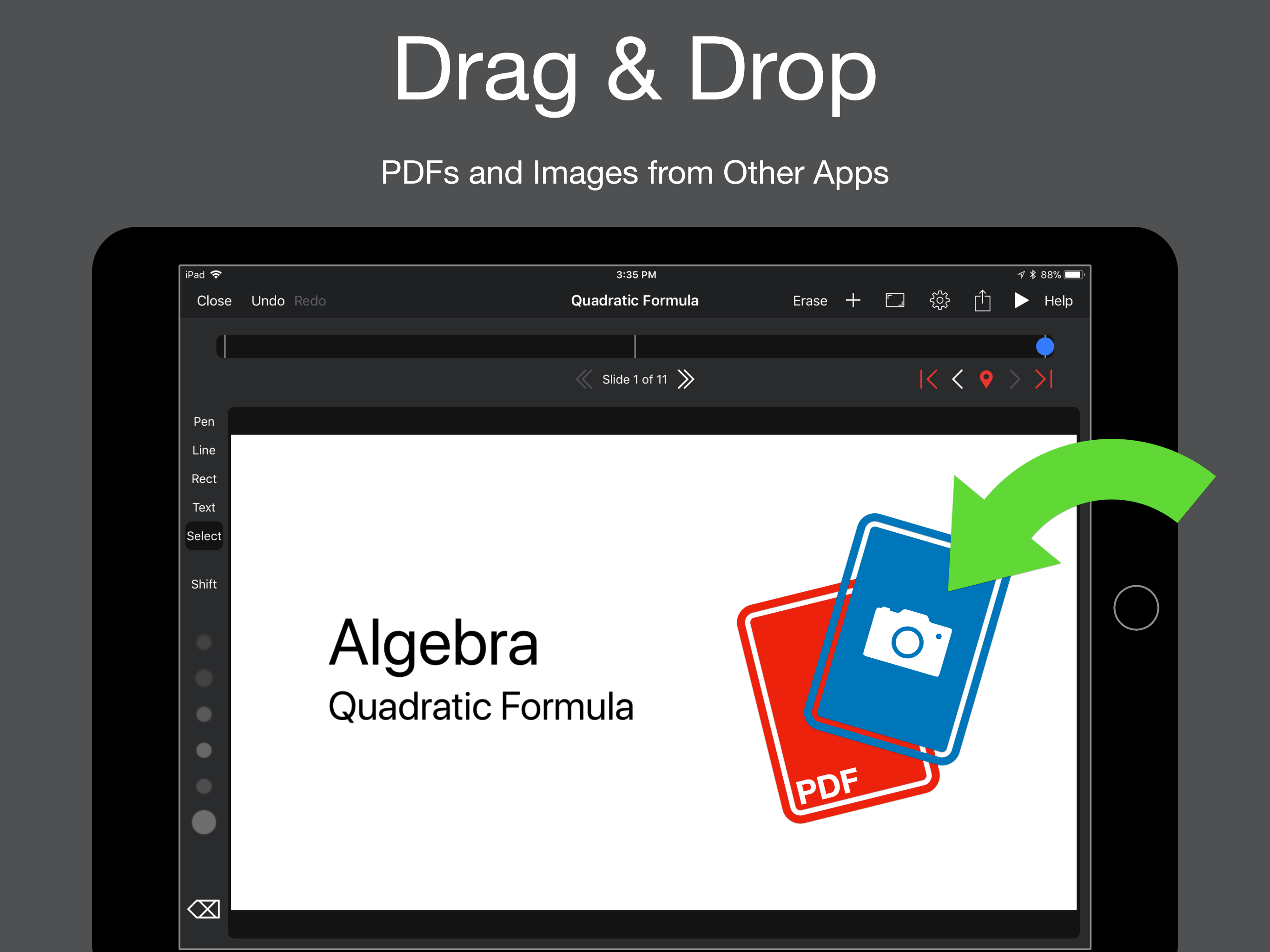
3.0In addition to App Store video, there is a longer Introductory video at http://dave256apps.com/redraw reDraw is a full-featured note-taking / presentation app for the iPad. It supports freehand drawing, text entry via a keyboard, pasting images, and importing PDFs that can be marked up using the drawing tools. reDraw was designed for use in a classroom, but is versatile enough to be used as a general purpose drawing or note taking app. A timeline with mark points allows you to step through the text and diagrams you’ve drawn before class, and you can add additional drawings / text based on discussion and questions. You can share your document with other reDraw users or export as PDF. DRAW AND TYPE Create presentations using traditional text, or create hand written presentations using the built in drawing tools. Create drawings using your finger, a stylus, or the Apple Pencil for added precision (full support for Apple Pencil with palm rejection). PRESENT YOUR WAY Connect your iPad to a projector or second screen to share your presentations with a Lightning to HDMI adapter or AirPlay Mirroring. While presenting, you can make live changes to your presentation without exiting presentation mode, making a seamless experience for your audience. TIMELINE AND MARK POINTS The timeline is the backbone of a reDraw presentation. The timeline shows the history for each slide in your document. Set mark points to quickly move to points on the timeline during a presentation. STAY ORGANIZED Organize your reDraw documents in folders within the app. NEED HELP? reDraw includes help within the app to describe how each feature works. Still need help? Send us an email at reDraw.app@gmail.com for additional support. EDITING FEATURES Freehand Drawing Straight Lines and Rectangles Text Images PDFs SHARING OPTIONS Export to PDF or reDraw Document Share with Email, AirDrop, and more Record video on iPad Air, Air 2, Pro, or new iPad. QUESTIONS OR COMMENTS? Send us an email at reDraw.app@gmail.com