Ratings & Reviews performance provides an overview of what users think of your app. Here are the key metrics to help you identify how your app is rated by users and how successful is your review management strategy.
 4.3
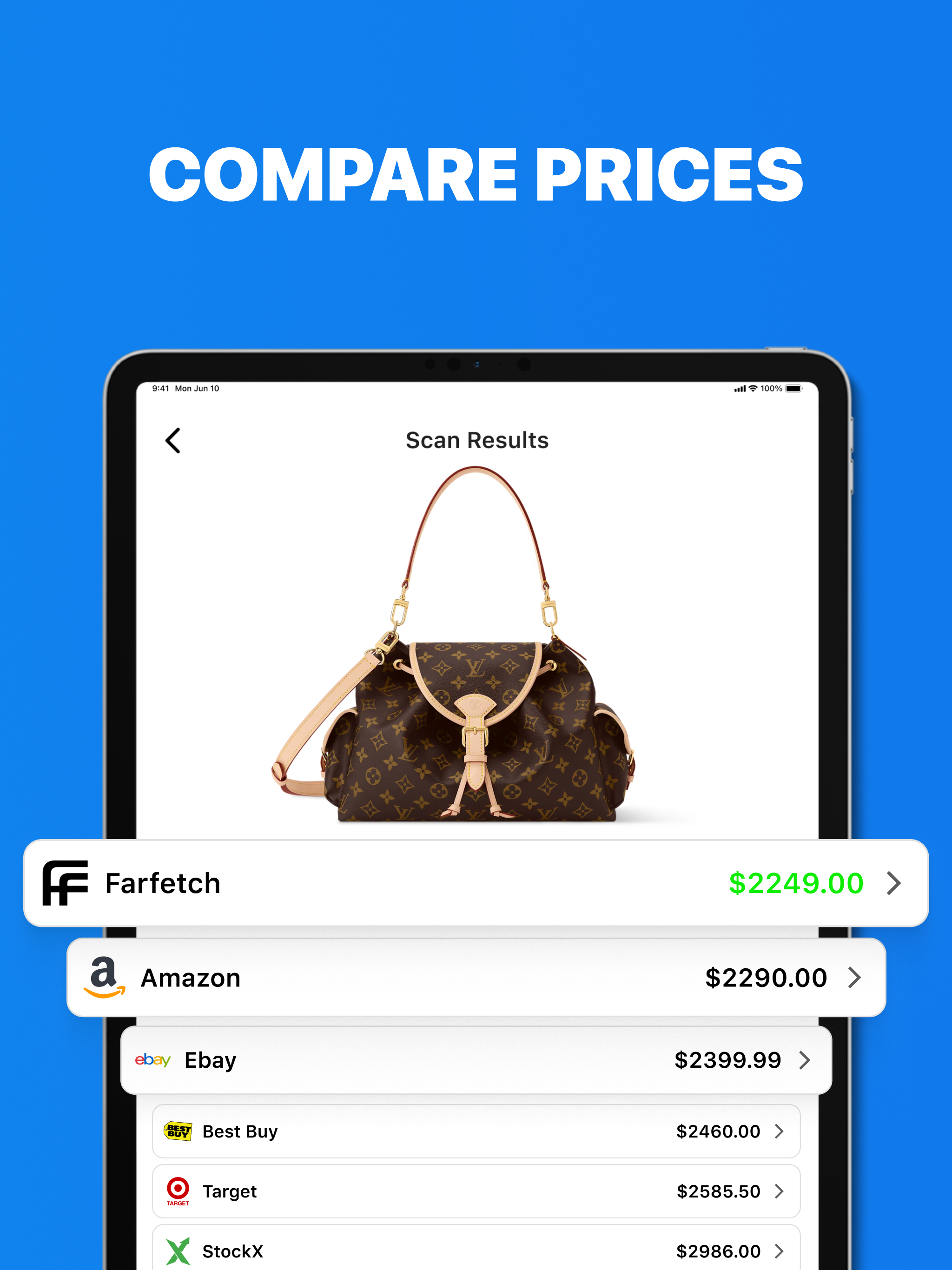
4.3Fast, free QR Code scanner and barcode reader for iPhone and iPad. Instantly scan QR codes, UPC, EAN, ISBN and more, then generate custom QR codes and barcodes in seconds. No ads, works offline, and supports bulk creation. Perfect for shopping, menus, reviews, and business use. Enjoy a lightweight, lightning‑fast QR Code Reader & Barcode Maker. Scan any QR code or barcode quickly, generate QR codes for URLs, contacts, Wi‑Fi, and more, and share instantly. Free to use on iPhone & iPad with no ads and offline capability. With its lightweight UI/UX and super-fast processing speed, this qr code scanner for iphone is one of the best solutions for you not only to scan barcode but also can act as a qr generator and barcode maker. A barcode is a series of lines that represent data about a product. You can read it using a free barcode reader or bar code scanner that decodes the lines to find the product information. On the other hand, a QR code is a square-shaped pattern that stores data like website links or contact details. You can read it with a smartphone camera using a free qr code reader for iphone or ipad. Barcodes are useful for tracking inventory in stores, while QR codes are great for sharing website links or contact information easily. You can create a barcode using specific software, and you can make a QR code using an online qr code maker or you can just use our QR code generator. Barcodes and qr codes make life easier. QR reader for iphone helps us find things quickly and pay without cash. No more writing things down or slow payments. With a quick scan from a fast scanner, these codes give us information fast. We can track packages, see what's in stores, and pay for things easily. QR codes also help us online. With the help of a qr code reader for iphone, they take us to websites and videos. Let’s see how our qr code reader for ipad which can create barcode offers us: Usability This qr scanner app quickly reads QR codes and barcodes. It helps you find information fast when you need it. Open the app and point the camera at the code. It works for any code, even if it's on a screen or paper. This qr code reader for ipad free app shows what's in the code right away. You don't have to wait, making it easy to get things done fast. You don't need to do anything hard to make it work. It's ready to use without any extra steps. You can use it without any trouble. It's made to be simple and helpful for all your scanning. Versatility Our qr scan app has a special ability to work with many types of QR codes and barcodes which is a highlight of our app’s exceptional performance and reliability. It can interpret different types of information like website addresses, contact numbers, product prices, and essential data concealed within the codes. This qr scanner for iphone quickly scan qr code and displays the hidden information contained within the codes. Code Creation and Sharing The app quickly reads QR codes and barcodes, making it easy to find information fast. Moreover, our app doesn't just stop at scanning; It also helps you make your own QR codes easily, allowing you to share your information conveniently. If you want a simple app to create QR codes, you should give our app a try, making it effortless for you to share important details. In just a few simple steps, you can enter the data and generate codes within seconds. You can also send the codes you make to anyone online with just a few clicks via our qr and barcode reader. Link Handling and Sharing You can quickly scan code and open any scanned links with this app which makes it simple to access relevant information. Terms of Use : https://sparkmobi.net/terms-of-use/ Privacy Policy : https://sparkmobi.net/privacy-policy/