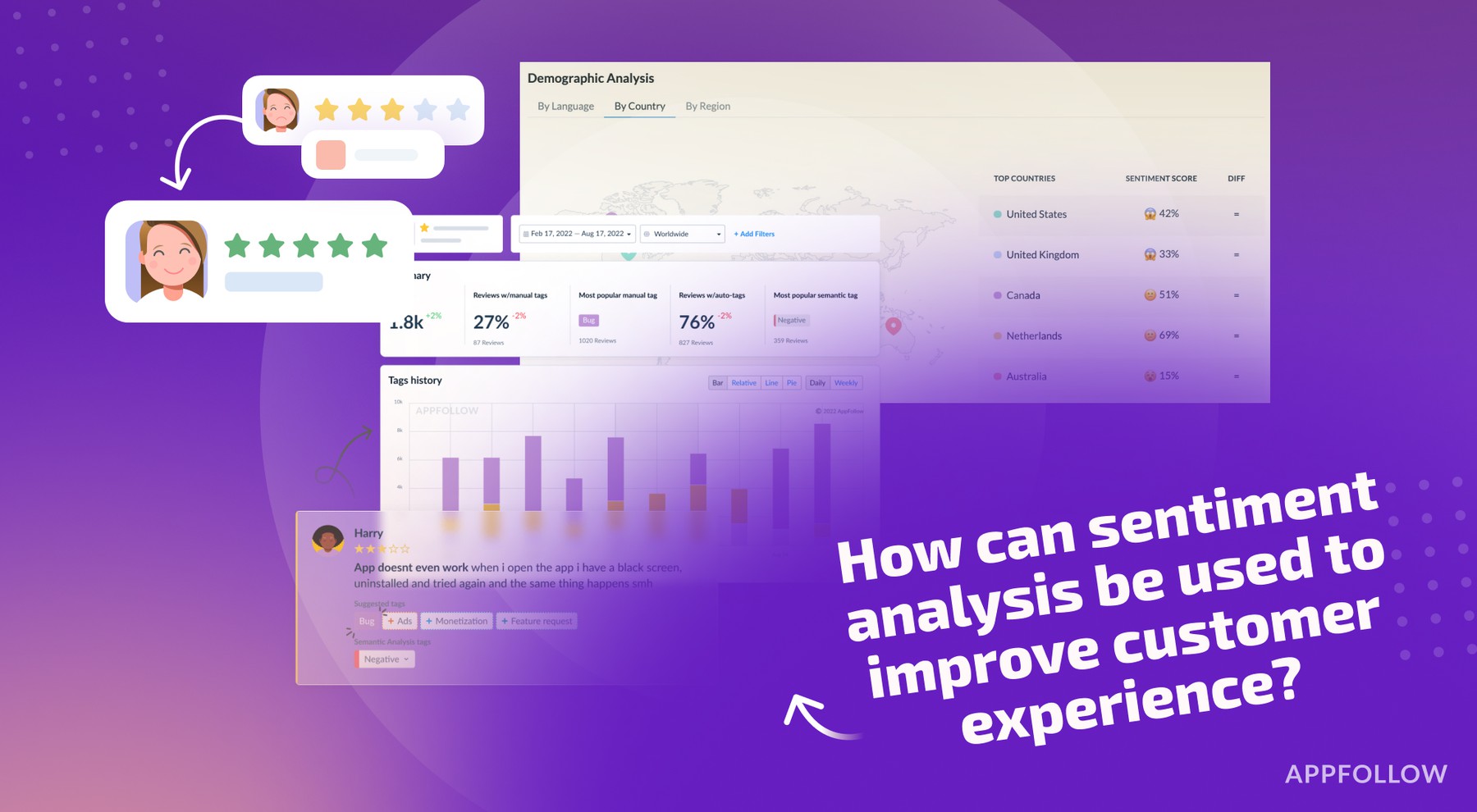
Ratings & Reviews performance provides an overview of what users think of your app. Here are the key metrics to help you identify how your app is rated by users and how successful is your review management strategy.
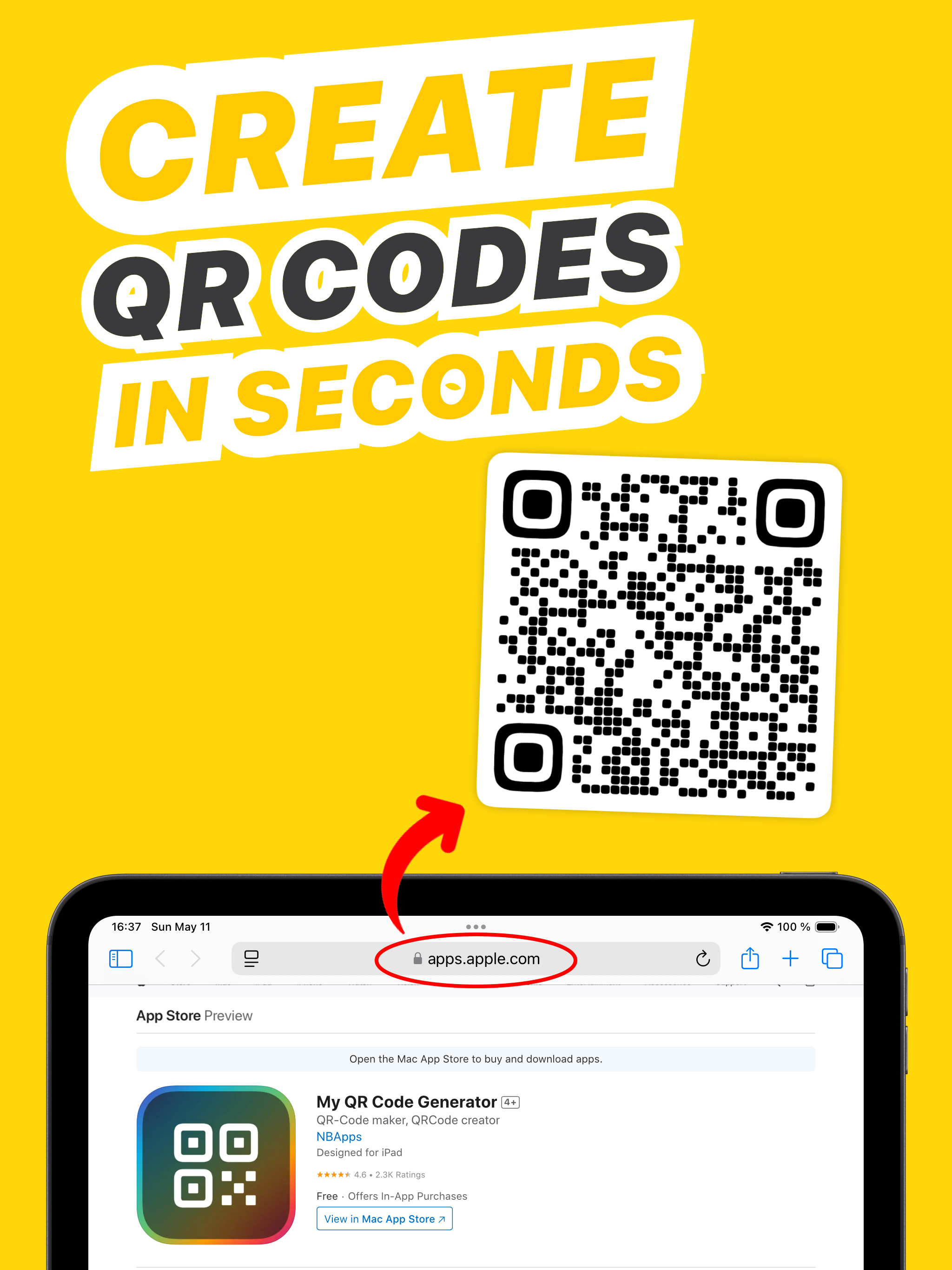
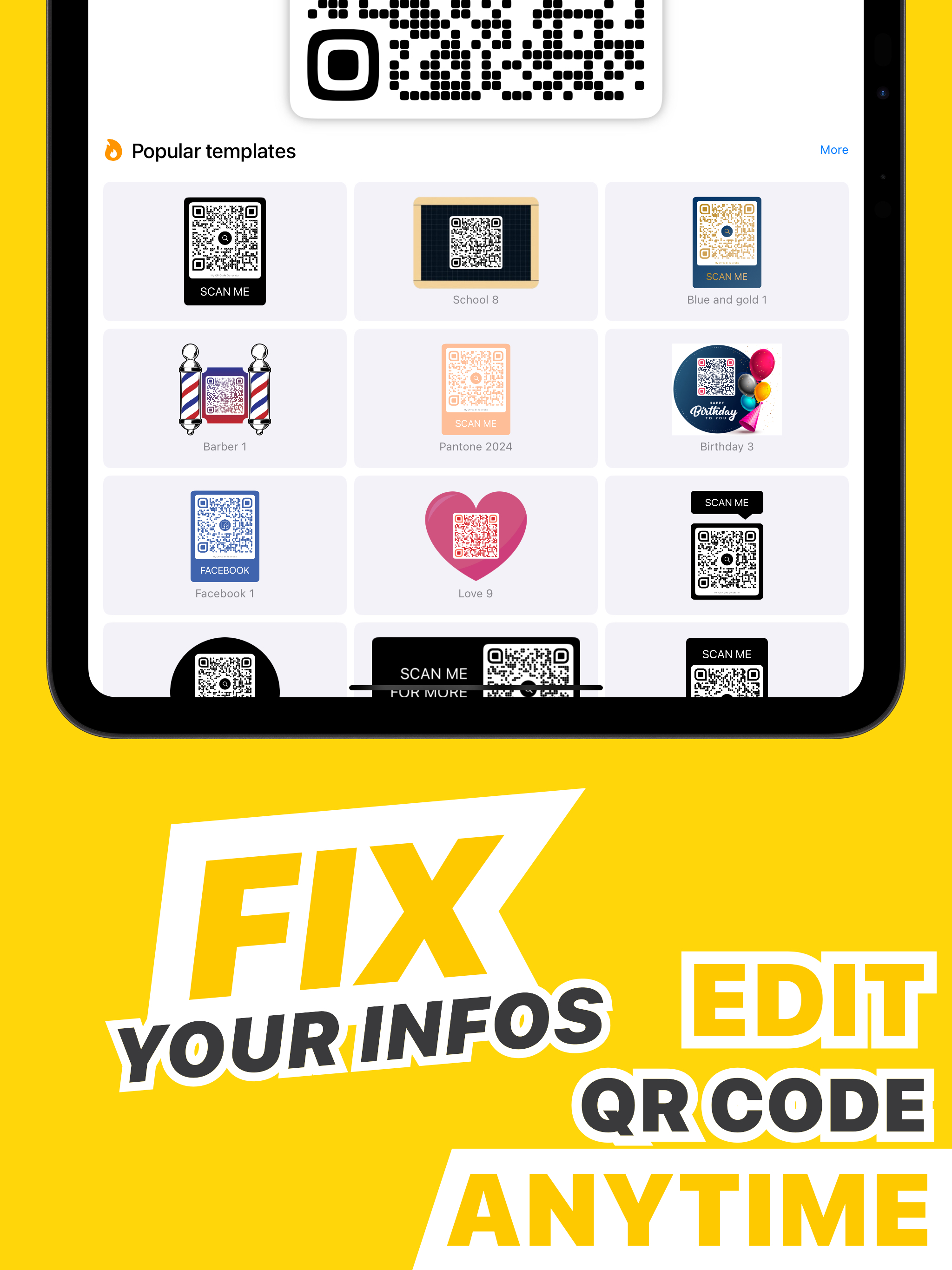
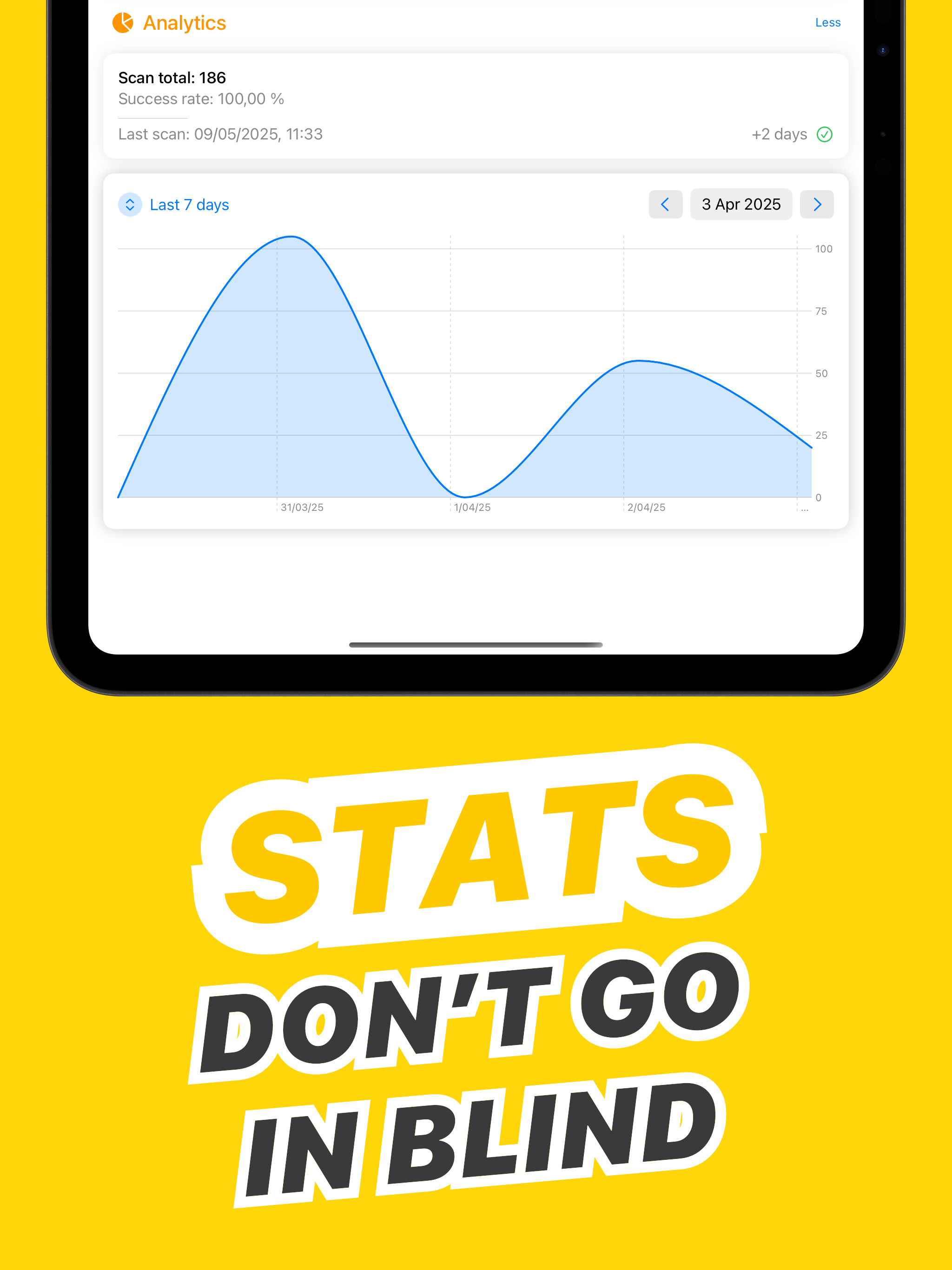
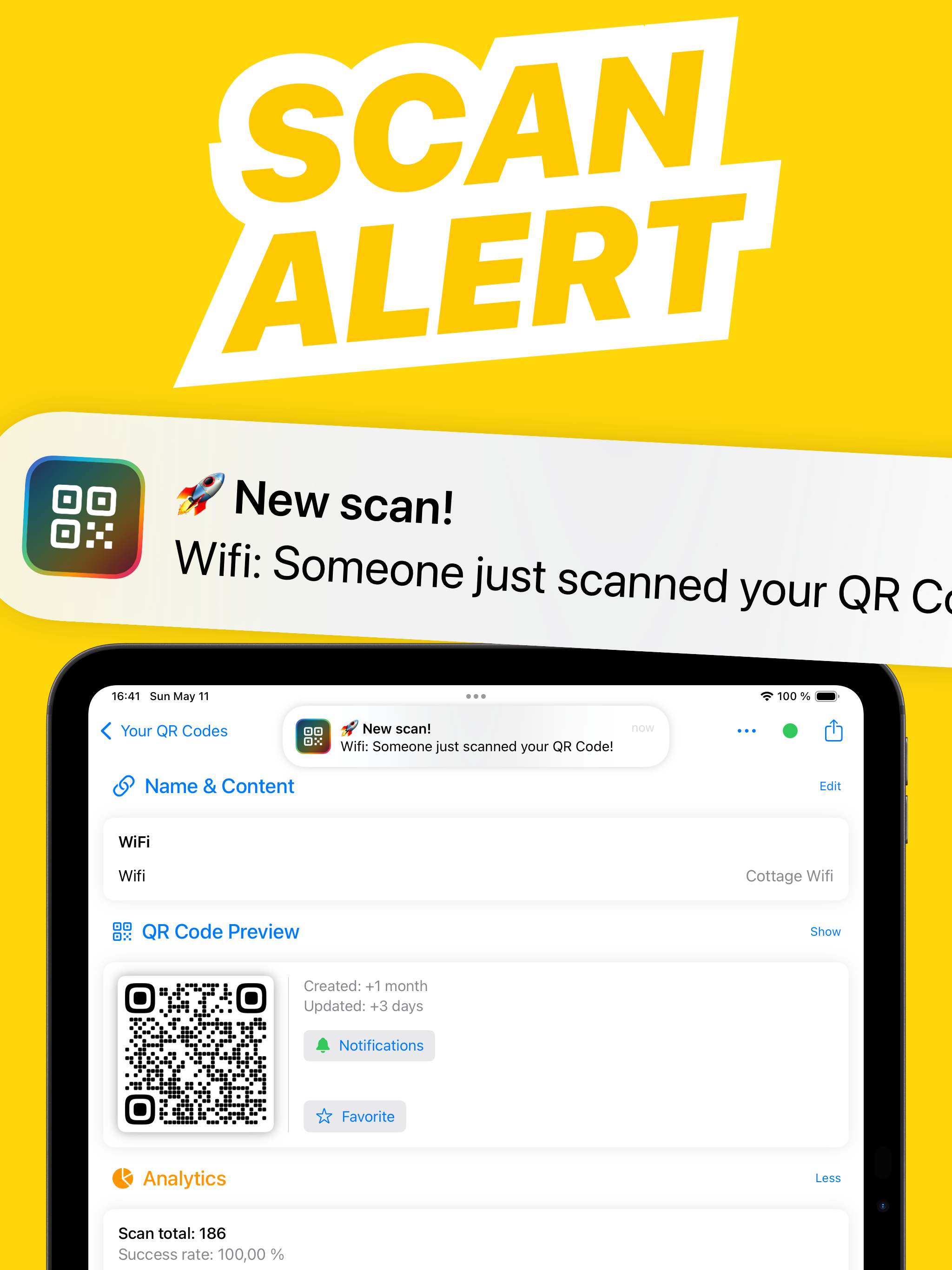
How to create a QR Code quickly? 1. Paste URL, text, etc. 2. Tap "Share" to save QR Codes to Files, Photos, or Widgets * Customise QR Codes by altering icons, shapes, colours, and text, or choose from 460+ templates. * Pro tip: Generate QR Codes directly from iOS Share Menu on any site! Batch creation available! Create multiple QR codes at once from .csv or .json files, or manually. Export them all with one tap! SUPPORTED QR CODE TYPES Supported types: - URL - Plain text - Wifi - Phone - SMS - Email - vCard - Multi-links - vCard+ - PDF - Image - Google Places - Social media (Facebook, Instagram, X, TikTok, Threads, LinkedIn, YouTube, and more) QR CODE EDITION Editable QR Codes anytime: - New Wifi password? - Updated menu? - New website page? - New property listing? - Changed hours? - New contact number? Update your QR Code anytime, with ease. SCAN NOTIFICATIONS Curious if someone tries to connect? Receive a notification when your QR Code is scanned and access details instantly. ANALYTICS Gain insights with unlimited QR Code analytics. See peak scan times and tweak your strategy. MULTI-LINKS Share multiple links through one QR Code. Track visits to each link. VCARD / VCARD+ Want to impress at a meeting? Share your business card with a vCard QR Code, allowing instant contact addition. SCANNER Use the built-in scanner for barcodes and QR Codes. Easily display, update, or check analytics by scanning. REAL CUSTOMER SUPPORT Need assistance? Contact us in-app for help with the application or your QR Codes. > Download QR Code Generator now to easily create eye-catching QR Codes! Designed for iPhone 16 Pro Max. Privacy Policy: https://www.iubenda.com/privacy-policy/55767164 EULA: https://www.iubenda.com/terms-and-conditions/55767164