Ratings & Reviews performance provides an overview of what users think of your app. Here are the key metrics to help you identify how your app is rated by users and how successful is your review management strategy.
 3.0
3.0
User reviews affect conversion to installs and app rating. Featured and helpful reviews are the first to be noticed by users and in case of no response can affect download rate.
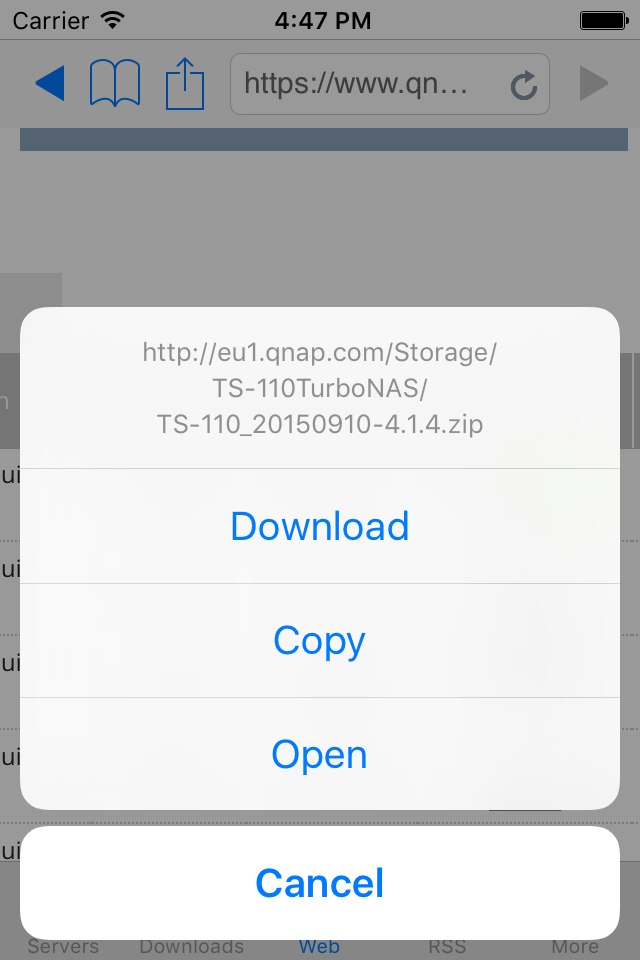
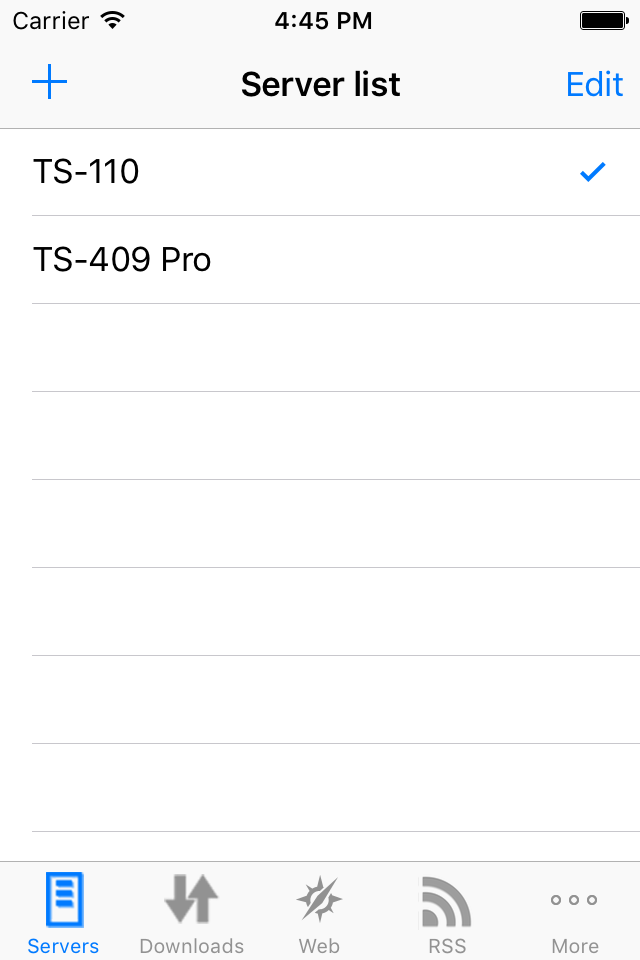
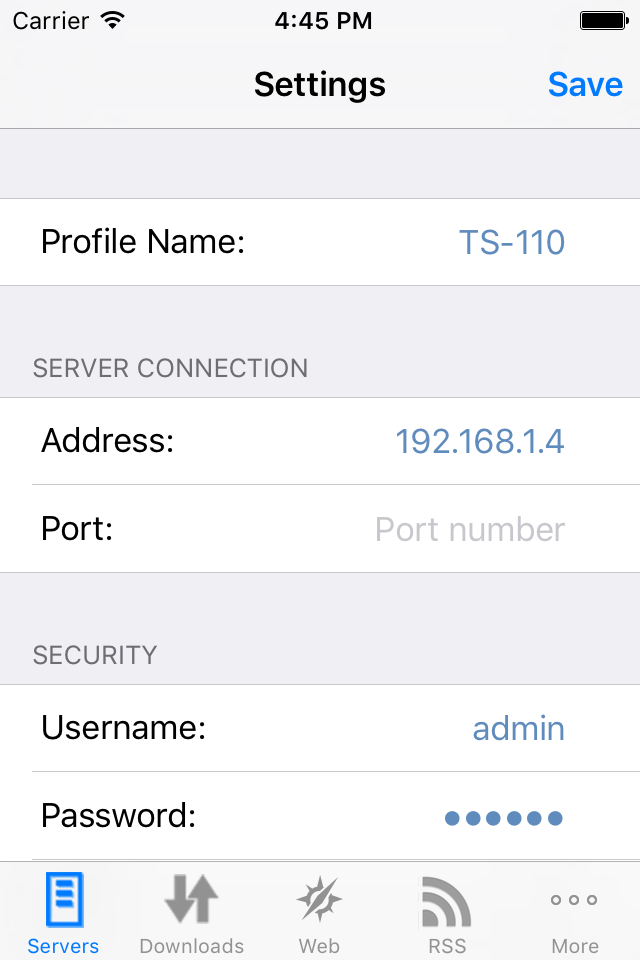
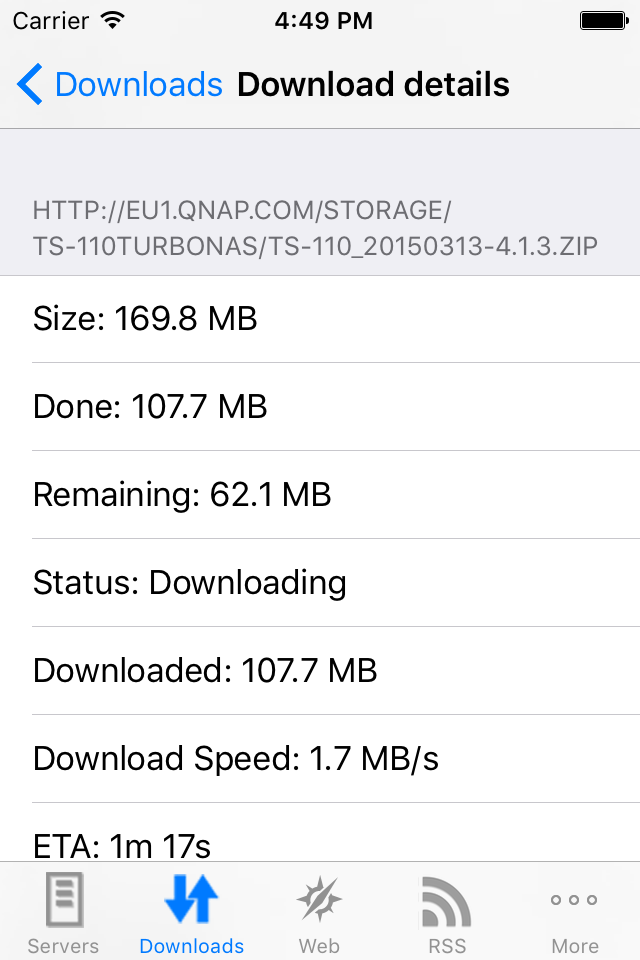
QGet Remote is an iPhone/iPod Touch/iPad native QGet client. Thanks to Qget Remote, you'll be able to add some download tasks on your QNAP server while you're away (on holidays, at work ...) and when you'll be back at home, the files will be available on your server ! It will allow you to add any download task to your QNAP NAS server ! ! Hint ! Some people are wondering how to remove servers or bookmarks from list ! The answer is : just swipe from left to right to delete ! Feature list : - Supports old firmwares (for TSx01 devices) to latests firmwares (QTS 4.2 with download station 3) - Full control of server configuration !!! You can enable/disable the server and configure it (max speed/max simultaneous download tasks ...) - Configure several servers and choose the one to connect to - Support standard and SSL connections with IPv4 & IPv6 support - Show the list of download tasks running on the server - Sort the download tasks by status, name, progress or size - Change downloading task priority by long tapping on it - You can filter (search) in your download task - You can hide finished task - You can start/pause your download tasks, delete task or delete data - You can see details about the download task and configure options - Auto refresh feature - You can add a download task from URL (and can use a specific Folder/username/password) - You can use the embedded browser to browse to some files and tap on a download link to add a download task on your server (Browser is featuring bookmark support !) - You can use the RSS feeds reader to add downloads - Supports Hotfile and put.io download sites - Compatible with socks and http proxy connections - Nice iPhone look&feel with Pull to refresh feature and swipe to delete - Landscape mode - Compatible with iOS7+ devices It's really the application you need to fully use your QNAP device !