Ratings & Reviews performance provides an overview of what users think of your app. Here are the key metrics to help you identify how your app is rated by users and how successful is your review management strategy.
 4.6
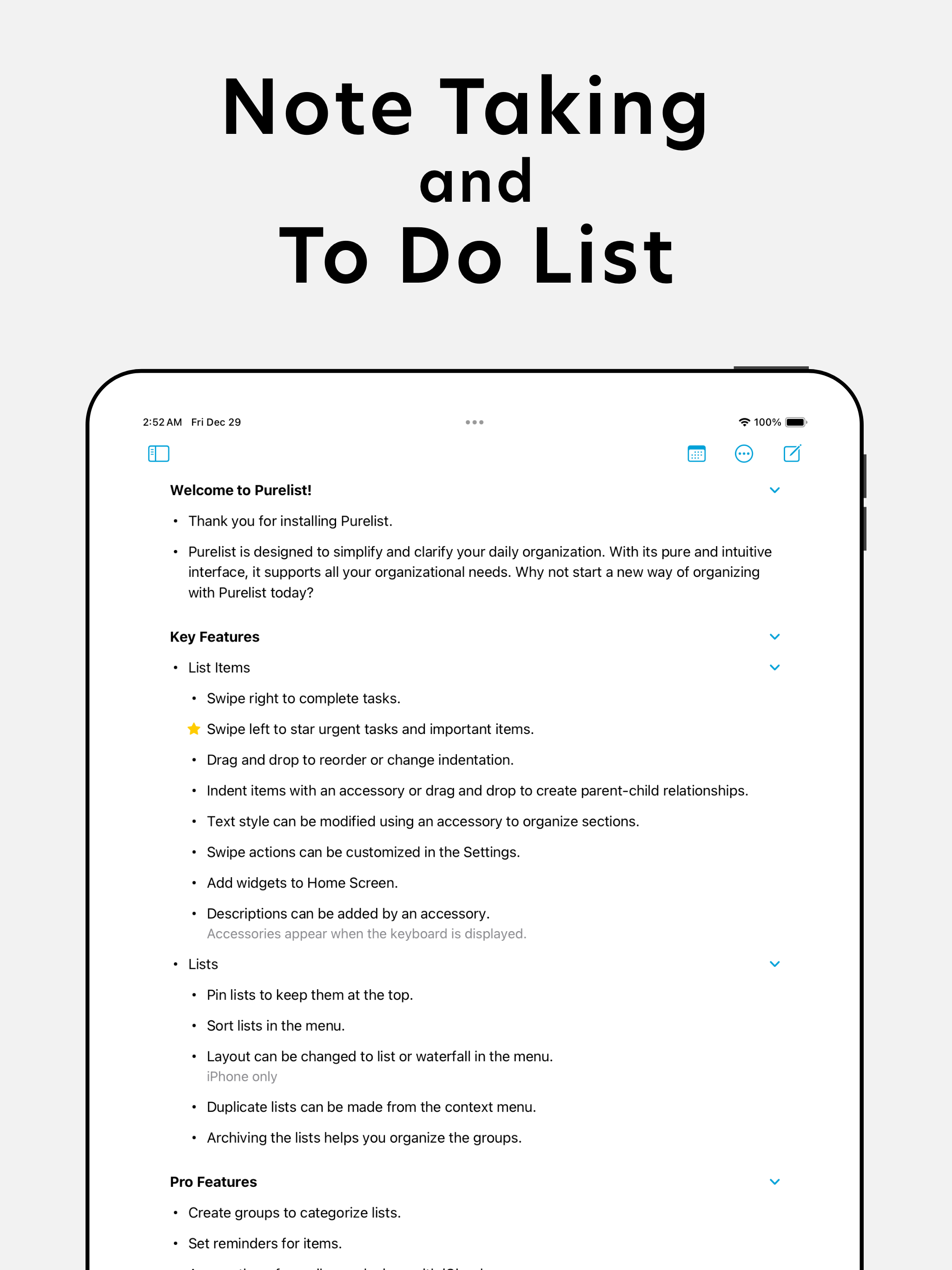
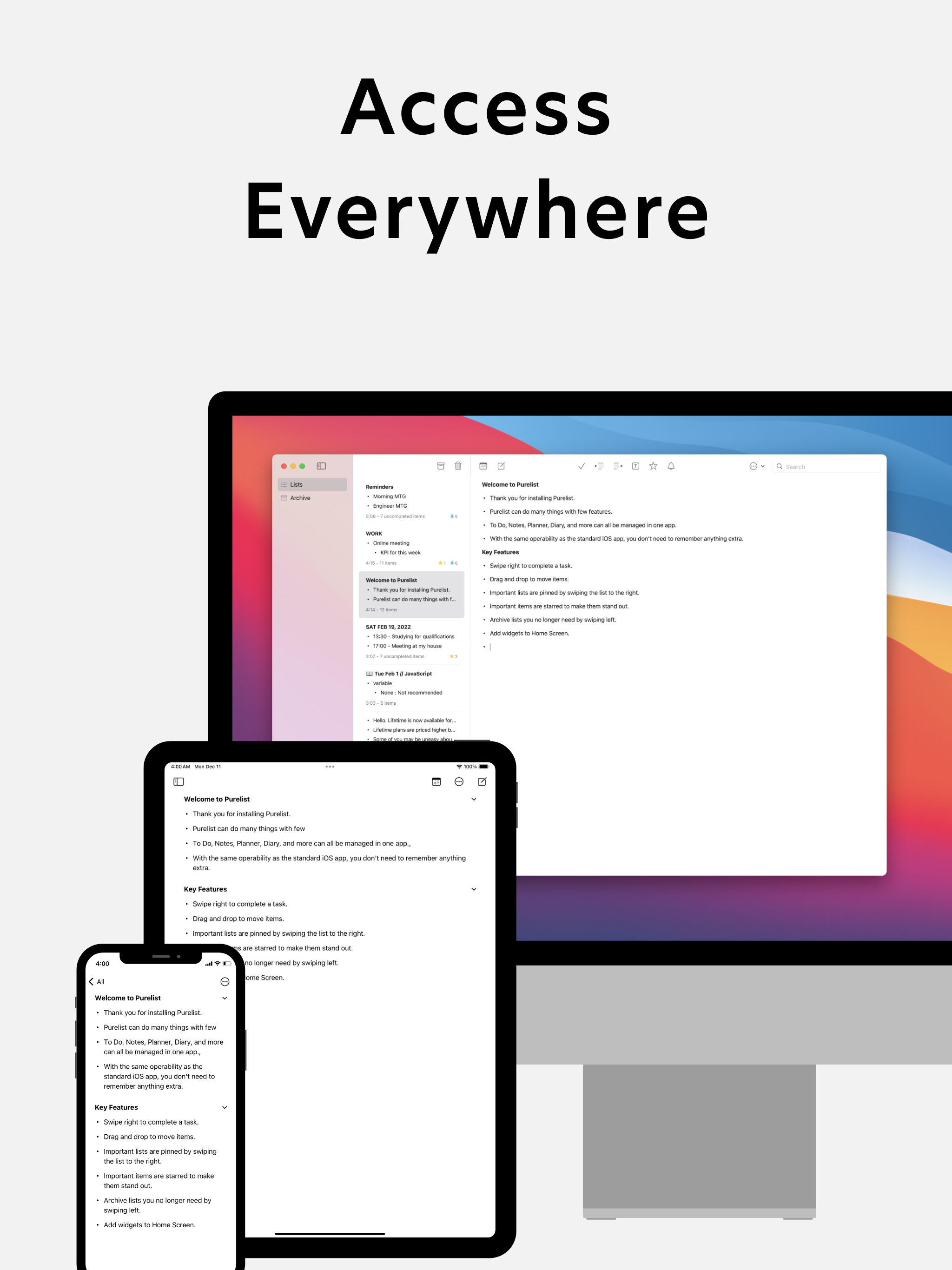
4.6Purelist is a thought organizer for those who are serious about their work or studies. Purelist prioritizes your focus on what's important, not adding extra features or decorations to get your attention. If you are looking for a motivational tool, Purelist may not be for you. However, if you need something simple to help you achieve your goals, it may be perfect for you. Purelist can be used for daily planning, task management, and note taking. It's helpful for habit checklists, lecture notes, and shopping lists. Its clean interface won't steal your time. There are no ads, and it doesn't collect your data. Purelist has no checkboxes in the list and is completed by swiping, so it can be used for both task management and idea capture. The star icon indicates the urgency of tasks or the importance of ideas. Purelist is designed to do more with less, so you don't get confused and lose the features you need. Use Purelist to increase your productivity! Key Features: • Sort tasks and items freely. • Show your list on your home screen at any time with the widget. • Mark important items to mark them more prominently. • Use indentation for easier writing and reading outlines. • No need to title your lists and tasks. • Easily search by item. • Smooth completion and deletion as you work with each item. • Add descriptions to items to manage items in detail. For Pro: • Sync lists between your iPhone, iPad, and Mac via iCloud. • Set reminders for tasks and items. • View and manage reminders by date. • Quickly set reminders using date presets. • Send system notifications at set times. • Can repeat reminders on a daily, weekly, monthly, or annually schedule. • The list can be divided into groups to organize the list in more detail. • Subgroups can be added to a group.