


Ratings & Reviews performance provides an overview of what users think of your app. Here are the key metrics to help you identify how your app is rated by users and how successful is your review management strategy.
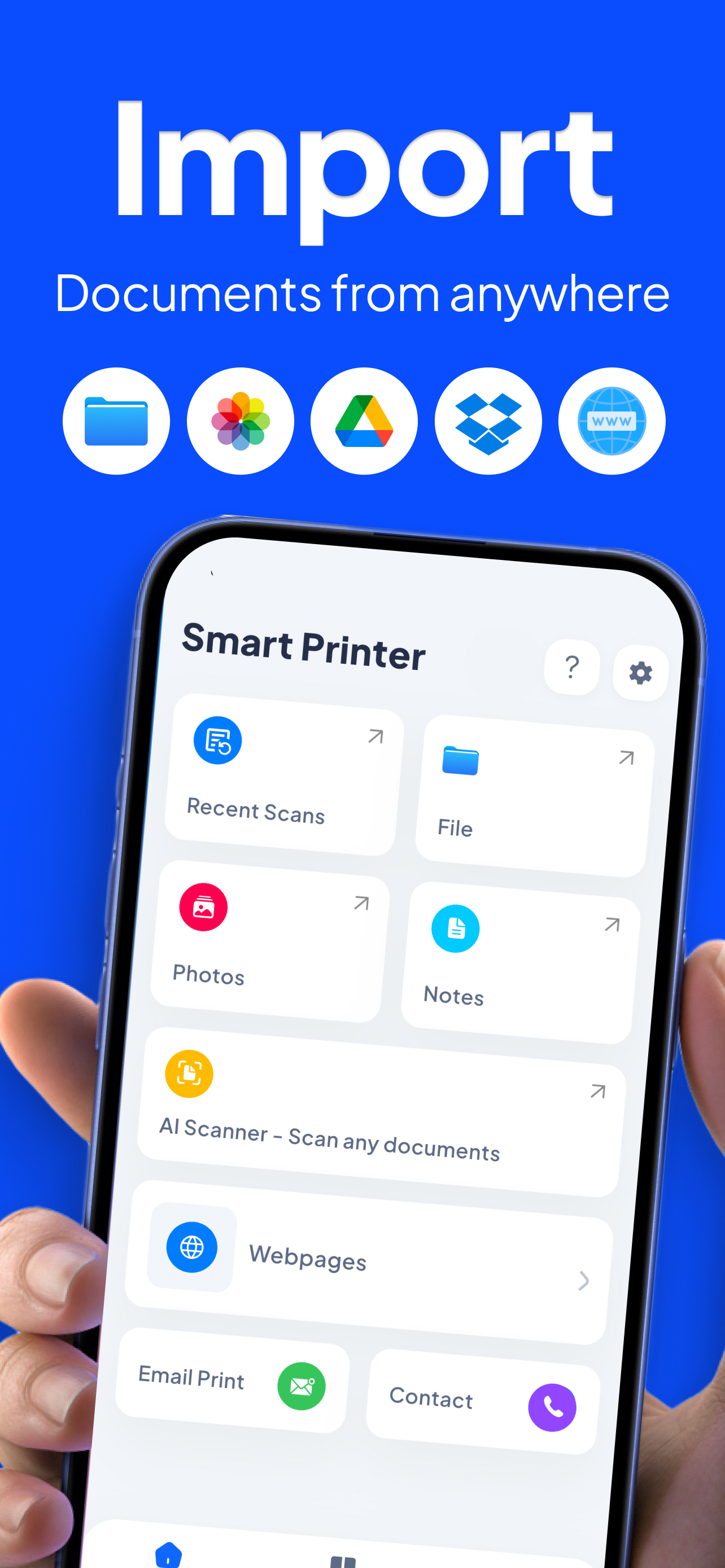
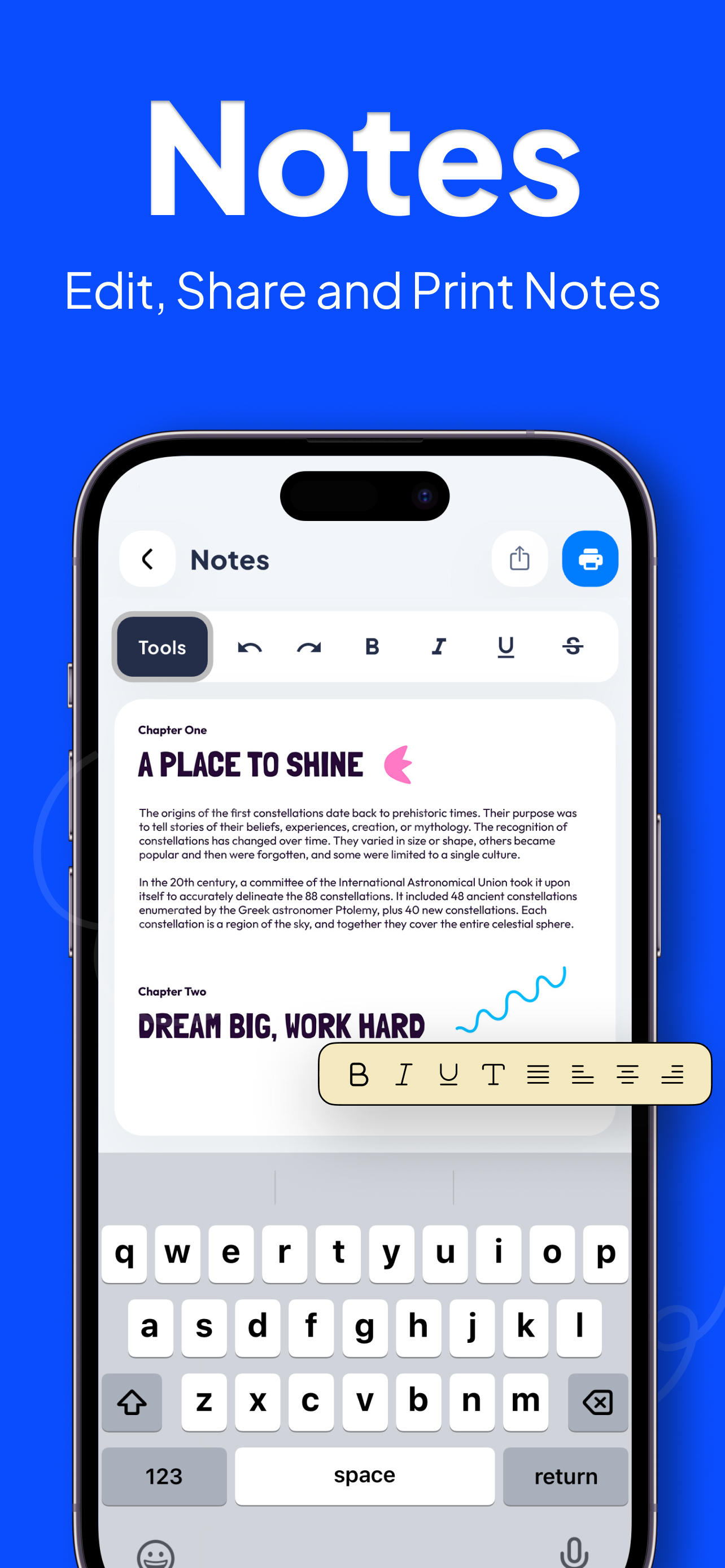
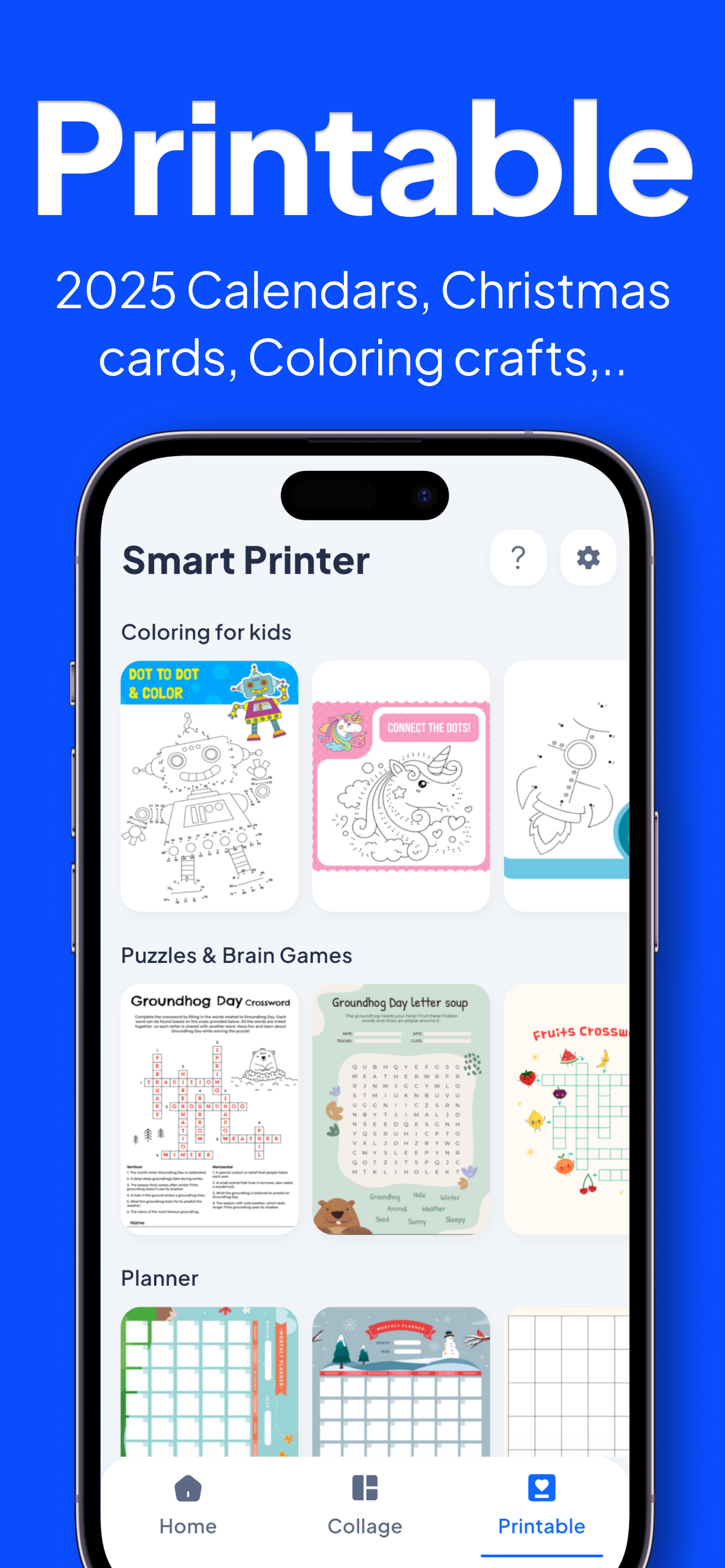
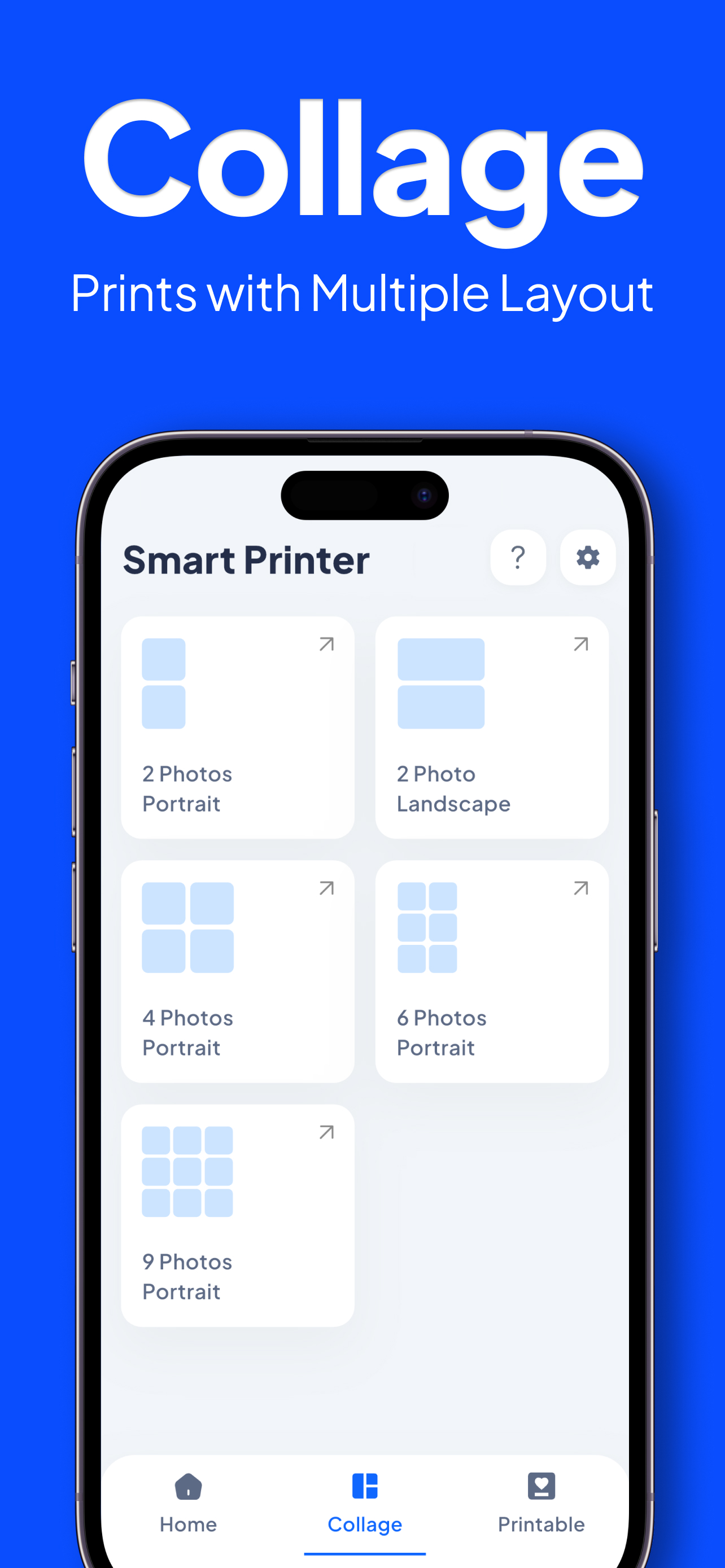
Smart Printer: iPrint AirPrint Print. Scan. Share. Instantly from your iPhone. Smart Printer: iPrint AirPrint makes mobile printing simple and reliable. Print photos, documents, PDFs, emails, and web pages directly from your iPhone or iPad — no computer required. Whether you’re using HP printers, AirPrint-enabled printers, or WiFi printers, Smart Printer connects quickly and gets the job done in seconds. Key Features • Print from iPhone & iPad Print photos, PDFs, Word files, Excel sheets, emails, and web pages with ease. • AirPrint & HP Printer Support Works seamlessly with AirPrint printers and popular HP printer models. • WiFi Printer Connection Automatically detects printers on the same WiFi network. • Scan to PDF Scan documents using your phone camera and convert them into high-quality PDFs. • Photo & Document Printing Adjust size, orientation, margins, and number of copies before printing. • All-in-One Printer Utility Perfect for home, office, school, and business printing needs. Why Choose Smart Printer? No cables or computer required Fast, lightweight & easy to use Supports AirPrint, HP Smart printers & WiFi printers Ideal for printing documents, photos & PDFs on the go Popular Use Cases Print boarding passes, invoices & reports Scan documents to PDF Print photos directly from your gallery Home & office printing without a PC Download Smart Printer: iPrint AirPrint today and turn your iPhone into a powerful printer tool. Privacy Policy: https://rootscoder.com/printer_new_privacy_policy Terms of Use: https://www.apple.com/legal/internet-services/itunes/dev/stdeula/





![How to measure customer sentiment for app reviews [7 metrics]](https://cdn.appfollow.io/blog/static/appfollow_1335e02d-b0b3-49f7-9eb6-94171dc7e379.jpg)

