Ratings & Reviews performance provides an overview of what users think of your app. Here are the key metrics to help you identify how your app is rated by users and how successful is your review management strategy.
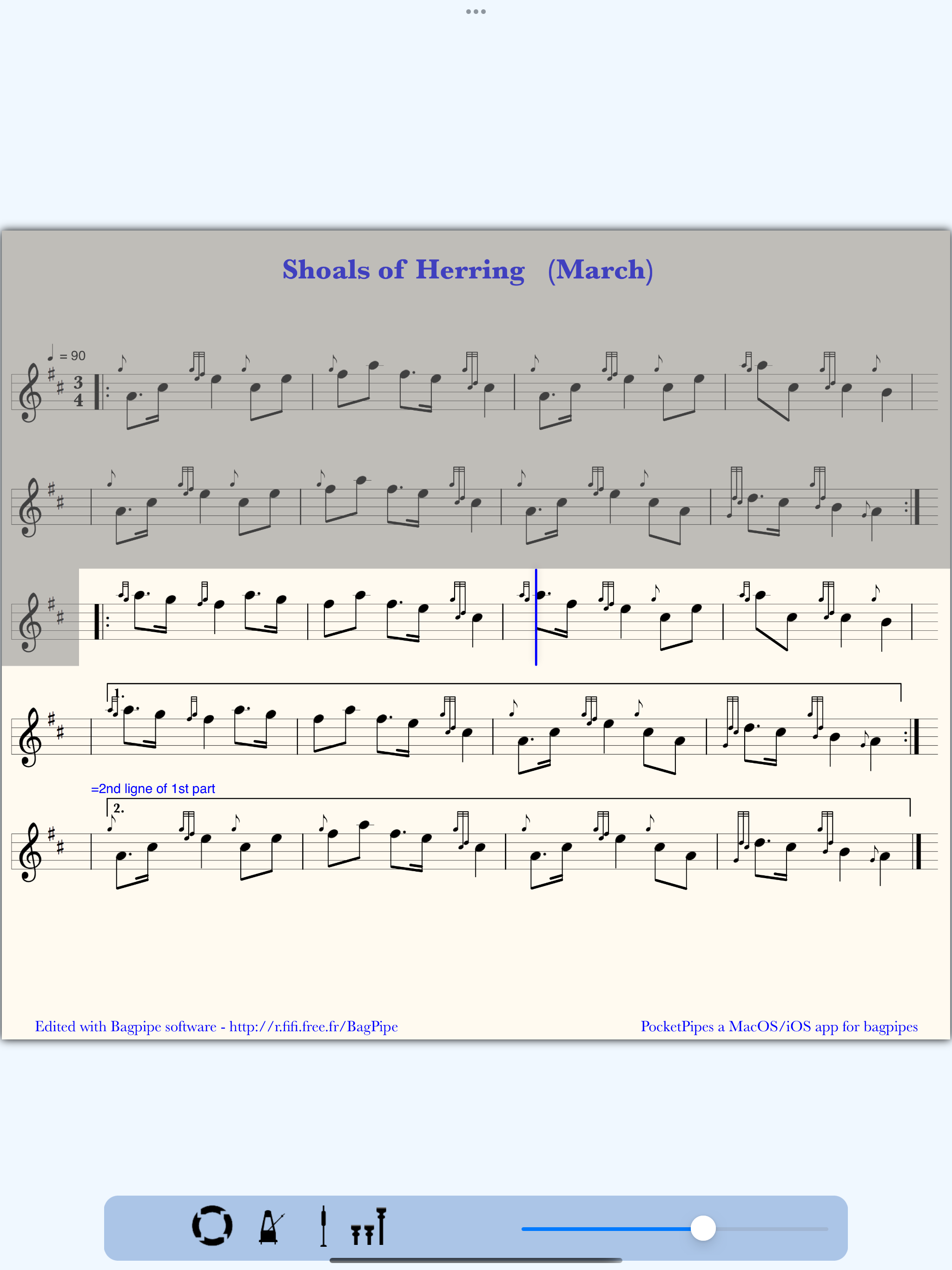
PocketPipes is an iPhone/iPad/iPod touch/Mac player for bagpipe tunes (abc and bww files) with lot of options. Polyphony and drones produce a very realistic bagpipe sound. A vertical bar shows the note being played on the sheet music. PocketPipes is your partner for practicing, with your own tunes. Statistics about recent playbacks help you to drive your training sessions. PLAYBACK OPTIONS - bagpipe chanter sound or practice chanter sound - polyphonic capacity (one file for each voice: 1st, 2nd, 3rd, 4th). Select the first one to play in a polyphonic way. - defining a section of the tune for playback (to focus on few measures when training, with long press on the sheet music). The area outside the section is grayed. - loop mode - playing with or without drones - C natural, or C natural + F natural - synchronized metronome with the current play - optional 5-7-9 attack before each play - tempo tuning for the current tune TUNES MANAGEMENT - the app proposes to install demo files automatically when the tunes list is empty (it includes few polyphonic sets) - importing tunes from a desktop with iTunes or Finder, a Dropbox(TM) account, or email attachements, or with Files App - file sharing : you can send tunes or sheet music as email attachments - file uploading to the user's iCloud Drive (wav soundtrack and pdf sheet music) - sheet music printing - categorization (tagging) of the tunes allows to work on subsets within the personal tunes (i.e. Marches, Slow airs, To learn, Next performance ....). See guide on website. More flexible than folder hierarchy. When categorized, a tune appears in blue color. - searching by keys, crossed with categories - statistics on recent playbacks, crossed with categories - file edition in textual mode with revert capability to the previous file - backup/restore of the data to/from iCloud, giving a way to align different devices with the same data USER INTERFACE - contextual menu with a long press on the tune title or the sheet music - two pop-up controllers to handle playback options on the sheet music - categories editor - full screen and zooming on sheet music (important for iPhones) - ability to colorize some parts of the tunes (%%bgcolor for ABC files) - support of clear/dark mode - built-in help book to learn how to use the app and including useful links Nota: beat setting and section marks are made persistent at file level. Available ressources on the support web site: Packs of tunes, ABC tutorial, FAQ ... See FAQ for specific questions.