Ratings & Reviews performance provides an overview of what users think of your app. Here are the key metrics to help you identify how your app is rated by users and how successful is your review management strategy.
 4.6
4.6
User reviews affect conversion to installs and app rating. Featured and helpful reviews are the first to be noticed by users and in case of no response can affect download rate.
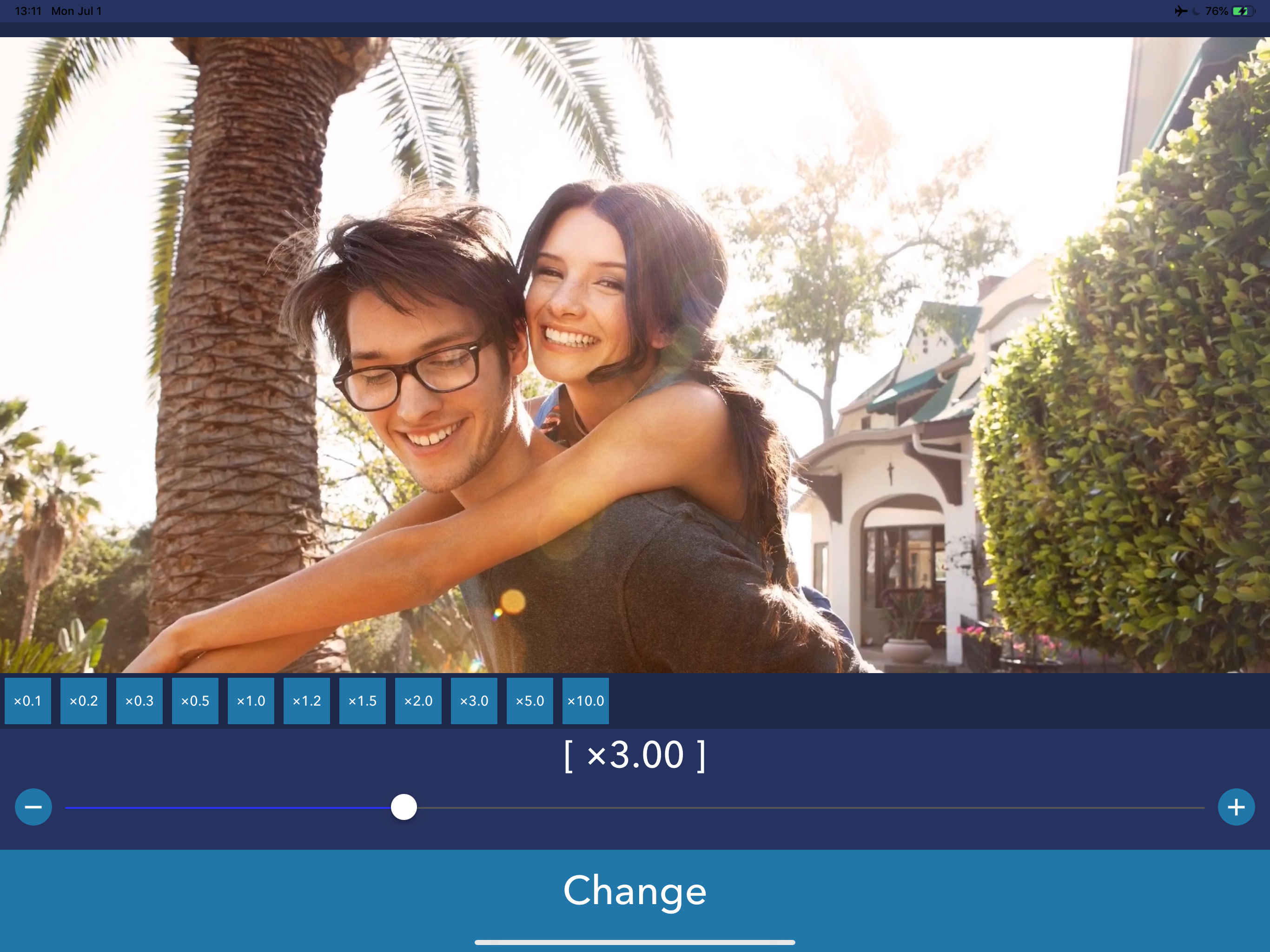
PlayerGear is the way to change playback speed to play Video/Music. PlayerGear lets you make your videos/music/podcasts fast or slow. - How to use - 1. Select media you want to play. (Many types of media can be played. but it's not played if the media has DRM.) 2. Push play button. 3. You can change playback speed by pushing [x2.0] button and selecting speed. 4. You can also change a pitch of the sound by pushing [w] button. [Player Controls with Gestures] - Double-tap for fast forward/rewind You can fast forward or rewind by double-tapping the left or right side of the player screen. - Temporarily change playback speed by long-pressing You can change the playback speed to a preset speed while long-pressing. Please note that if the difference between the playback speeds before and after the long press is too large, the playback may become choppy. - Swipe to seek You can seek by swiping left or right on the screen. [Player Settings] The following options can now be configured: - Set the time before the player controls (such as the seek bar) automatically hide - Set the fast forward/rewind time - Set the playback speed during long-press - Toggle the long-press function On/Off - Toggle swipe to seek On/Off ----------------- [Term Of Use] https://policies.reafo.io/terms/playergear/en/ [Privacy Policy] https://policies.reafo.io/privacy/en/