Ratings & Reviews performance provides an overview of what users think of your app. Here are the key metrics to help you identify how your app is rated by users and how successful is your review management strategy.
 4.7
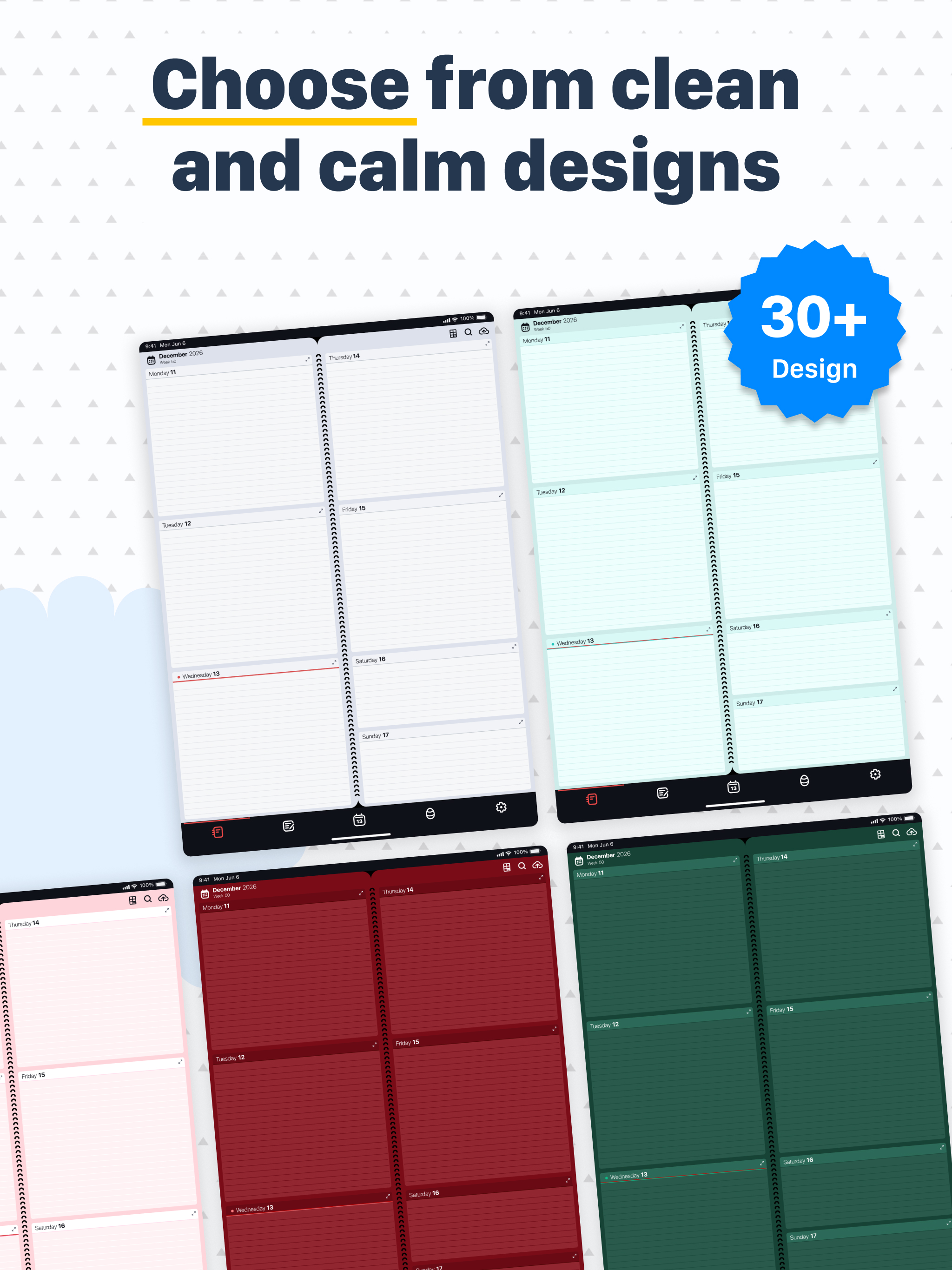
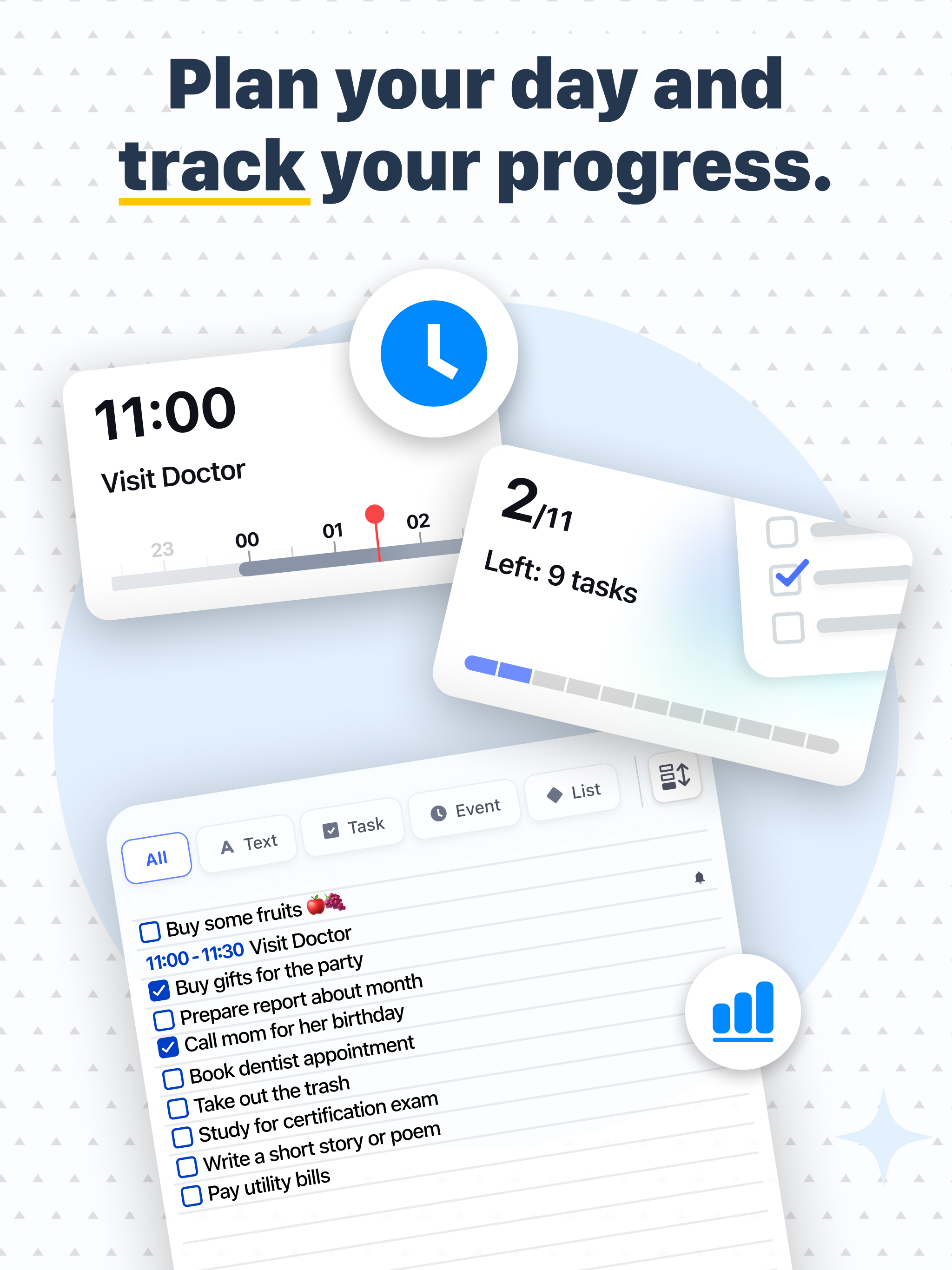
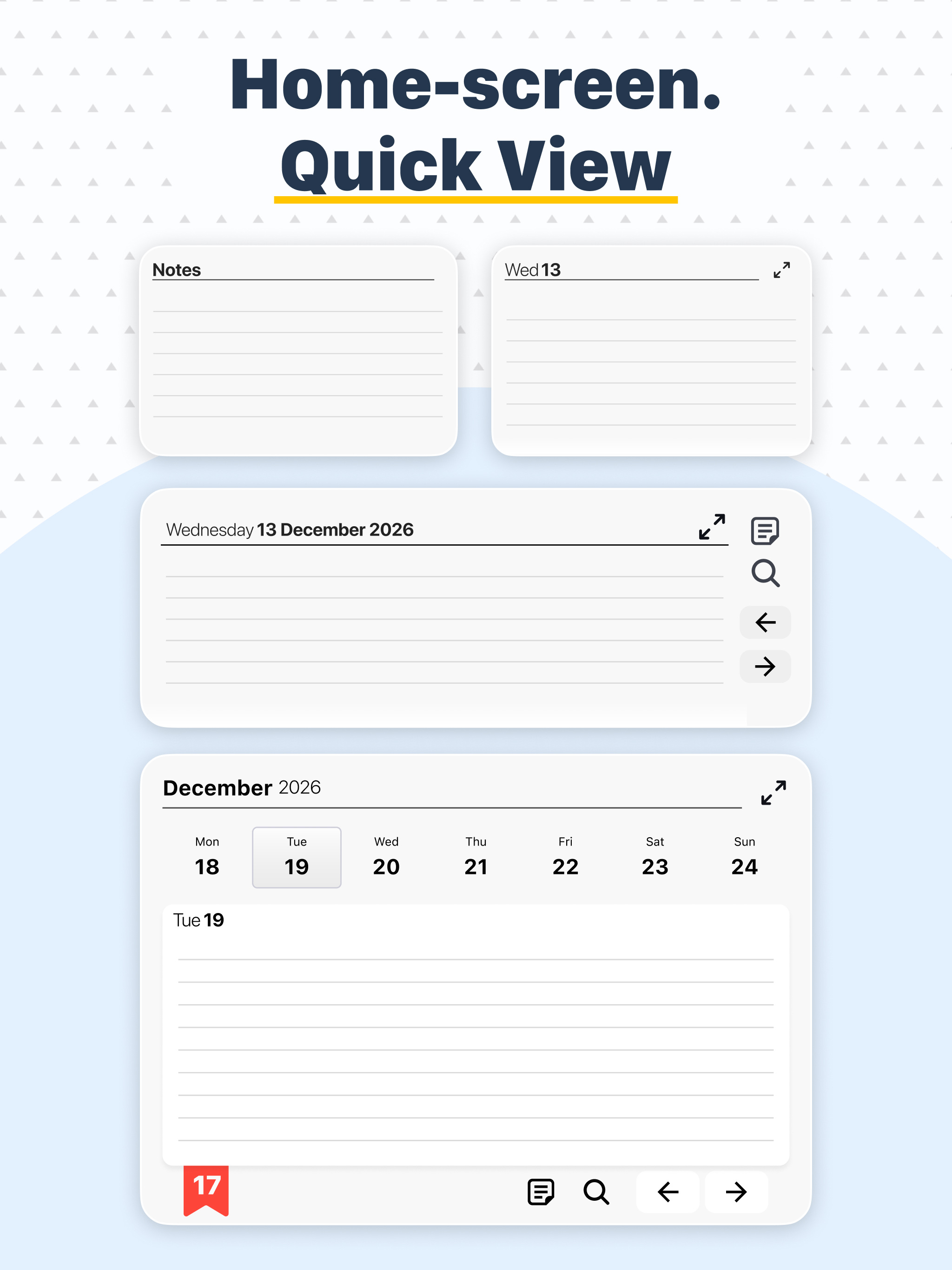
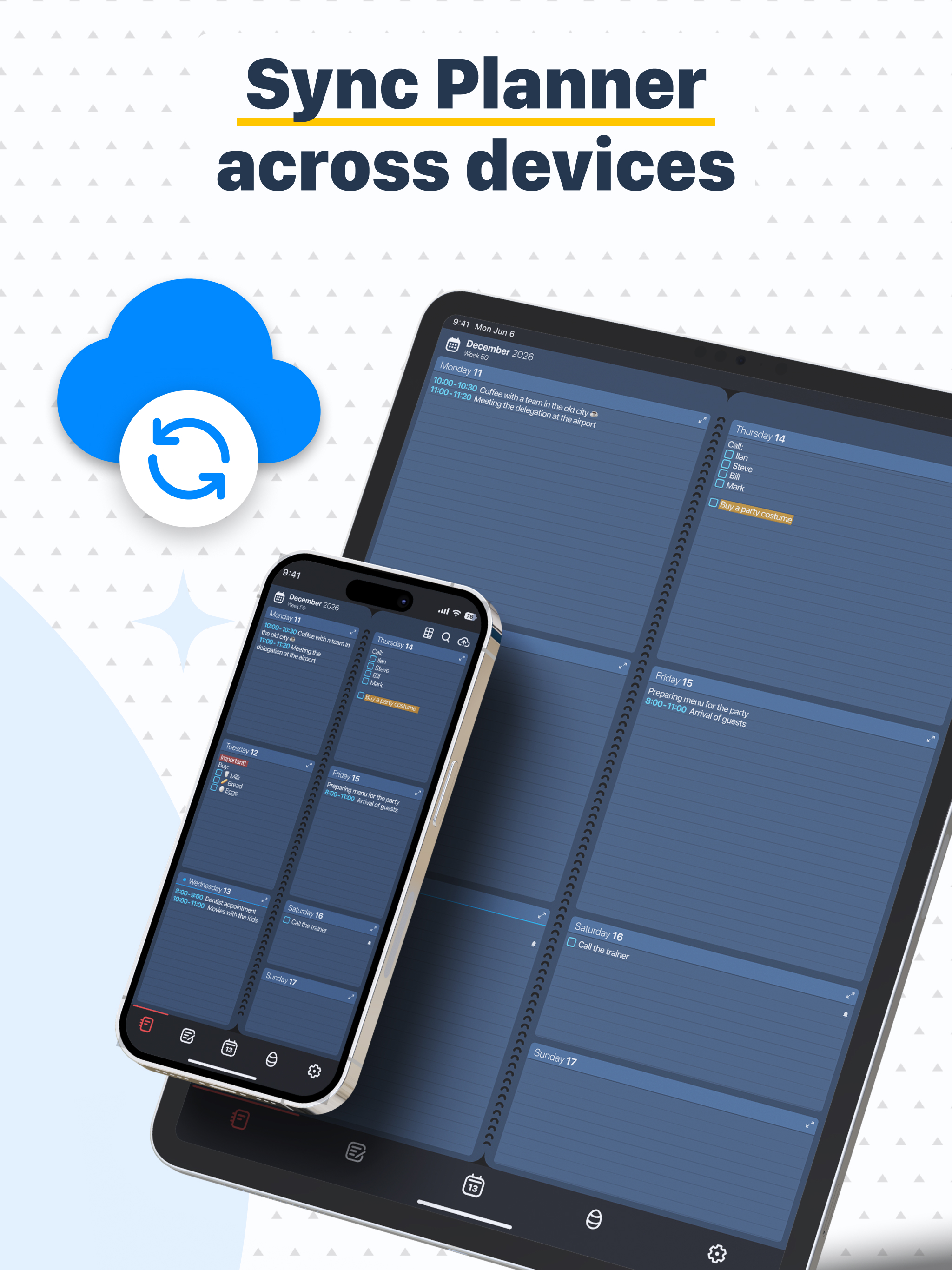
4.7Diary, Calendar, Organizer, Planner combines a notepad, planner, reminder, calendar, habit tracker, and to-do list into one easy-to-use app for both your personal life and work. It replaces your traditional paper planner with a fully digital version, letting you effortlessly create and track your plans to achieve your goals. A dream written next to the date becomes a goal! Millions of people worldwide rely on our planner. Organize class schedules, keep notes, manage client tasks, create shopping lists, build habits, boost productivity, and never forget important things. The planner’s interface mimics the classic paper notebook used for generations. It’s the simplest, most user-friendly way to plan—like a school agenda or minimalist paper planner. View your entire week’s plans on one screen—the perfect timeframe for smart scheduling. Easily swipe through weeks, months, or years. Add, edit, or remove tasks, plans, and habits with ease. No complicated forms or data entry—just type or speak your notes, just like making an ordinary memo. Key Features of Diary, Calendar, Organizer, Planner: • Enjoy a satisfying page-flip experience like a paper calendar or planner—no need to carry a physical notebook anymore. • See your full week at a glance plus a detailed daily view for extra notes. Keep all your plans in clear sight. • Choose from a variety of backgrounds to fit your style—and change them as often as you like. • Quickly navigate to any date, past or future. • Highlight notes with color, underline, strikethrough, bold, or italics to prioritize and mark tasks complete. • Maintain a separate notes list (to-do list) untethered to dates—perfect for shopping lists or jotting down ideas. • Display week numbers and jump back to today’s date anytime. • Customize colors and font sizes of your entries. • Change app language settings. • Select your preferred first day of the week. • Add voice notes or use a stylus on tablets. • Sync and back up with iCloud. • Search for words within your notes and plans. Also included: • Recurring events (daily, yearly, etc.) for birthdays, workouts, and more. • Automatic reminders. • Checkboxes to mark completed tasks. • Integration with your iPhone Calendar. Coming soon: • Hourly day views for detailed scheduling. • Options to share your calendar with colleagues, friends, and family. • Integration with other calendar services like Google Calendar. • And much more. The essential features of Diary, Calendar, Organizer, Planner are always free. Upgrade to Premium via one-time purchase or subscription for additional features. Questions or feedback? Contact us at appweeklyplanner@gmail.com Standard Apple LICENSED APPLICATION END USER LICENSE AGREEMENT applies to this app: https://www.apple.com/legal/internet-services/itunes/dev/stdeula/