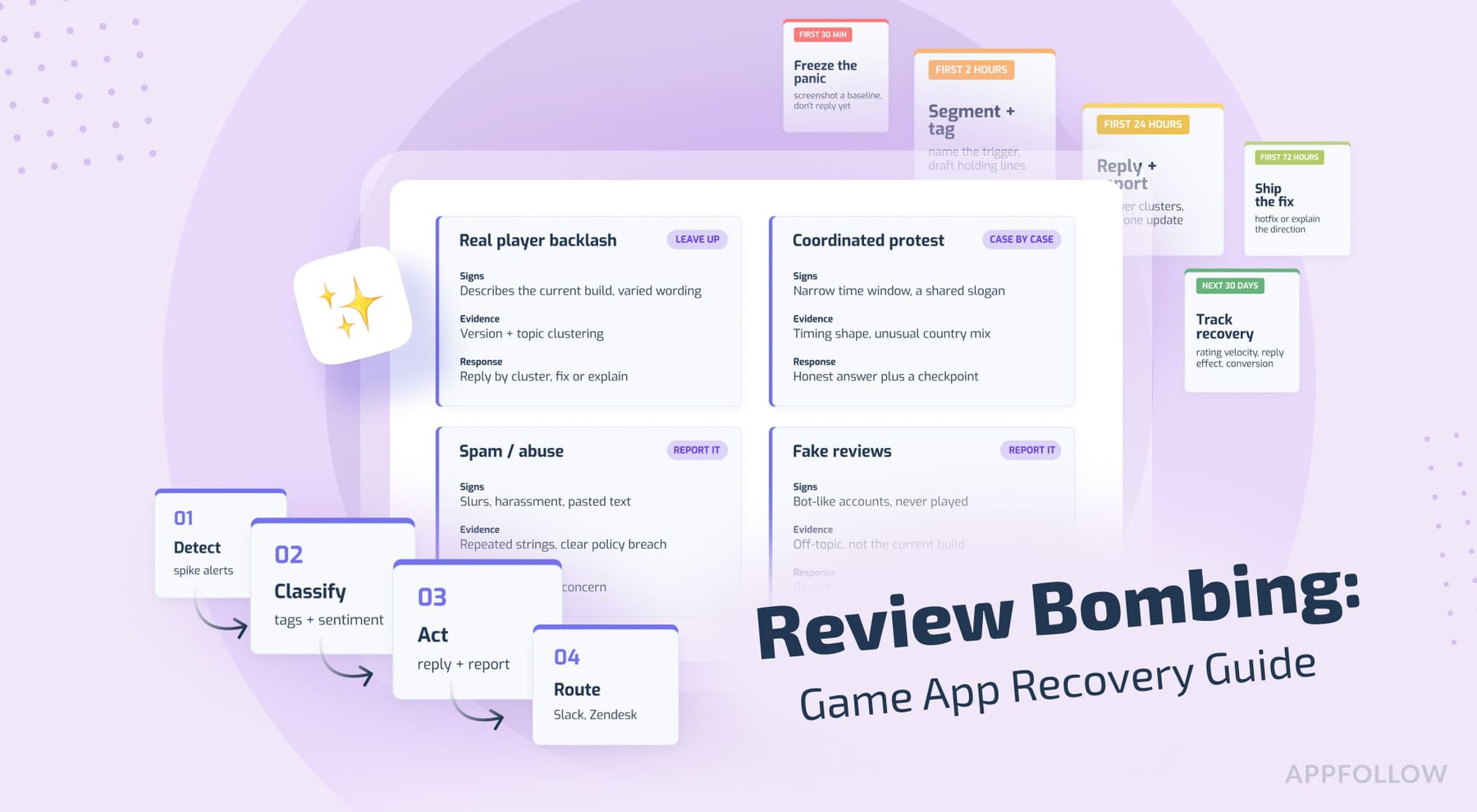
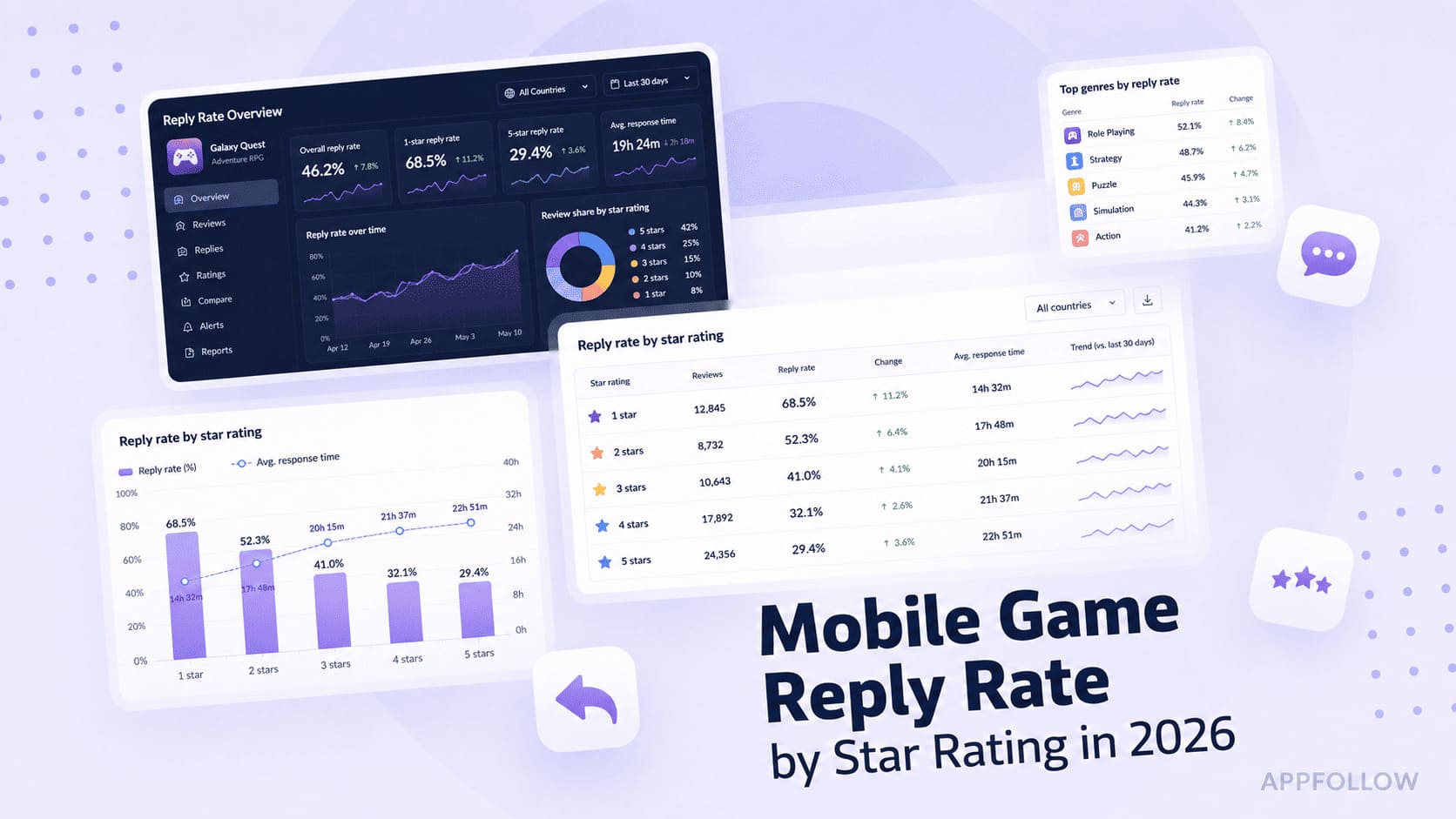
Ratings & Reviews performance provides an overview of what users think of your app. Here are the key metrics to help you identify how your app is rated by users and how successful is your review management strategy.
 4.6
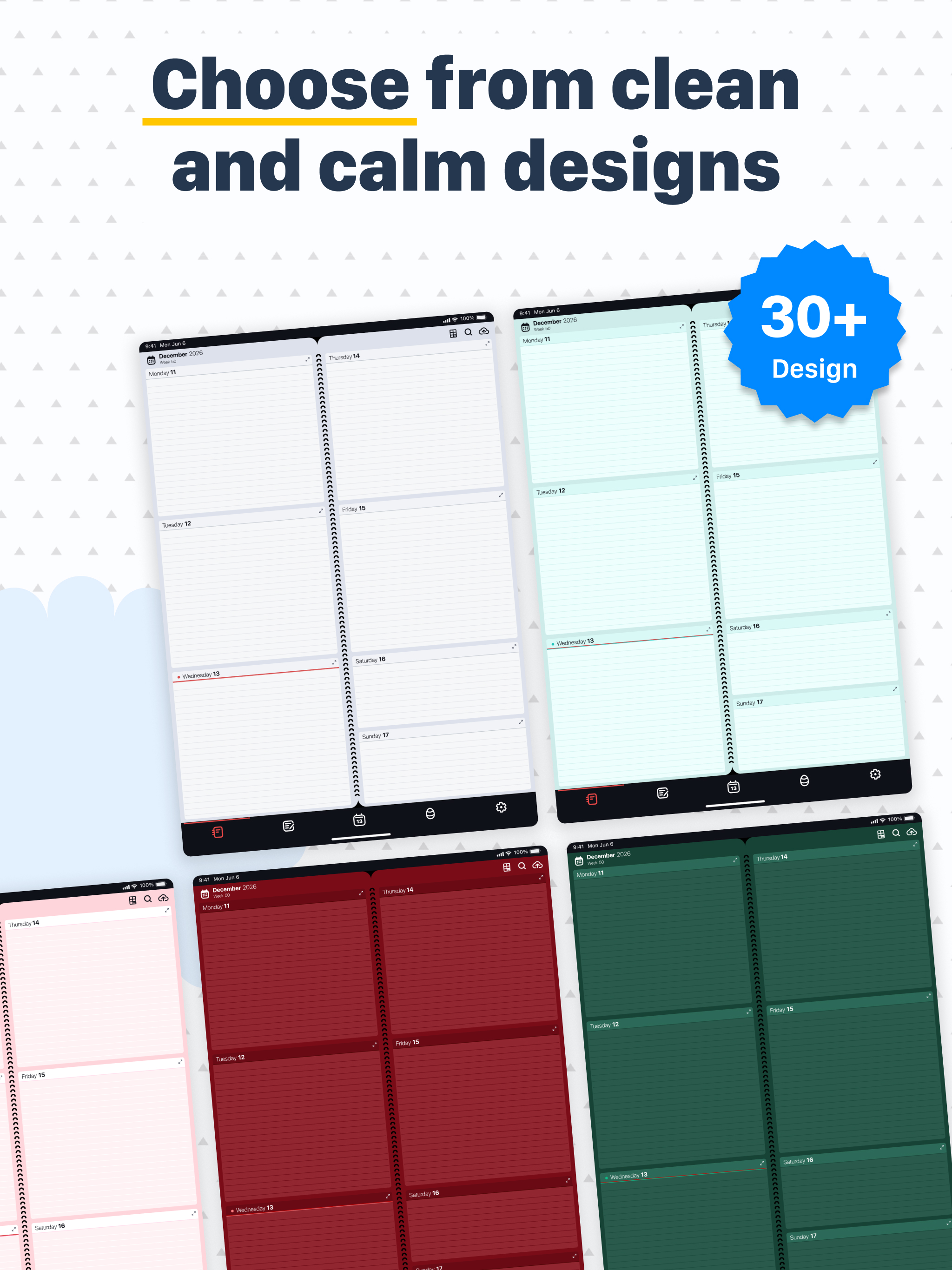
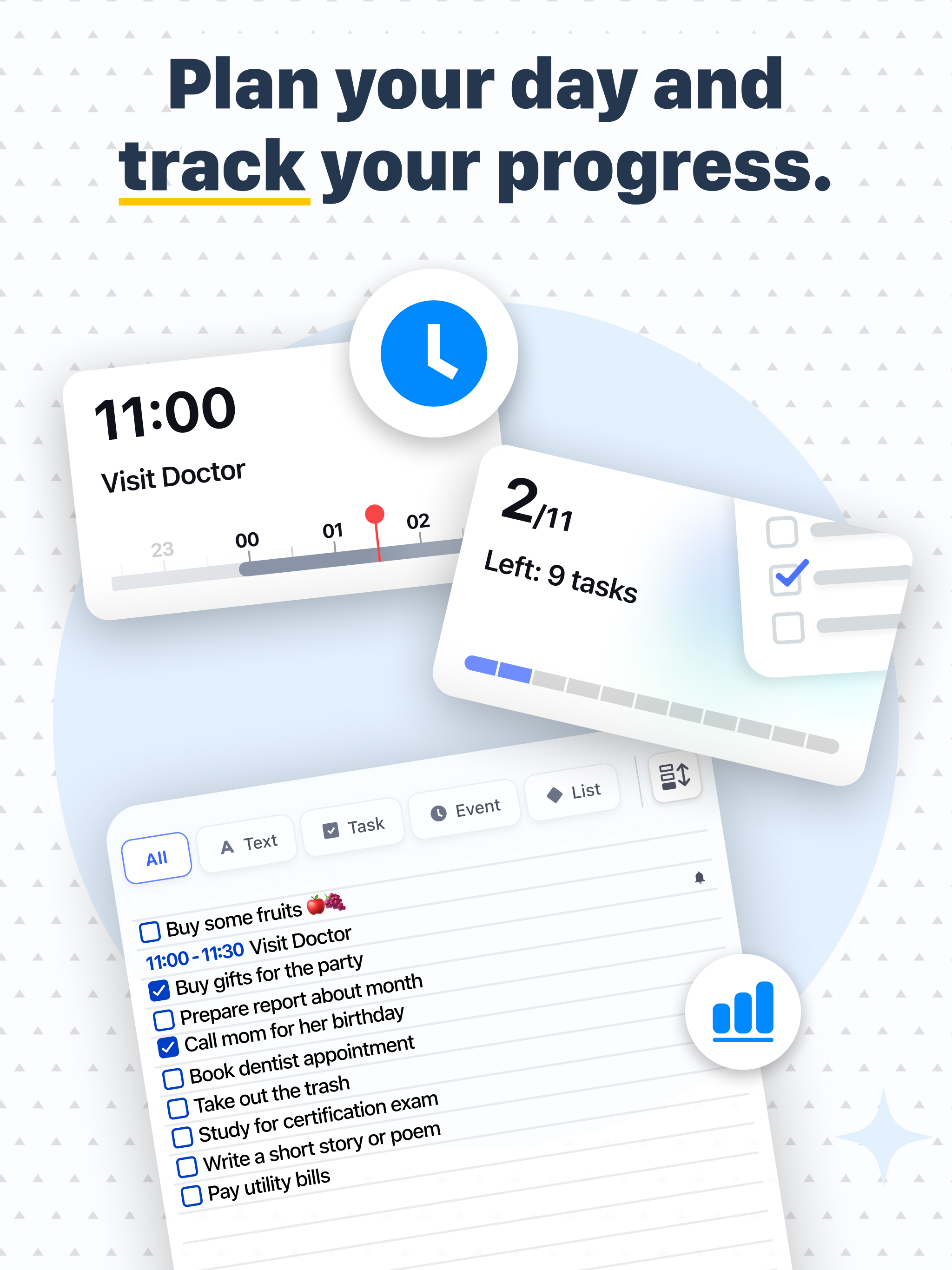
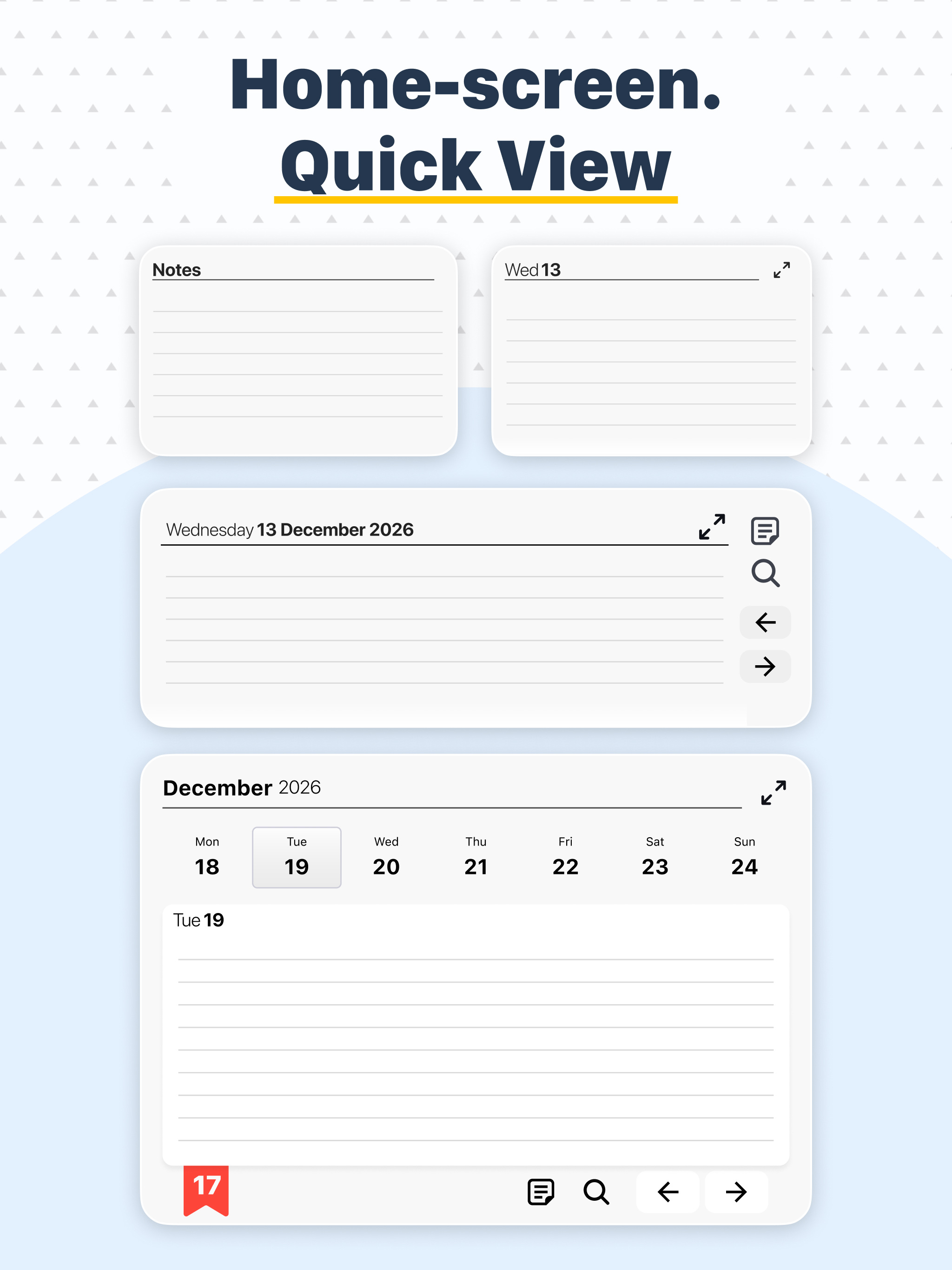
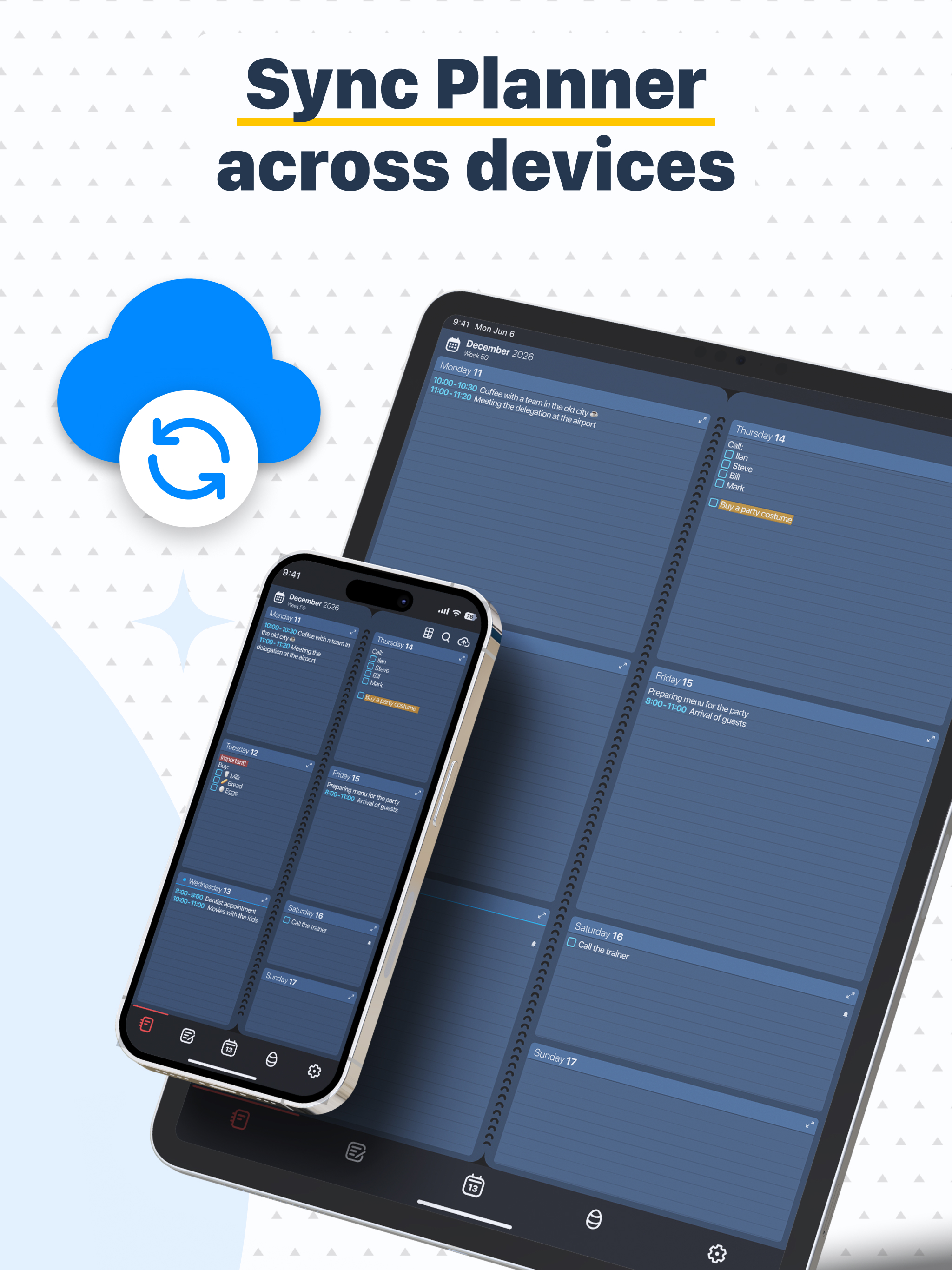
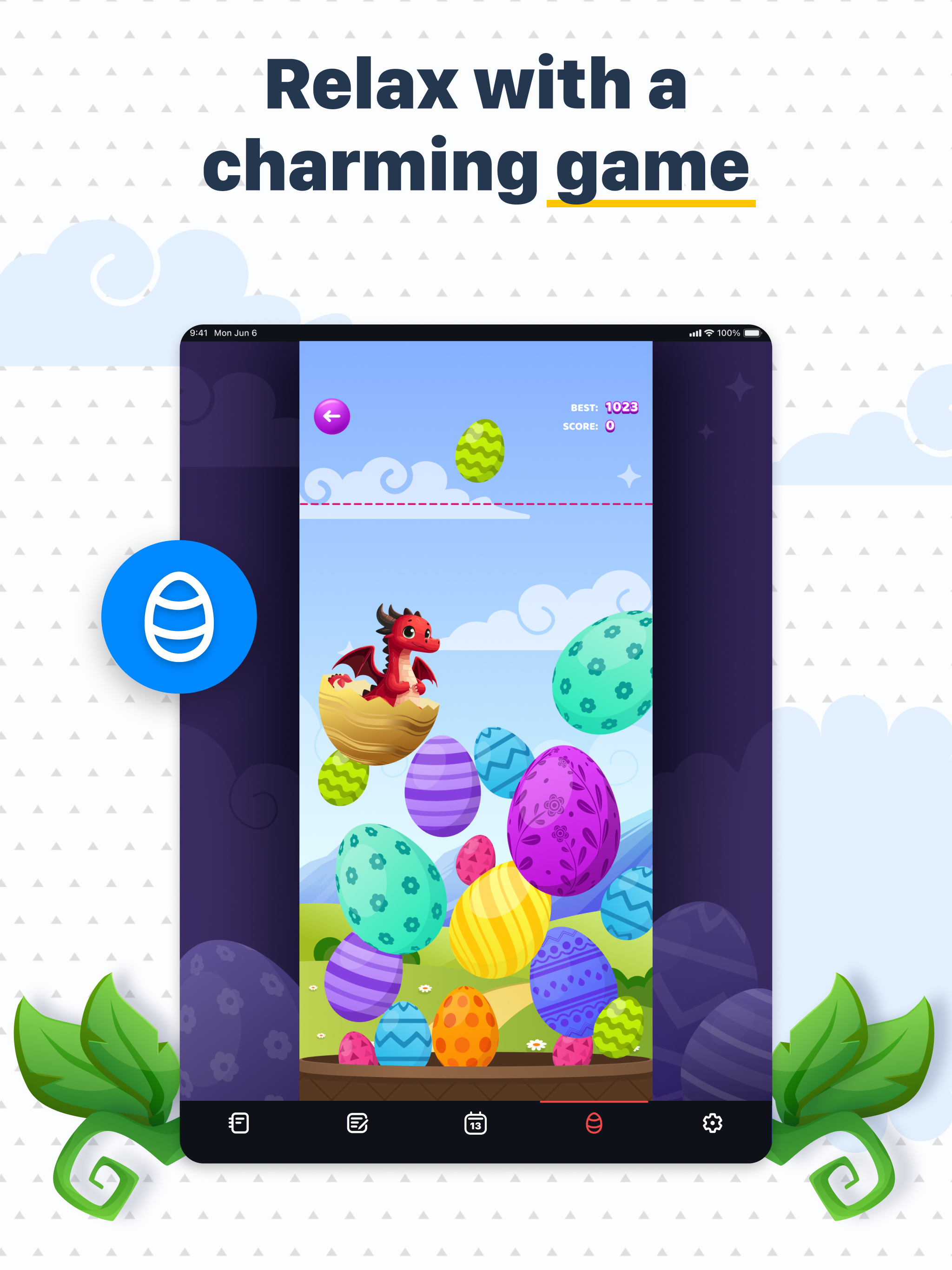
4.6Diary, Calendar, Organiser, Planner combines a notepad, planner, reminder, calendar, habit tracker, and to-do list into one simple app—for both your personal and work life. It replaces your traditional paper organiser with an accurate digital version, making it effortless to create and track your plans and achieve your goals. A dream recorded next to the date becomes a goal! Millions worldwide use our Planner to create class timetables, keep notes, manage client, to-do, and shopping lists, build positive habits, boost productivity, and ensure nothing is forgotten. The Planner’s interface mimics the classic paper notebook many have used for generations, offering the simplest, most intuitive way to plan. Think of it as a school agenda or minimalist paper planner. View all your plans for the week on a single screen—the ideal timeframe for efficient organisation. Easily flip forward or backward through weeks, months, or years. Adding, editing, or deleting tasks, plans, or habits is quick and easy. No complicated forms—just type or use voice input as you would with regular memos. Key Features of Diary, Calendar, Organiser, Planner: • Smooth page-flipping experience like a paper calendar, diary, or planner—no need to carry a physical notebook. • Full week overview plus a detailed daily view for extra notes. All your plans clearly visible. • Multiple backgrounds to suit any style, changeable as often as you like. • Calendar with effortless navigation to any past or future date. • Highlight notes with colour, underline, strikethrough, bold, or italics to prioritise tasks and mark completions. • Separate notes list (to-do list) independent of dates—perfect for grocery lists or jotting down ideas. • Week number display and quick return to the current date. • Customisable text colour and font size for entries and events. • Change the app language. • Choose your preferred first day of the week. • Add voice notes or use a stylus on tablets for handwritten entries. • Save to and retrieve from iCloud. • Word search function. Additional features: • Recurring events (daily, yearly, etc.) — ideal for birthdays, workouts, or schedules. • Automatic reminders. • Checkmarks to mark completed tasks. • Integration with the iPhone Calendar. Coming soon: • Day view divided by hours for detailed scheduling. • Option to share your schedule with colleagues, friends, and family. • Integration with other calendars such as Google Calendar. • And much more. Core functions are always free. Upgrade to Premium via a one-time purchase or subscription for extra features. Contact: appweeklyplanner@gmail.com