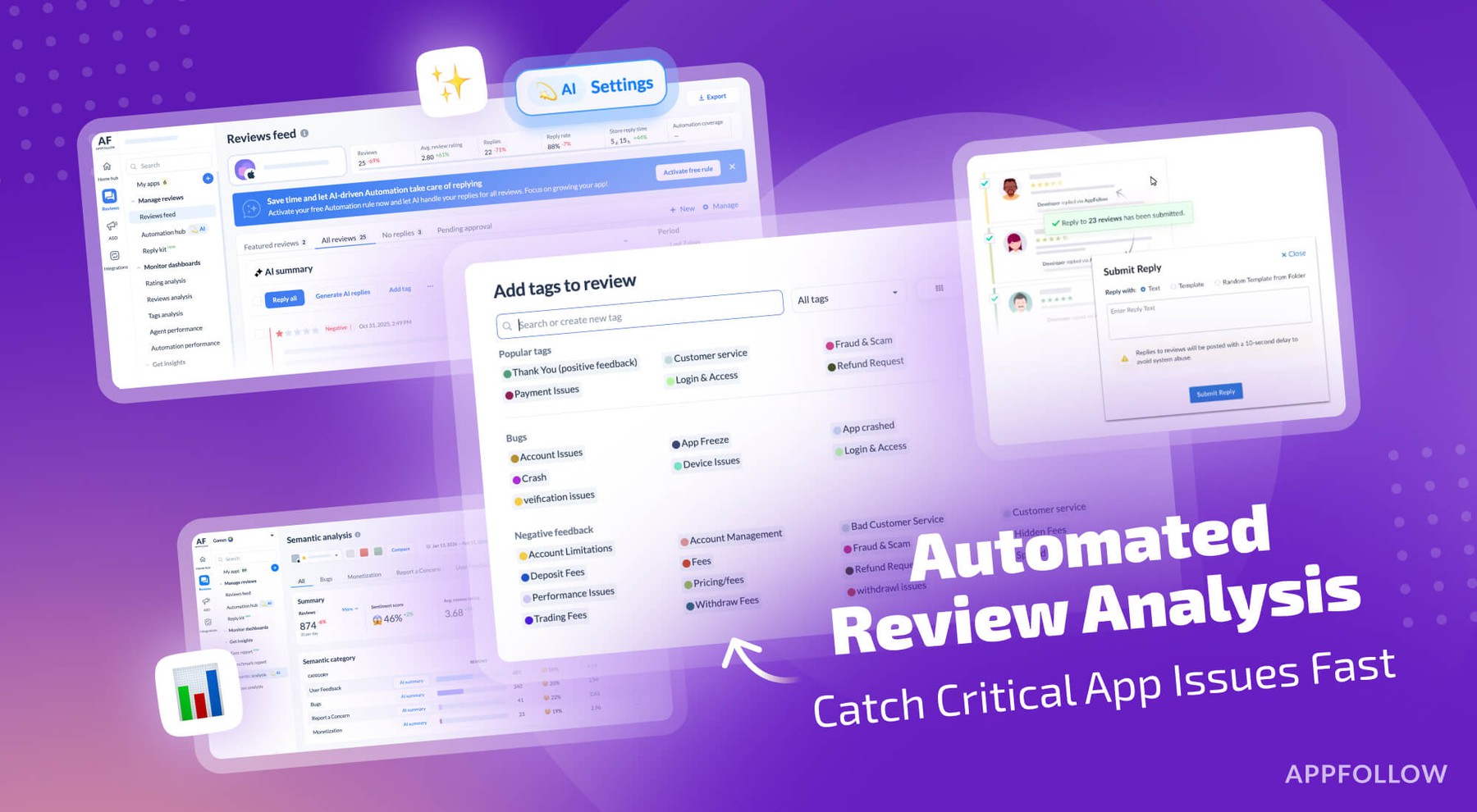
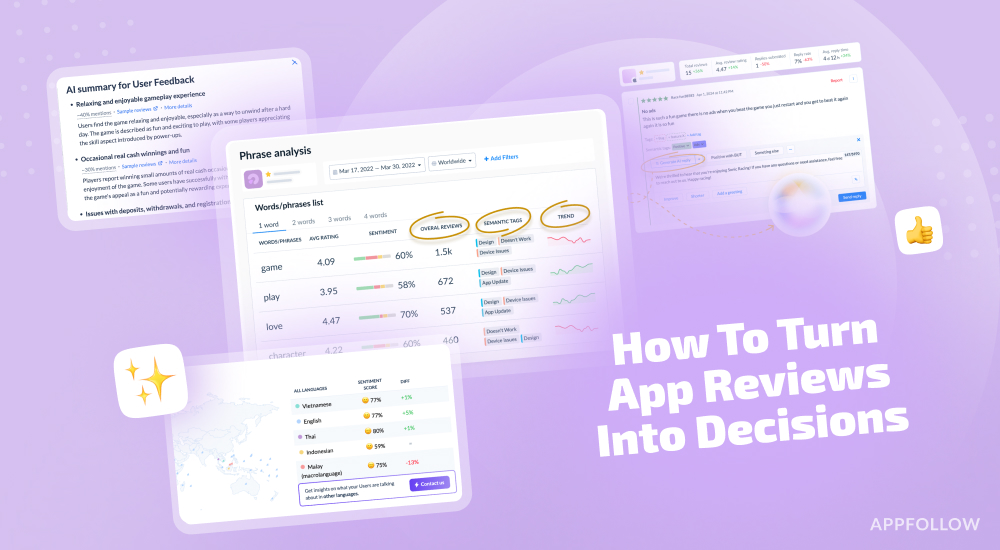
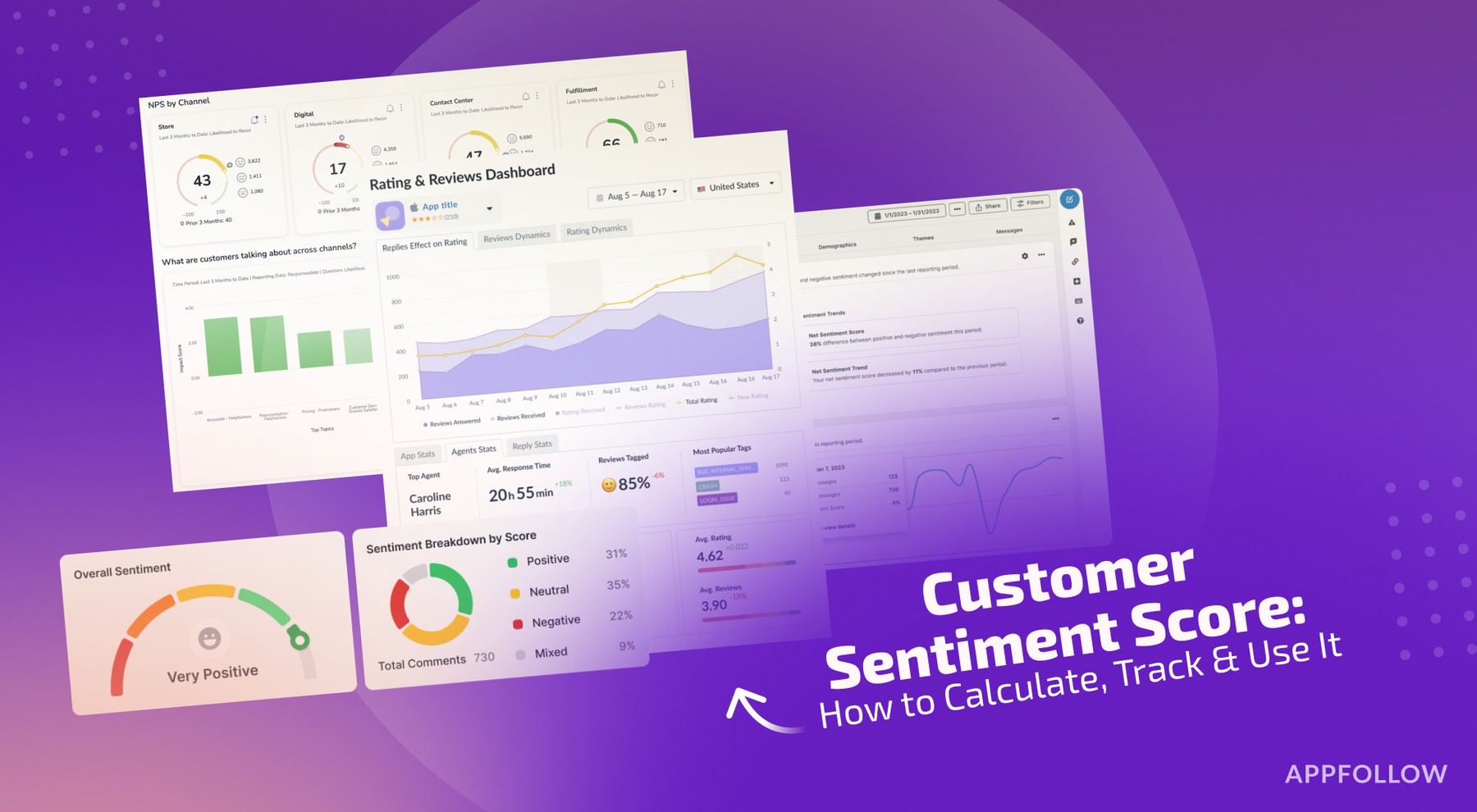
Ratings & Reviews performance provides an overview of what users think of your app. Here are the key metrics to help you identify how your app is rated by users and how successful is your review management strategy.
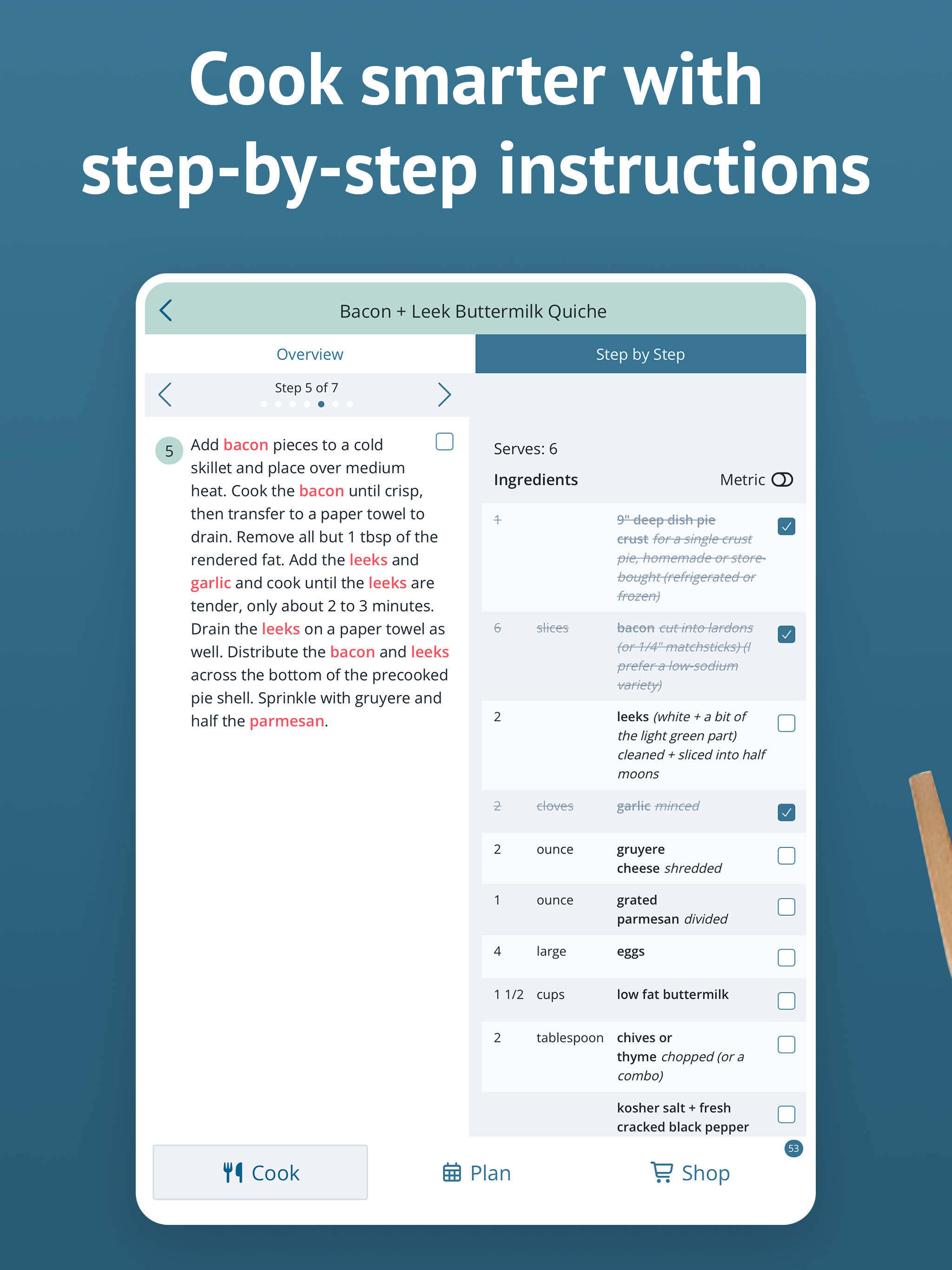
Plan to Eat is the all-in-one meal planner, recipe organizer, and grocery list app for busy families. Save your favorite recipes from any website or photo, create weekly dinner menus, plan meals on a budget, and auto-generate organized shopping lists, all in one place. Whether you're planning healthy weeknight dinners, cooking freezer meals for the month, or building a weekly menu around what's already in your pantry, Plan to Eat gives you the tools to make meal planning simple and enjoyable. Try Plan to Eat FREE for 14 days, no payment information required at sign-up. After that, annual subscriptions are available in the app. SAVE RECIPES FROM ANYWHERE Import recipes from any website with a single tap using the share button in your browser. Snap a photo of a recipe from a cookbook, magazine, or handwritten card and Plan to Eat will save it to your collection. Or enter your family's favorite recipes manually. Organize your personal cookbook by course, cuisine, main ingredient, tags, and more. Whether it's a keto dinner recipe, a vegan lunch idea, or grandma's holiday dessert, your entire recipe collection stays searchable and organized, whether you saved it from a food blog, a photo, or typed it in yourself. PLAN YOUR WEEKLY MEALS Drag and drop recipes onto a flexible calendar to build your weekly meal plan. Schedule breakfast, lunch, dinner, and snacks for every day of the week, or plan an entire month at once. Scale servings up or down, reschedule meals, plan for leftovers, and track frozen meals from your freezer stash. Create reusable menu templates to save time on weeks when you're busy. GROCERY DELIVERY & SHOPPING LISTS Your meal plan automatically generates a detailed, organized grocery list sorted by store aisle. Similar ingredients merge together so you buy exactly what you need, saving money and reducing food waste. Order grocery delivery right from your list, add extra staple items, customize list categories, and even create separate lists for different stores. SHARE WITH FAMILY & FRIENDS Connect with friends and family to share recipes and saved menus. Your Plan to Eat account syncs your recipes, planner, and shopping list across all your devices, and your family's too. Everyone stays on the same page, whether you're at home or at the grocery store. STEP-BY-STEP COOKING MODE Tap "Start Cooking" when viewing any recipe to get clear, step-by-step instructions. Follow along easily while you cook, with no need to scroll through a food blog to find the recipe. FIND THE PERFECT RECIPE Search your recipe book by title, ingredients, course, main ingredient, tags, rating, and more. Filter your collection to find exactly the right recipe for tonight's dinner or your next family gathering. Plan to Eat is designed for home cooks who love collecting recipes and want a powerful, flexible tool to organize them. Whether you're feeding a family on a budget, exploring healthy eating habits, or just trying to get dinner on the table every night, Plan to Eat helps you save time, save money, and enjoy cooking again.