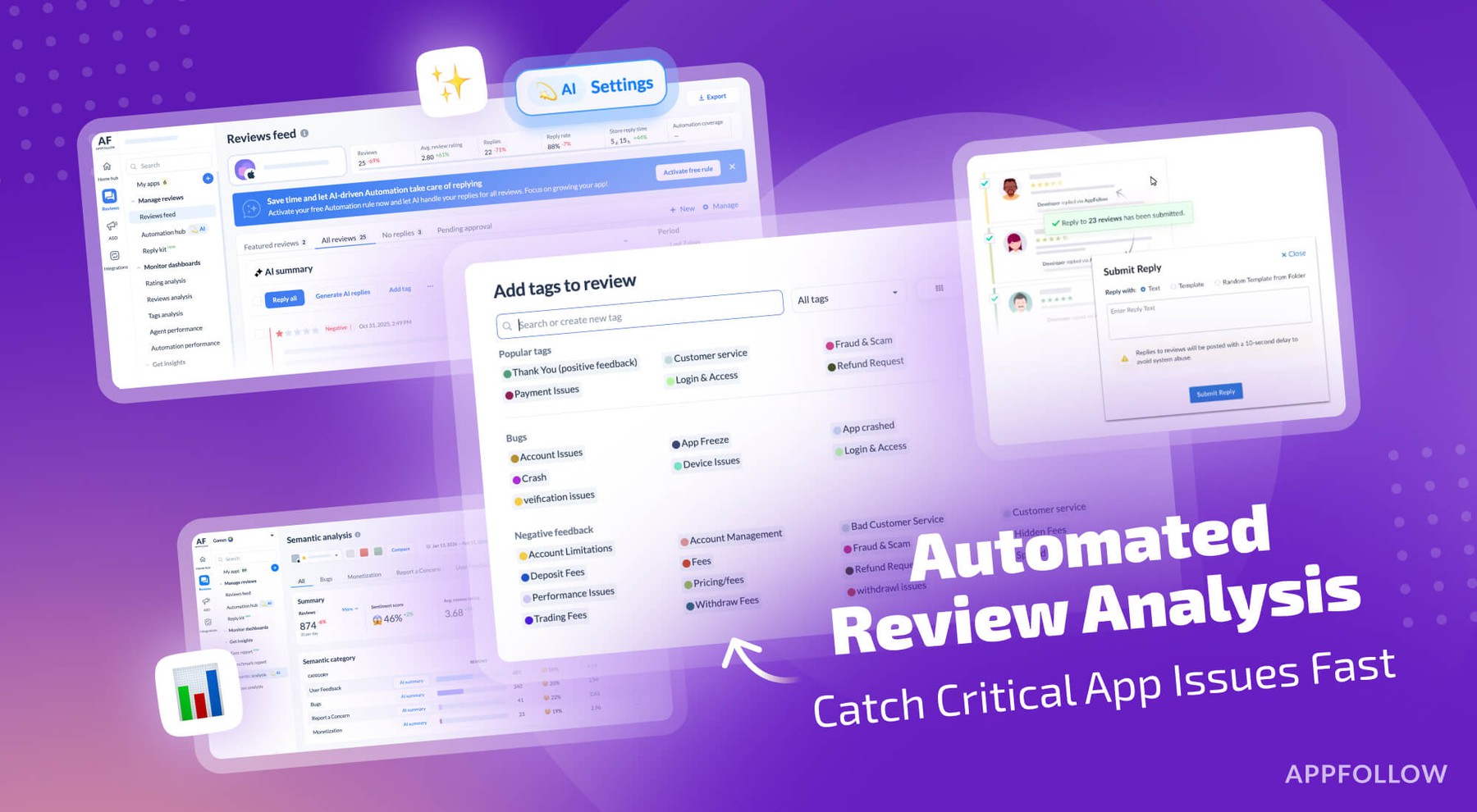
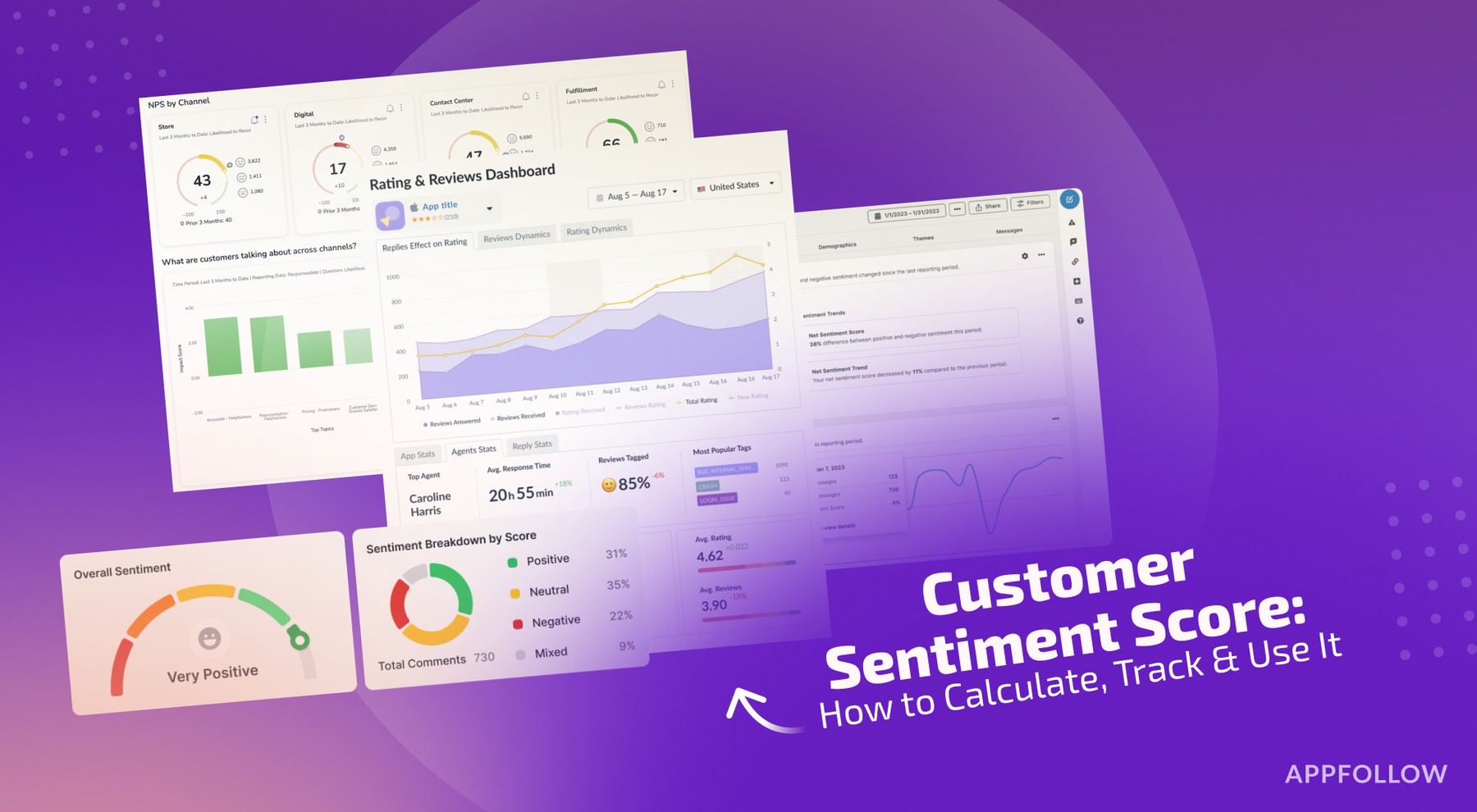
Ratings & Reviews performance provides an overview of what users think of your app. Here are the key metrics to help you identify how your app is rated by users and how successful is your review management strategy.
 4.5
4.5
User reviews affect conversion to installs and app rating. Featured and helpful reviews are the first to be noticed by users and in case of no response can affect download rate.
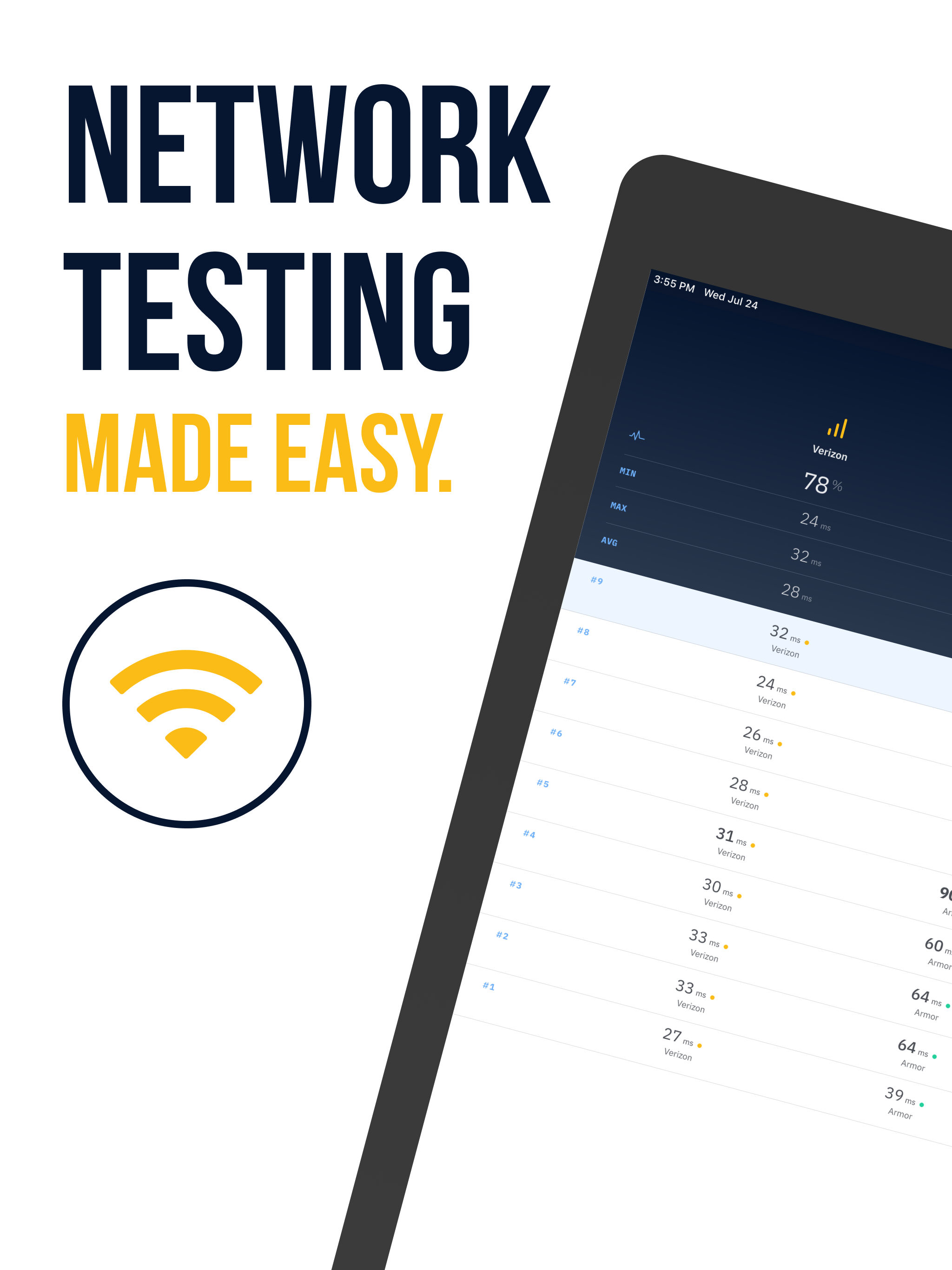
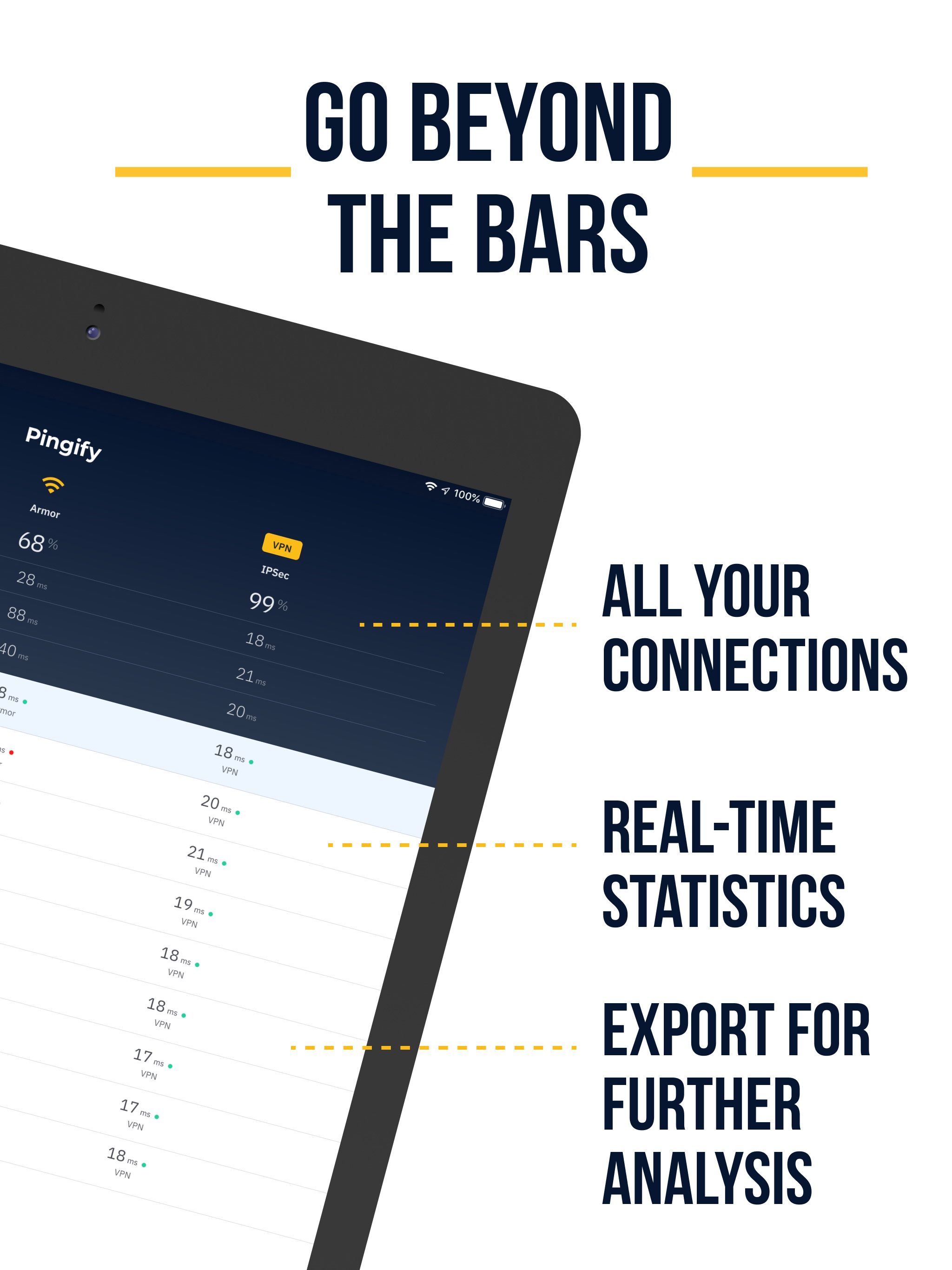
Mobile Network Diagnostics Made Easy Pingify is a free mobile utility app for testing network coverage, Internet reliability and VPN dependability. Find out where and why you get slow Internet and which areas you should avoid as they have poor Wi-Fi or cellular network coverage. With this information, you can connect to other Wi-Fi hotspots that are working better, change your mobile carrier or optimize your route for faster and more reliable Internet. How it Works Once you start a test from the app, Pingify sends out small data messages called pings on all your available Internet connections: Wi-Fi, LTE and any VPN service you might be using. It displays the round trip time (latency) in real time for each of the connection. Pingify also logs the location and the latency for each ping, so you can clearly see when and where your connections are working or not functioning correctly. You are able to easily spot poor network coverage areas of public Wi-Fi hotspots and cellular services. What to Do with the Pingify Test Data When running a Pingify test, the data will be logged locally on your iPhone or iPad device. Here’s what it’s useful for: Easily compare tests from a glance when it comes to connection reliability for each adapter: Wi-Fi, LTE and VPN. Filter pings by location to determine areas of poor coverage or the location of public Wi-Fi hotspots that are not working. See where the Internet is the fastest and has the lowest latency, for each of your connections - great for live streaming. Export your data in .tsv format for further analysis and to share with team members or your lovely ISP support department. Troubleshoot Networking Issues On-the-Go Today’s fast paced world requires a reliable Internet connection wherever you’re online, including when on the move. Do you live stream audio or video and your streaming apps buffer or sometimes even disconnect when you’re walking on the street or traveling by train or bus? Does your VPN service stop working after your Internet connection drops, leaving you exposed to the Internet? Looking for the lowest latency area where you can do live video streaming from? Have you reported Internet outages to ISPs running public WiFi hotspots and to mobile carriers and got the evergreen “we’re investigating this” reply? Sending them some relevant data would help accelerate the investigation. Pingify helps you troubleshoot connection issues for Wi-Fi, cellular and VPN. It also offers reliability data so you know which is the connection you should rely on depending on the area. Permission Requests Optional: Always Location: Allow a user to log and view GPS locations to determine where their connections are working or not functioning correctly.