Ratings & Reviews performance provides an overview of what users think of your app. Here are the key metrics to help you identify how your app is rated by users and how successful is your review management strategy.
 4.5
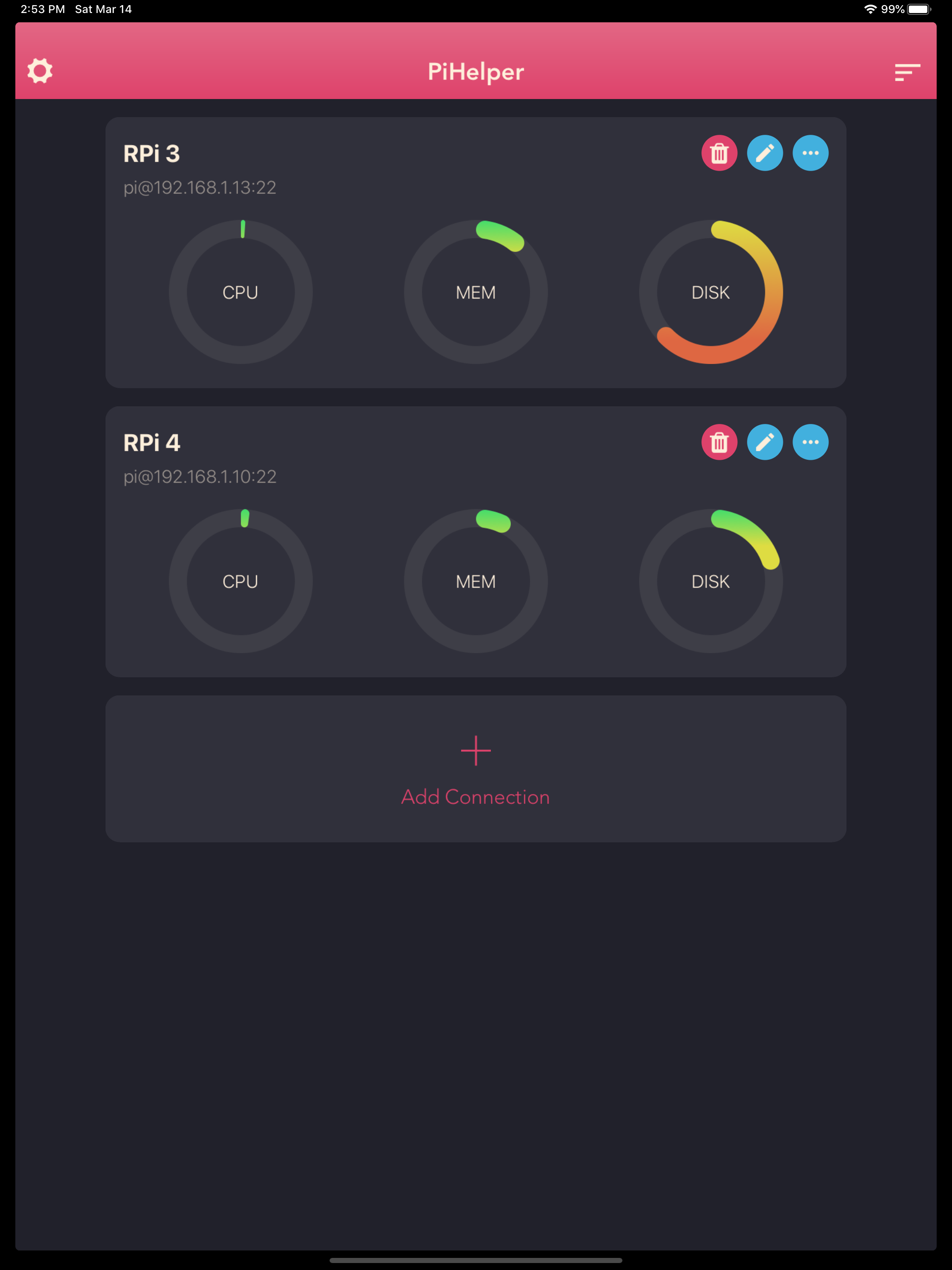
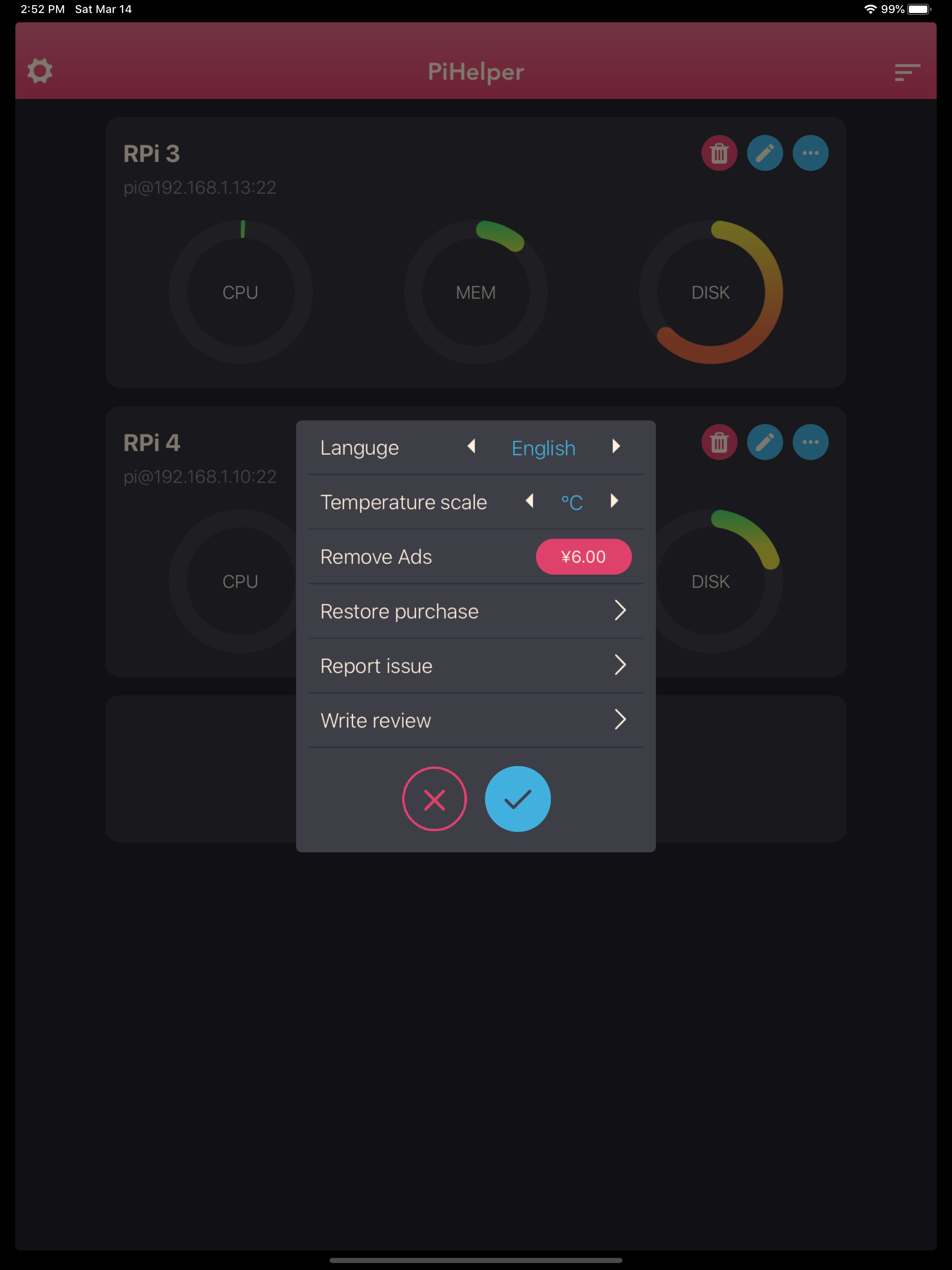
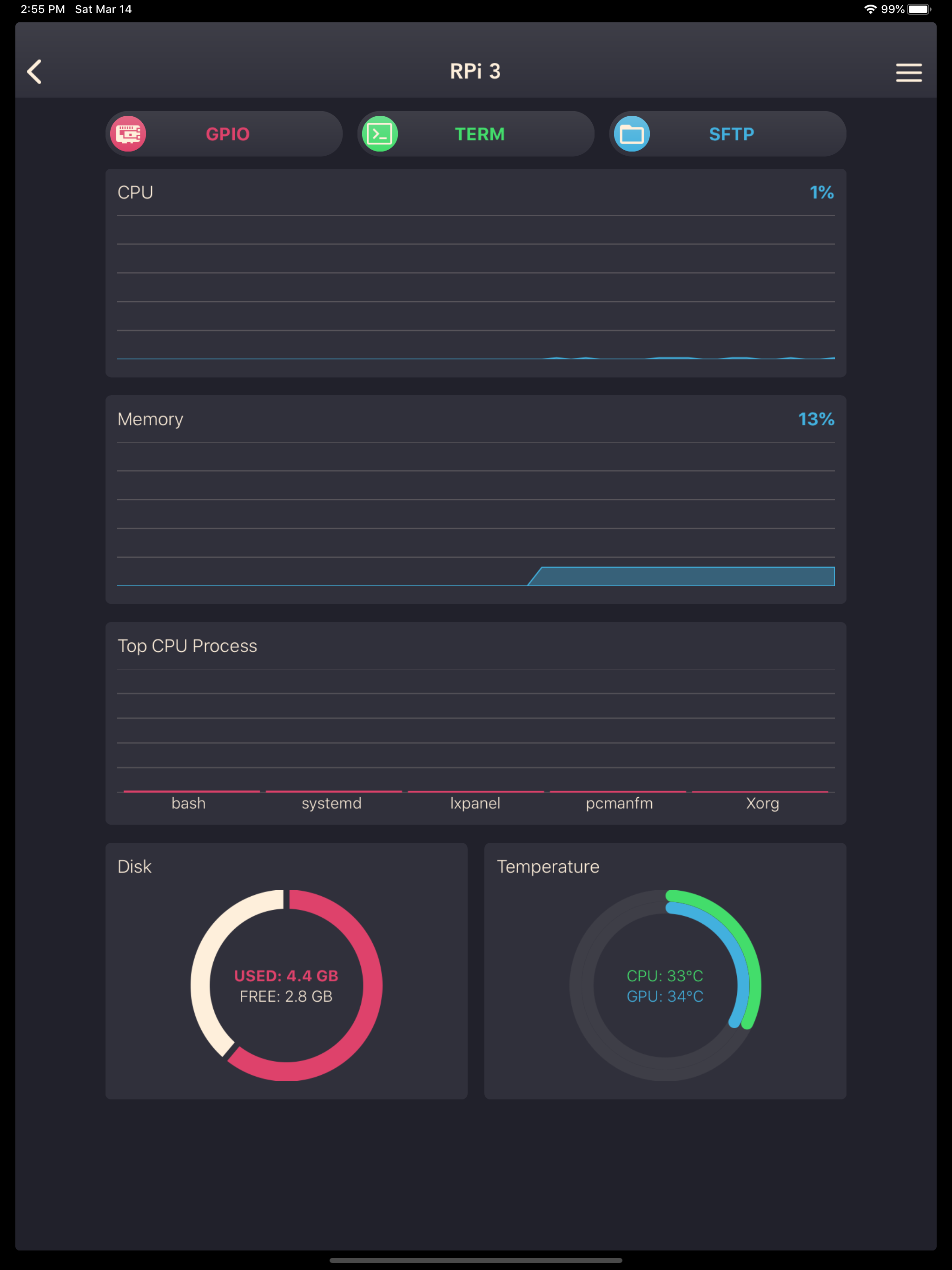
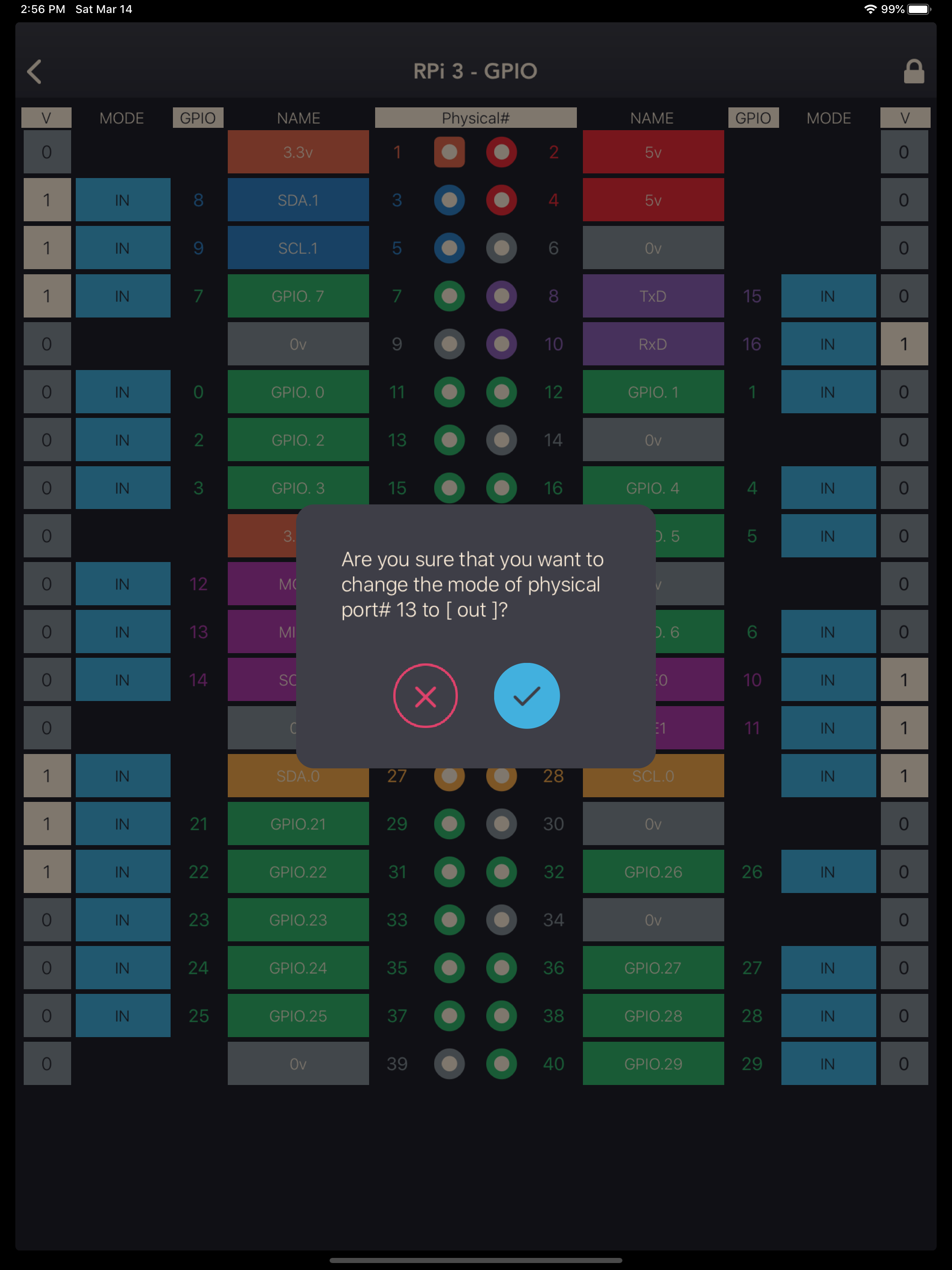
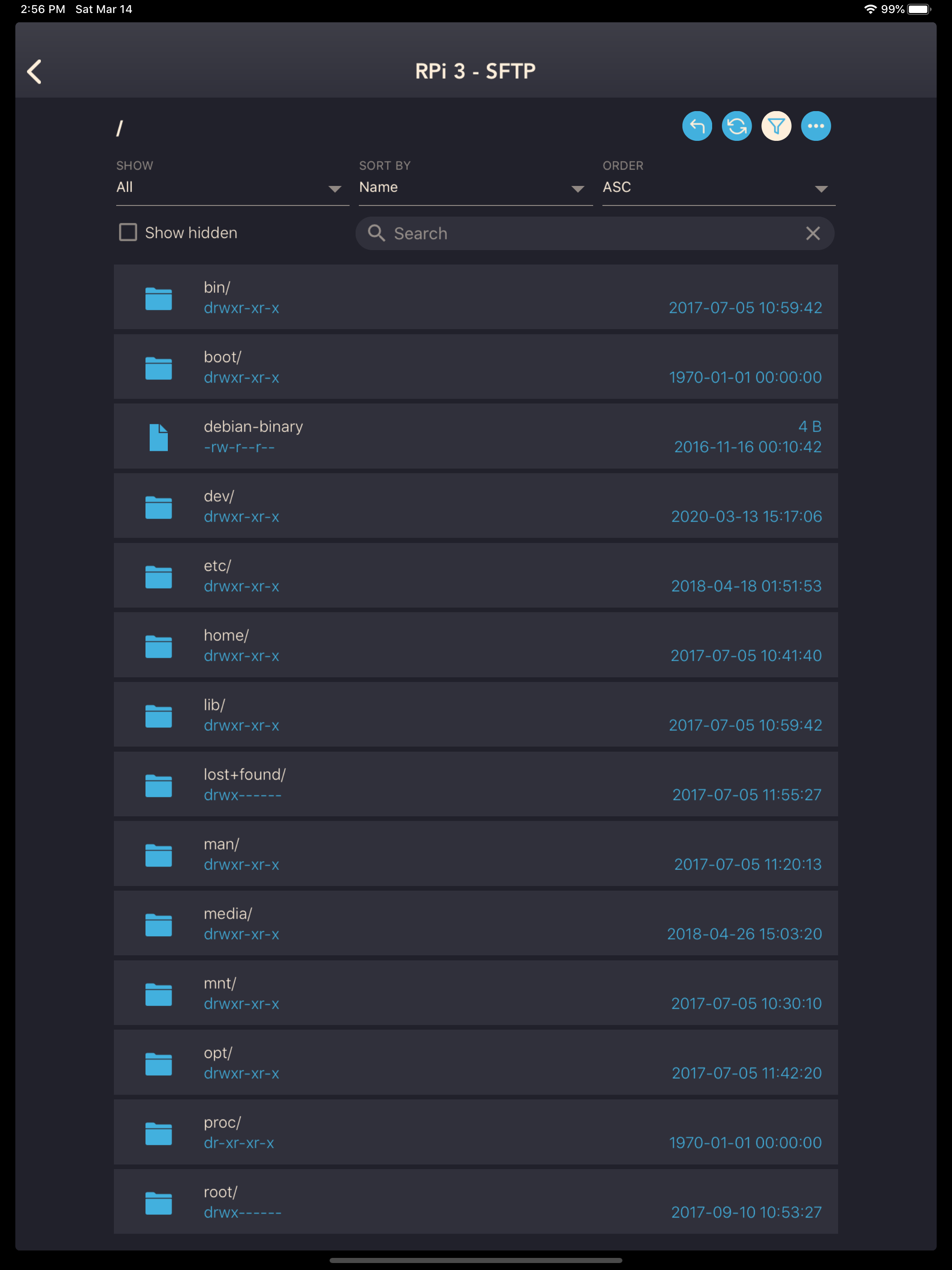
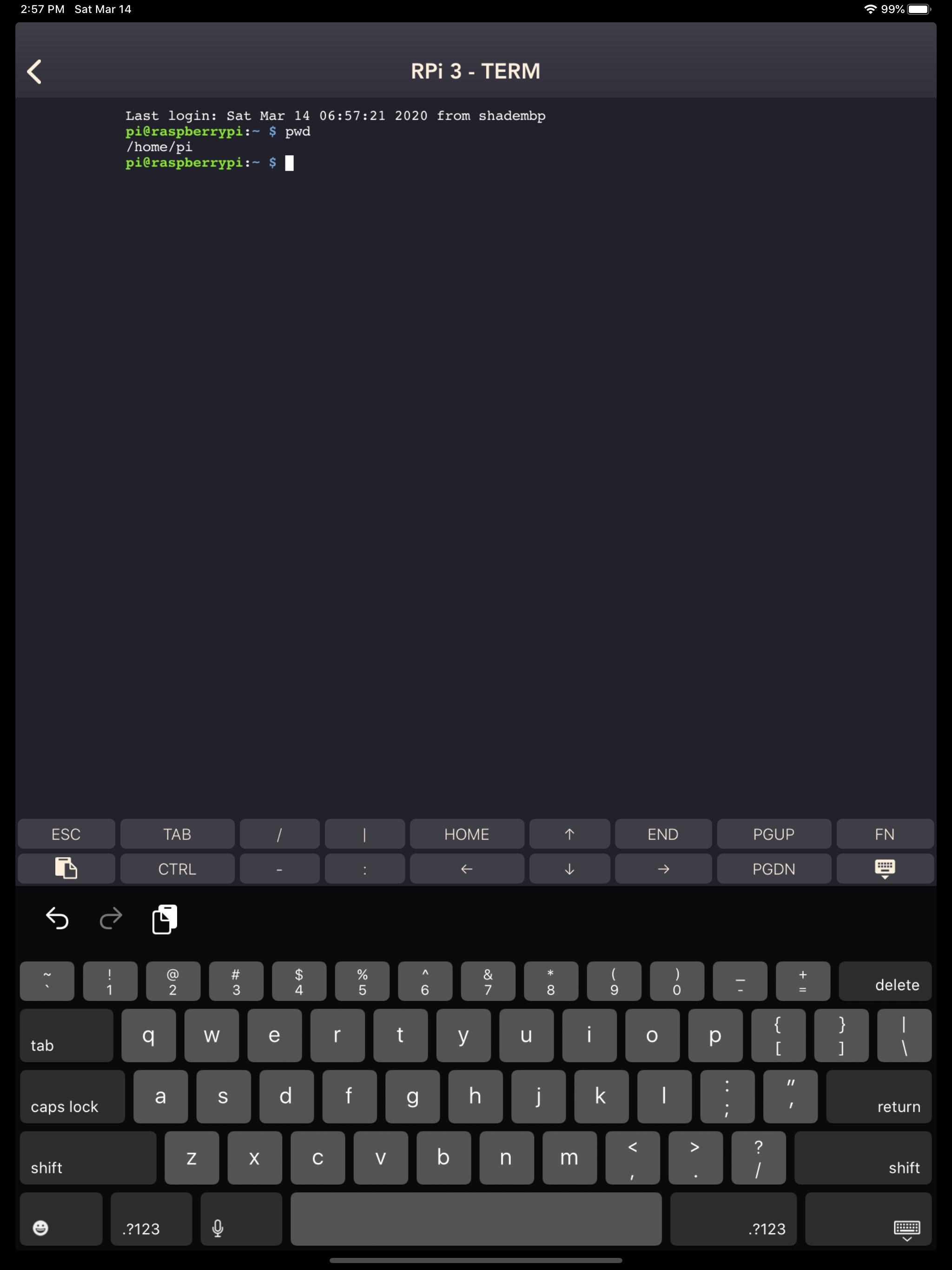
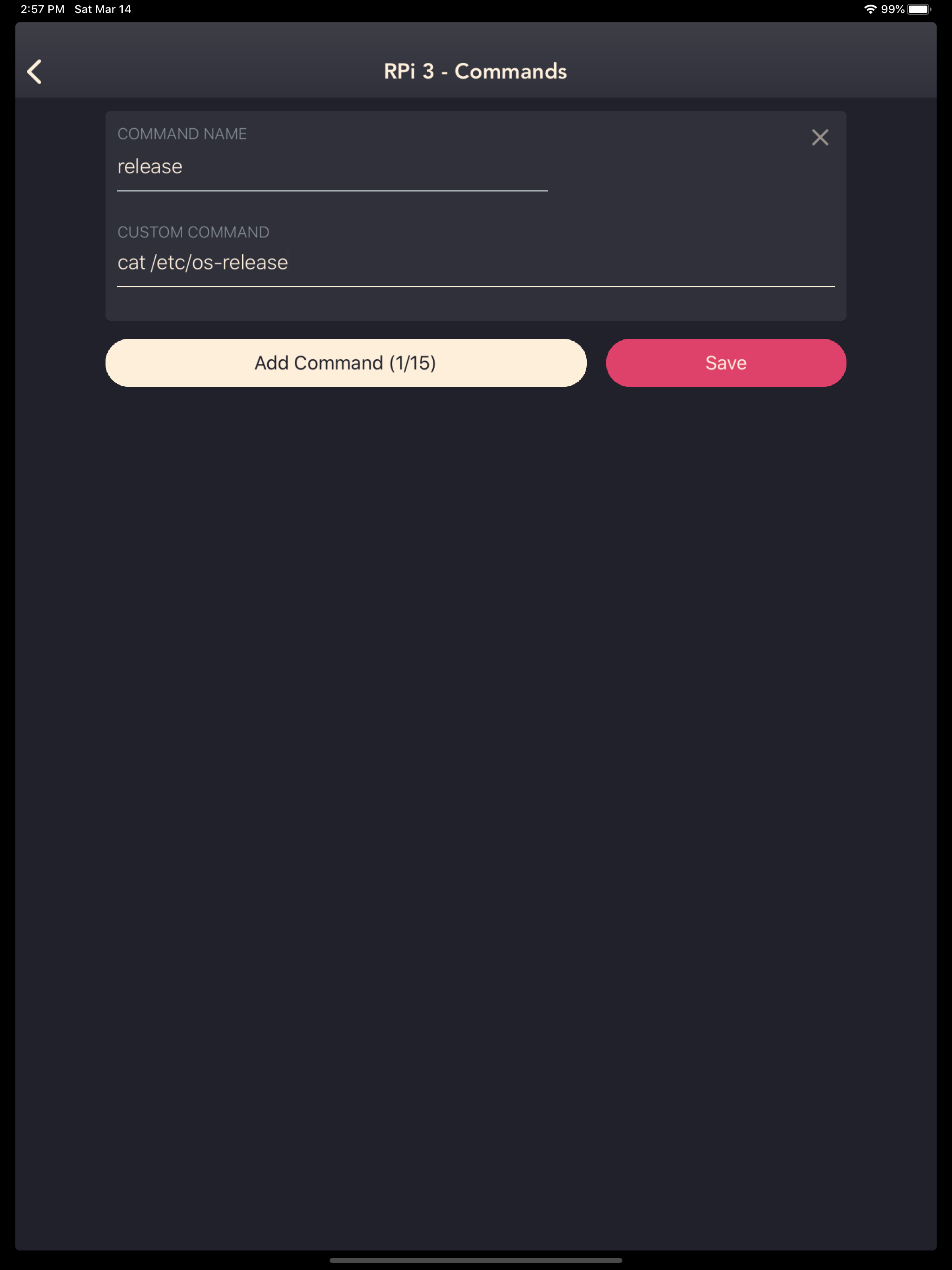
4.5Get started with PiHelper: https://medium.com/swlh/using-pihelper-to-monitor-and-manage-raspberry-pis-9a24065febed PiHelper lets you connect and manage your Raspberry Pi or Linux machine easily. - Monitor CPU, memory, disk usage, processes and/or temperature statics in realtime. - GPIO Colorful pinout. Tap to change GPIO mode and output. - SSH Terminal Realtime shell with full xterm experience. - SFTP / File browser Browse files and directories. Easy upload, download, rename and delete. - Single tap to reboot / halt server. Custom commands are also supported. - Multi-language support: -- English -- 中文 -- 日本語 -- Русский (Thanks to Sergey Britov) -- Deutsche (Thanks to Daniel Wolf) -- Français (Thanks to Dorian Eydoux) -- Lietuvis (Thanks to Ernestas Kardzys) Report issue: - Email: pihelper@outlook.com - Twitter: @shaqian629 Notes: - Public/Private key authentication only supports RSA keys. - To use the GPIO tool with RPi 4, please upgrade wiringPi to 2.52+: cd /tmp wget https://project-downloads.drogon.net/wiringpi-latest.deb sudo dpkg -i wiringpi-latest.deb Reference: http://wiringpi.com/wiringpi-updated-to-2-52-for-the-raspberry-pi-4b/