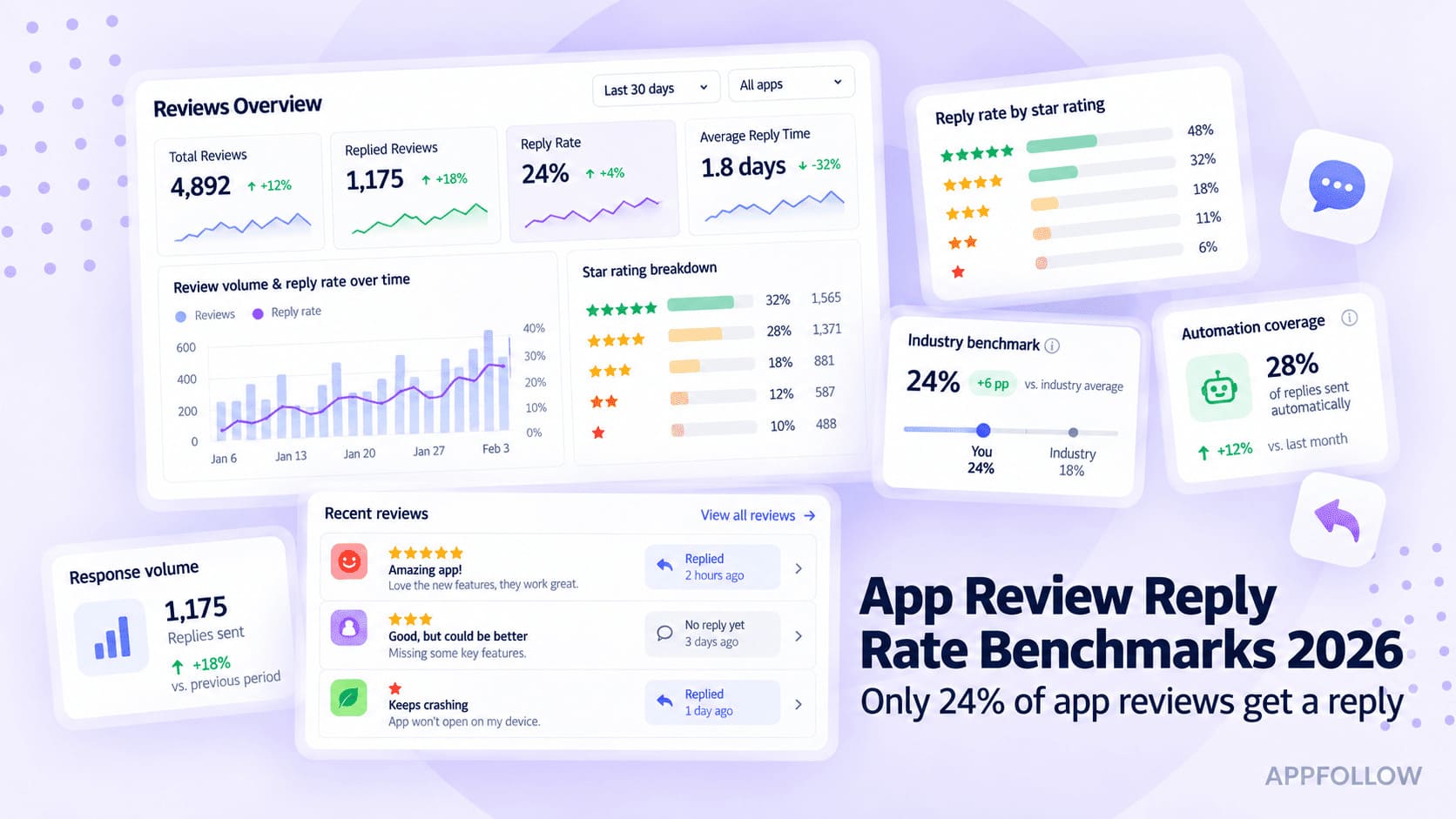
Ratings & Reviews performance provides an overview of what users think of your app. Here are the key metrics to help you identify how your app is rated by users and how successful is your review management strategy.
 5.0
5.0Apowersoft PDF Converter is an overall PDF tool that can work as a PDF converter, merger, compressor, and OCR program for your iOS devices. It can help you manage your PDF files on the go. You can use it: Convert PDF to many different formats PDF Converter supports: PDF to Word, PDF to Excel, PDF to PPT, PDF to JPG, PDF to PNG, PDF to TXT. Convert other formats to PDF document It also allows you to convert: Word to PDF, Excel to PDF, PNG to PDF, JPG to PDF, PPT to PDF. Merge PDF This PDF converter can also combine multiple PDF files into one. Extract Text from Image The OCR feature inside the app enables to convert picture to TXT format, so that you can copy the content from an image. Compress PDF You will take the advantage of this application to reduce your PDF file size, which can save your storage space. Convert files in batch Using Apowersoft PDF Converter, it will be easy to convert many files at one time. Highlights: Excellent PDF tools to process PDF with high quality. Manage PDF files easily and quickly. Easy to access each function, even novices can use it without any hassle. Clean interface without ads. ------------------------------------------------------------------------------- Subscriptions will be charged to your credit card through your iTunes account. Your subscription will automatically renew unless canceled at least 24 hours before the end of the current period. After purchase, please manage your subscriptions in App Store Account Settings. ------------------------------------------------------------------------------- If you need any help or have suggestions on ApowersoftPDF converter, please feel free to contact us. We can't keep making progress without your voice. Email: support@apowersoft.com Customer Service Center: https://www.apowersoft.com/support/ FAQ: https://www.apowersoft.com/support/product/pdf-converter-support-206 Privacy Policy:https://www.apowersoft.com/pdf-converter-privacy Terms of Service:https://www.apowersoft.com/pdf-converter-terms