Ratings & Reviews performance provides an overview of what users think of your app. Here are the key metrics to help you identify how your app is rated by users and how successful is your review management strategy.
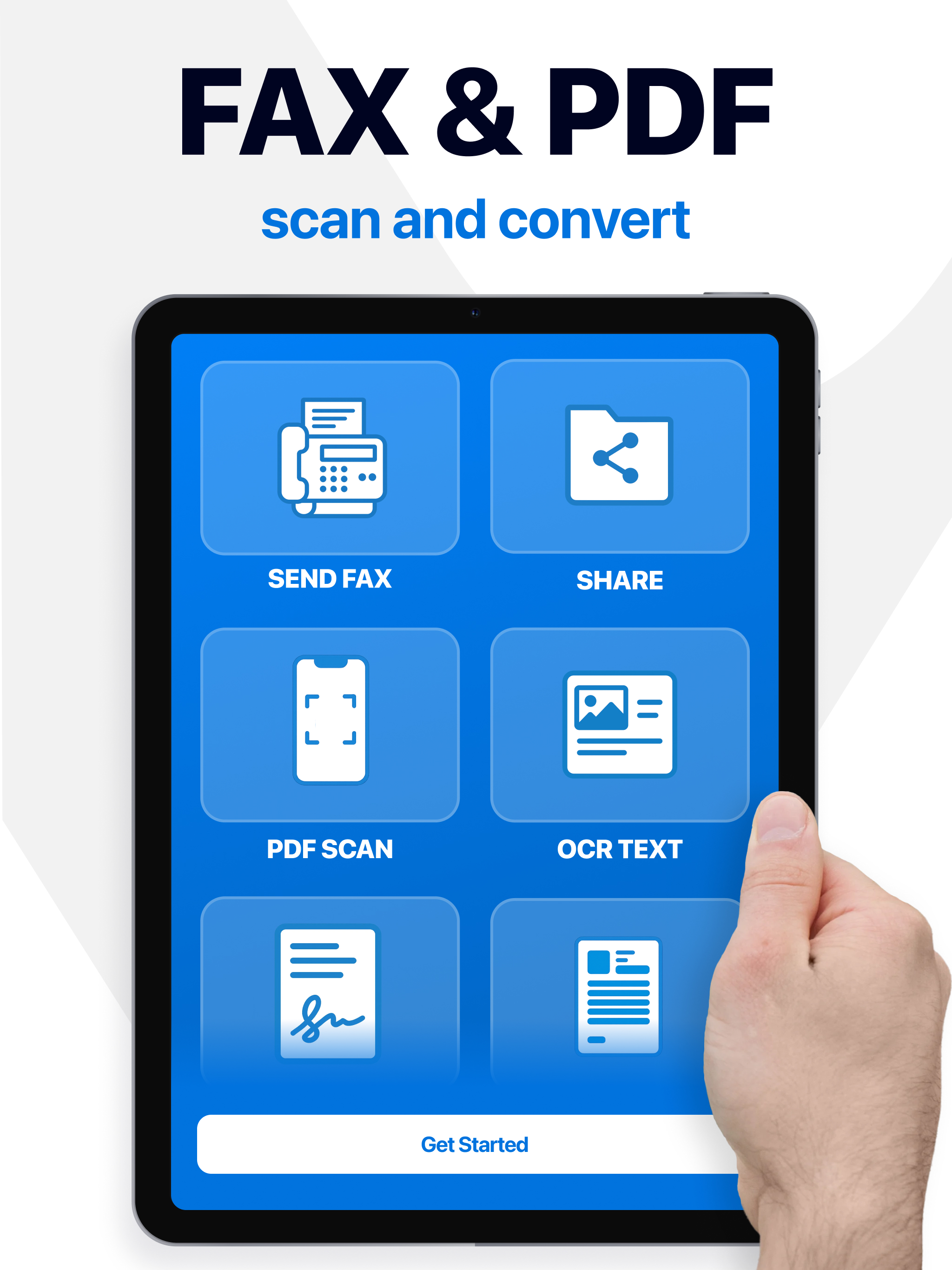
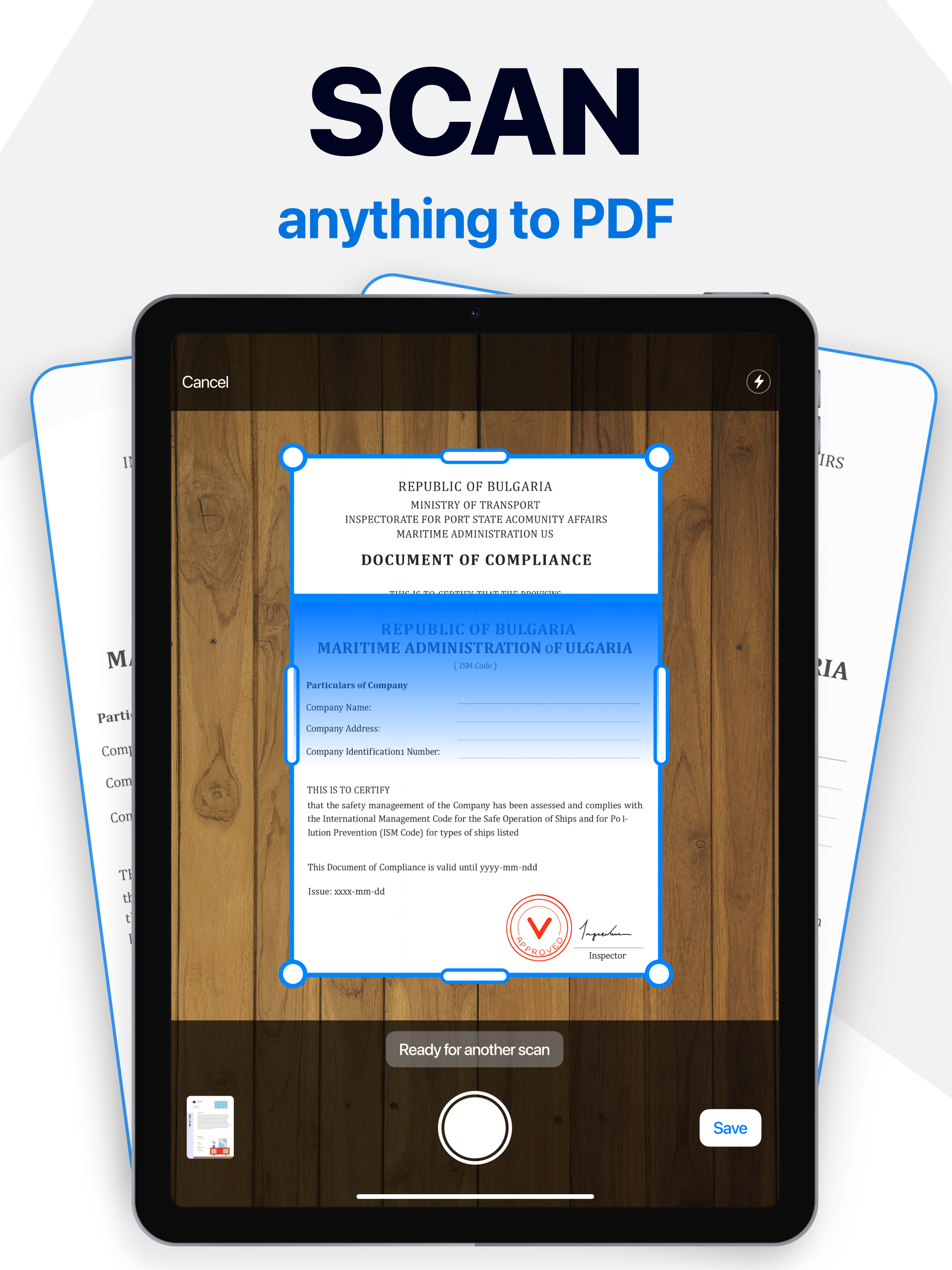
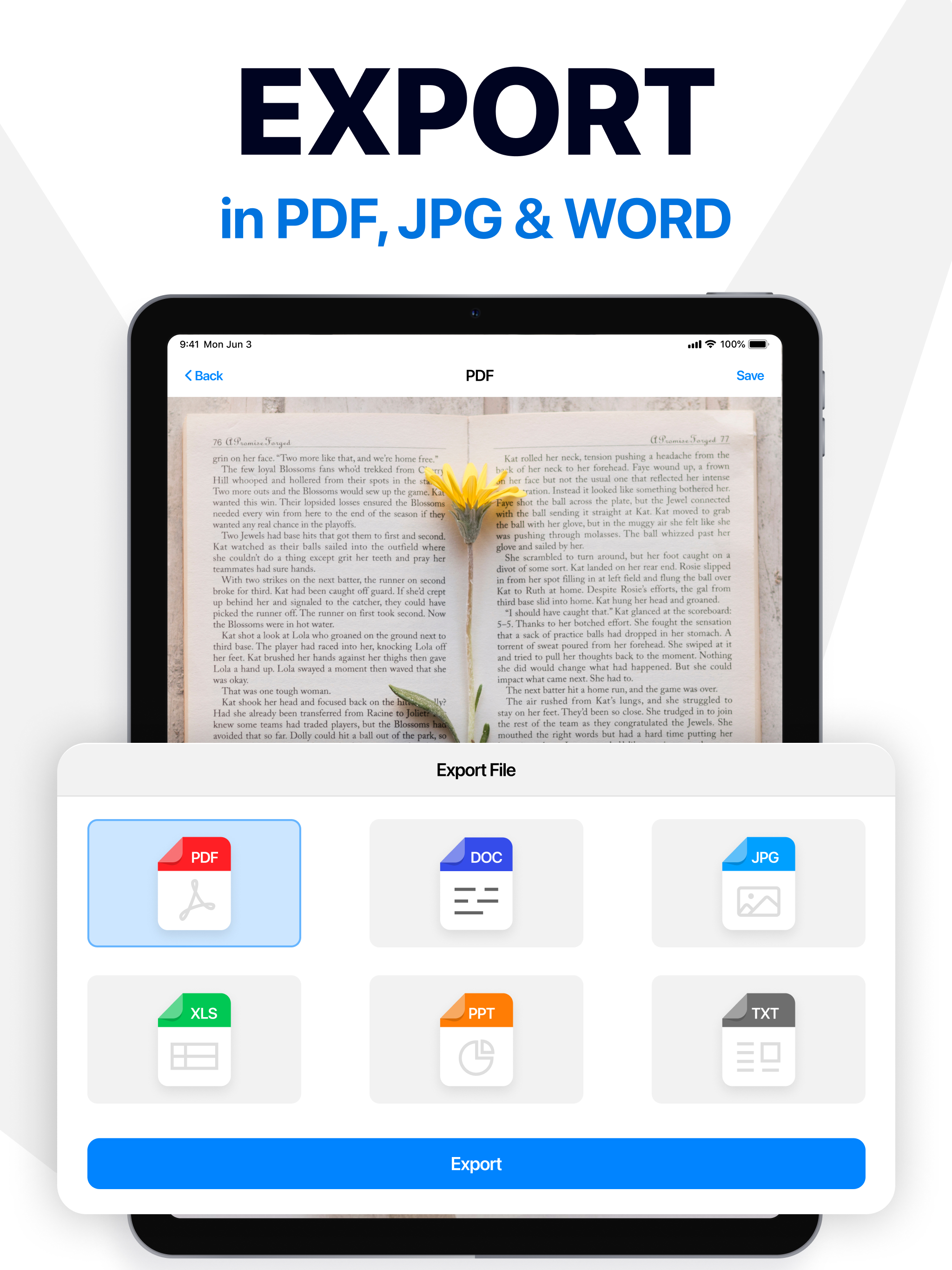
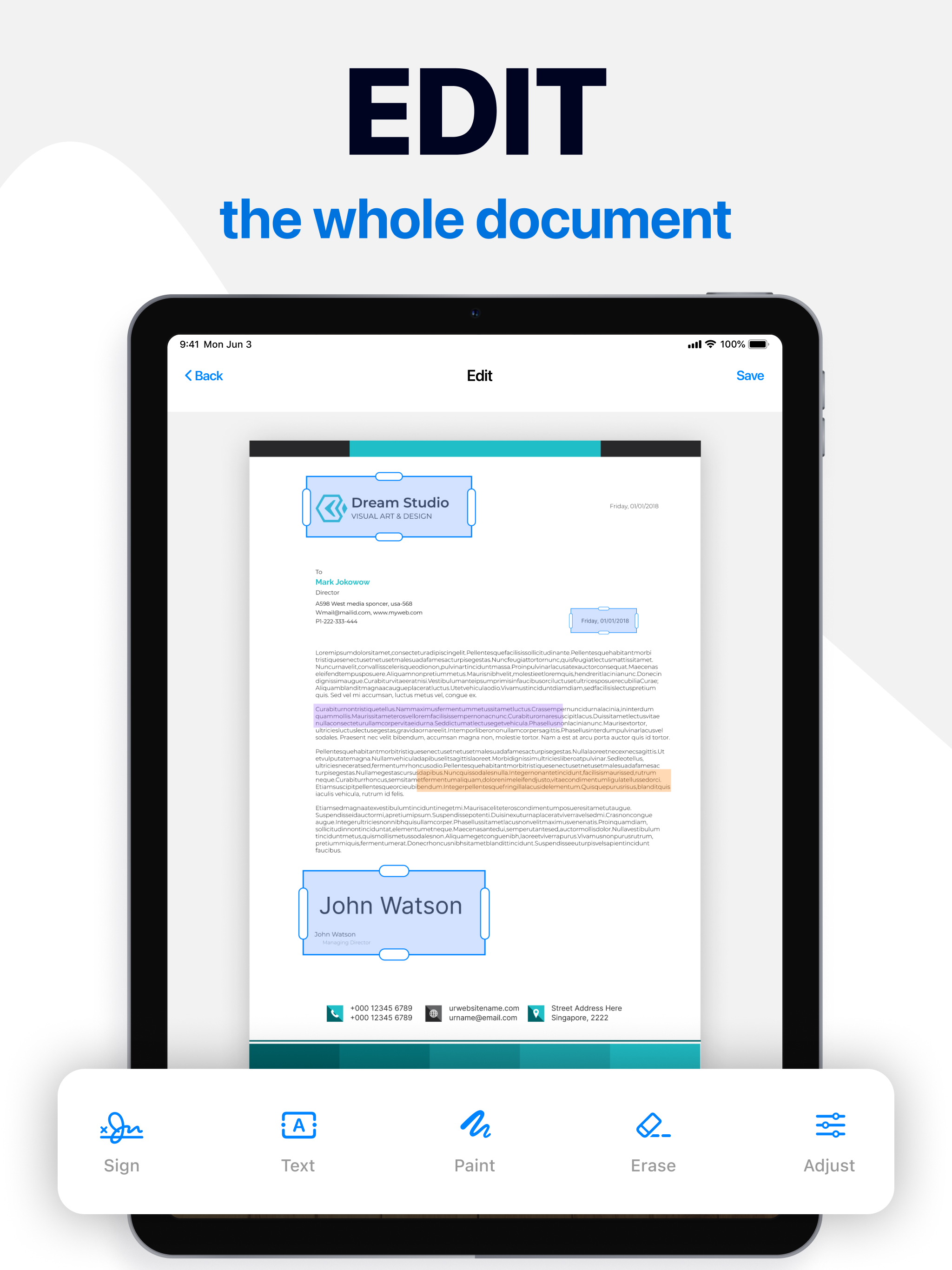
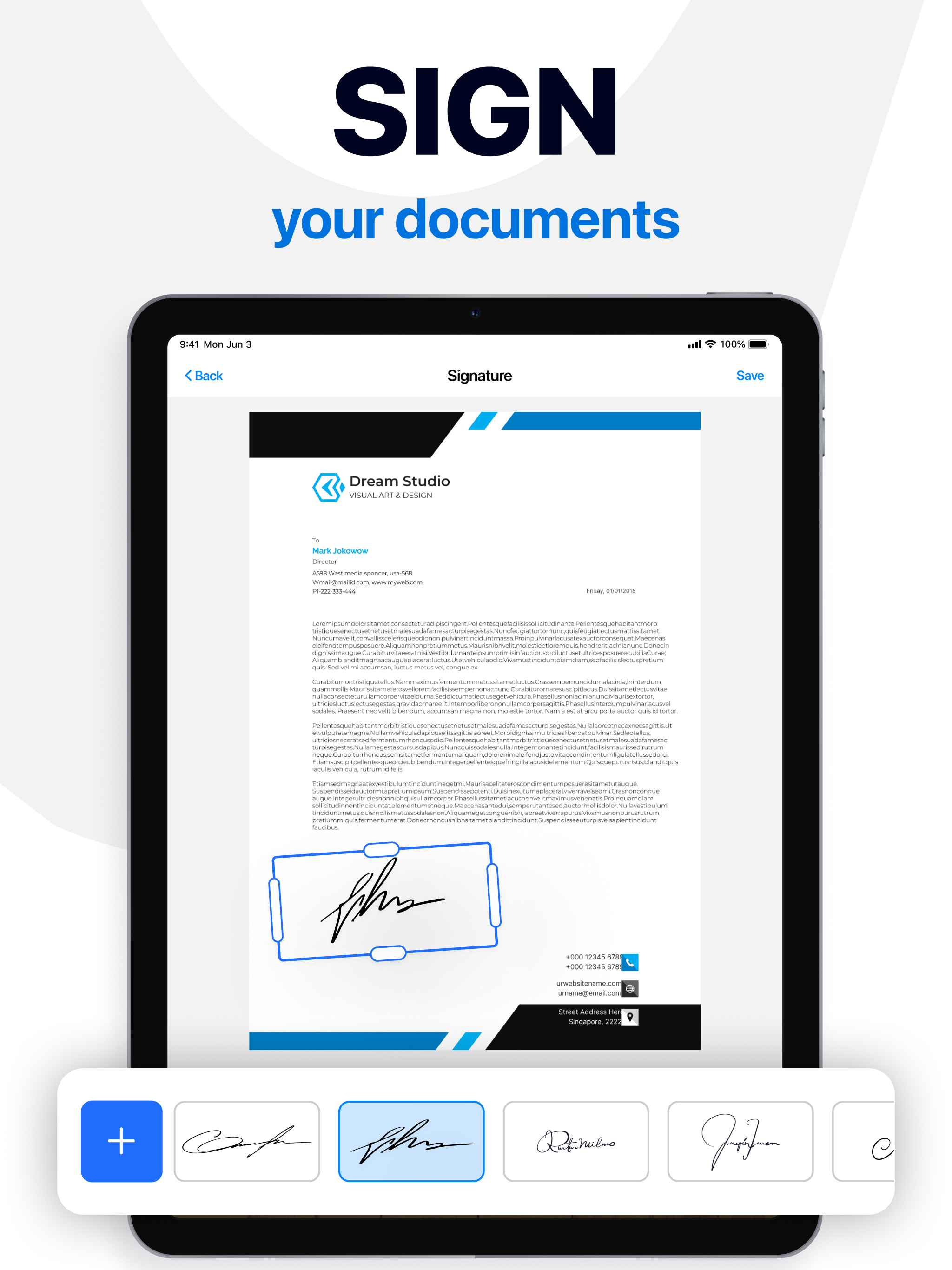
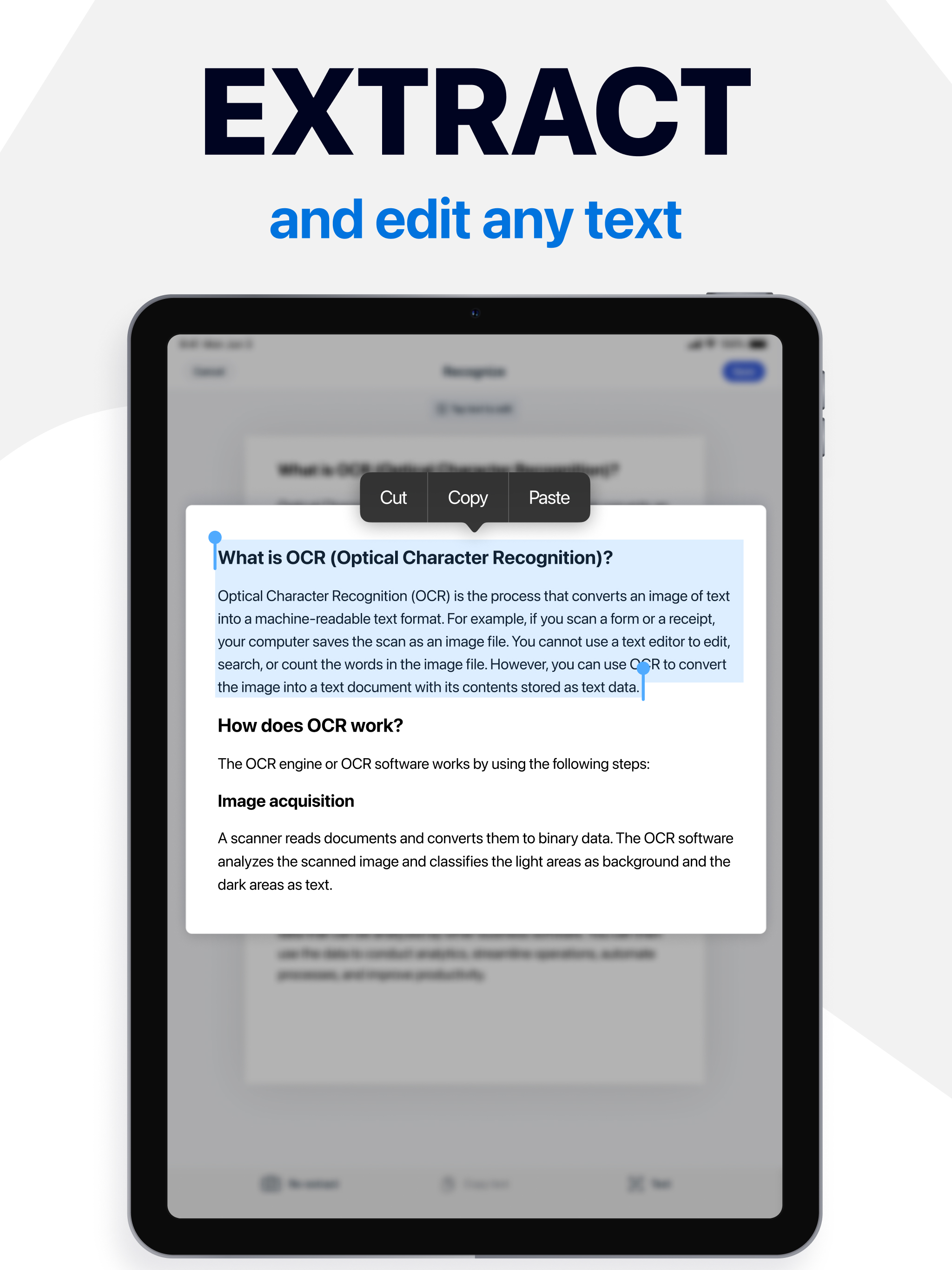
It isn’t always easy to manage your documents, but you can make it easier with this versatile app! Our smart document scanner will give you everything you need to save time and streamline your daily workflow, whether you need to scan documents, edit, or simply organize your files. Key App Features: - Quick doc scanner for various types of documents - Handy ID scanner and QR code reader - Flexible tools to add, edit, blur text, or remove text when needed - Drawing and color-highlighting parts of the document Scan and Edit With our instant PDF scanner, you can digitize pictures or documents and read QR codes in a matter of seconds using only your camera. Any scanned text can be edited right away, while image to text recognition technology ensures precision. Additional tools, such as an electronic signature maker, watermarks, and built-in fax sending, will make your documents look more personalized and professional — and easy to share without leaving the app. Adjust and Customize All your doc scans are stored in our PDF editor and can be changed as needed. Adjust the format, orientation, and other parameters. Remove or blur text to have full control over the content. The built-in AI assistant can help with text analysis and refinement, while voice notes will make the editing process more flexible. Personalize and Protect Add text and drawings to your docs, or highlight the information with color. These tools will make notes clearer, presentations more engaging, and shared files easier to understand. Password protection will keep the files and folders safe and let you worry less. From study notes and creative projects to work-related files, our app adapts to every situation. It’s more than just a document scanner — it’s an all-in-one solution that can replace multiple scanning apps and keep everything simple. Start today and discover a smarter way to scan, protect, or sign documents, manage files, and keep all your work and study materials organized! SUBSCRIPTION Subscribe and get right now: 1. AI text editing and analysis 2. Image-to-text recognition 3. Password protection 4. Built-in fax sending 5. Electronic signatures 6. Voice note recording Make your life easier with premium access: - Paid subscription is divided into 3 types: weekly, monthly and annual. - The cost of a weekly paid subscription is $9.99. Monthly - $16.99. Annual - $39.99. - The amount will be charged to your Apple ID account at confirmation of purchase. - You can cancel a subscription or trial period at any time, but no later than 24 hours before the end of the current period. OTHERWISE it will be automatically renewed. - Your account will be charged for renewal within 24-hours prior to the end of the current period. - After payment, you can manage your subscription and turn off auto-renewal in your account settings. - Any unused portion of the free period will be forfeited upon purchase of the subscription. - Please read our privacy policy and EULA https://appenvisions.com/privacy.html https://appenvisions.com/eula.html