Ratings & Reviews performance provides an overview of what users think of your app. Here are the key metrics to help you identify how your app is rated by users and how successful is your review management strategy.
 5.0
5.0
User reviews affect conversion to installs and app rating. Featured and helpful reviews are the first to be noticed by users and in case of no response can affect download rate.
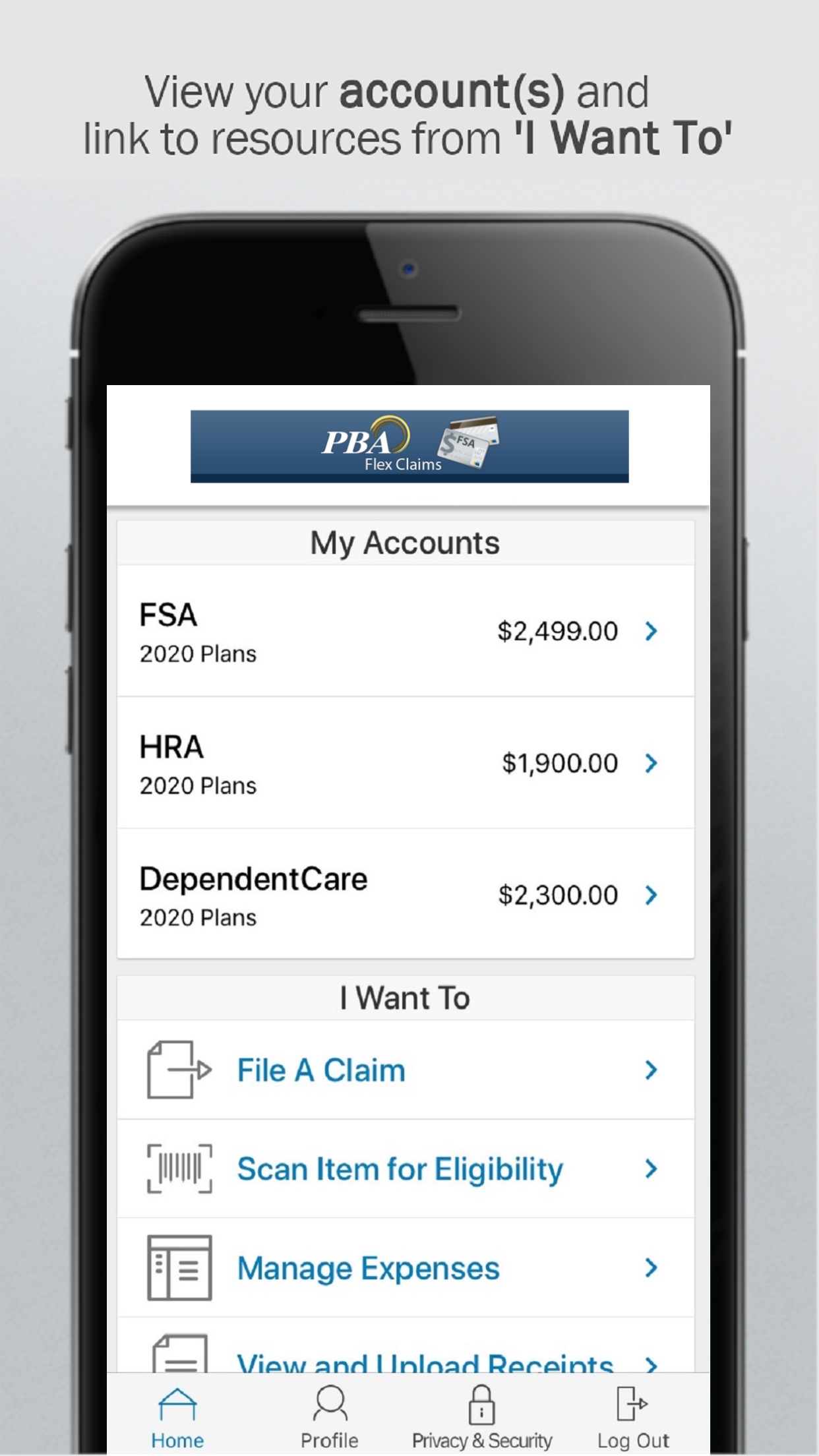
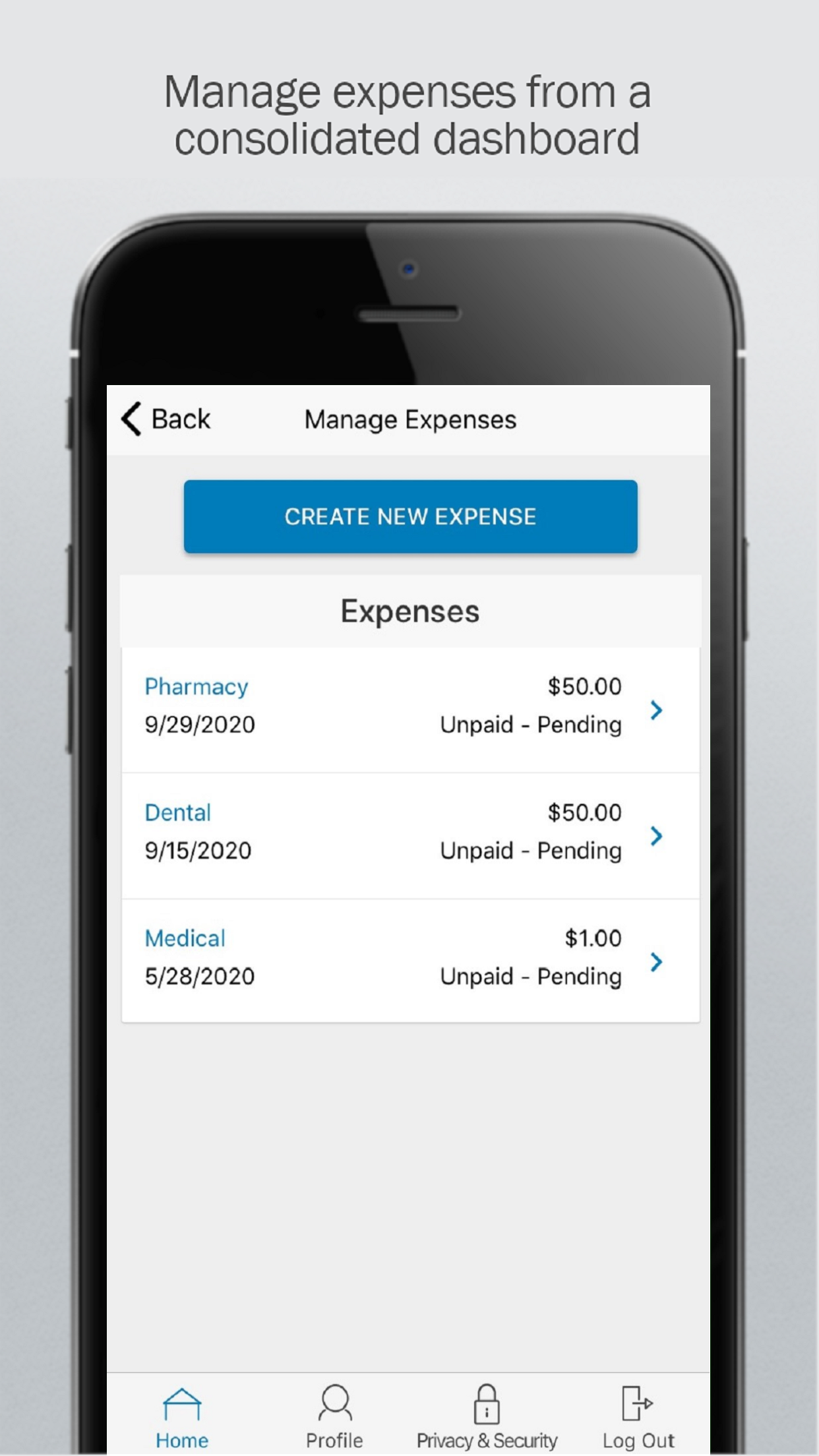
IMPORTANT PASSWORD SETUP INFORMATION For added security PBA Flex Claims doesn't use your PBA Benefits Portal username and password. To setup your mobile password: * Install the app and launch it on your mobile device. * Type your ID number from your PBA ID card into the username field. * Type your mobile validation code (first initial, last 4 digits of SSN, and 2 letter abbreviation for the state you live in) in the password field. * Follow the steps to setup your final mobile password and enter your security question and email address. If you need assistance with this app please contact PBA Mobile Support by phone or email at 1-800-435-5694 or mobilesupport@pbaclaims.com FEATURES AND TOOLS * View your account balances and details 24/7 * Submit claims * Submit receipts * View account activity. * View charts summarizing accounts * No sensitive account information is ever stored on your mobile device * View, contribute and distribute HSA transactions * Pay bills from any account and add a payee * Using the Dashboard, enter medical expense information and supporting documentation * Retrieve your forgot username/password * Report a debit card as lost or stolen For additional assistance, please utilize this YouTube video: https://youtu.be/FdDtmEw1eAA Powered by WEX Health®