Ratings & Reviews performance provides an overview of what users think of your app. Here are the key metrics to help you identify how your app is rated by users and how successful is your review management strategy.
 3.3
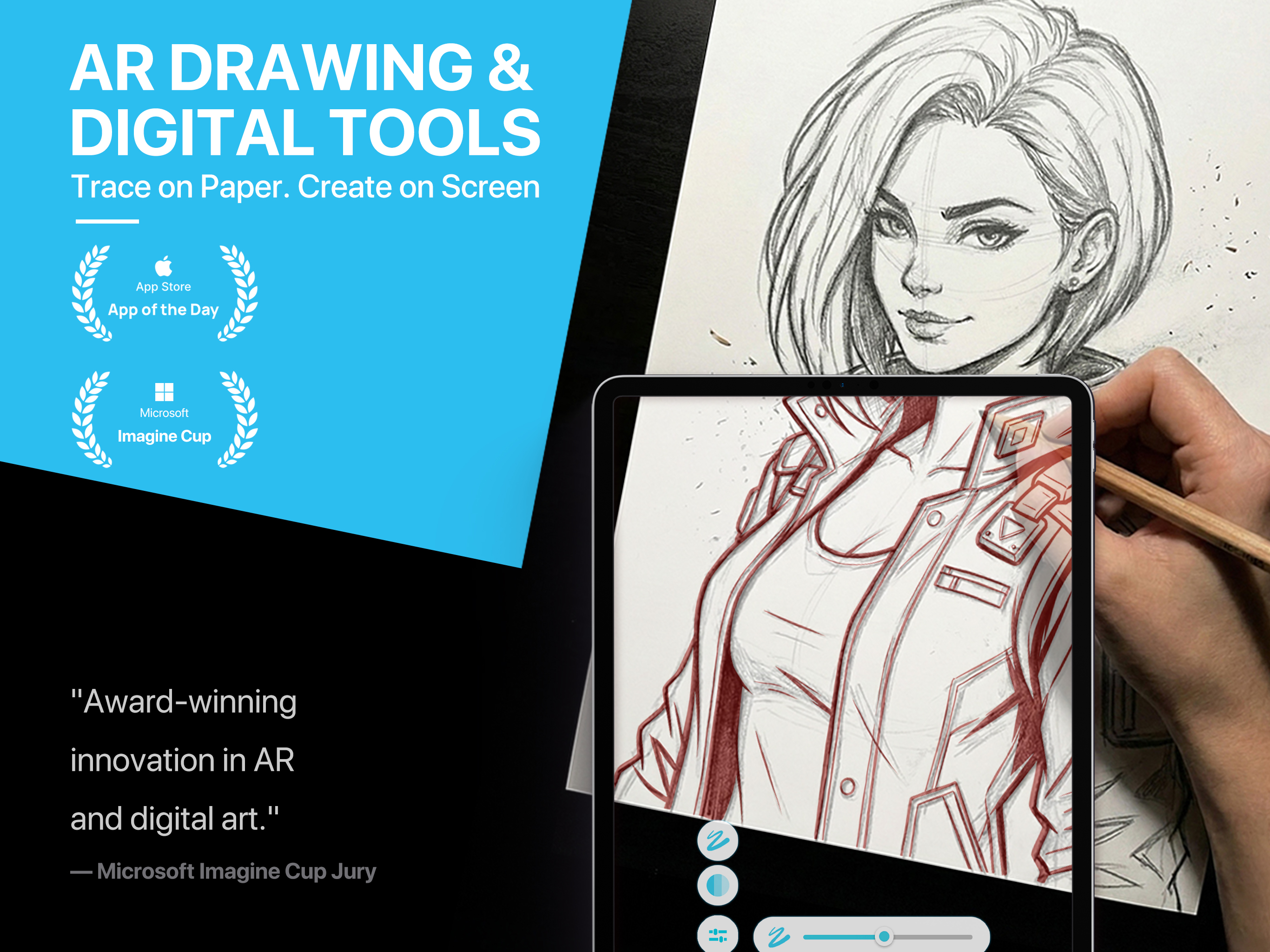
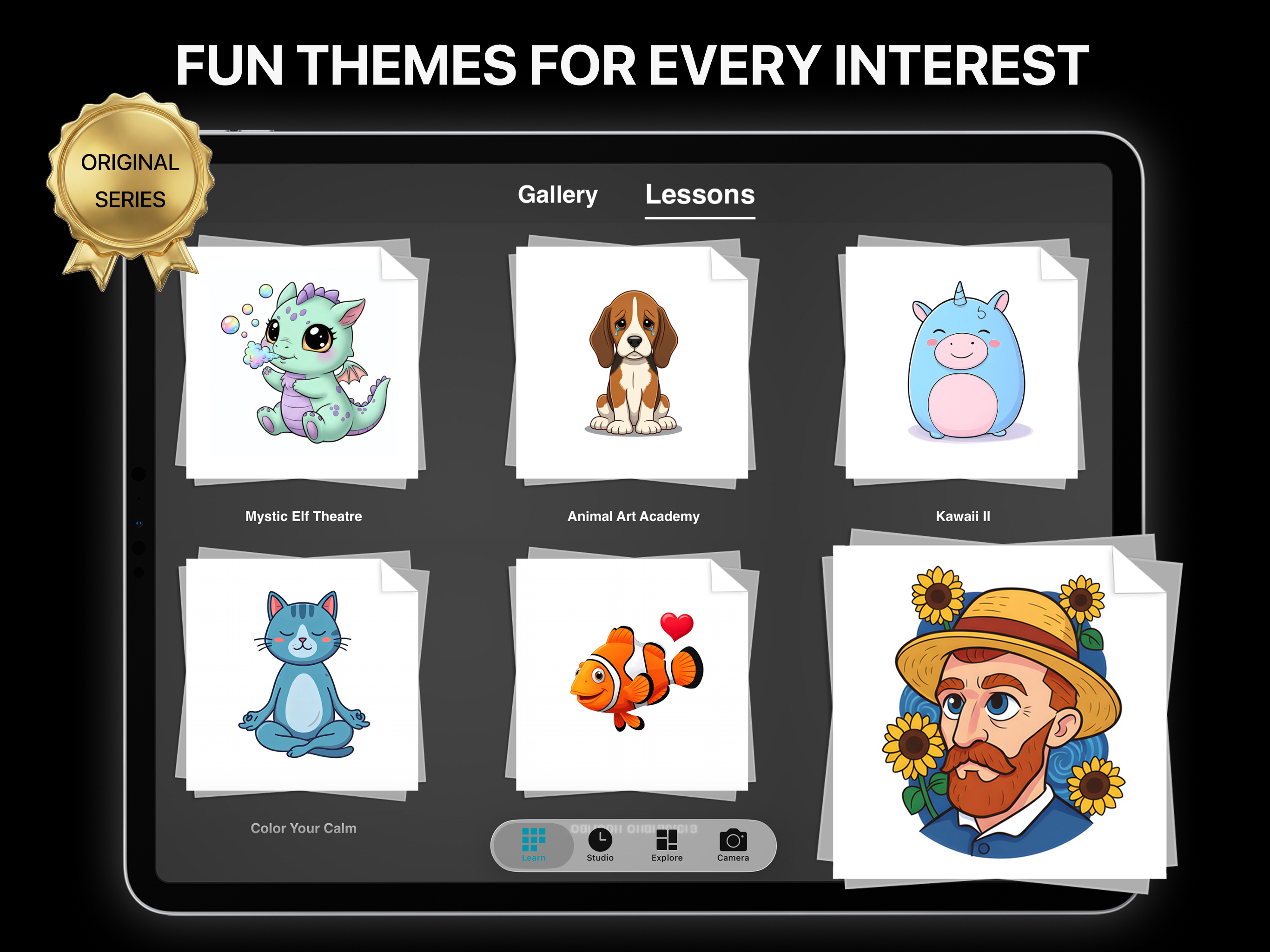
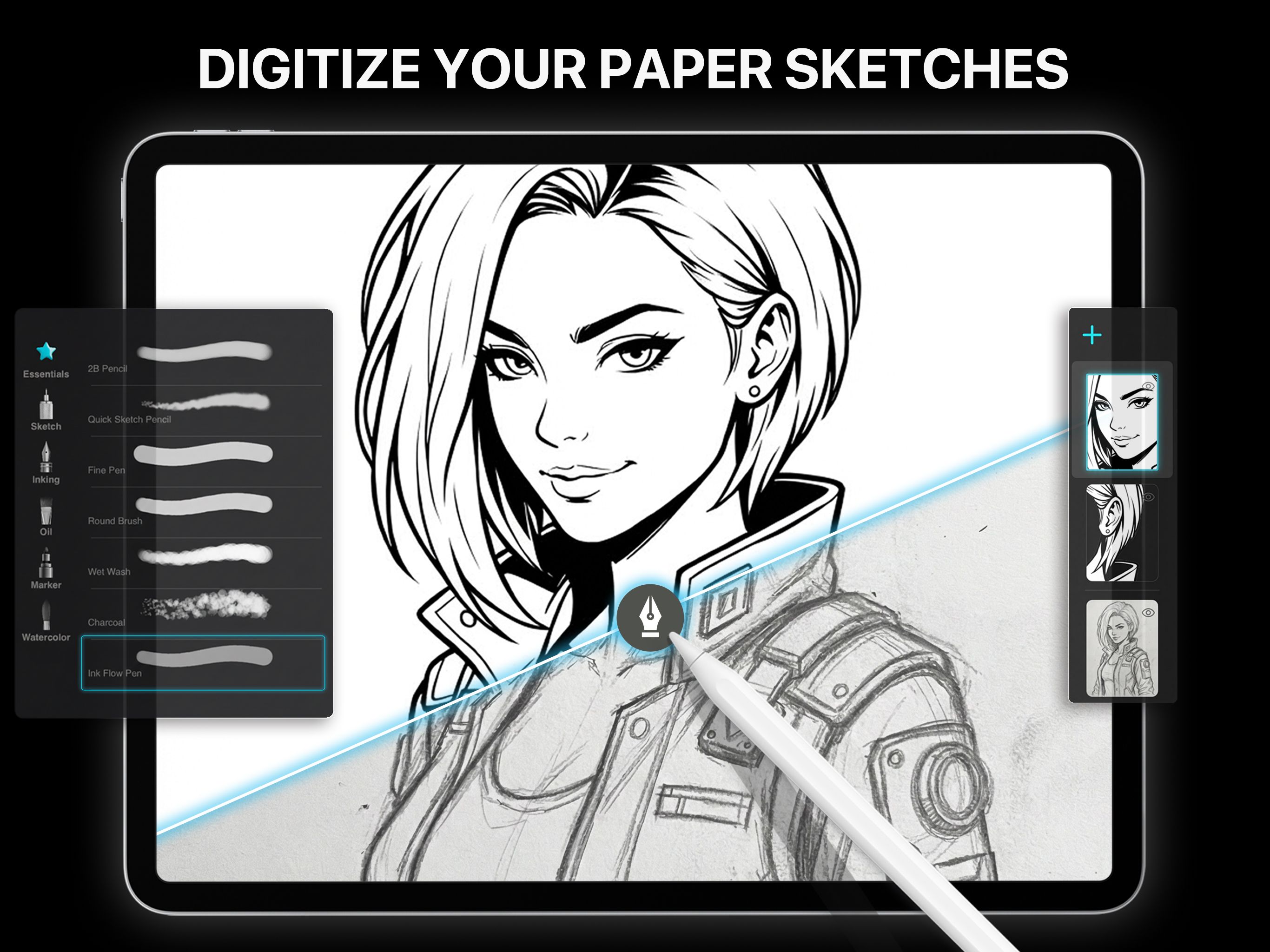
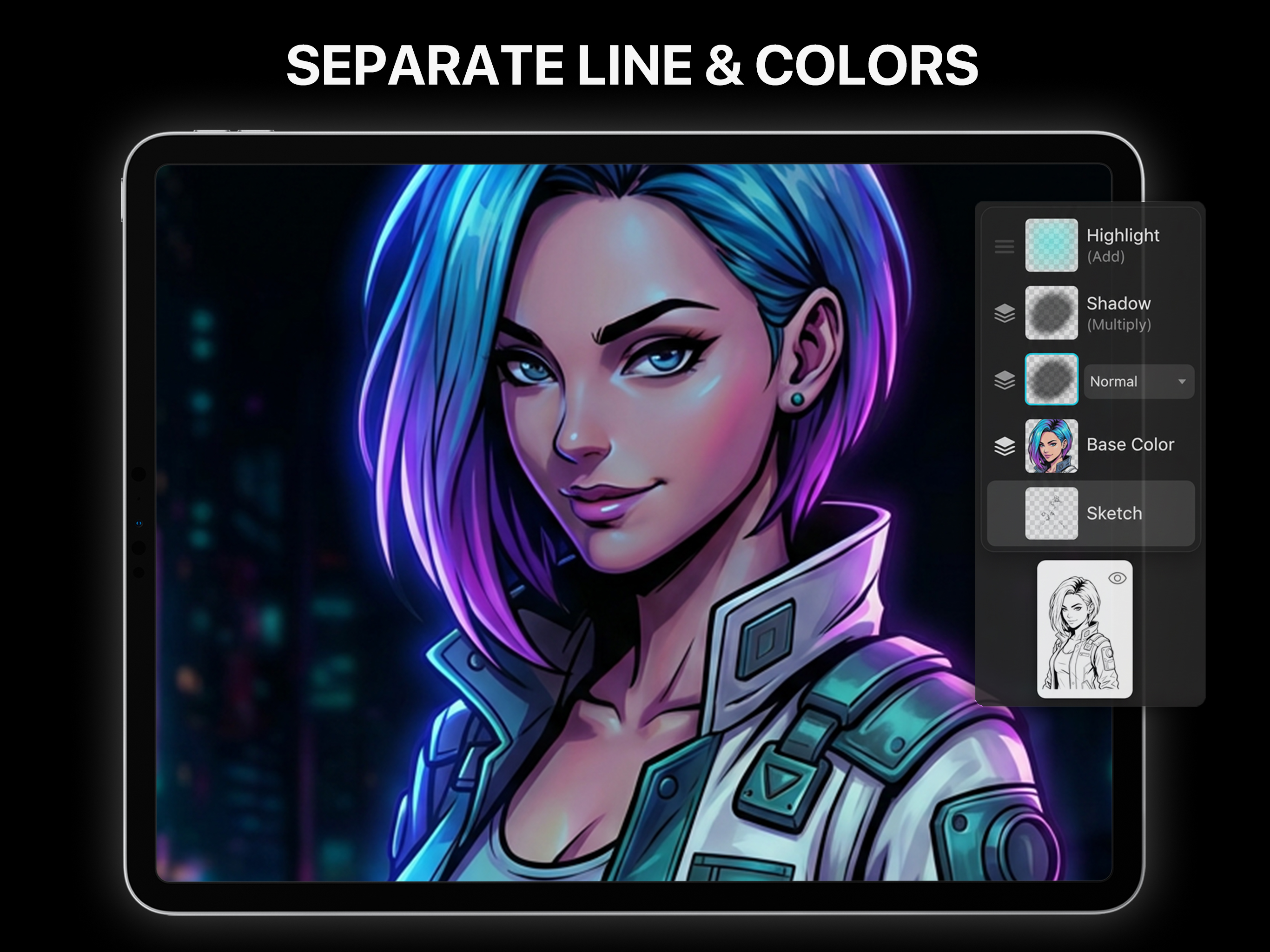
3.3Experience the ultimate "Paper-to-Digital" creative companion. Unlike simple tracing apps, PainterAR creates a complete loop from "Paper Sketch" to "Digital Art". Whether you are a beginner building confidence or a comic enthusiast pursuing professional results, you will find the perfect solution here. 【KEY FEATURES】 1. AR Drawing: Perfect Proportions Technology makes observation intuitive. • Stand Mode: Stable projection with zero latency. The ideal way for beginners to master hand-eye coordination. • Advanced AR Anchor Mode: Lock your virtual art to the paper by snapping a custom anchor (e.g., a doodle or card). Move your phone freely to check details without drift—ideal for easels or detailed desk work. • Smart Plane Detection: Instantly detects surfaces without markers. Start creating anywhere, anytime. 2. Digital Inking & Coloring Classic digital art workflow made easy. • Import & Inking: One-tap import of pencil sketches as a reference layer. • Pro Brush Library: 30+ selected brushes (pencils, ink pens, markers, etc.) for any style. 3. Infinite Layers System Modify without fear. • Professional Layering: Manage line art, base colors, and shadows on separate layers to keep even complex works organized. • Non-Destructive Workflow: Change color schemes anytime without ruining your original line art. 4. Curated Inspiration Library Quality over quantity. • Exclusive Originals: Explore themes from "Fantasy Props" to "Cat Girl" and "Mystic Elf Theatre". • Progressive Courses: From beginner "Playful Shape Friends" to advanced "Fan Art". Every lesson blends storytelling with skills, helping you create stylish art immediately. 【WHO IS IT FOR?】 • Comic Fans: Master the "Sketch -> Import -> Color" workflow. • Beginners: Use AR to fix proportions and build confidence. • Pros: Visual aid for anatomy and perspective. 【AWARDS】 ▶ Microsoft “Imagine Cup” – Top 3 ▶ 13th “Challenge Cup” – 1st Place ▶ 2nd “Internet+” Innovation Competition – 1st Place ▶ 4th College Innovation Competition – 1st Place Privacy Policy: http://mm4d.com/Privacy.aspx Terms of Use: http://mm4d.com/Terms.aspx Download PainterAR now. Turn your sketchbook into a digital studio! Contact: support@painterar.com