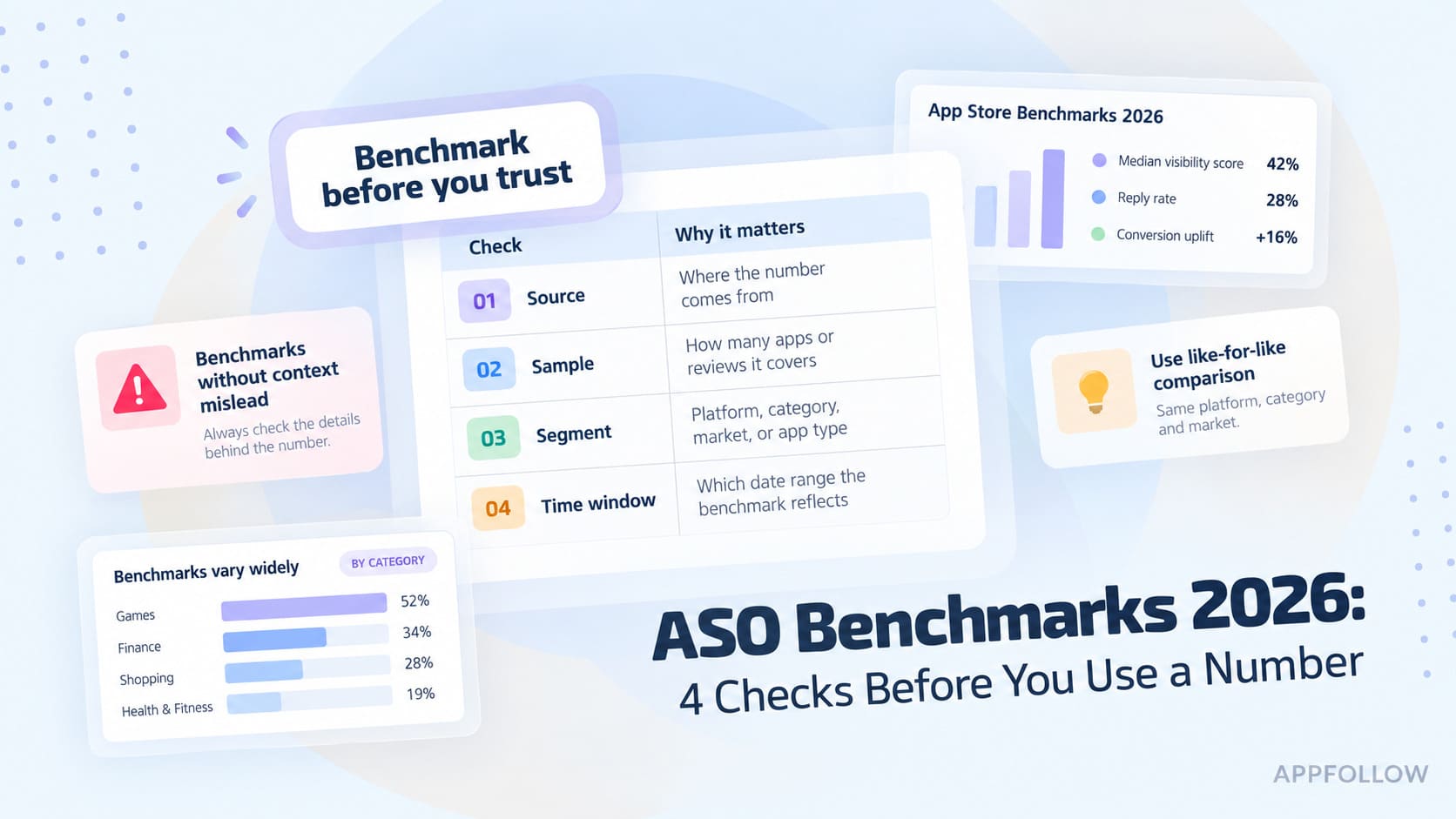
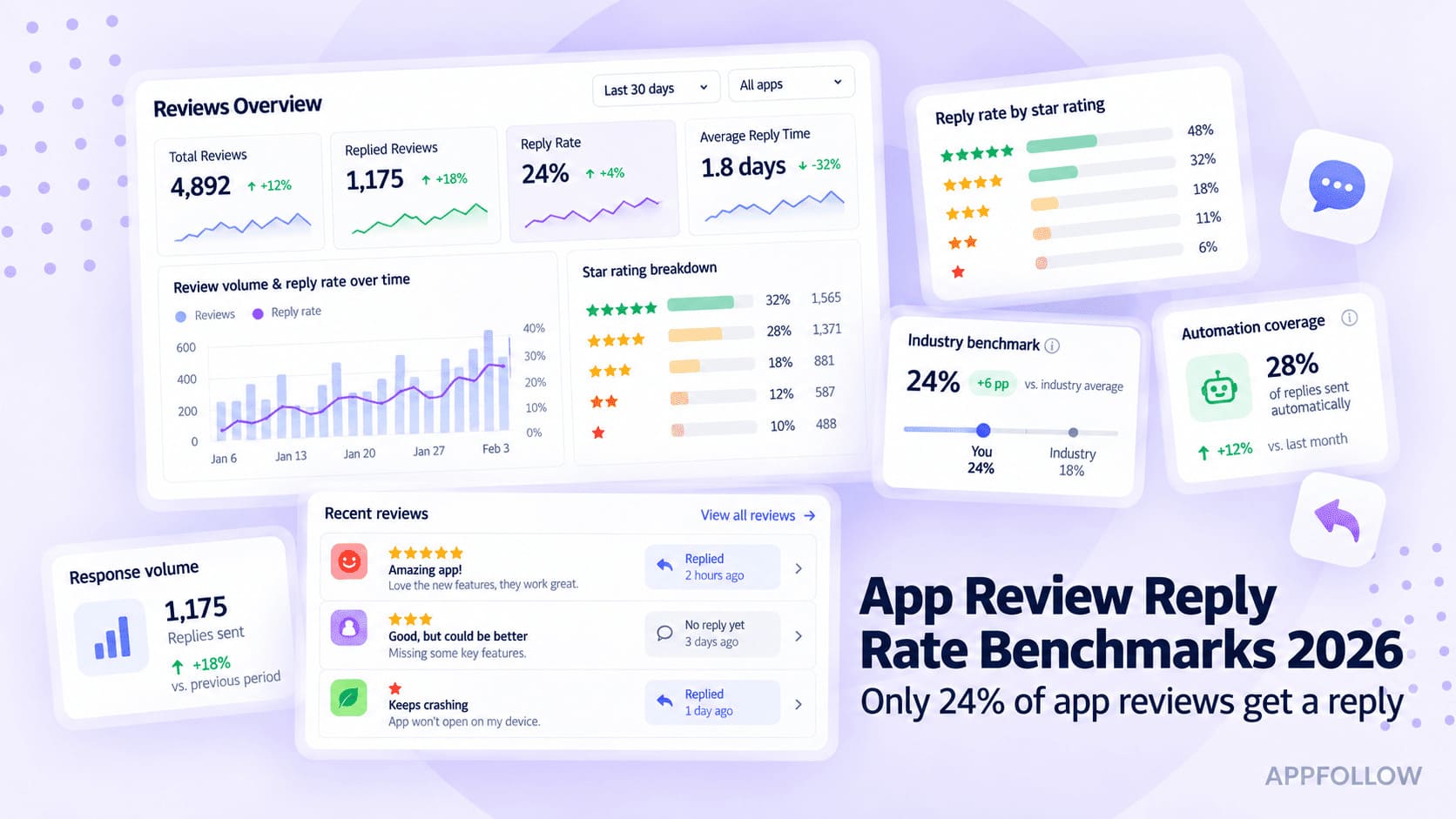
Ratings & Reviews performance provides an overview of what users think of your app. Here are the key metrics to help you identify how your app is rated by users and how successful is your review management strategy.
OSCE-Track is the mobile companion app to monitor practical medical examinations (especially OSCEs) where the students' performance is being registered using the iPad app OSCE-Eval. With OSCE-Track the exam administrators and other personal are able to keep track of the progress the examiners are making assessing their students. OSCE-Track also alerts administrators and exam personnel in cases where an examiner may be in need of help. OSCE-Track periodically checks the exam server for new backups made by the examiners using the OSCE-Eval iPad client. This means that to successfully monitor an exam, both OSCE-Track and OSCE-Eval must be configured to use the same storage credentials. Additionally, the examination must be run in a setting that provides a working Wi-Fi Internet connection. See our support page for detailed instructions on how to set up both OSCE-Track and OSCE-Eval to monitor your first medical examination. # OSCE-Track offers the following features: - Monitor the progress of an OSCE examination. - Receive alerts when examiners haven't been updating their exam files regularly (e.g. within 5 minutes, within 10 minutes). - Backup the entire examination data using only your iPhone, iPad or iPod touch. - Sync with iTunes to transfer backups from your mobile device to your desktop or laptop. - Generate and view spreadsheet reports of the examination files. - Supports on-device decryption of the examination results. - Supports multiple languages (English, French, German).