Ratings & Reviews performance provides an overview of what users think of your app. Here are the key metrics to help you identify how your app is rated by users and how successful is your review management strategy.
 4.4
4.4
User reviews affect conversion to installs and app rating. Featured and helpful reviews are the first to be noticed by users and in case of no response can affect download rate.
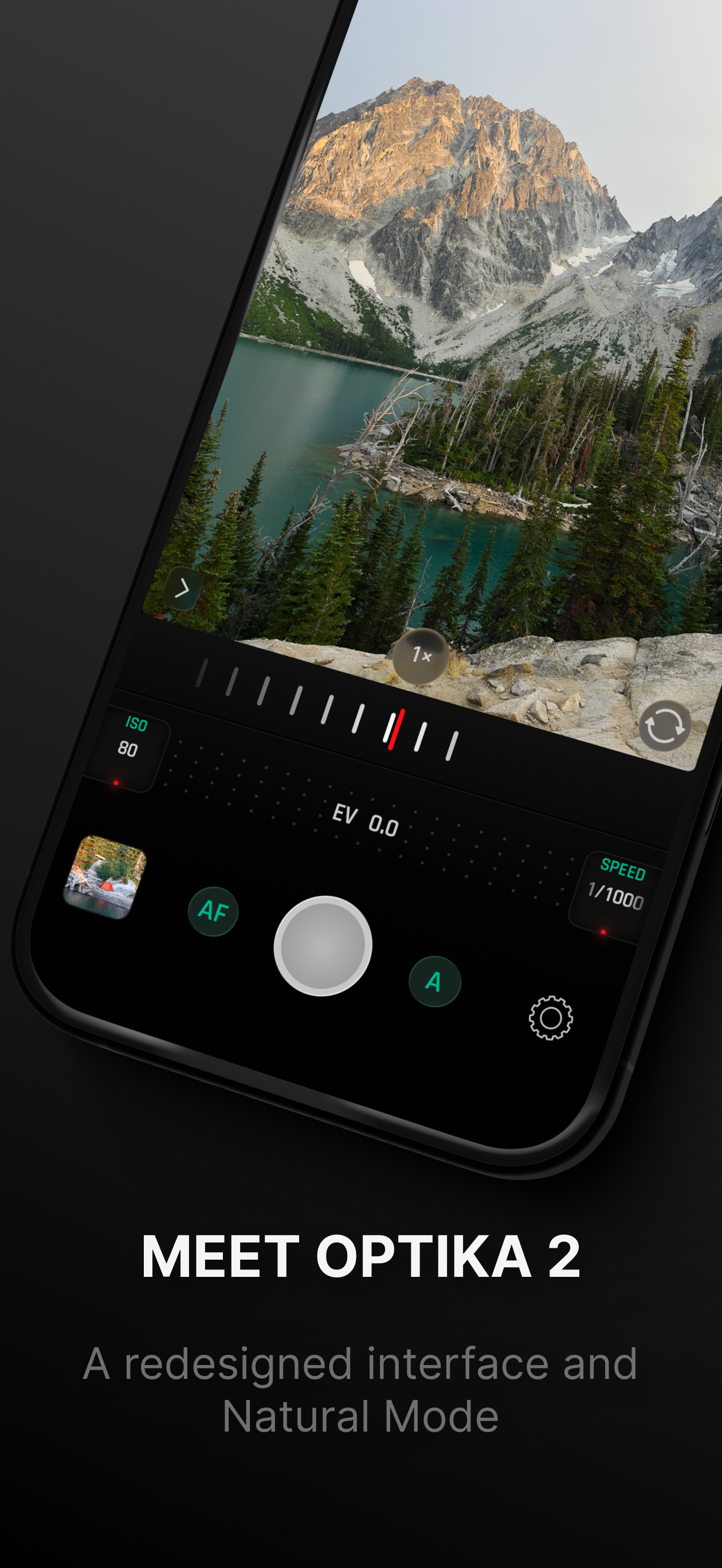
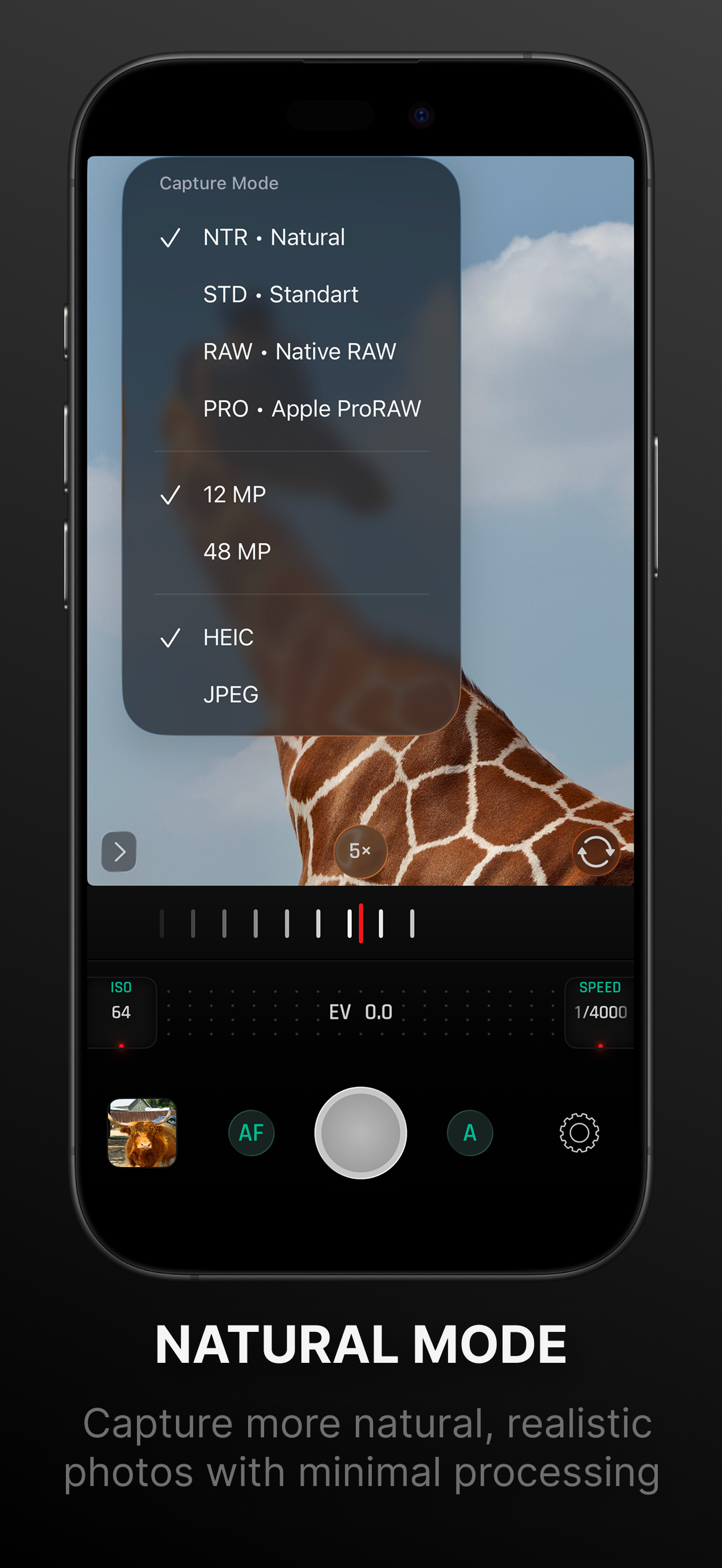
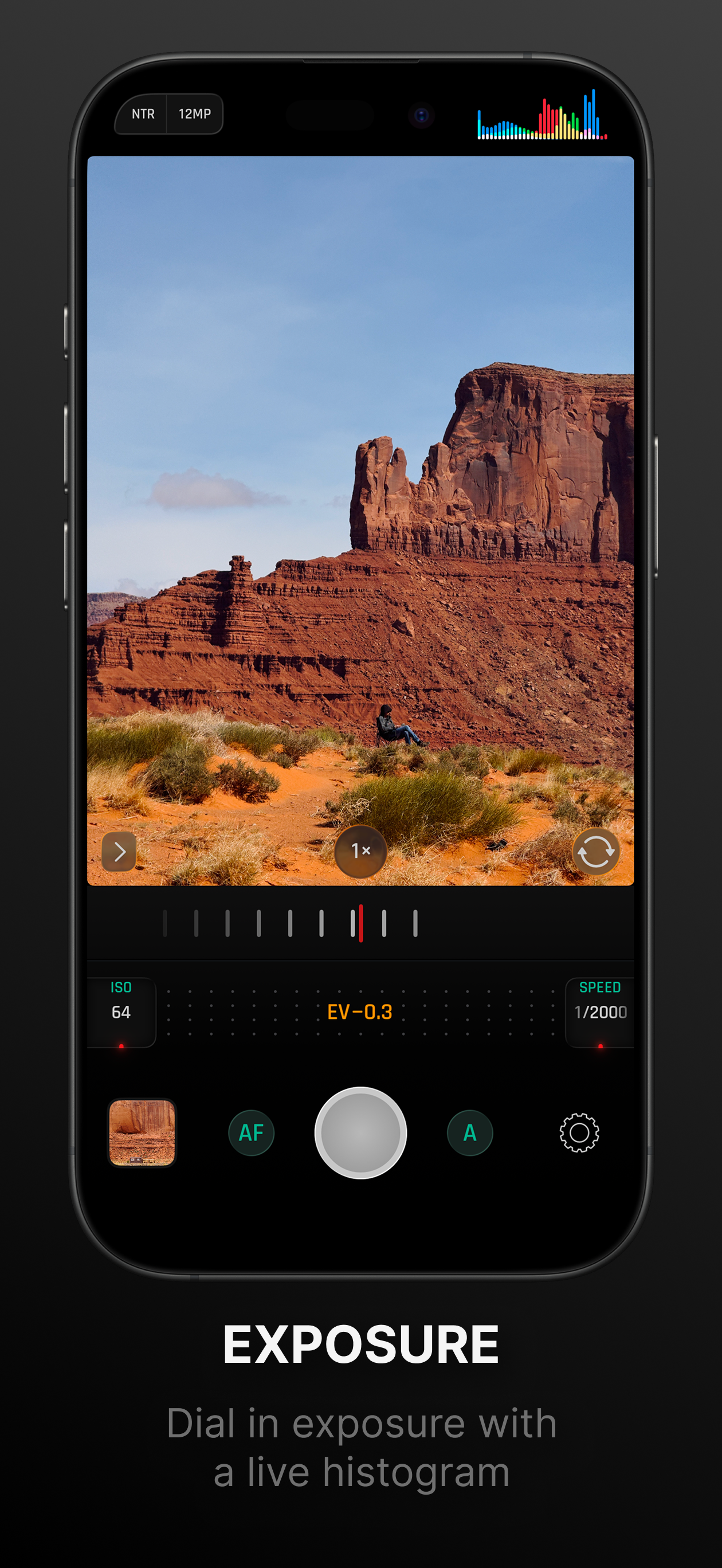
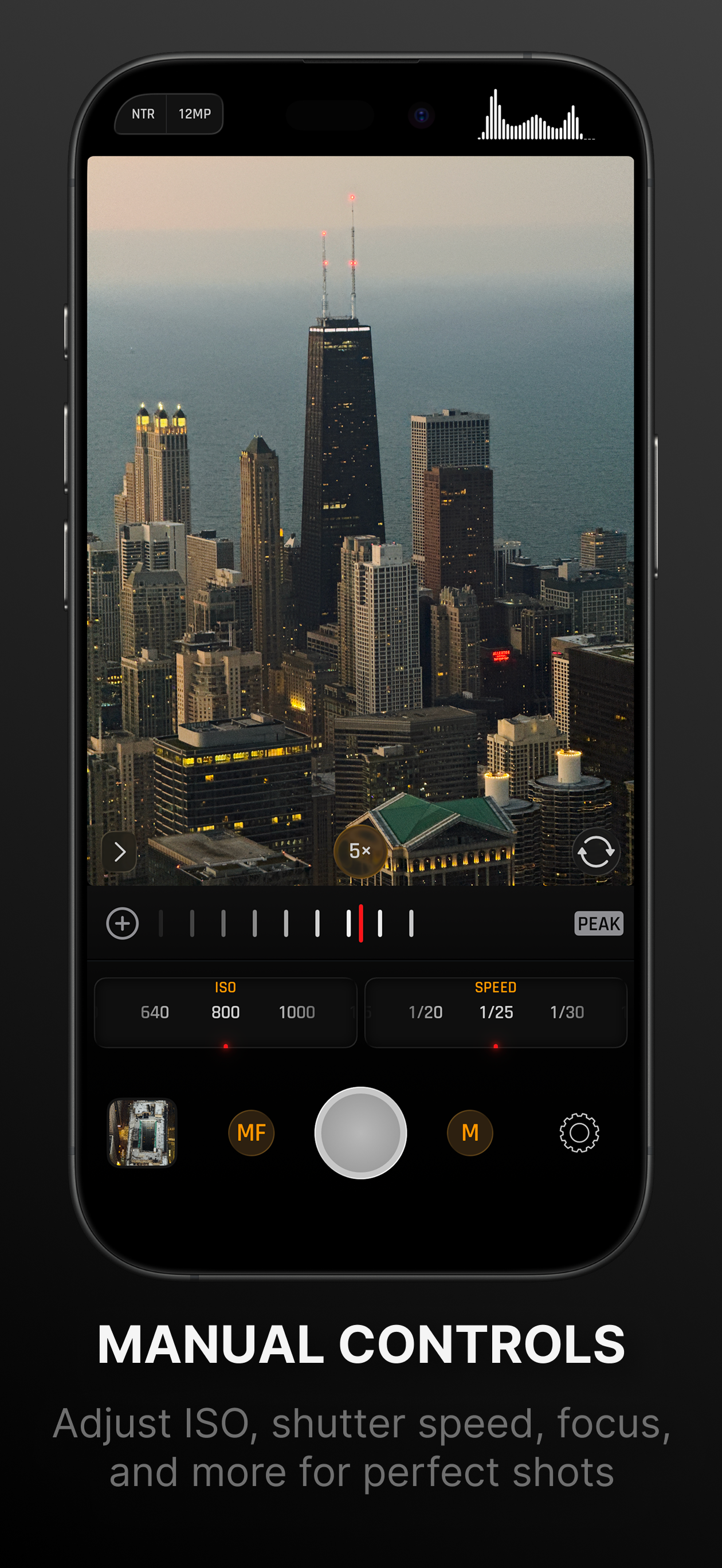
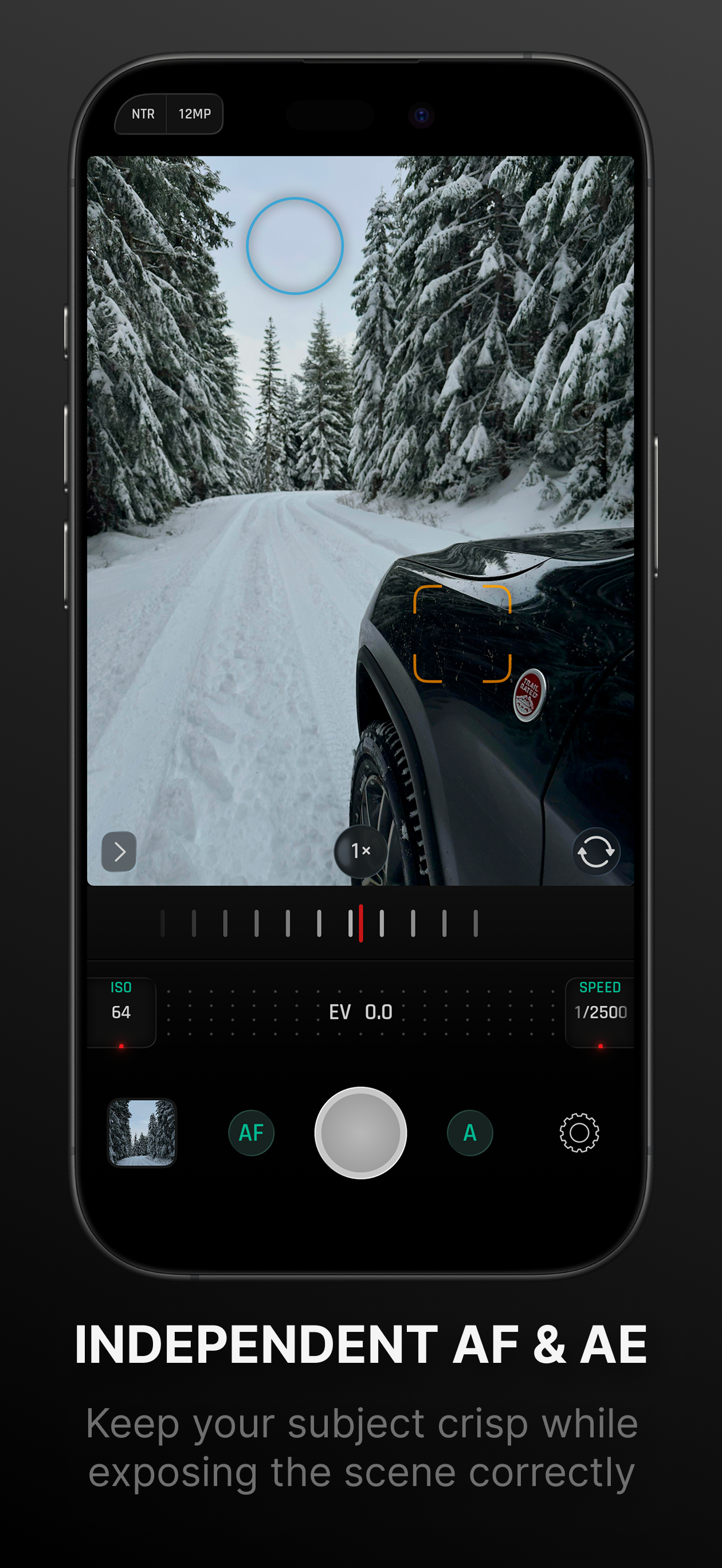
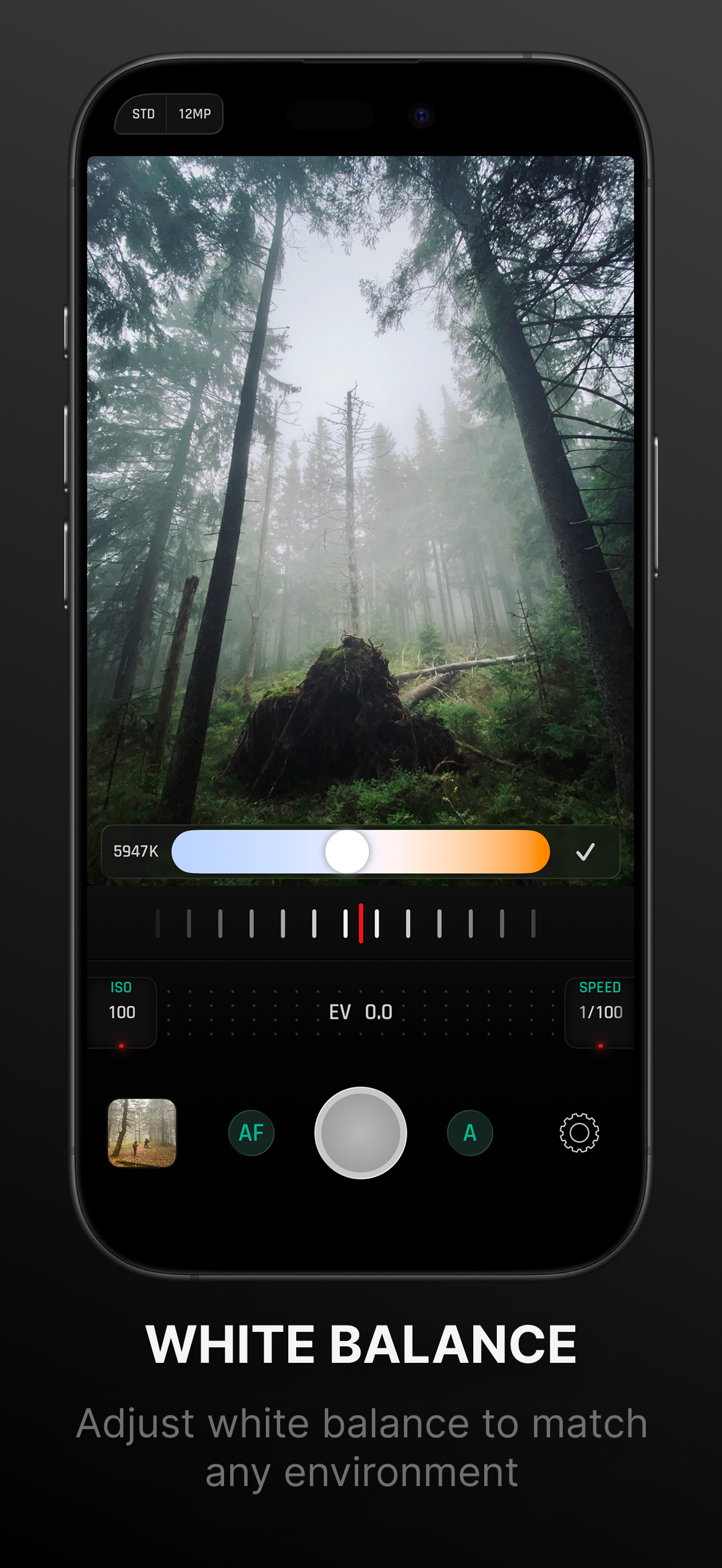
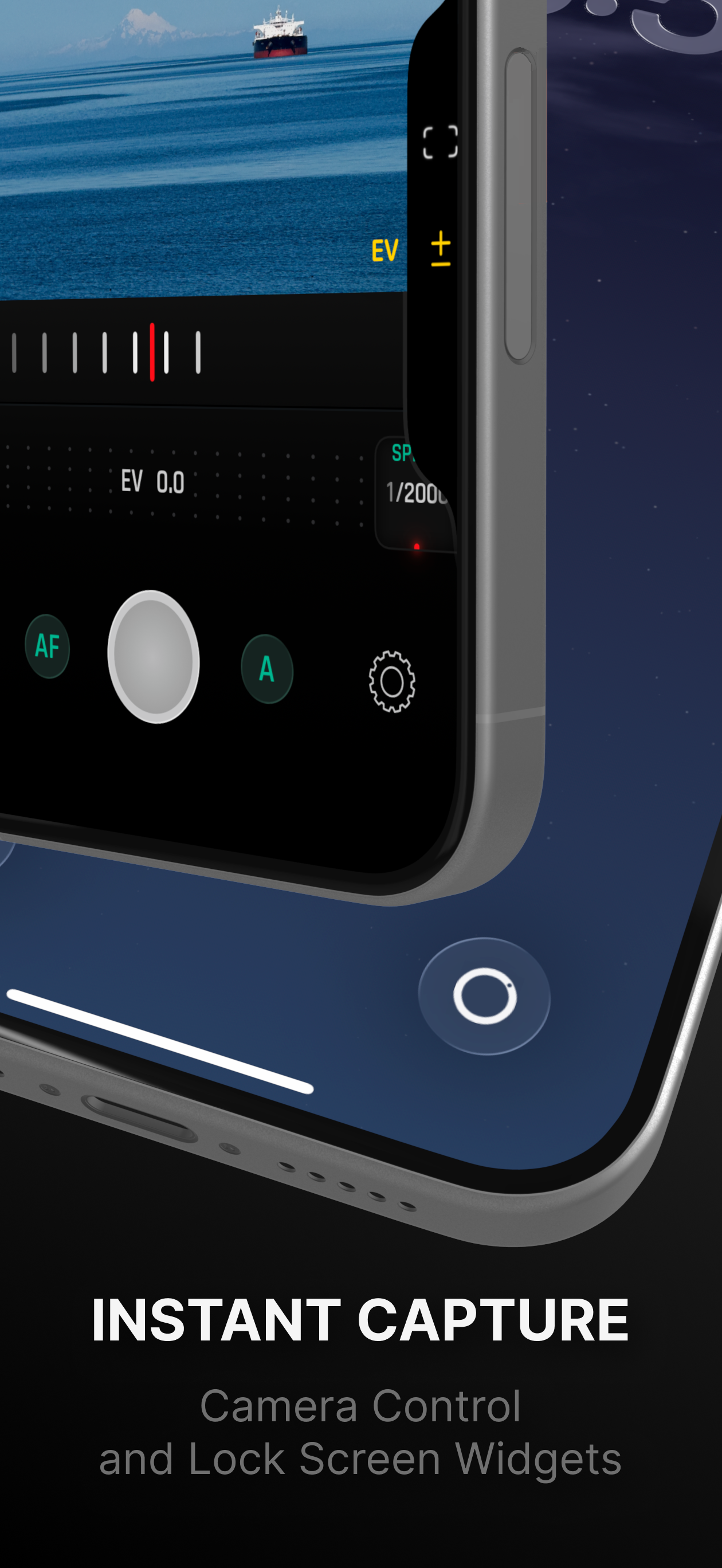
Take back control of your photography. Optika combines a streamlined, intuitive interface with pro-grade manual tools, designed specifically to bypass the over-processed look of modern smartphones. Featuring Natural (NTR) Mode, Optika allows you to capture life as it actually looks – delivering realistic colors and textures with minimal post-processing for a truly authentic aesthetic. Total Manual Mastery - Manual Focus: Includes Focus Peaking and Loupe for razor-sharp accuracy. - Shutter Speed & ISO: Command your exposure for motion blur or low-light clarity. - White Balance: Custom presets and Kelvin adjustment for perfect tones. - True Lens Switching: Unlike the default camera app, Optika stays on the lens you choose. No more unexpected switching to the main lens in low light—just pure optical performance. - Exposure Compensation (EV): Quickly dial in your brightness on the fly. Features for Every Workflow - Advanced Formats: Shoot in JPEG, HEIC, RAW, and ProRAW. - Focus & Exposure Separation: Tap to set focus and exposure points independently. - Live Analytics: Monitor your shot with luminance and RGB Histograms. - Composition Tools: Stay level and centered with built-in grids and horizon levels. - Seamless Integration: Quick-access Lock Screen/Home Screen widgets and full Camera Control support. - Privacy First: Your data and photos stay yours. No tracking, no hidden uploads. And all of this in just ≈6MB. *Note: On non-Pro devices, Natural Mode results may vary from Pro models due to system limitations. Terms of Use: https://www.apple.com/legal/internet-services/itunes/dev/stdeula/