Ratings & Reviews performance provides an overview of what users think of your app. Here are the key metrics to help you identify how your app is rated by users and how successful is your review management strategy.
 4.6
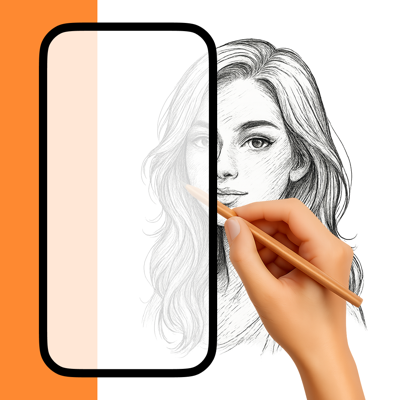
4.6NiBoard makes drawing simple and fun for everyone—kids and adults alike. Whether you’re an artist, student, teacher, or just love to doodle, NiBoard lets you draw quickly and easily. Enjoy a clean, easy-to-use drawing pad that works great with Apple Pencil. Why You’ll Love NiBoard • Fast & Easy Drawing: Draw freehand quickly—just like using paper and pen. • For Kids & Adults: A simple app that’s perfect for family fun and creative drawing. • Apple Pencil Support: Draw with your finger, Apple Pencil, or both for precise control. • Clean, Minimal Interface: Focus on your creativity without distractions. Key Features • Freehand Drawing: Enjoy intuitive, natural drawing. • 7 Preset Colors: Choose from a vibrant set of colors. • Easy Editing: Use Undo/Redo, Eraser, and Zoom for quick fixes and detailed work. • Save & Share: Easily save your drawings or share them with friends. • Dark Mode: Enjoy a comfortable drawing experience in any lighting. • Infinite Canvas: Draw without limits on an expandable canvas. • More Tools: Use five additional tools — Line, Arrow, Ellipse, Rectangle, and Text. • Custom Colors: Create your own color palette with the full color picker. • Guided Drawing: Use Grid, Lined, and Dotted styles for cleaner sketches and notes. • Autosave: Your work is saved automatically. A subscription is required to unlock full access to the app. Terms of Service https://www.apple.com/legal/internet-services/itunes/dev/stdeula/