


Ratings & Reviews performance provides an overview of what users think of your app. Here are the key metrics to help you identify how your app is rated by users and how successful is your review management strategy.
 4.3
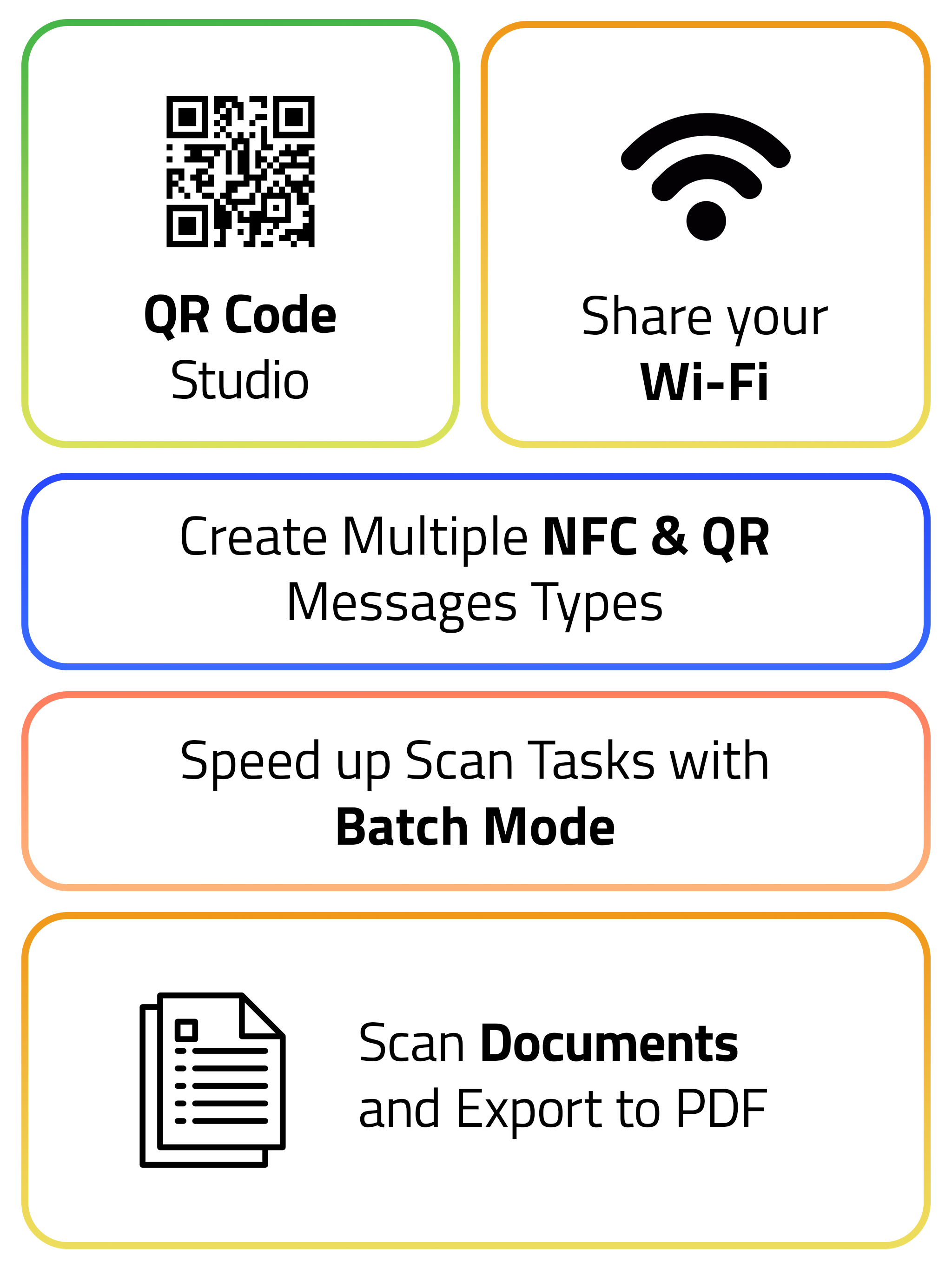
4.3Read and write NFC tags, scan and create QR codes, digitize documents, and capture 3D models—all in one app trusted by over 9 million users. NFC READING & WRITING Read any NFC tag to see web links, Wi-Fi credentials, business cards, phone numbers, locations, payment links, social profiles, and more. Write your own tags with messages that open apps, trigger shortcuts, or connect directly to services like WhatsApp, Instagram, Spotify, and payment apps. Create 25 message types including: Web links, text, business cards, phone numbers, SMS, email, Wi-Fi, locations, calendar events, iOS Shortcuts, FaceTime, social media (Instagram, LinkedIn, Reddit, Snapchat, Spotify, Telegram, TikTok, Twitch, WhatsApp, X/Twitter, YouTube), payments (Cash App, PayPal, Venmo), and Google Review links. Advanced NFC Tools: • NFC Safe: Store encrypted secrets on tags with 256-bit AES encryption • Expert Mode: Format tags, set passwords, lock tags permanently, analyze memory structure • OpenPrintTag: Store 3D printing filament information directly on spools for automatic material detection • Batch Operations: Write multiple tags sequentially, import from CSV/Excel files • Custom Commands: Send raw hex commands for advanced tag manipulation QR CODE & BARCODE SCANNER Scan any QR code or barcode with batch mode support. Detect QR codes in photos from your library using the share extension. Create custom QR codes for all the same message types as NFC (25 types including payments, social media, and calendar events). Design QR codes with your own colors, logos, and Genmoji. Add QR codes to home screen widgets for instant sharing. Supported formats: QR, Aztec, Code128, Code39, Code93, EAN13, EAN8, PDF417, DataMatrix, and 15 other barcode types. DOCUMENT SCANNER Capture documents with automatic edge detection and on-device OCR. Import existing images from your photo library or files. Save as searchable PDFs that you can find later with full-text search. Export to iCloud or share directly. 3D OBJECT & ROOM SCANNER Scan objects and transform them into 3D models using photogrammetry. Scan rooms with LiDAR to generate floor plans with automatic detection of doors, windows, and furniture. Measure dimensions and calculate floor area. Export in multiple formats for 3D printing and CAD applications. Requires: iPhone with LiDAR sensor (iPhone 12 Pro and newer) AUTOMATION & INTEGRATION • Webhooks: Send scan data to your server for inventory systems, automation workflows, or custom integrations • iOS Shortcuts: Launch scans via Siri, access scan history, write tags through automation • Widgets: Quick-launch scanning from home screen, lock screen, or Control Center • Auto-Actions: Automatically open links, run shortcuts, play audio, or trigger text-to-speech when scanning tags CUSTOMIZATION Choose from multiple app themes and icons. Customize text-to-speech voices in 40 languages. Unlock achievements as you explore features through Game Center integration. Note: NFC functionality requires iPhone 7 or newer. iPhones read NFC but not all RFID frequencies. Terms of Use: https://www.apple.com/legal/internet-services/itunes/dev/stdeula/






![How to measure customer sentiment for app reviews [7 metrics]](https://cdn.appfollow.io/blog/static/appfollow_1335e02d-b0b3-49f7-9eb6-94171dc7e379.jpg)