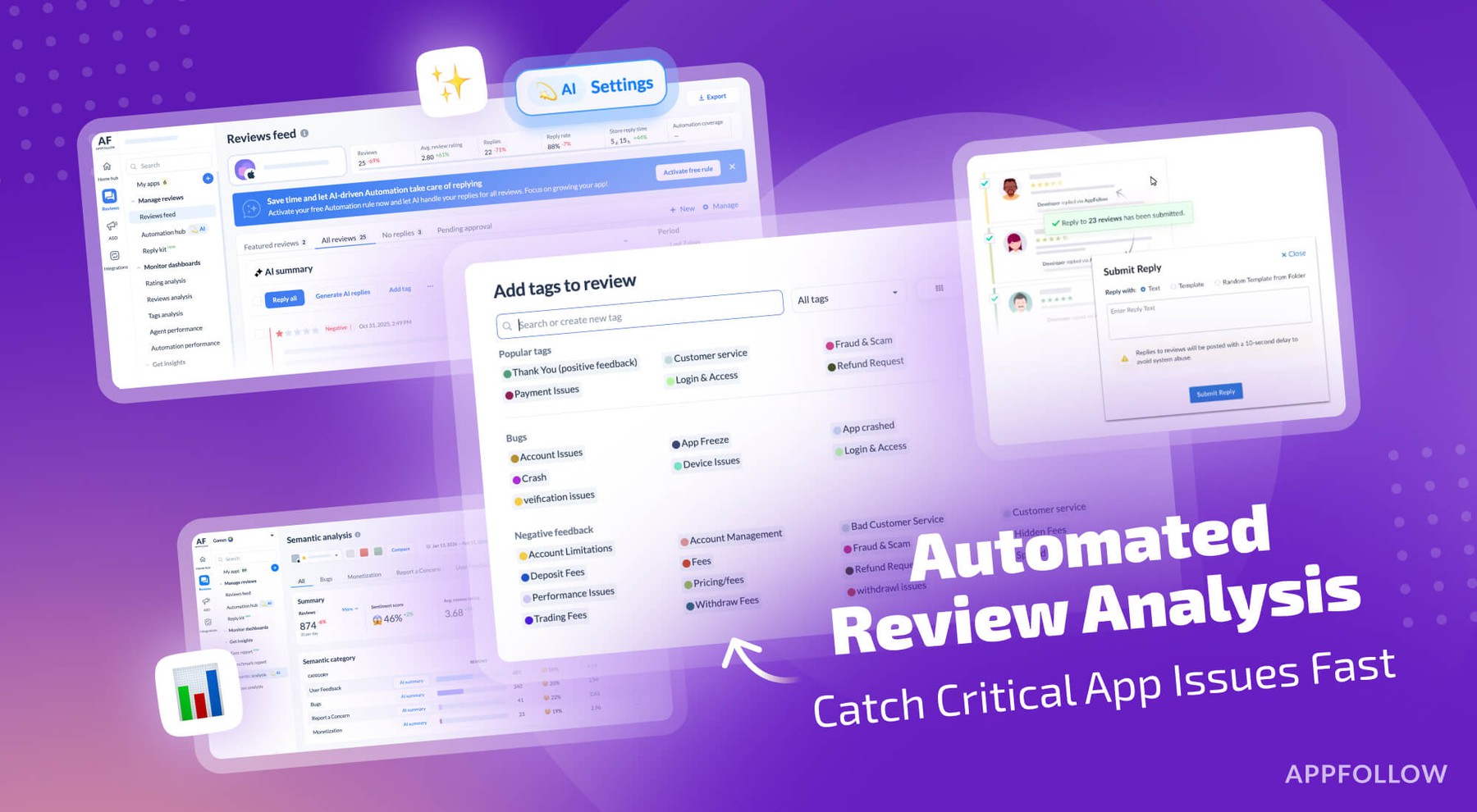
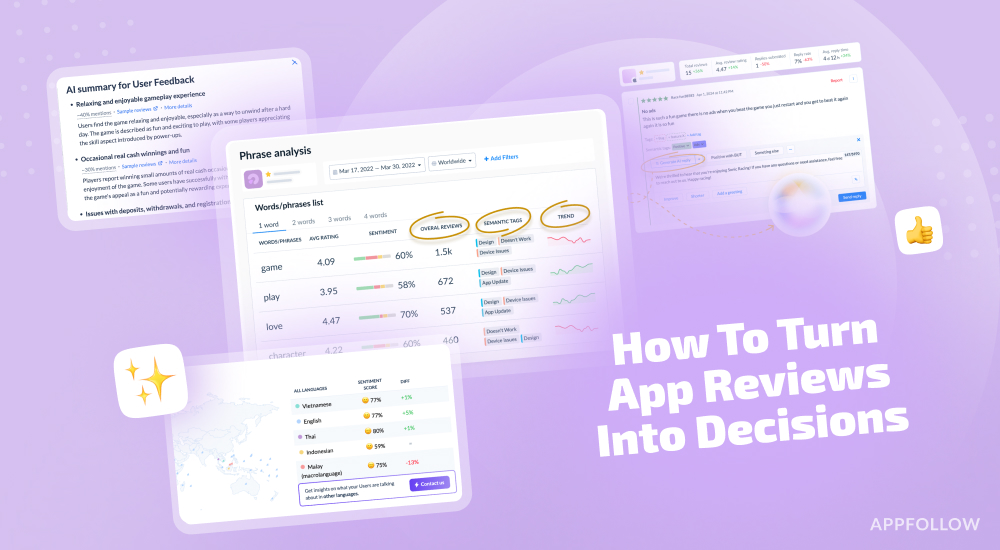
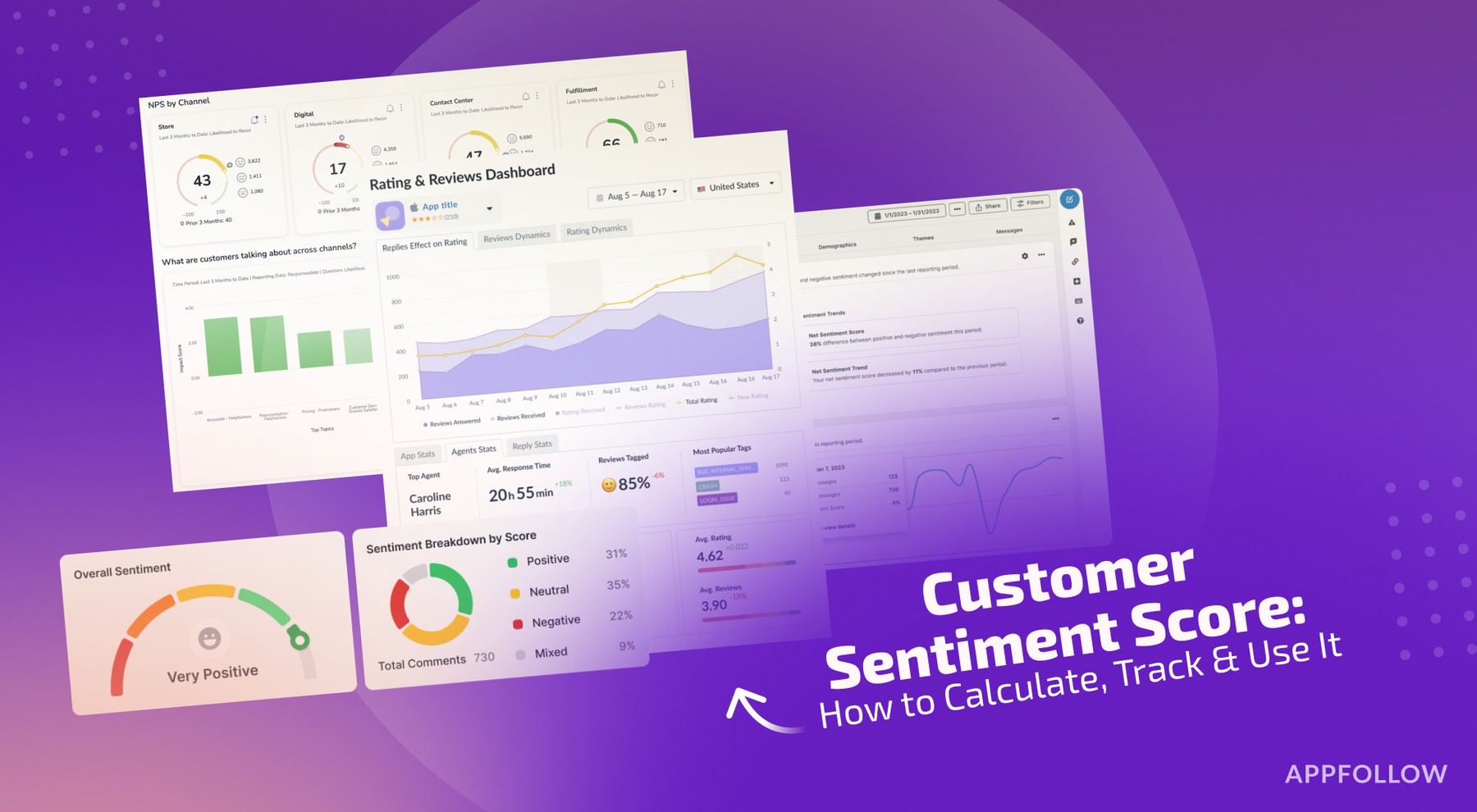
Ratings & Reviews performance provides an overview of what users think of your app. Here are the key metrics to help you identify how your app is rated by users and how successful is your review management strategy.
Multi-Stopwatch extends your normal stopwatch with many useful additional functions. Multiple stopwatches • Stop several times simultaneously • Use the 2 modes "Normal" and "Sprint". In "Normal" mode the stopwatches run in parallel. In "Switch" mode only one stopwatch runs at a time. If another stopwatch is started, the previous one pauses automatically. Sprint Mode • You want to track many runners, swimmers? Then the sprint mode is perfect for you • The large buttons and the haptic feedback help to operate without having to look at the iPhone Platforms • In addition to the iPhone app, Multi-Stopwatch is now also optimized for your iPad • Use Multi-Stopwatch now on your Apple Watch Customizability • Adjust the multi-stopwatch exactly to your needs • Need a bigger toolbar? Do you want the times to be displayed to the nearest second? You can set it now • You want to show the number of rounds and the last round, hide the name for it? You can set it now • When you tap on the stopwatch, you don't want to stop the time but see details? You can set it now Of course, the stopwatches also run in the background with millisecond accuracy. Perfect e.g. for sports teachers, doctors, time recording, DLRG, races and much more. Subscription terms: - The subscription auto-renews at the end of each term. - Payment will be charged to iTunes Account at confirmation of purchase. - The subscription automatically renews unless auto-renew is turned off at least 24-hours before the end of the current period. - Account will be charged for renewal within 24-hours prior to the end of the current period. - You may manage your subscription and turn off auto-renewal by going to your Account Settings after purchase. Privacy policy and Terms of Use: https://applorium.com/privacy-multi-stopwatch