Ratings & Reviews performance provides an overview of what users think of your app. Here are the key metrics to help you identify how your app is rated by users and how successful is your review management strategy.
 4.0
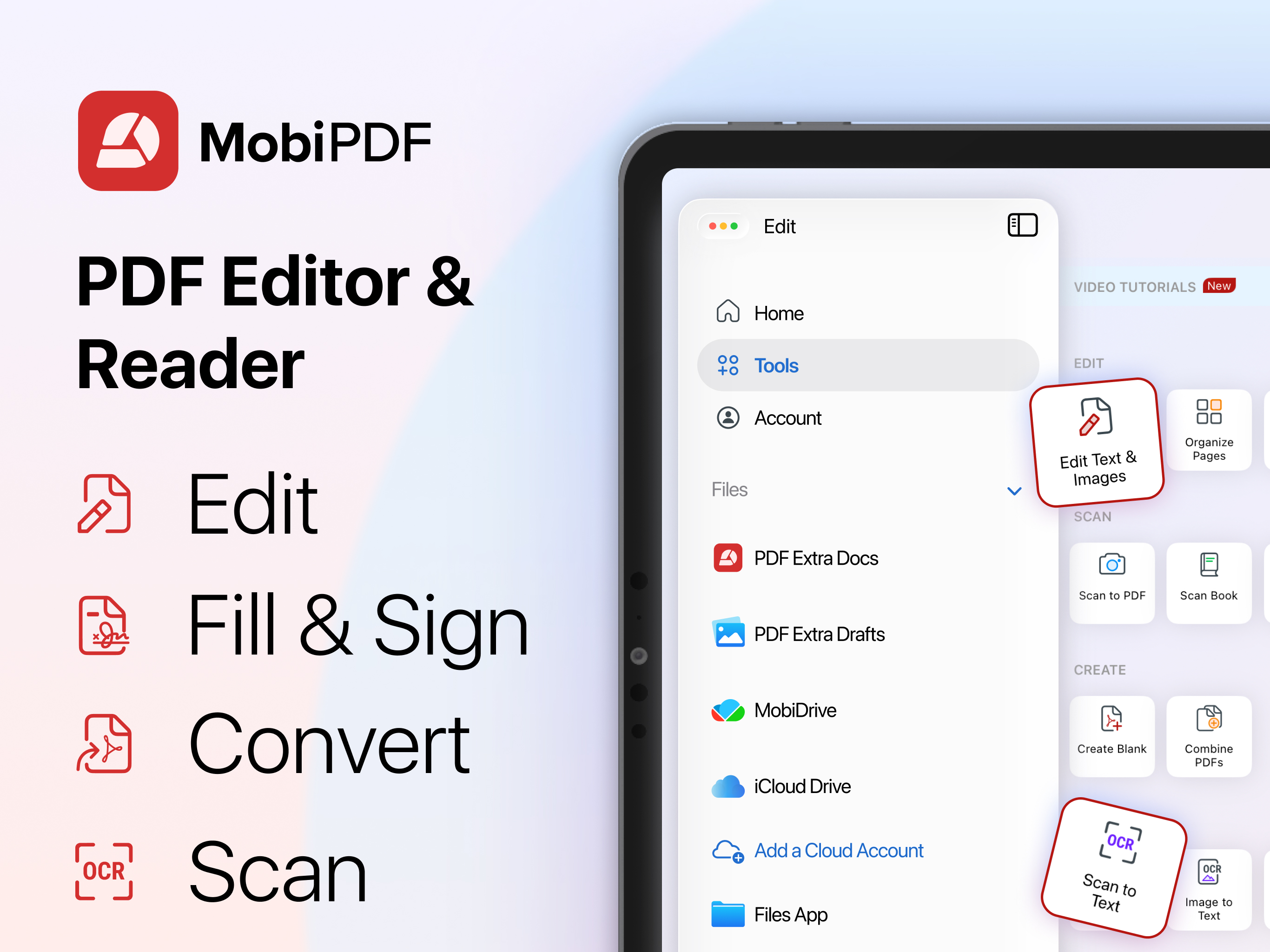
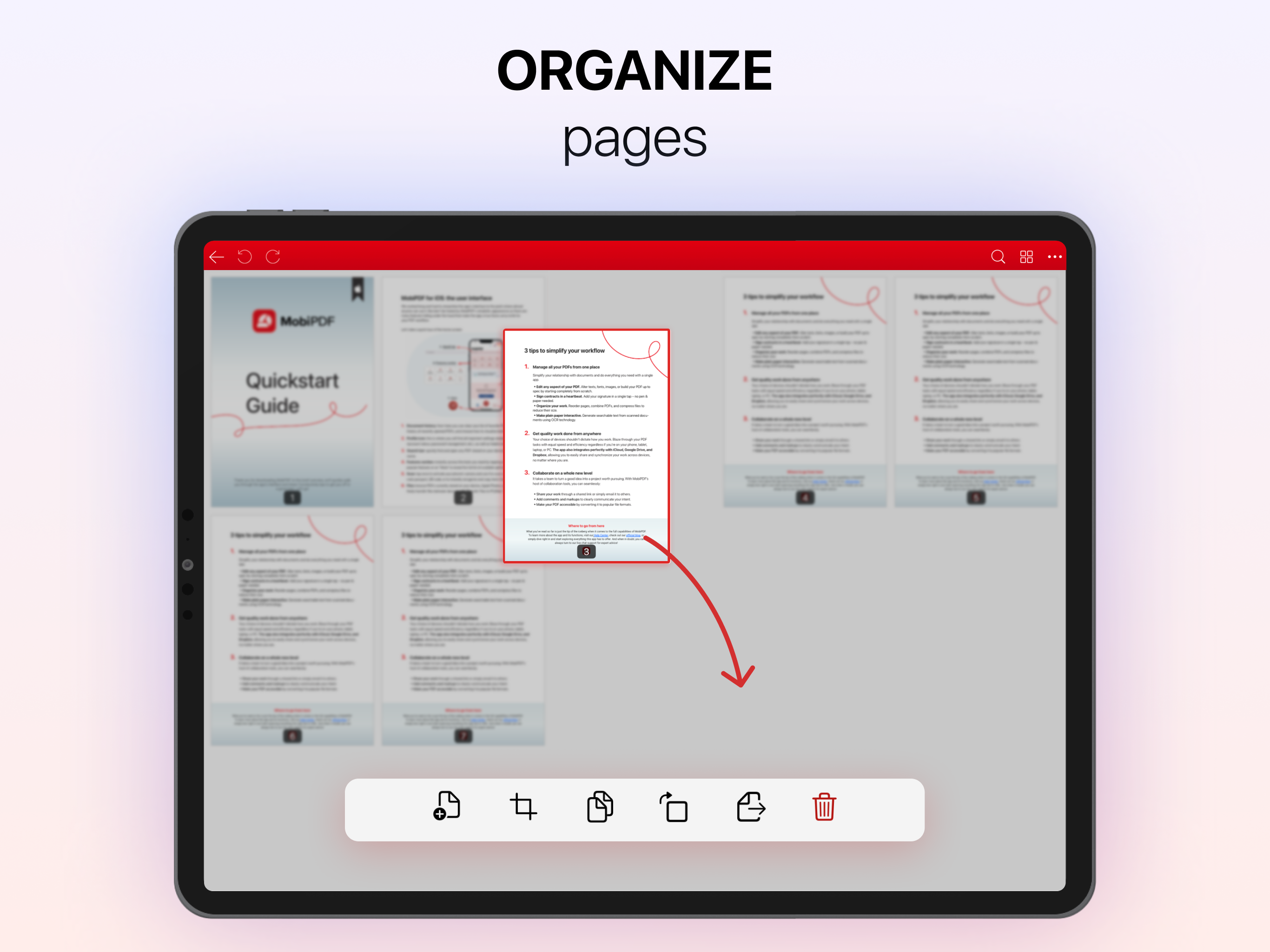
4.0MobiPDF is a complete mobile PDF suite that helps freelancers, remote workers and small business owners scan, edit, sign, convert and protect PDF files — also ideal for students and anyone needing a powerful yet simple PDF tool — all from one intuitive app on iPhone and iPad. KEY CAPABILITIES • Edit PDFs like a pro — modify text, images and formatting directly in any PDF, and fully control your pages: rearrange, insert, delete, extract, duplicate, rotate and merge PDFs into one • Scan paper documents to PDF with your camera — receipts, contracts, invoices, IDs, passports and more • Convert PDFs to Word, Excel, PowerPoint and ePub while preserving original layout and formatting — and convert Word, Excel, PowerPoint, ePub, PNG and JPEG files to PDF for easy sharing • Fill out and sign PDF forms and contracts on the go — draw or reuse saved electronic signatures • Recognise text from scans and images using OCR technology and share instantly • Read PDFs your way — multiple reading modes including distraction-free reading, night mode and Read Aloud to listen to any PDF hands-free while driving, commuting or on the go • View, highlight, annotate and mark up PDFs — add comments, stamps, drawings and attachments • Protect sensitive documents with passwords, encryption and digital certificates • Store and sync via 5GB free cloud storage on MobiDrive, plus Google Drive and Dropbox USE CASES • Edit the text, images or layout of a PDF contract or report directly on your iPhone or iPad — no desktop needed • Convert a PDF to Word to make extensive edits, then save back to PDF for sharing • Scan a paper document, recognise its text with OCR and convert it into a fully editable PDF • Scan a paper contract, sign it on your iPhone or iPad and send it back — without printing • Fill out a client form or invoice PDF on the go, directly from your phone • Have a PDF report, contract or document read aloud during your commute or drive • Merge multiple PDFs into one organised proposal, report or portfolio • Protect a sensitive business document with a password before sharing with a client • Students: scan handwritten notes or assignments and submit them as PDFs instantly • Review, annotate and mark up PDF documents on iPad's larger screen for a near-desktop experience WHY MOBIPDF • Advanced mobile PDF editor — edit text, images, formatting and pages directly in any PDF • Complete PDF converter — reliably convert PDFs to and from Word, Excel, PowerPoint, ePub, PNG and JPEG • All-in-one solution — edit, scan, sign, convert, protect, read and organise without switching apps • Purpose-built for iPhone and iPad — intuitive mobile-first experience • Read Aloud turns any PDF into audio — stay informed while commuting or multitasking • Advanced OCR turns any scan or image into searchable, shareable text • Electronic signatures and fillable forms — no printing or faxing needed • Simple and intuitive — accessible for all ages and experience levels • Trusted by millions of MobiSystems users worldwide PREMIUM • Full PDF editing — modify text, images and formatting in any PDF • Full PDF conversion suite — PDF to and from Word, Excel, PowerPoint, ePub, PNG, JPEG • 50GB cloud storage on MobiDrive • Advanced annotation, markup tools and night mode • Password protection and digital certificate support TL;DR MobiPDF is the go-to mobile PDF suite for freelancers, remote workers and small business owners — offering powerful PDF editing, reliable conversion to and from all major formats, scanning, signing and Read Aloud, all in one intuitive app optimised for iPhone and iPad. Help Center: https://support.mobisystems.com/hc/en-us/sections/20794399449757-iOS Privacy Policy: https://mobisystems.com/en-us/privacy-policy Terms of Use: https://mobisystems.com/en-us/terms-of-use