Ratings & Reviews performance provides an overview of what users think of your app. Here are the key metrics to help you identify how your app is rated by users and how successful is your review management strategy.
 2.6
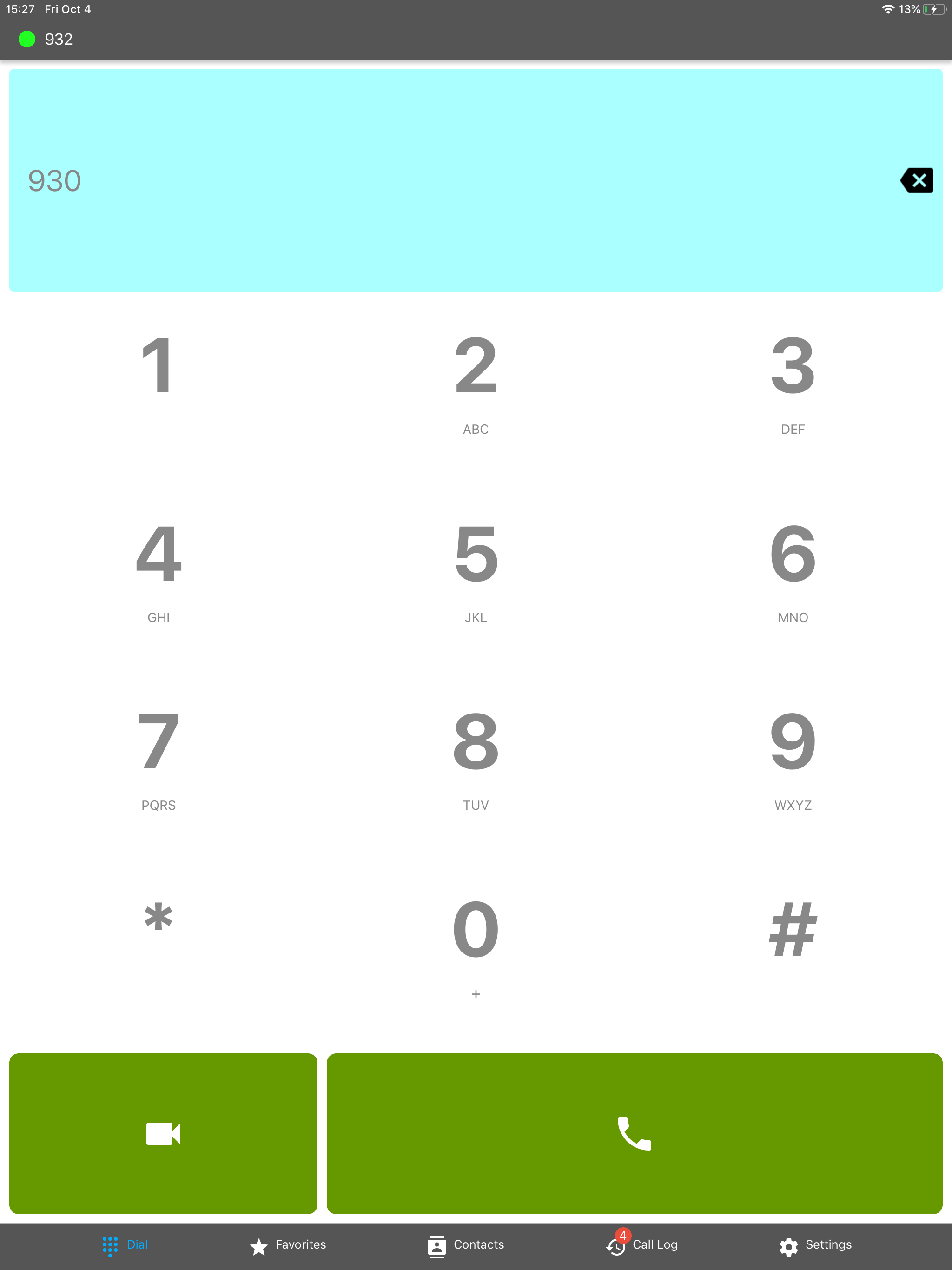
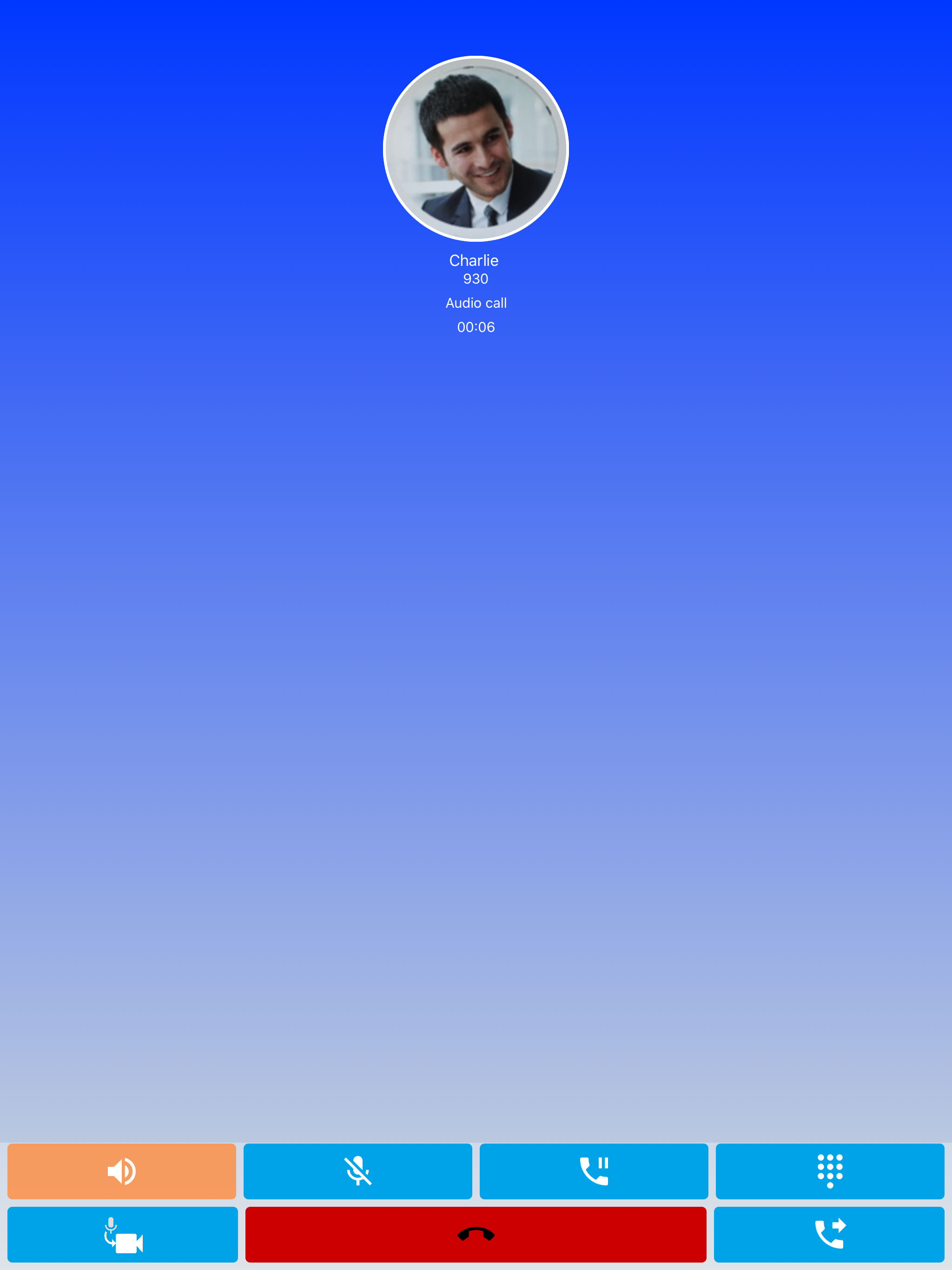
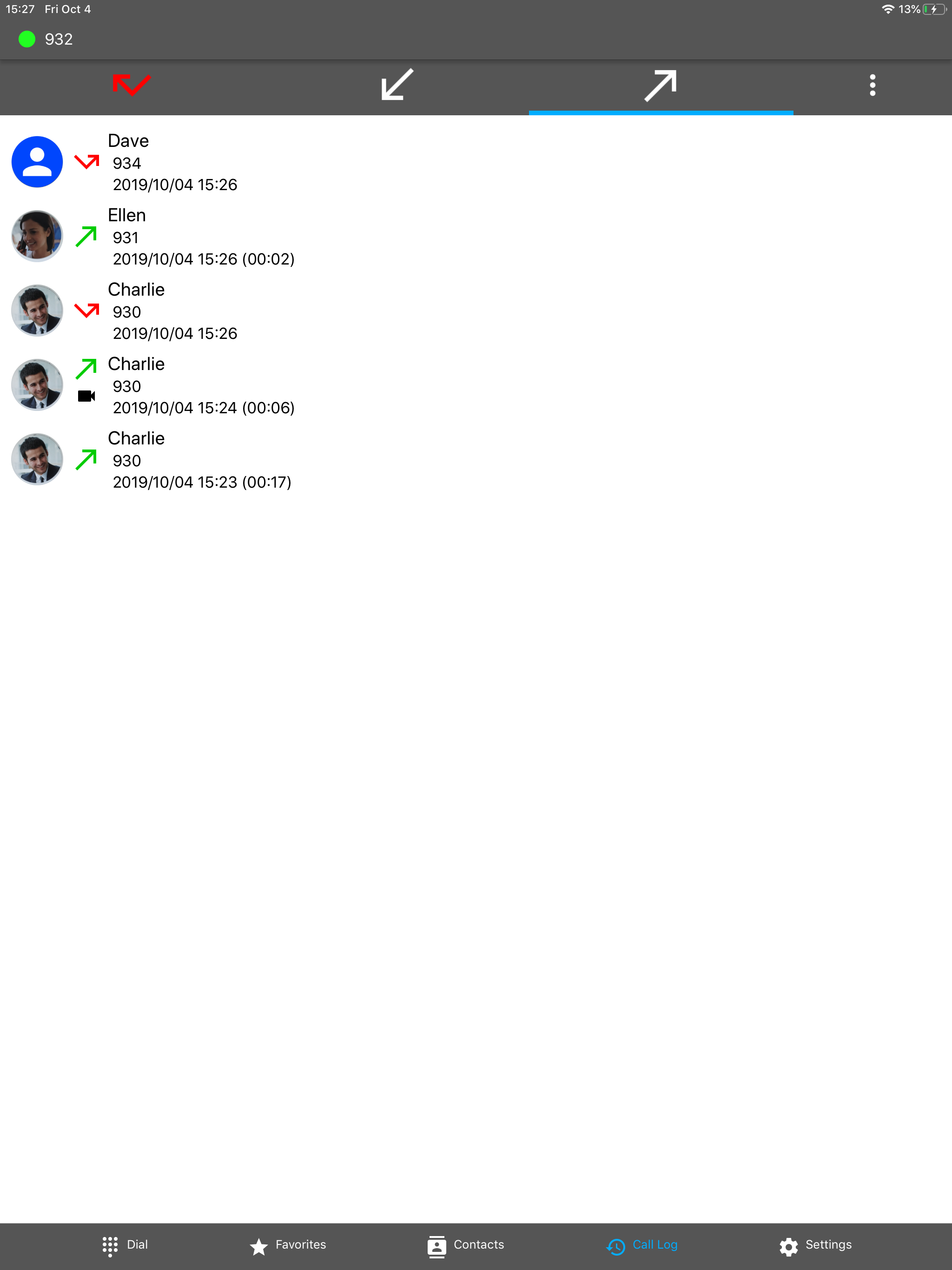
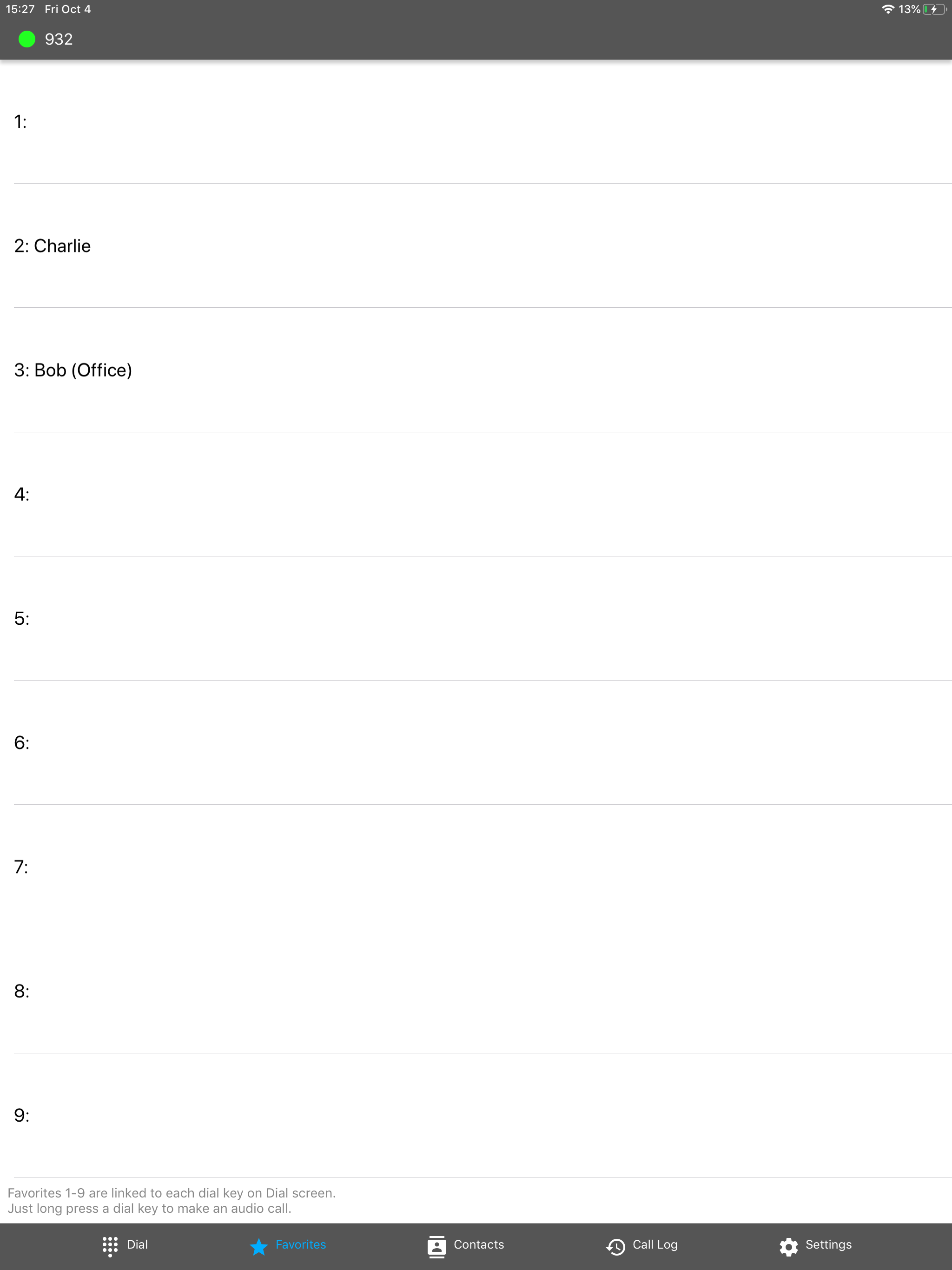
2.6Panasonic MobileSoftphone is a Panasonic PBX dedicated SIP based softphone application that can work as a PBX extension supporting basic voice and video call functions. Supported Panasonic PBX: KX-NSX1000/2000 (Version 3.0 or later) KX-NS300/500/700/1000 (Version 5.0 or later) KX-HTS32/824 (Version 1.9 or later) NOTES: - Panasonic MobileSoftphone is a client application and is not a VoIP service. - You must use this application with Panasonic PBX listed above. - Some mobile network operators may prohibit or restrict the VoIP over their data network or impose additional fees and/or charges when using VoIP over their network. Please ask your mobile network operator before using this application. - Phone book data and Setting data of previous version(V1/V2) is not transferred to new version (V3) automatically. Accordingly please implement the following measures. 1. Re-register the data of Mobile Softphone settings by manual. 2. Regarding phonebook data of the Mobile Softphone: V1 User: Please register those data again by manual. V2 User: Please transfer those data by using export / import function. - Please uninstall old version application (Mobile Softphone V1/V2). Because if you use old version (Mobile Softphone V1/V2) and new version (MobileSoftphone V3) at the same time, the behavior may be unstable. IMPORTANT NOTICE : The Panasonic KX-UCMA Mobile softphone provides call handling designed to redirect emergency calls to the Native Cellular Phone Dialer. This functionality is dependent upon the operating system of the mobile phone which is outside of Panasonic’s control. Panasonic recommends using your Native Cellular Phone dialer for any and all emergency Calls. This functionality has certain PBX Requirements that must be met. Please contact your PBX Installer to ensure compliance.