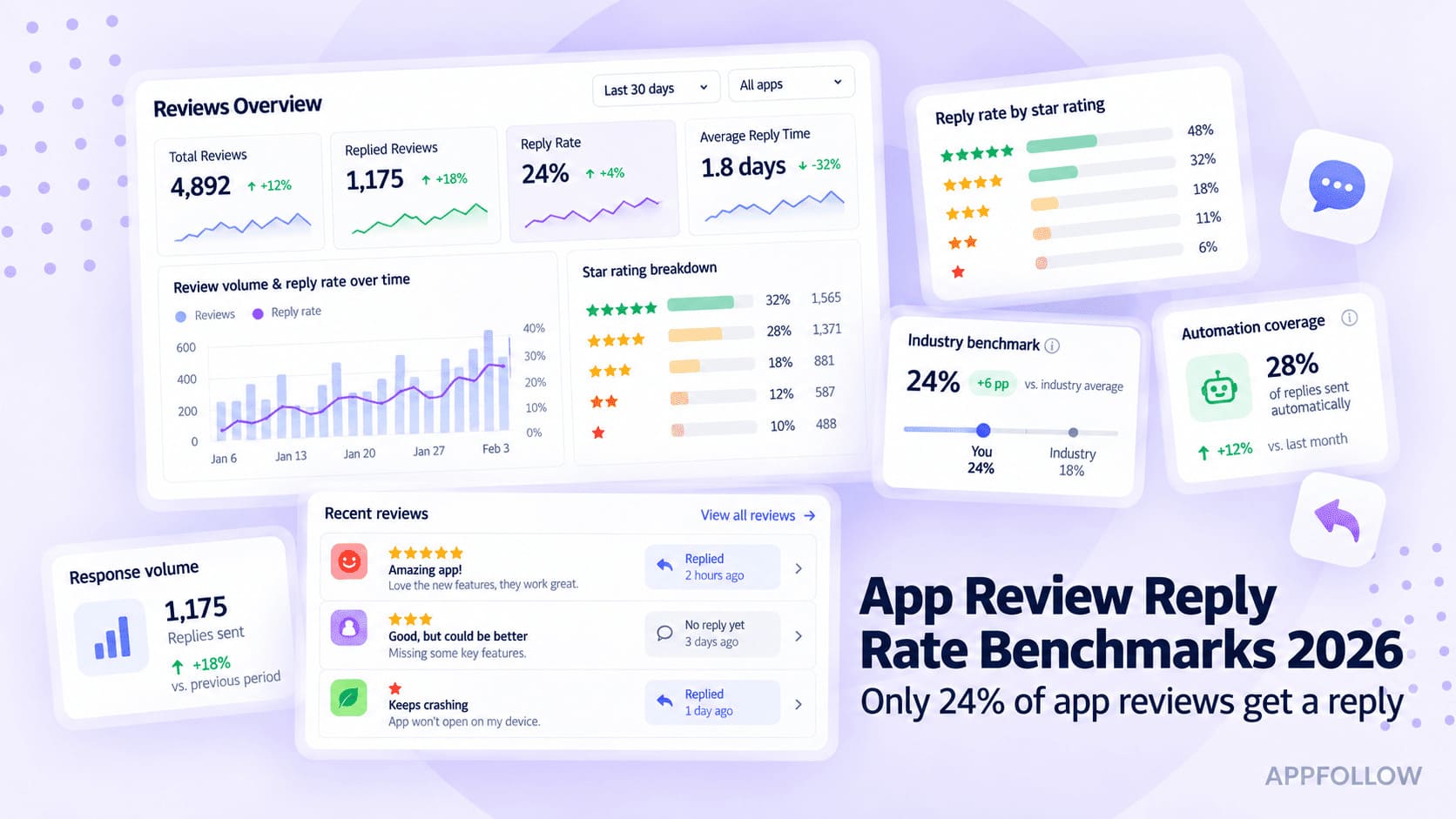
Ratings & Reviews performance provides an overview of what users think of your app. Here are the key metrics to help you identify how your app is rated by users and how successful is your review management strategy.
 4.4
4.4
User reviews affect conversion to installs and app rating. Featured and helpful reviews are the first to be noticed by users and in case of no response can affect download rate.
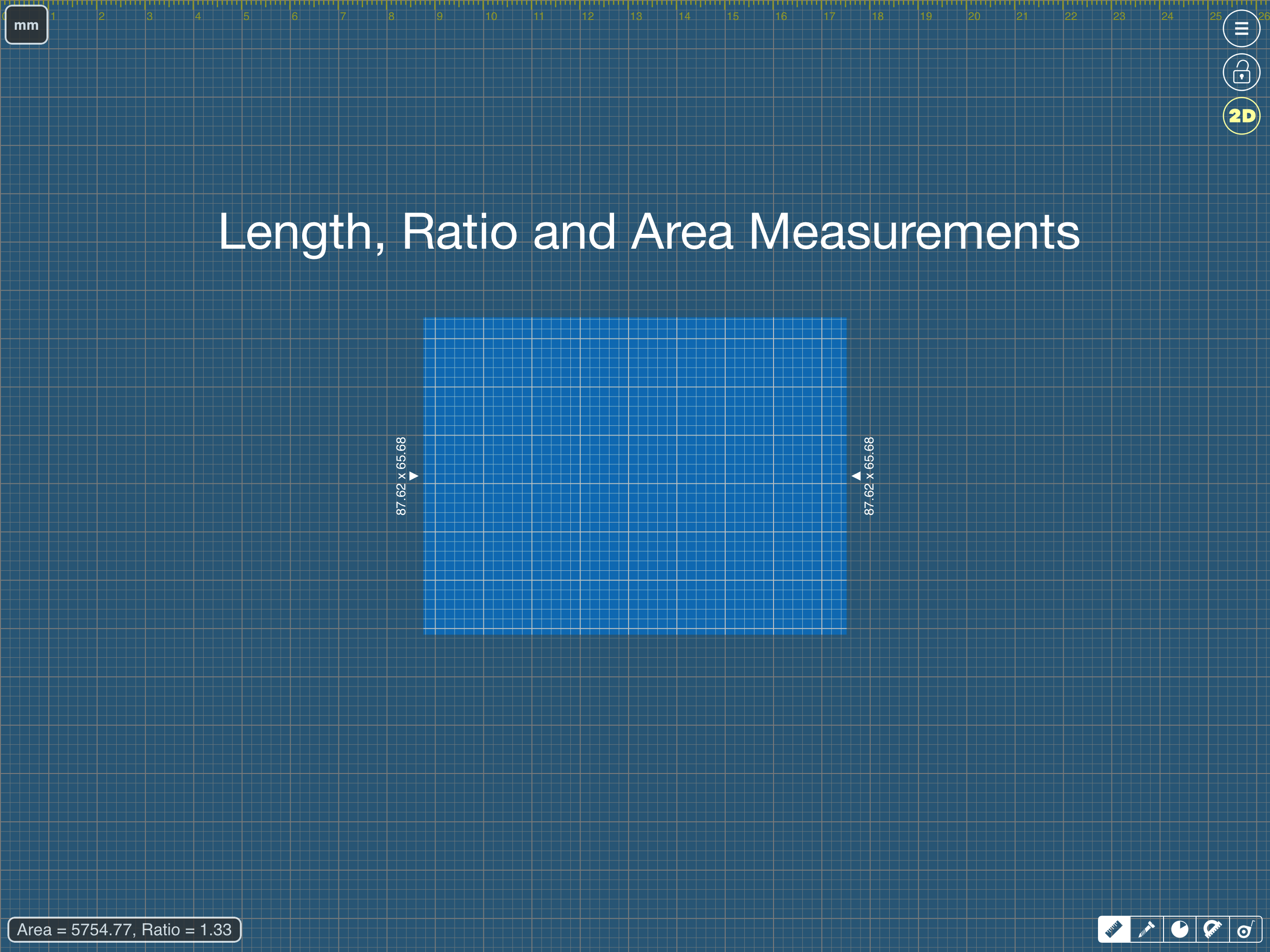
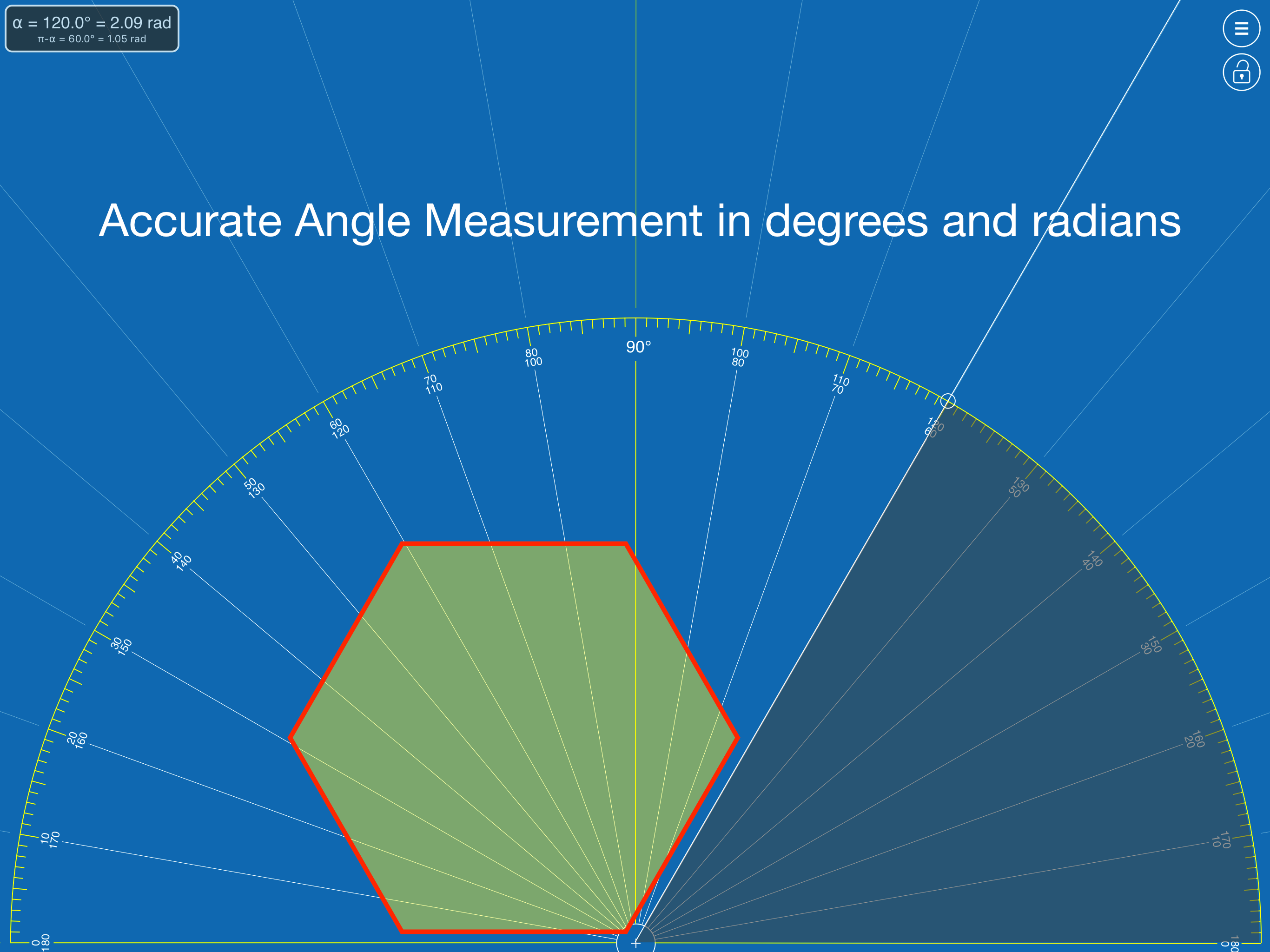
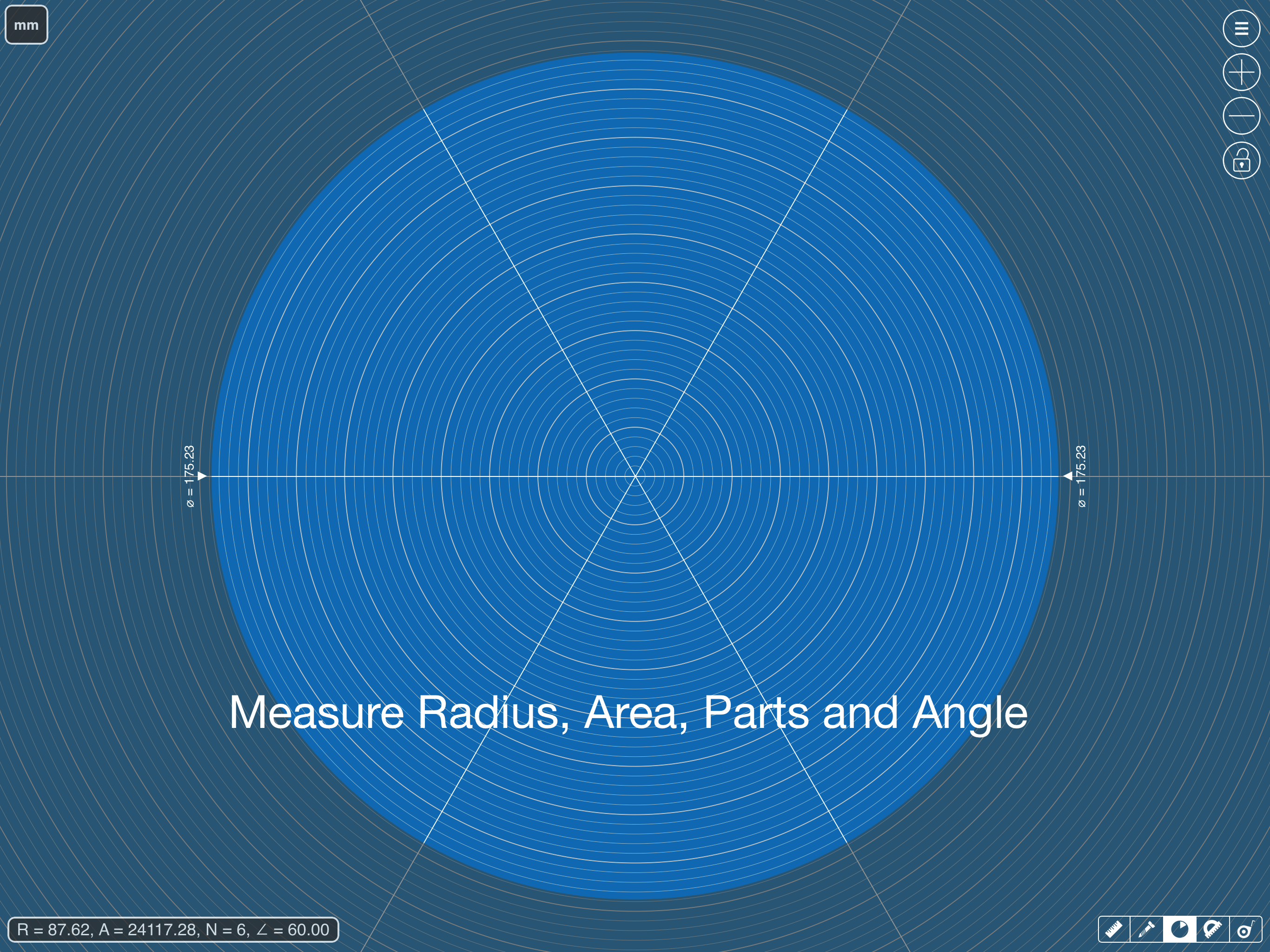
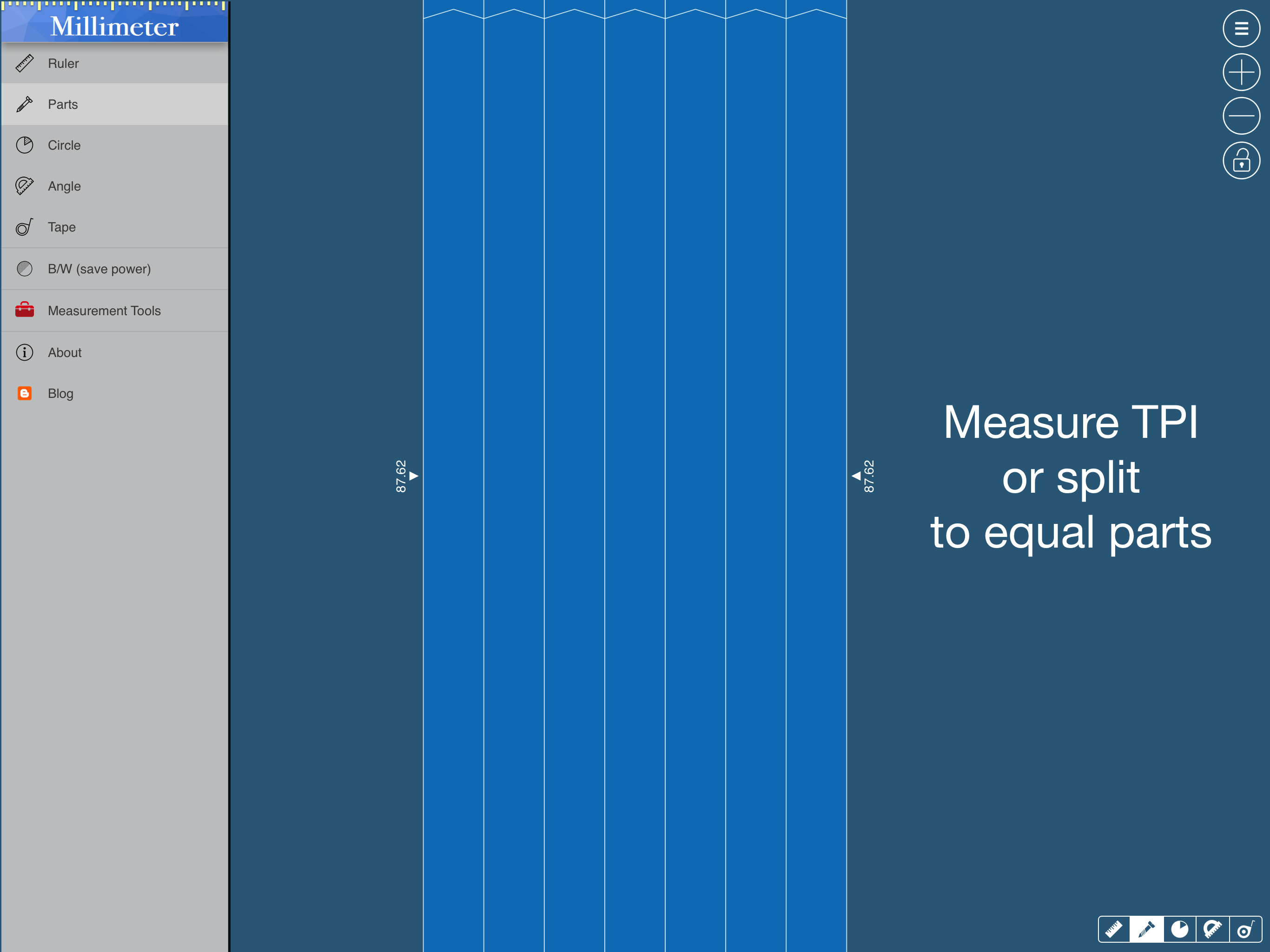
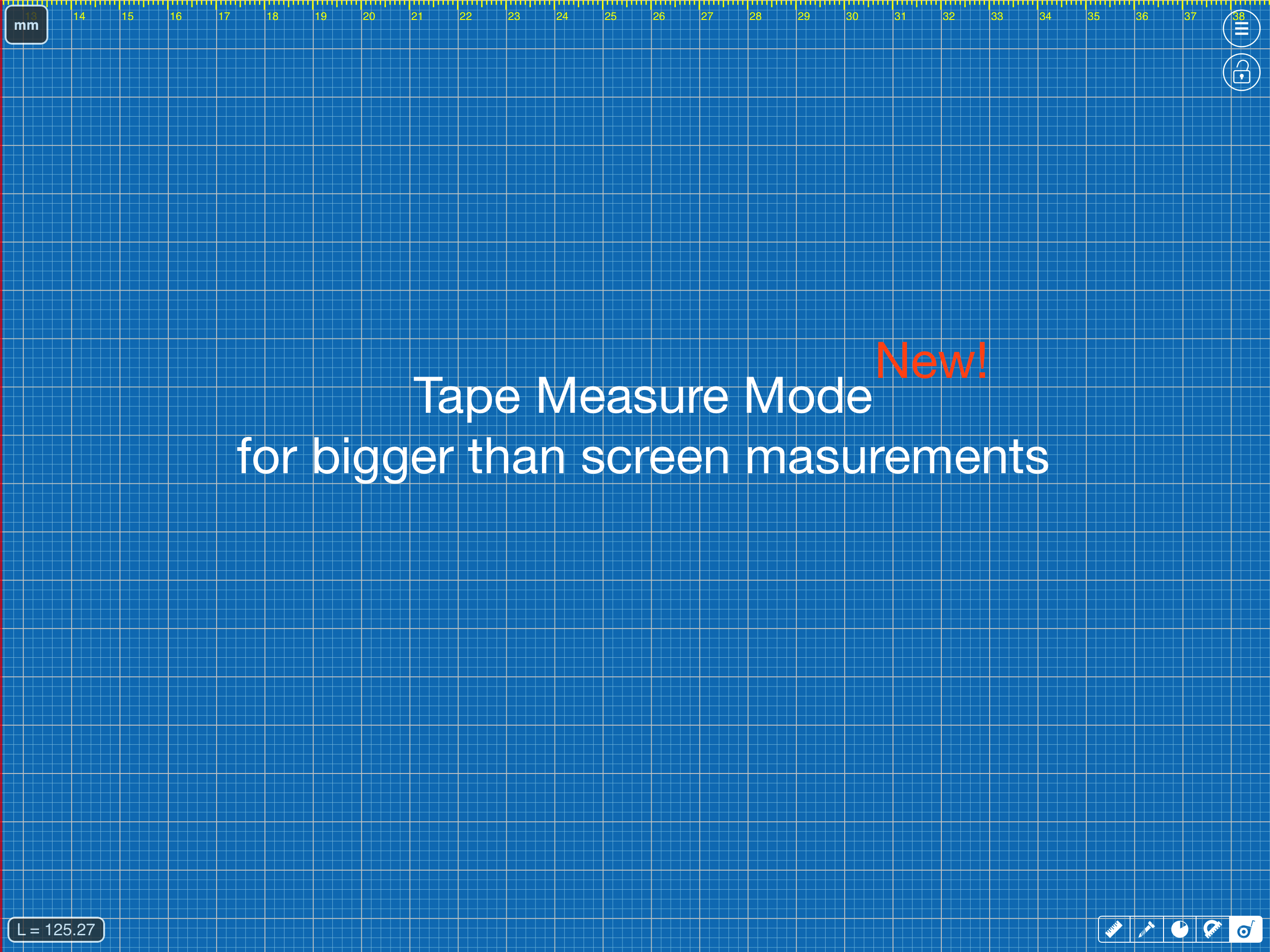
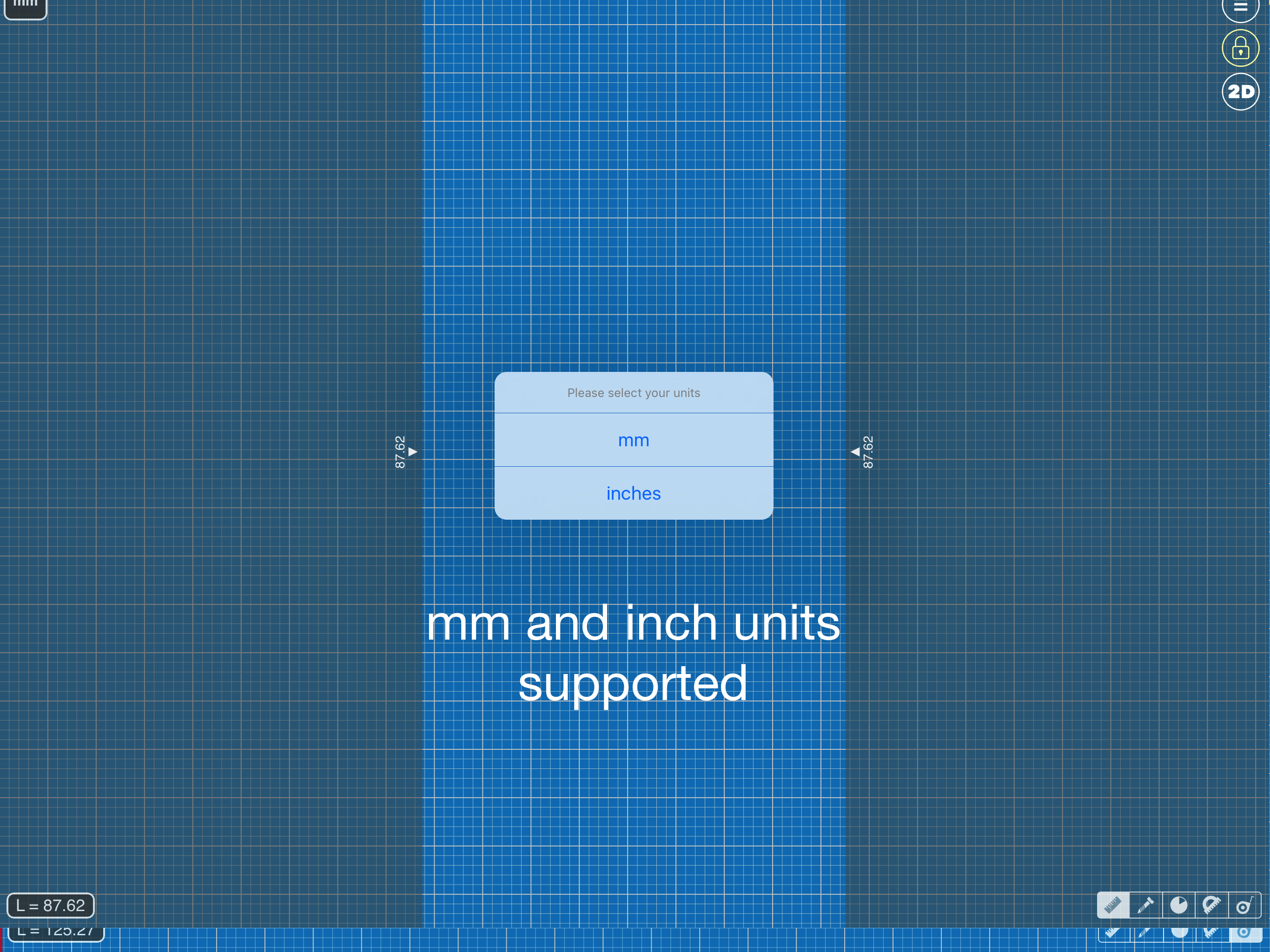
App blog: https://goo.gl/da6LdZ Millimeter Pro is an easy-to-use and helpful measurement tool for iPhone or iPad. It uses a touch screen as a ruler or tape measure to make quick measurements, split objects into equal parts, measure object ratio (W/H), measure area, estimate diameter and angles, and split circular objects into equal parts. Place an object on the screen and simply touch and move rulers to measure it. You can measure in different units: MILLIMETERS or INCHES. Features: - mm and inch units - 2D measurements: vertical and horizontal rulers - area calculation - ratio calculation (W/H) - split linear and circular objects into equal parts - shows the length and angle of each part - disable/enable touch screen (freeze feature) - diameter or radius estimation - angle measure with Protractor / Goniometer mode - Thread pitch gauge for TPI and pitch size measurements Use this app in different areas to measure small objects that fit within your phone or tablet screen: jewelry, rings, stones, gem, beads, screws, bolts, buttons, nuts, knitting needles, knitting patterns, washers, insects, mosaic tile, hooks, frame wrap angle, etc. Enjoy the app and Thank you for your interest and support! VisTech.Projects Team