Ratings & Reviews performance provides an overview of what users think of your app. Here are the key metrics to help you identify how your app is rated by users and how successful is your review management strategy.
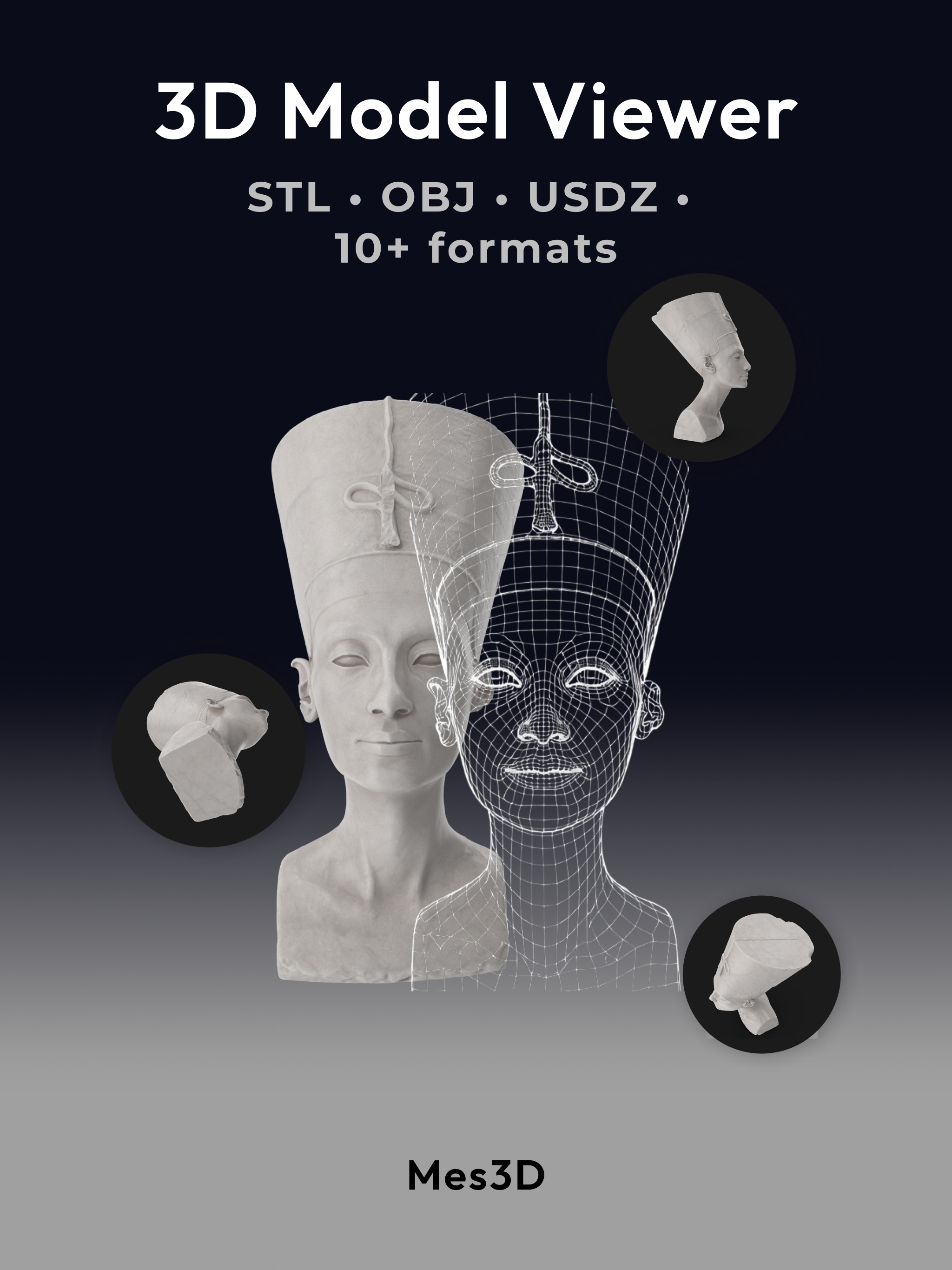
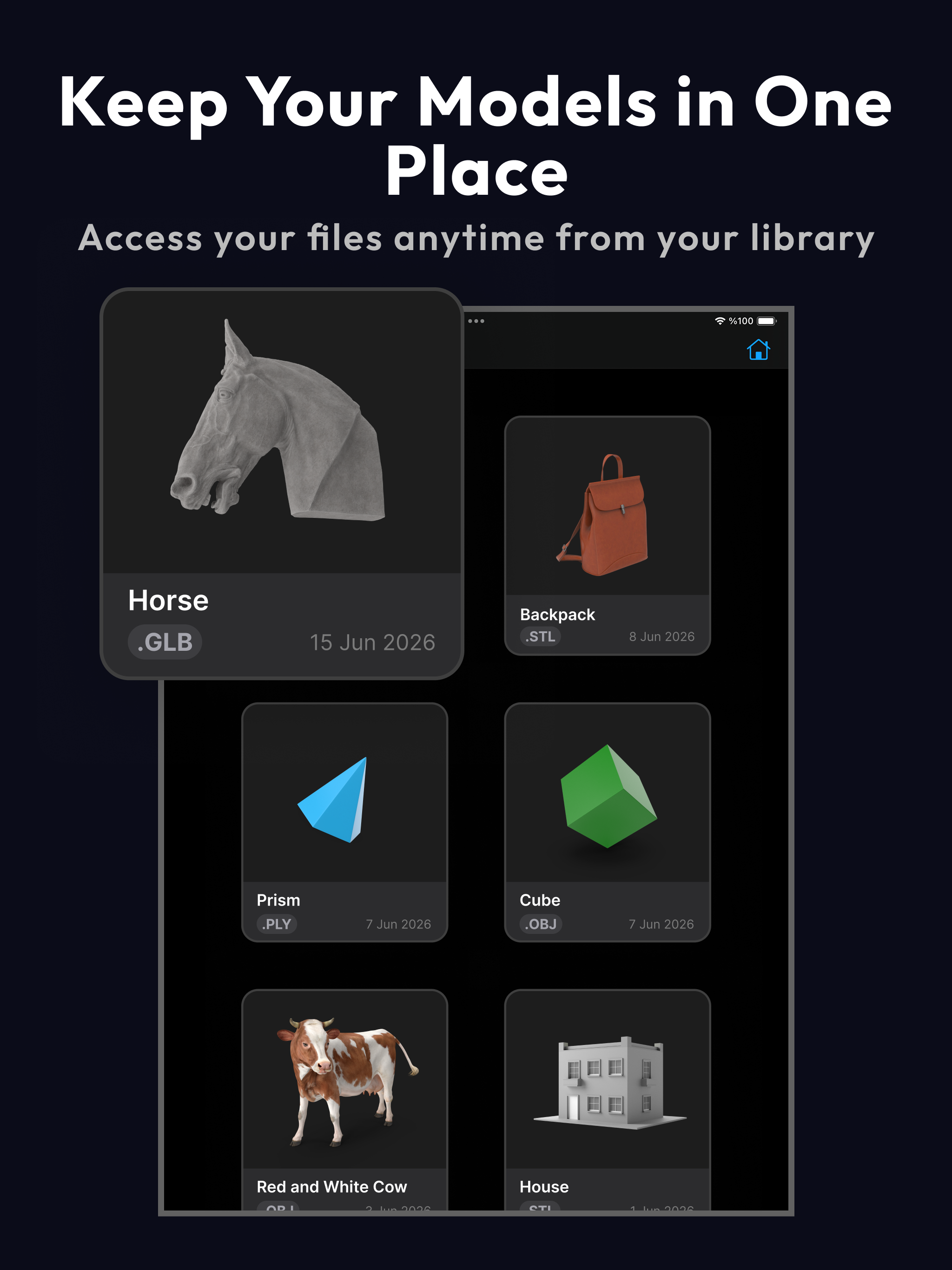
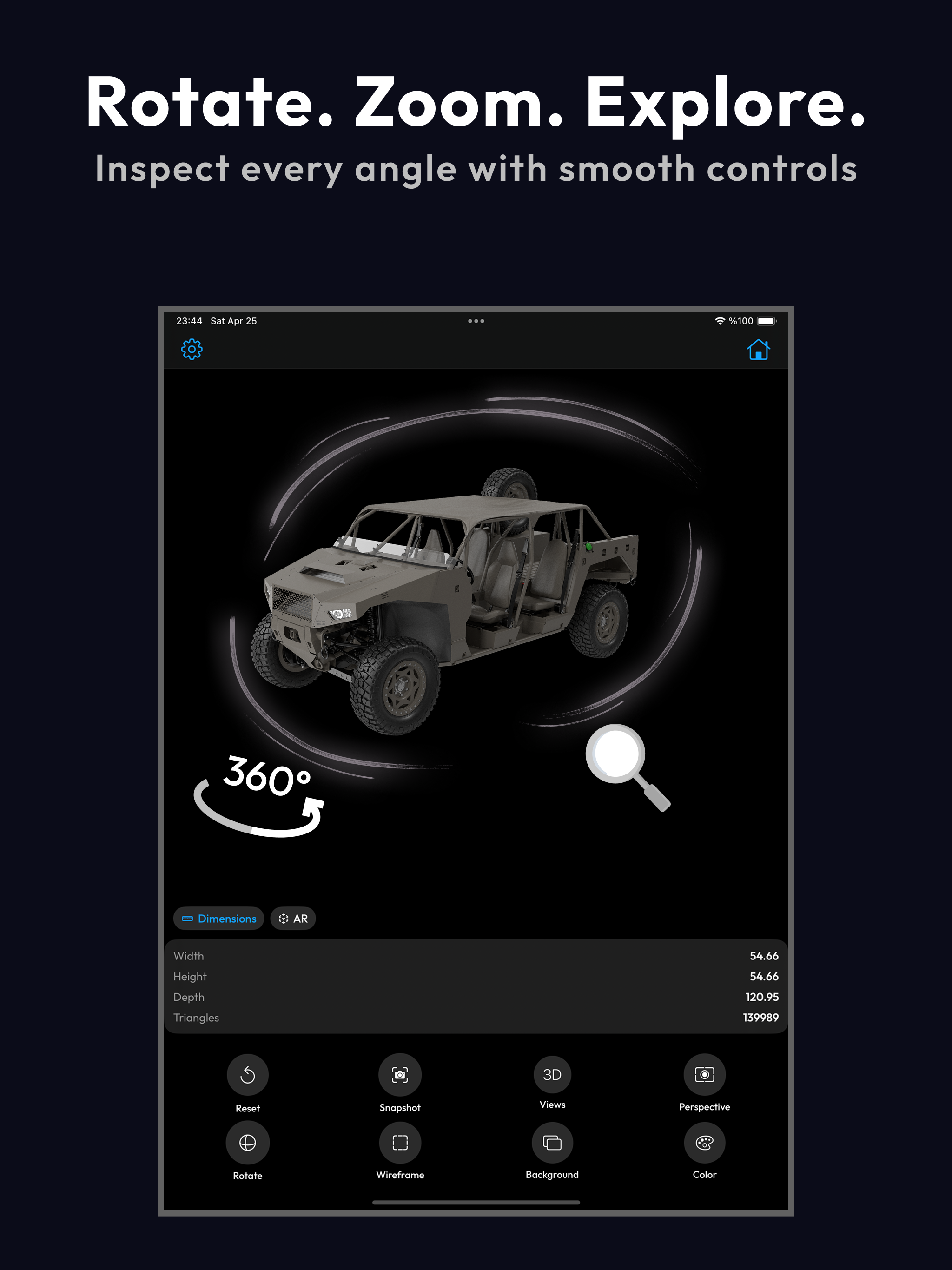
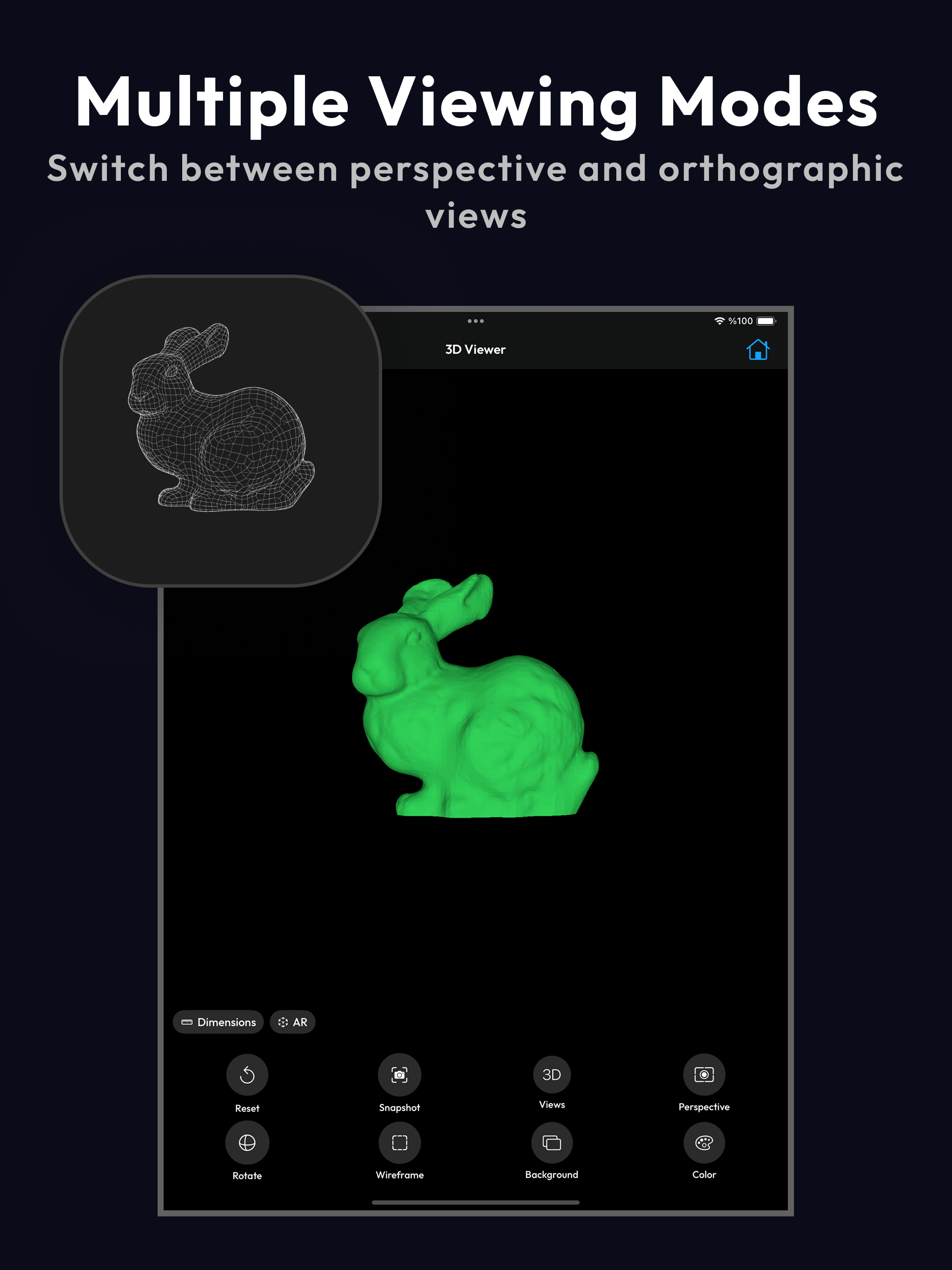
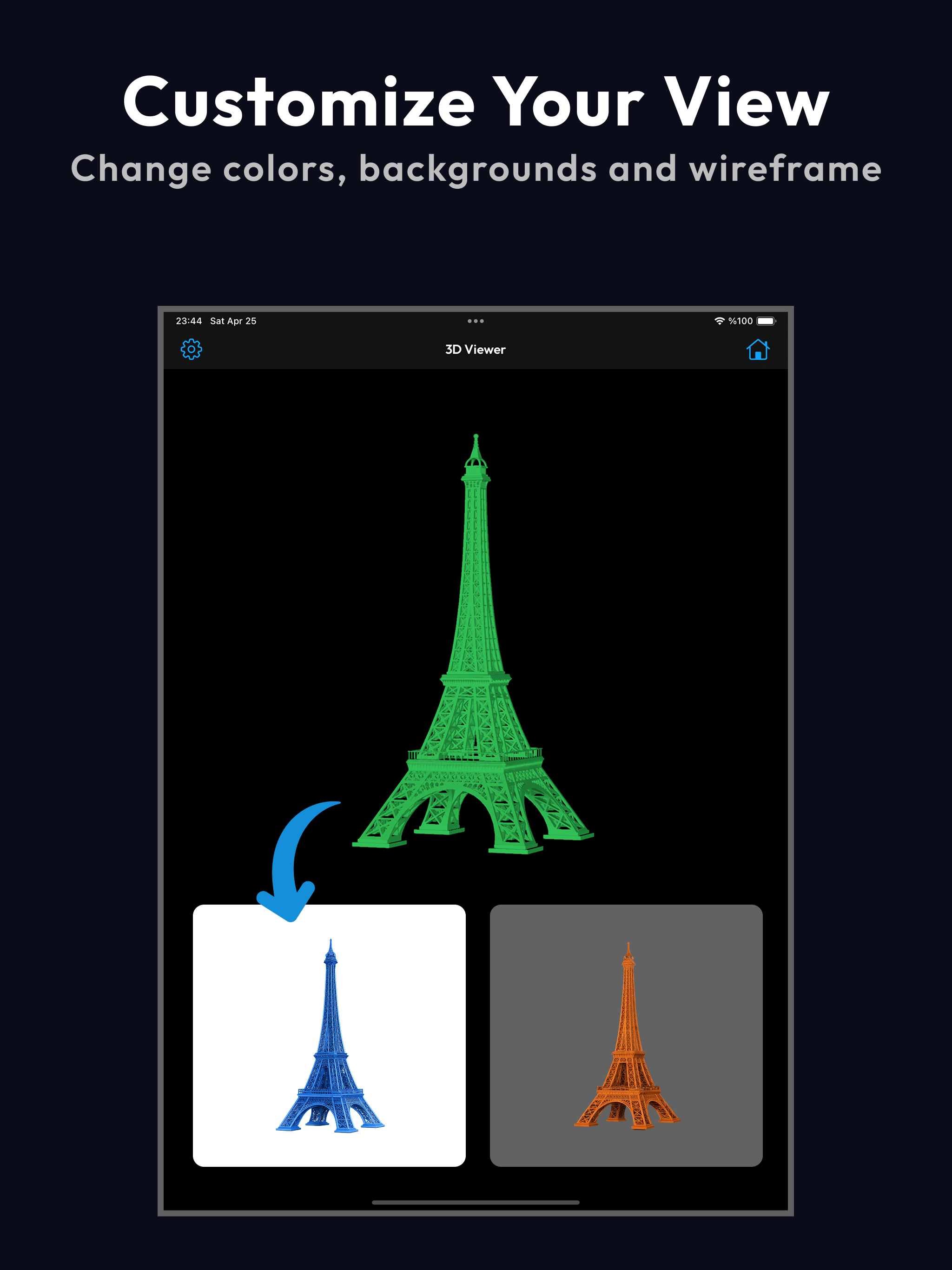
View, inspect, and explore 3D models directly on your device. Mes3D is a fast and lightweight 3D model viewer designed for opening common 3D file formats and inspecting mesh-based models with intuitive touch controls. Key Features Import 3D Files Open models from Files, cloud storage, or other apps. Supports a wide range of formats including STL, OBJ, glTF, GLB, USDZ, PLY, 3MF, and more. Intuitive 3D Controls Rotate, pan, and zoom with smooth gestures. Inspect models from any angle. Quick view switching including front, side, top, and perspective views. Mesh-Based Preview Designed for tessellated geometry visualization. Provides accurate mesh rendering for inspection workflows such as 3D printing and CAD preview. Display Options Wireframe mode support, background customization, and material appearance options where supported. Model Library Save imported models locally and access them anytime from a simple grid-based library. Snapshot Export Capture images of your 3D models for sharing, documentation, or review. AR View View compatible models in your real environment using AR Quick Look where supported. Who This App Is For Mes3D is designed for users working with 3D model files, including 3D printing users, CAD and CAM workflows, designers, engineers, students, and educators. Technical Note This app focuses on mesh-based (tessellated) model rendering. Some advanced scene features such as animations, complex materials, or full scene hierarchies may not be fully supported depending on the file format. Privacy All processing happens locally on the device. No data is uploaded or shared externally. Simple, fast, and focused 3D model viewing. Terms of use: https://www.notion.so/Mes3d-Terms-of-Use-33f686c61ac4802e8635e101e12ef136 Privacy policy: https://www.notion.so/Mes3d-Privacy-Policy-33f686c61ac480a4ac4edf69c42488d9