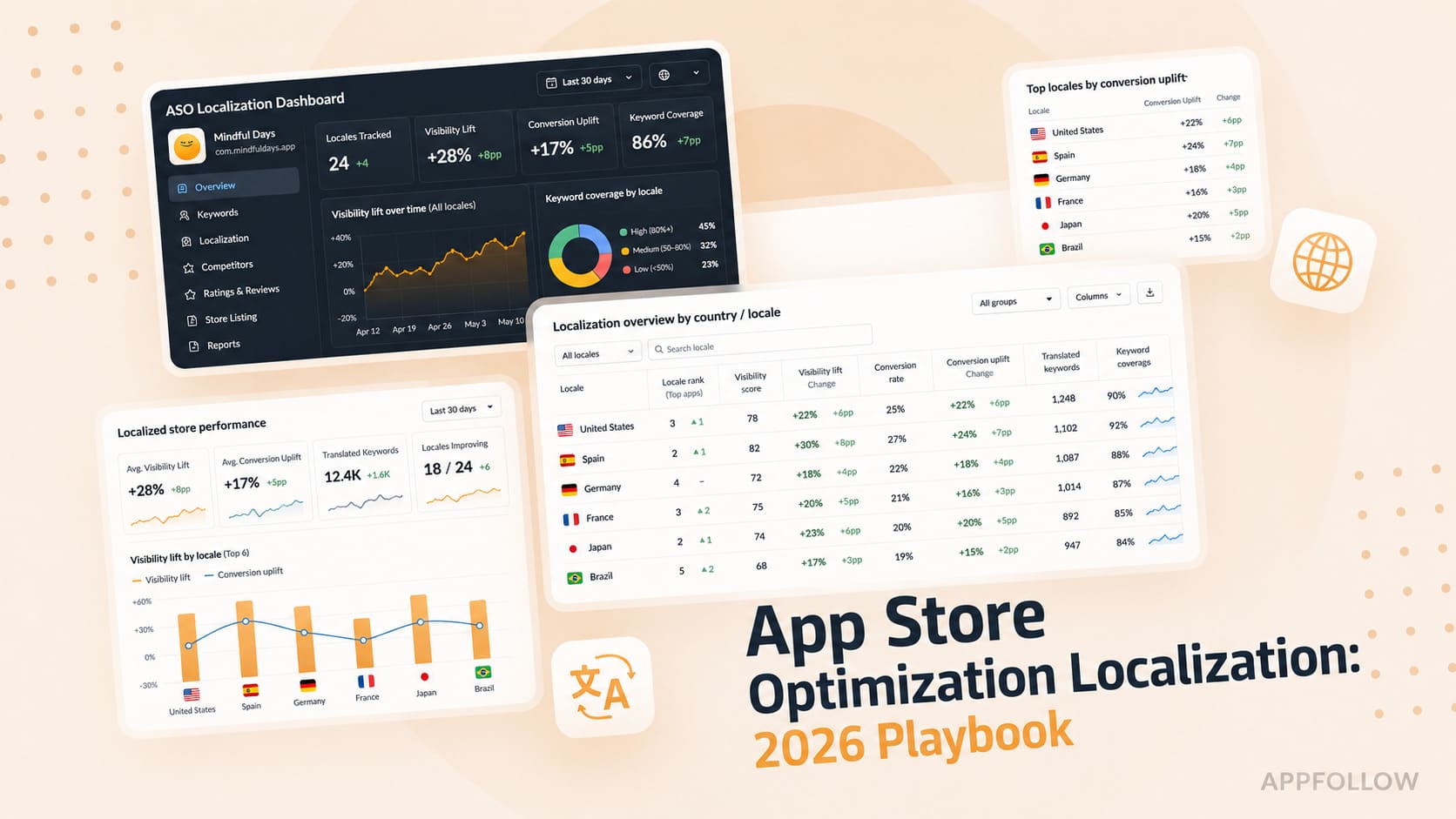
Ratings & Reviews performance provides an overview of what users think of your app. Here are the key metrics to help you identify how your app is rated by users and how successful is your review management strategy.
 4.7
4.7
User reviews affect conversion to installs and app rating. Featured and helpful reviews are the first to be noticed by users and in case of no response can affect download rate.
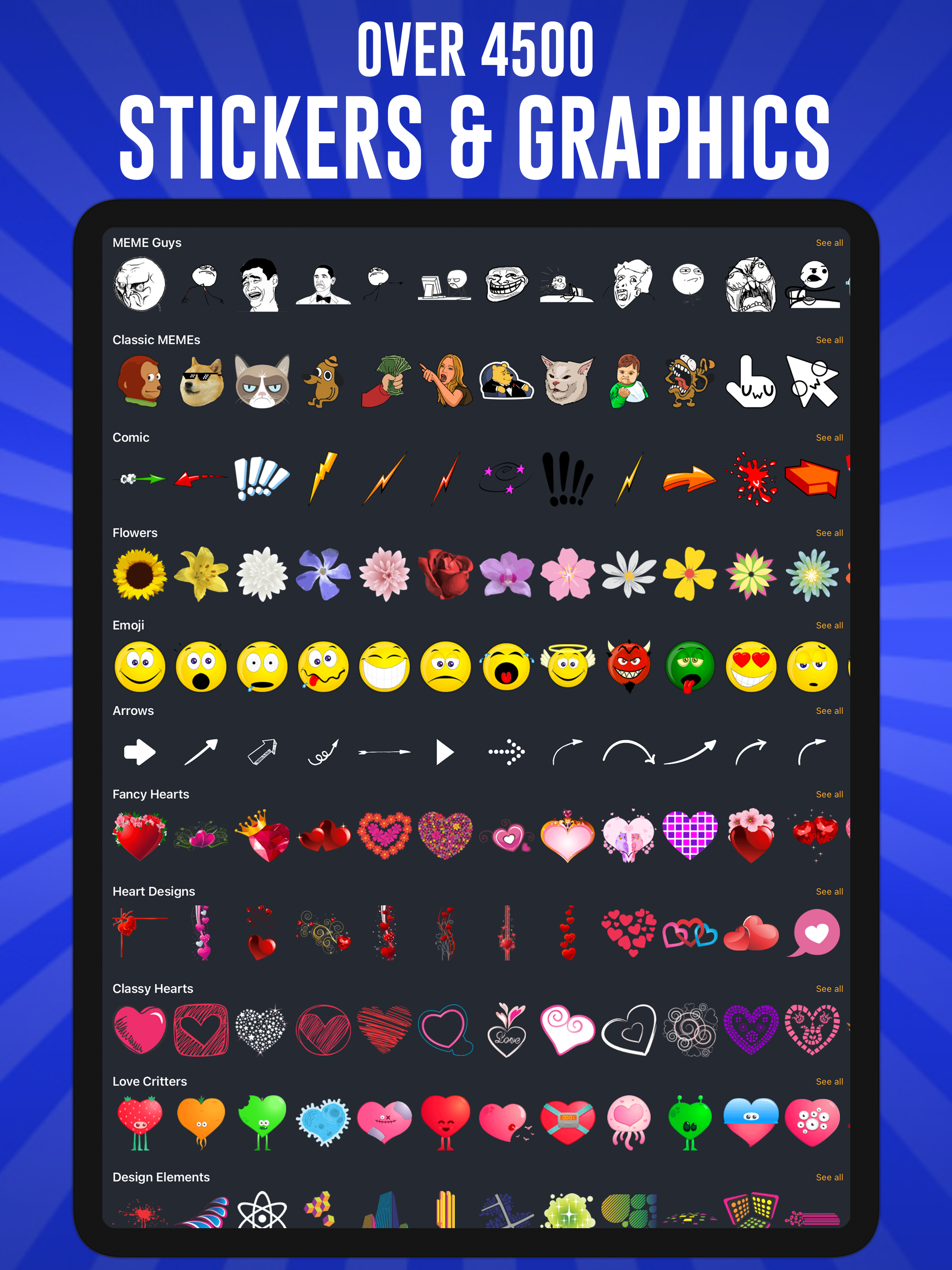
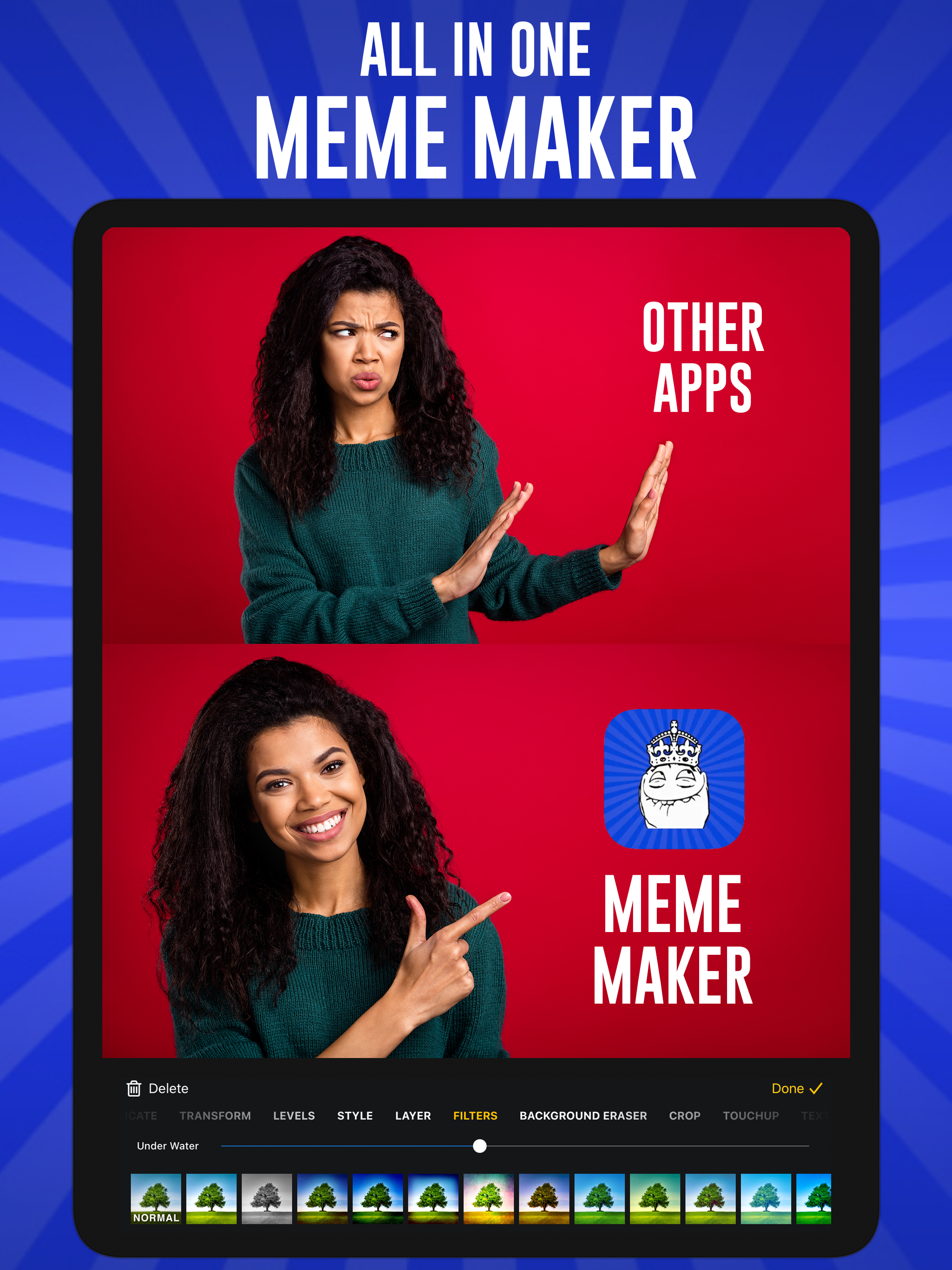
Create standout photos, collages, social posts, stickers, memes, and designs with piZap. Start from your own photos or choose from templates, fonts, stickers, borders, filters, cutout tools, and stock images to make something that feels uniquely yours. piZap is built for fast, fun editing without complicated design software. Make a post, polish a photo, build a collage, remove a background, add text, or create graphics for social media, school, work, and everyday projects. PIZAP FEATURES PHOTO EDITING - Crop, resize, touch up, retouch, and enhance photos - Apply filters, effects, frames, borders, stickers, and text - Adjust color, tone, and layout with simple editing tools - Use cutout and background tools for creative edits COLLAGES, MEMES & SOCIAL POSTS - Create photo collages with unique grid layouts - Make memes, quote graphics, stories, profile images, and posts - Design for popular social media and print sizes - Start quickly with templates and ready-made layouts GRAPHIC DESIGN MADE EASY - Choose from fonts, text styles, stickers, borders, and stock images - Add layers, graphics, outlines, shadows, and text bubbles - Create flyers, presentations, website graphics, and more - Save and share finished designs from your device UPGRADE TO PIZAP PRO - 7-day free trial - Unlock premium tools and content - Remove ads - Use on all of your devices Subscription pricing is shown in the app before purchase and may vary by country or region. Payment will be charged to your Apple Account at confirmation of purchase. Subscriptions automatically renew unless auto-renew is turned off at least 24 hours before the end of the current period. You can manage or cancel subscriptions in your Apple Account settings after purchase. Terms of Use: https://www.pizap.com/privacypolicy#terms Privacy Policy: https://www.pizap.com/privacypolicy