Ratings & Reviews performance provides an overview of what users think of your app. Here are the key metrics to help you identify how your app is rated by users and how successful is your review management strategy.
 1.0
1.0
User reviews affect conversion to installs and app rating. Featured and helpful reviews are the first to be noticed by users and in case of no response can affect download rate.
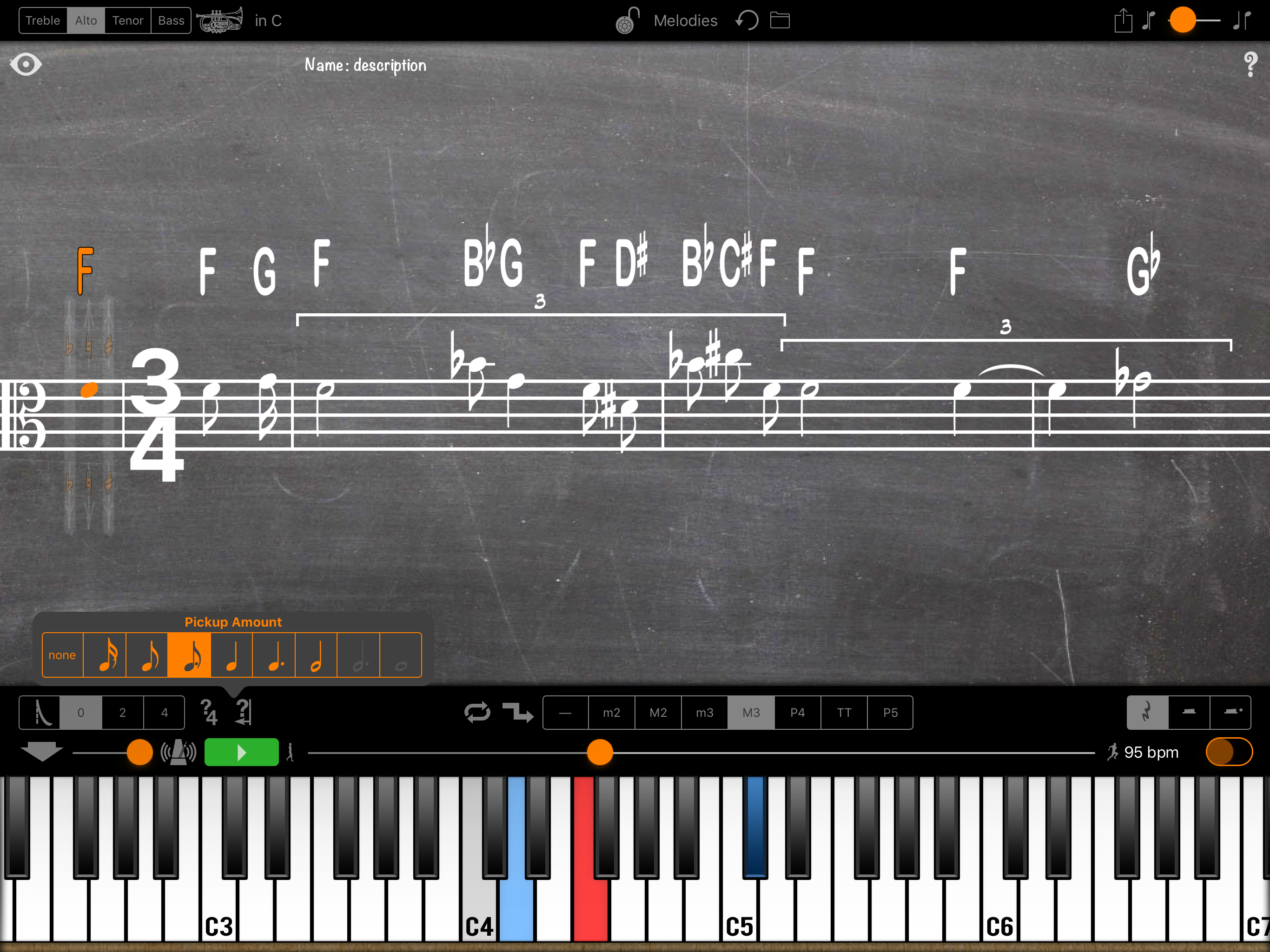
An easy way to write a melody and hear it played on the piano. Instantly transpose it to any key. Play along on your transposing instrument. Notate your melody and instantly transpose it to another clef and root, keeping its theoretical relationships; Fb tonic will have a Bbb as its fourth scale degree, a Bbbb if it’s a lowered fourth, Bb if it’s raised. • Selecting your instrument’s key (Ab, Eb, Bb, F, C, G, D, A, or E) invites you play along by transposing the notation while playing back the concert pitches. • Long Press a note to edit the exercise. Add, insert or subtract notes and rests, change a note to a rest or a rest to a note, or just change its duration. • Change a note's pitch by touching and dragging it on the staff. Using the piano keyboard will change whatever is already selected in the notation. • Lock the exercise to keep from inadvertently editing it as you swipe to scroll or pinch to zoom in and out. • Saved exercises appear in a list with their name and a note to help you identify them when you tap on the title ‘Exercises.’ • Set the tempo and if it loops: with each repeat it can transpose up or down, (m2, M2, m3, M3, P4, and tritone) or not at all. • Adjustable metronome volume with 0, 2, or 4 beat count-off. (Off while playing the exercise still clicks during the count-off.) Editing Notes: - Using the Staff (transposed for the current instrument): Drag the note up and down to change the pitch diatonically based on the current root, drag right to raise and left to lower it a half step. Drag up and down to the right or left of the written note to keep the alterations as you drag. - Using the Piano (concert pitch): Swipe to move the keyboard, tap to play notes, touch & hold then slide to glissando. When you glissando up, notes will be raised, when you glissando down, lowered. Other Features: Playback animates notation and keyboard pitches and a scrolling line follows the current location in the melody. Adjustable music spacing. Adjustable metronome volume and count-off length. Light and Dark display styles: Ink on paper, and white on a chalkboard.