Ratings & Reviews performance provides an overview of what users think of your app. Here are the key metrics to help you identify how your app is rated by users and how successful is your review management strategy.
 2.5
2.5
User reviews affect conversion to installs and app rating. Featured and helpful reviews are the first to be noticed by users and in case of no response can affect download rate.
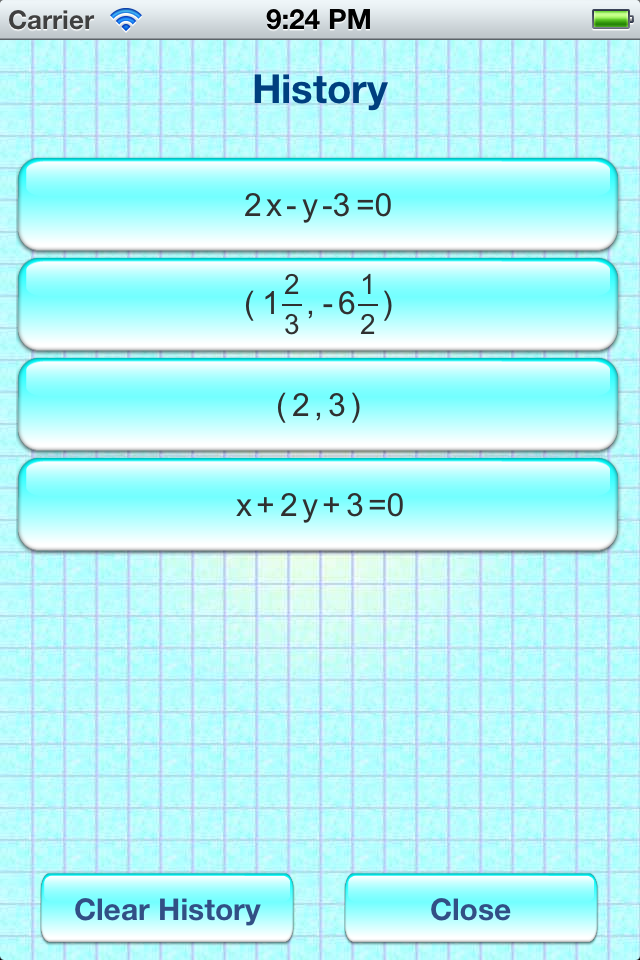
This is an advertisement supported math tool. It accepts two different simple geometry objects - either line or point as input. There are six ways to input a line. You will get different additional information (no detail steps provided) depend on the combination of input. You can also plot the inputs on a simple graph. Number input/display format: * Decimal * Fraction (distance will be displayed in decimal) (enter 2/3 by pressing [2][a b/c][3], 1 2/3 by pressing [1][a b/c][2][a b/c][3], where key [a b/c] will show up in fraction display mode) Line input format: * General From --> ax + by + c = 0 * Slope Intercept Form --> y = mx + c * Point Slope Form --> (y - y1) = m(x - x1) * Line By Two Points --> (x1, y1) - (x2, y2) * Horizontal Line --> y = c * Vertical Line --> x = c Point & Point: - mid-point - distance - line from two points - slop of line - x-intercept of line - y-intercept of line Point & Line: - distance from point to line - parallel line through point - perpendicular line from point to line - intercepting point of perpendicular line to given line Line & line: - check if they are parallel - check if they are perpendicular - intercepting point of two lines Suggestions are always welcomed. Please email support@oikosoft.com your suggestions beside putting them down as comment. Usually, more information will be needed.