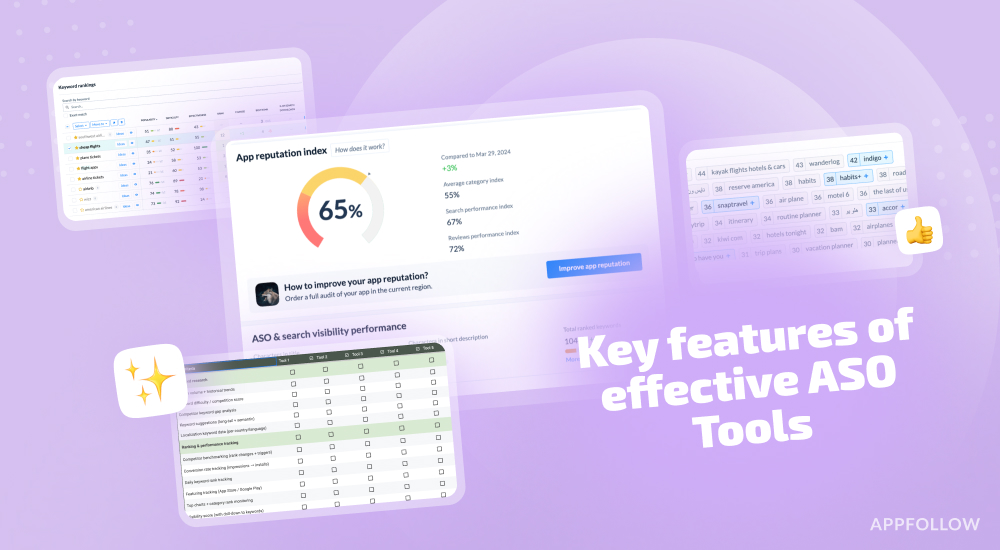
Ratings & Reviews performance provides an overview of what users think of your app. Here are the key metrics to help you identify how your app is rated by users and how successful is your review management strategy.
 3.5
3.5
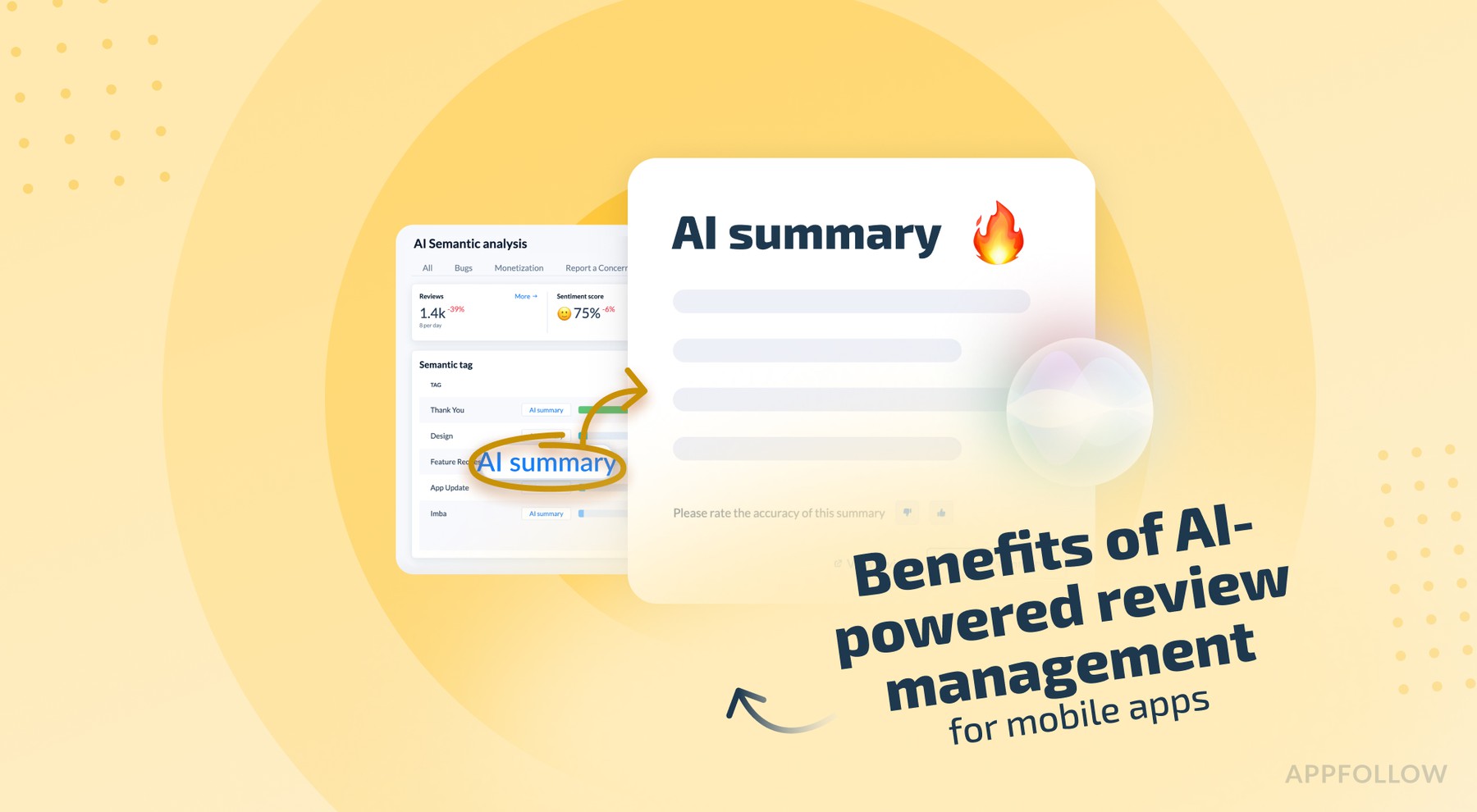
User reviews affect conversion to installs and app rating. Featured and helpful reviews are the first to be noticed by users and in case of no response can affect download rate.
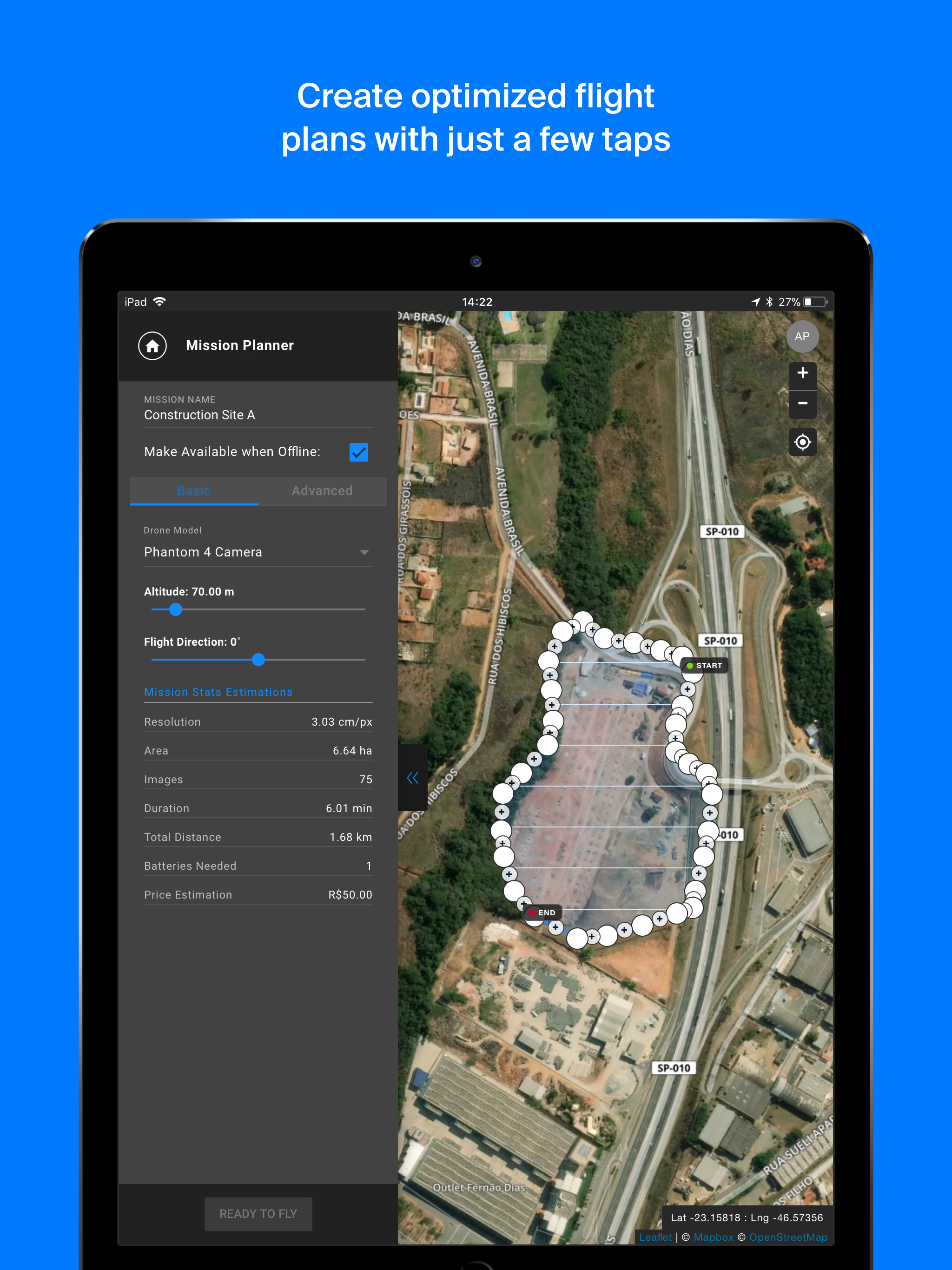
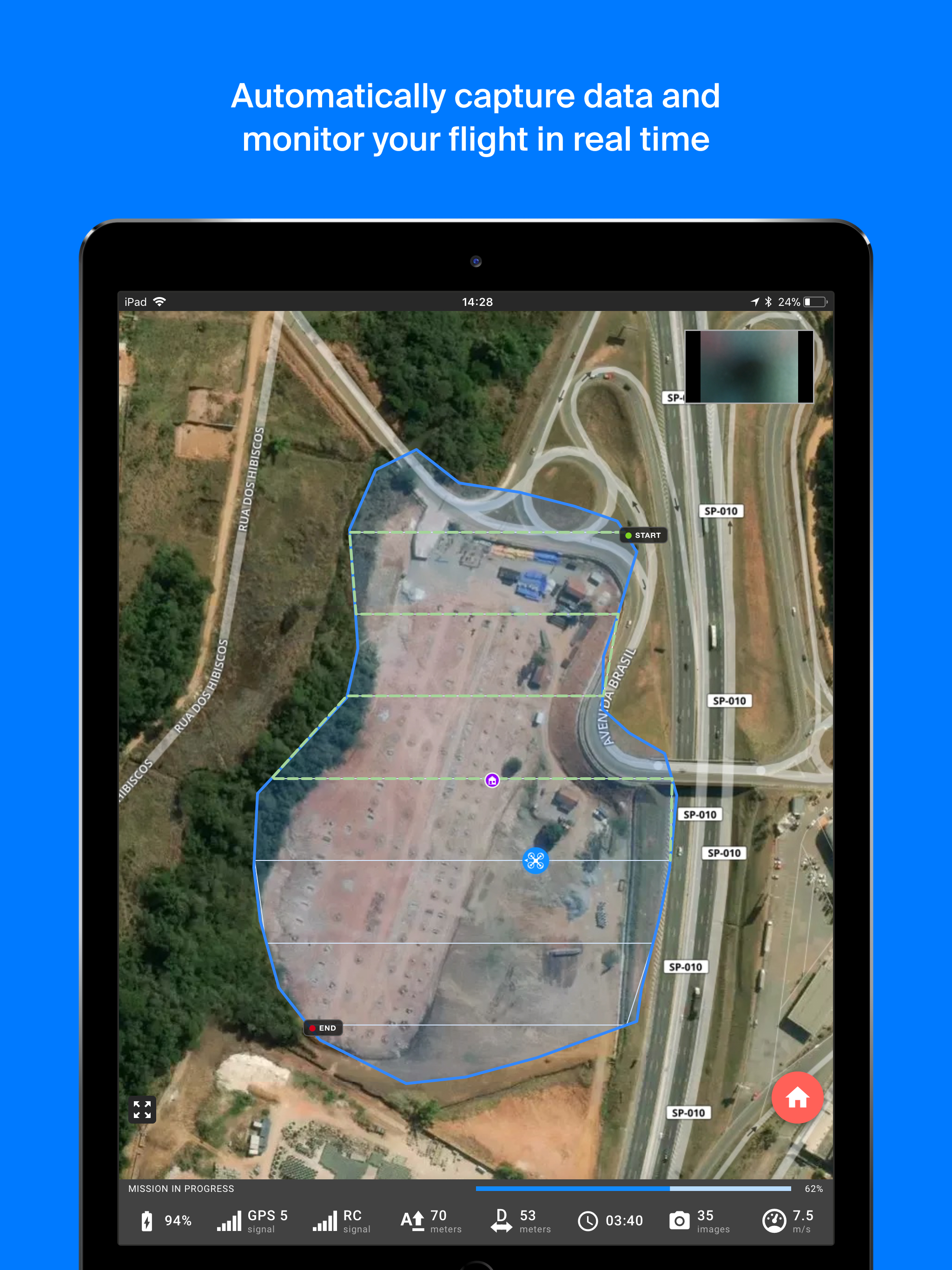
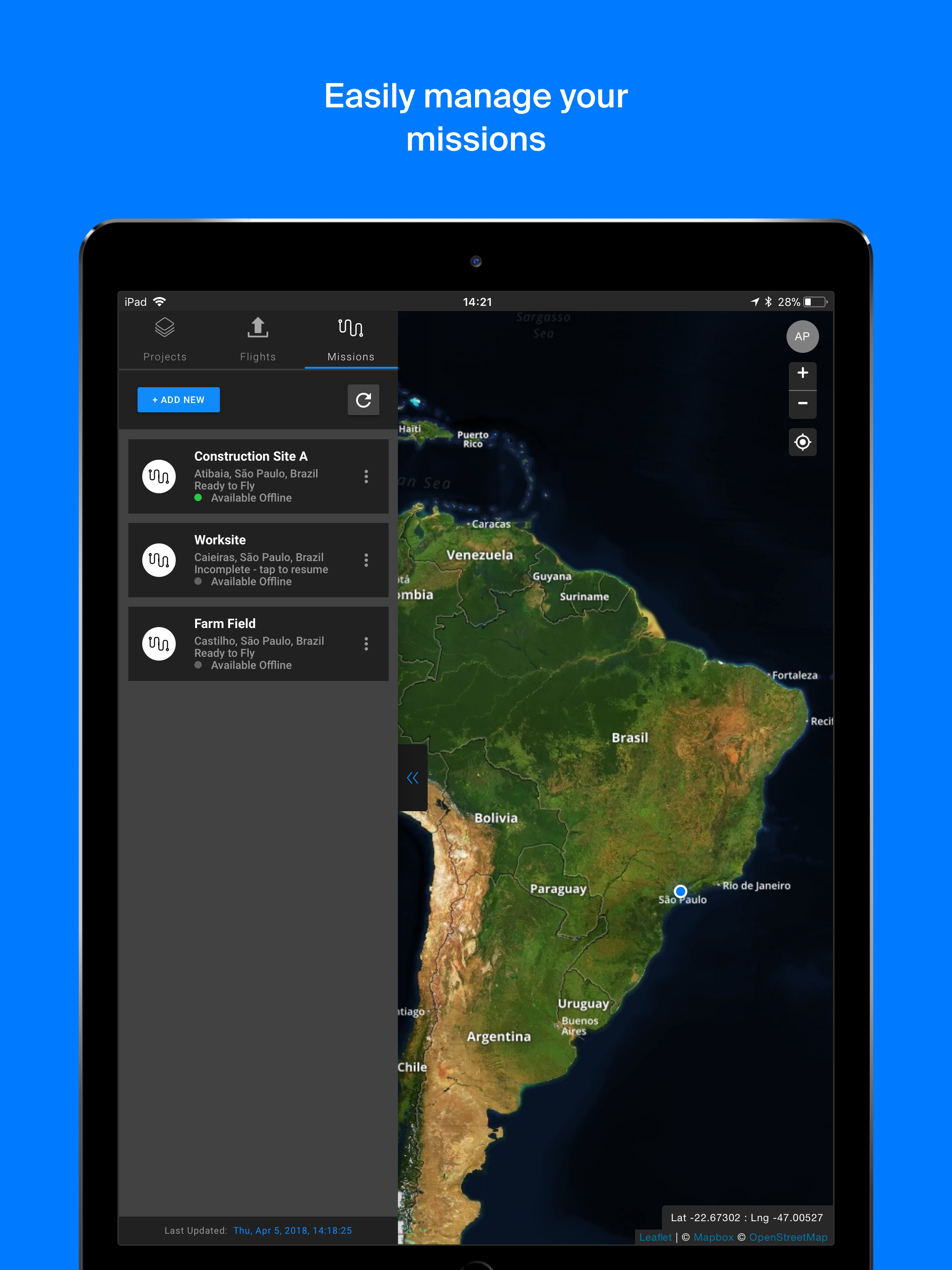
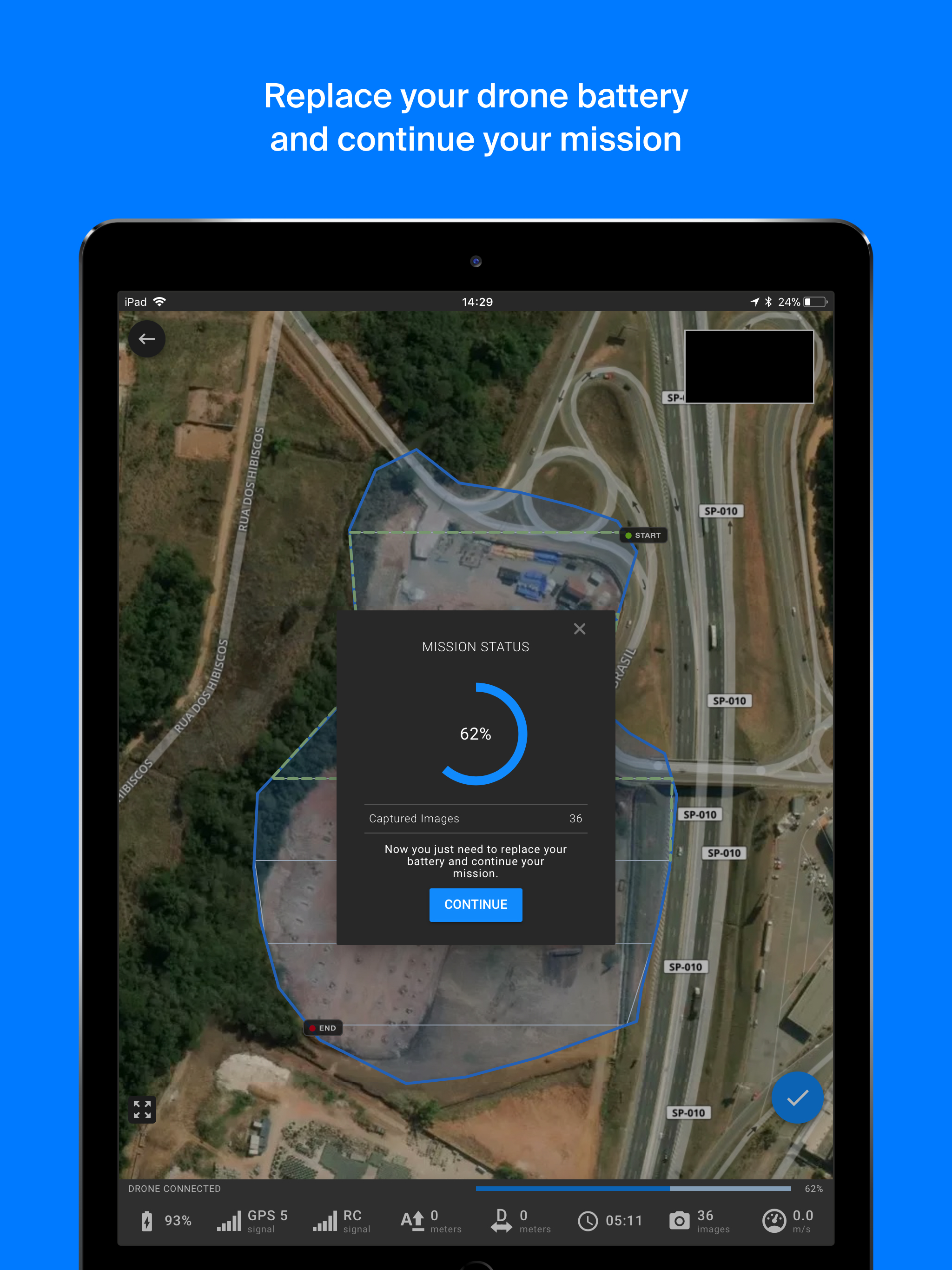
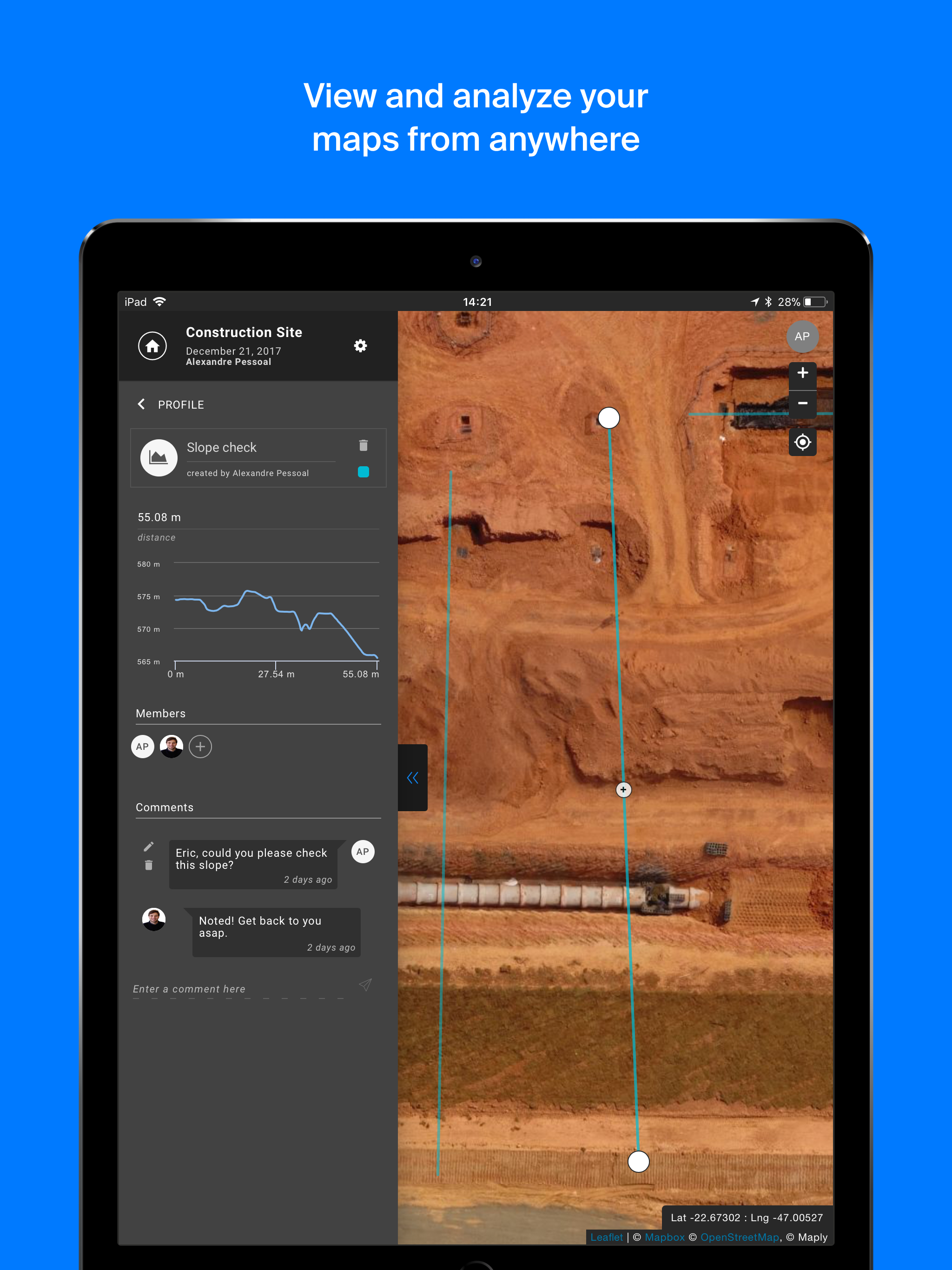
With Maply application, create optimized flight plans and capture images in field autonomously, regardless of whether you are a beginner or experienced pilot. Compatible drones: • Phantom 3 Advanced • Phantom 3 Pro • Phantom 4 • Phantom 4 Advanced • Phantom 4 Pro • Mavic Pro Main features: • Fully automated flight • Flight parameters adjustments: frontal and side image overlap, altitude, resolution (GSD) and flight direction • Off-line base map storage for flights in locations without an internet connection • Real-time monitoring and telemetry • Save and duplicate missions to fly the same area of interest several times • Battery replacement capacity during missions • Possibility to pause and continue missions Files Outputs from Maply Web Platform: • 2D Orthomosaic Maps • Digital Surface Models • 3D Models • Point Cloud • Contour Lines • Inspection Images How It Works : 1. Create a new mission by tapping on the satellite map the desired area to be mapped and easily adjust the flight parameters 2. While on the mission screen, connect your drone's remote controller to your mobile device with Maply APP opened 3. As soon as the drone is connected click "Ready to fly" 4. Click on the pre-flight checklist button and wait for the preparation and loading of the mission on the drone 5. Slide the "Take off" button and the drone will take off and fly to the desired altitude and complete the mission autonomously 6. After the mission is completed the drone will fly to the home location and land itself 7. Load images into the web platform - app.maply.io and wait for the images to be processed. Usage information Check if you have the latest firmware installed on your drone and if the application is up to date before flying.