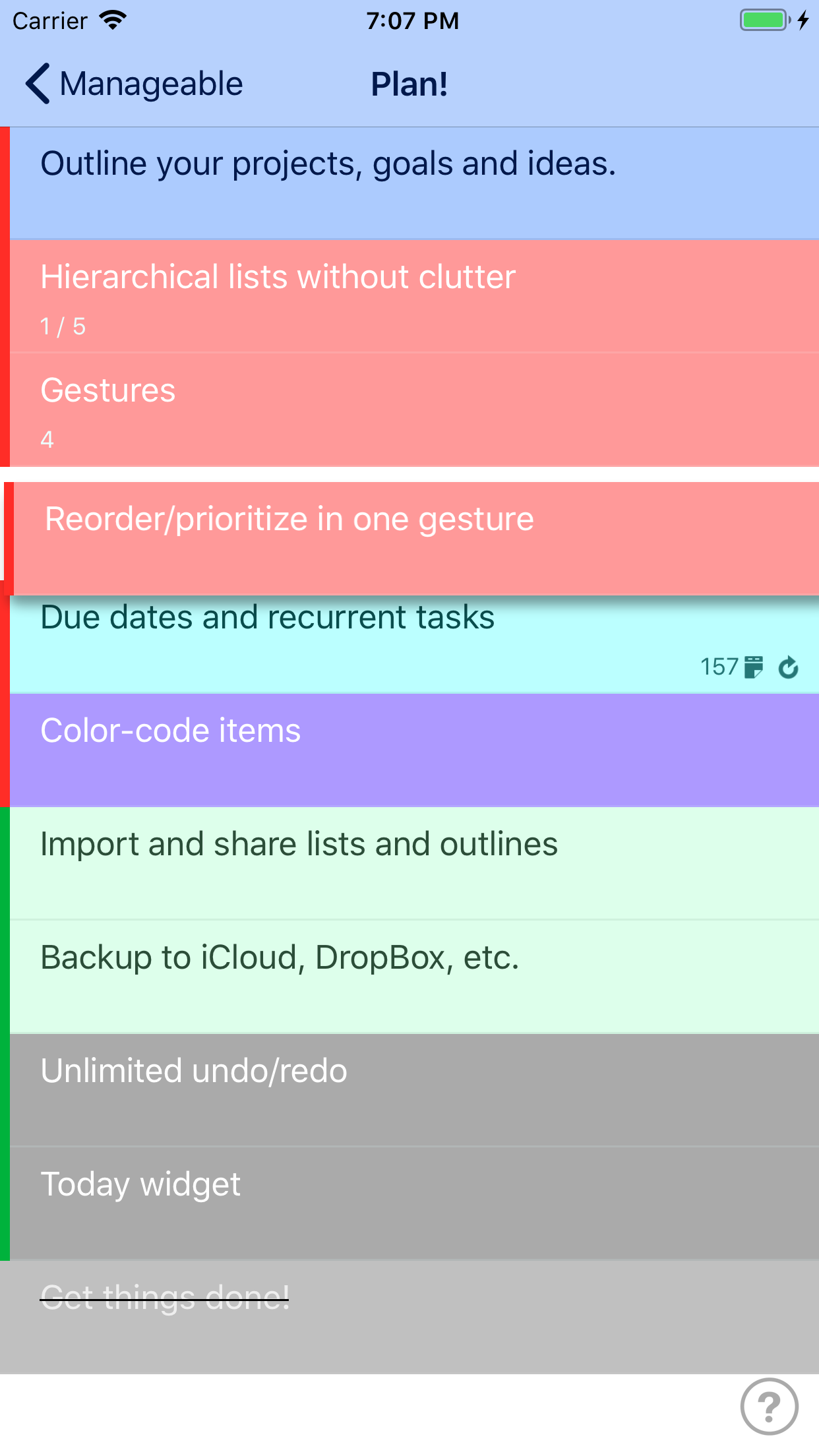
When I’m brainstorming, be it about household chores or starting a business, I always do my best thinking using a nested outline. My favorite app for that has been Outliner Pro, but Manageable would easily over take it with some tweaks and added features (features I’d happily pay for at a reasonable price).
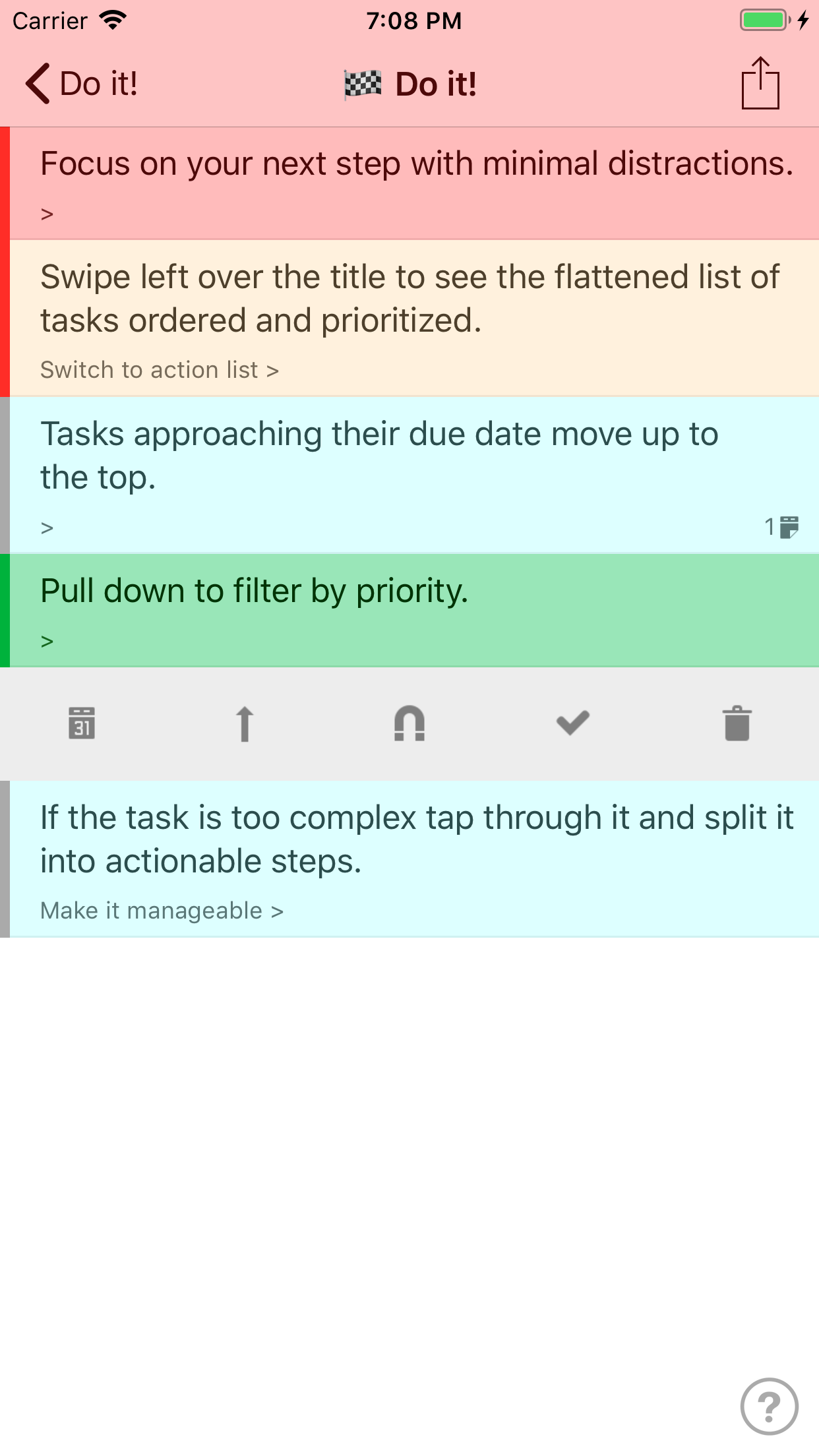
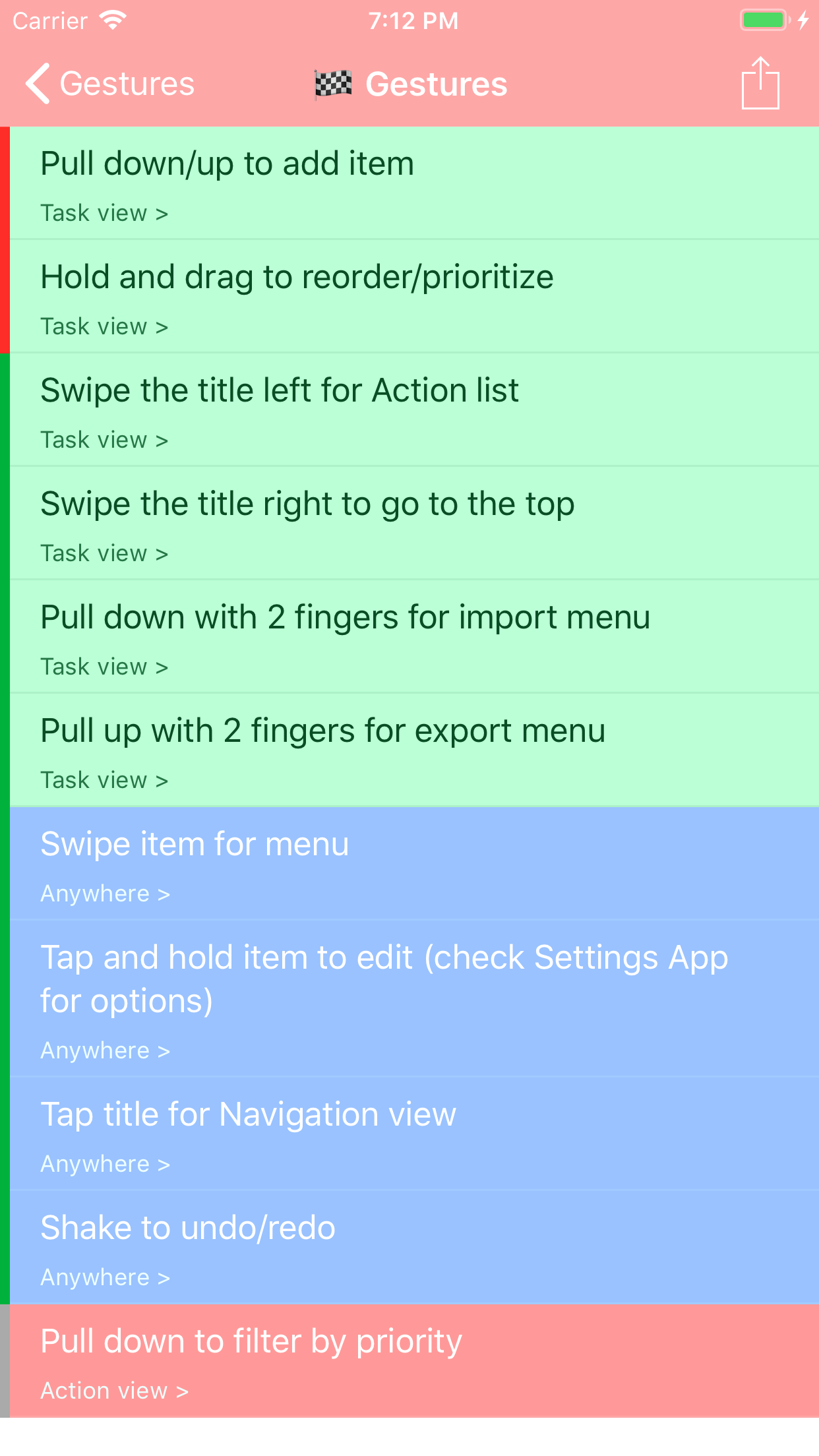
What it does best is allow you to drill your complex outlines down to actionable tasks, then when it’s time to get to work, you can view only the actionable tasks. The killer features are the extensive use of multi-touch as opposed to traditional buttons and checkboxes. Seriously, this is quite possibly the best implementation of multi-touch I’ve ever seen in a productivity app since the introduction of Clear.
It can take a while to get up to speed, but once you do the simple gestures get you moving quickly. [LPT: be sure to download the example outline that is basically an interactive manual on how to use it.]
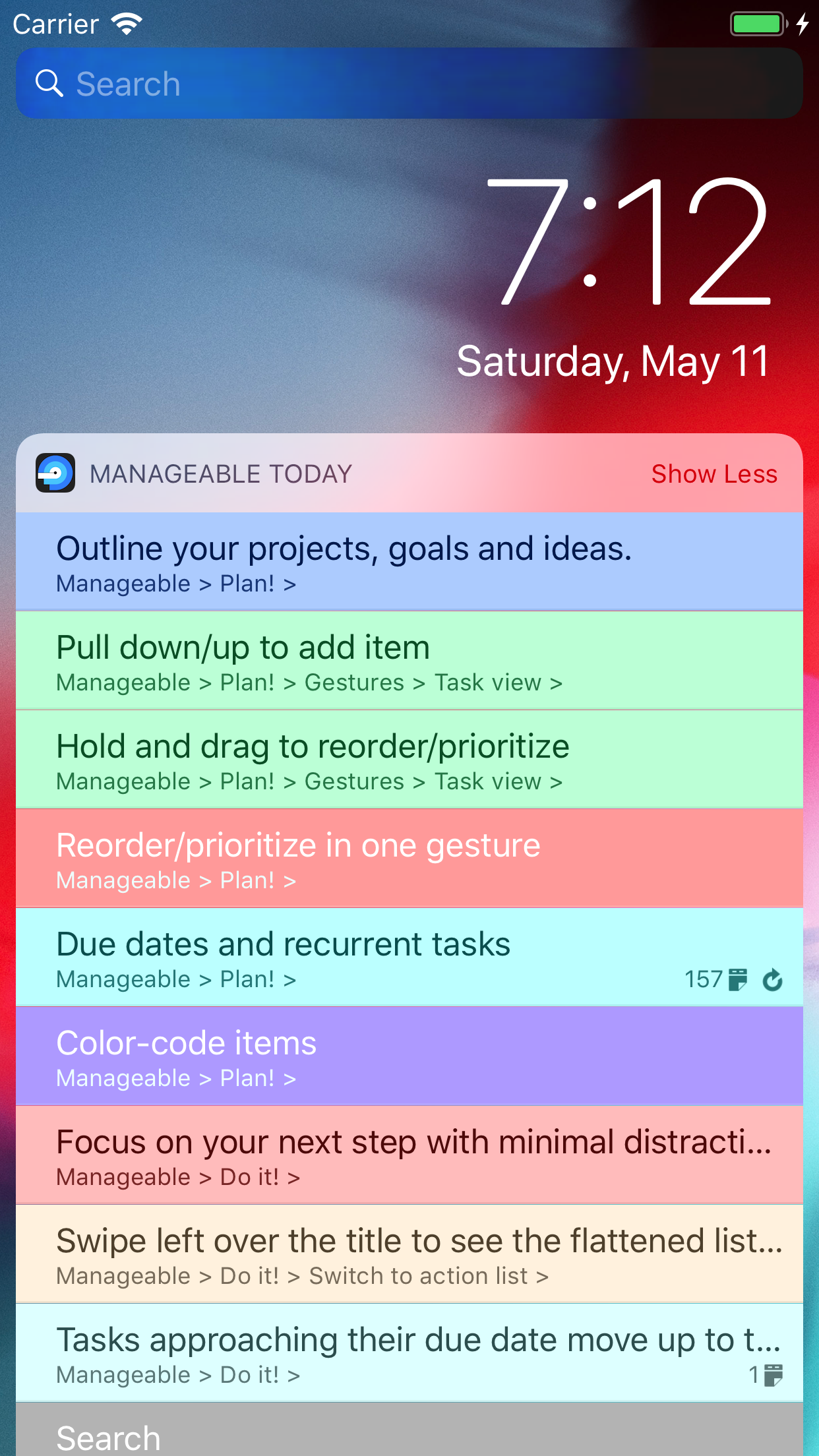
I have several feature requests/suggestions but only one complaint: the widget should be updated to current design standards; specifically the white gradient background. It looks out of place with up to date widgets and can make reading over a dark wallpaper annoying. Well designed widgets are a great way to make productivity apps like this be more... well, productive.
Suggestions to improve existing workflow:
1) Allow completed tasks to be checked off in a quicker fashion that does not require a swipe - I recommend a double tap. Allow the same action to quickly change the task back to incomplete.
2) In the action list, instead of having completed tasks immediately disappear have them stay visible just like is done in the task list: with a line through them. Have them clear the actionable list at the end of the day. This would allow tasks accidentally checked off to easily be returned to incomplete status without having to go find it in the task list. It would also be a nice visual list of the day’s accomplished tasks which can be very rewarding.
3) Automatically check off parent tasks when sub tasks are all completed.
Here are the features I would love to see add it to Manageable. The ones with an asterisk are the features it is lacking that if it had I would replace at least three other apps with this one (and gladly pay for via a reasonable IAP)
1) *Cloud storage/backup/sync making it easy to recover your outlines without having to do a full iOS restore.
2) *Cloud storage/sync between multiple devices.
3) *Ability to set due dates and reminders on tasks.
4) Ability to share individual top level outlines and/or sub outlines with other manageable users (this would make delegating tasks awesome for project managers, even families).
5) Mac version (if it synced with app, I’d pay for one).
Of course iCloud would provide the most seamless user experience for requests 1 and 2, but using a third-party interface (eg Evernote) would also be a great option especially because a service like that would still give users access to their basic data on other platforms making incompatibility a selling point of the app. It would also give the developer exposure elsewhere (e.g. Evernote list of apps). [Outliner Pro does this quite well with Evernote.]
Most of all I suggest KEEP DEVELOPING THIS APP! Its been so long since an update I’m concerned the dev has given up! Whoever designed this UX is brilliant. I would be extremely disappointed if they didn’t continue to follow up on their vision that became Manageable.
Developer replied on Oct 15, 2017
Wow, you're my hero, mate! This is likely the longest review I have seen on the App Store, I appreciate that. And so many good points too. Definitely noted.
First, I've just submitted a new version of the app for approval. Also, at least some of the features mentioned are in the roadmap already.
Otherwise, here are a few hints to address your requests.
- In case you did something accidentally or just changed your mind, the app has unlimited undo/redo; shake your device for the undo/redo prompt.
- The app already allows you to backup/restore any list or sublist with double-touch pull-up/down gesture in the Task view. You can backup/restore task titles only to/from pasteboard (Outline option) or full task data to/from pasteboard (Data option) or to/from file managers like iCloud or Dropbox (Backup option).
Hope this helps. I invite you to post or discuss feature requests on the support page: http://mu-sonic.com/manageable/manageable-support/


 4.5
4.5