Ratings & Reviews performance provides an overview of what users think of your app. Here are the key metrics to help you identify how your app is rated by users and how successful is your review management strategy.
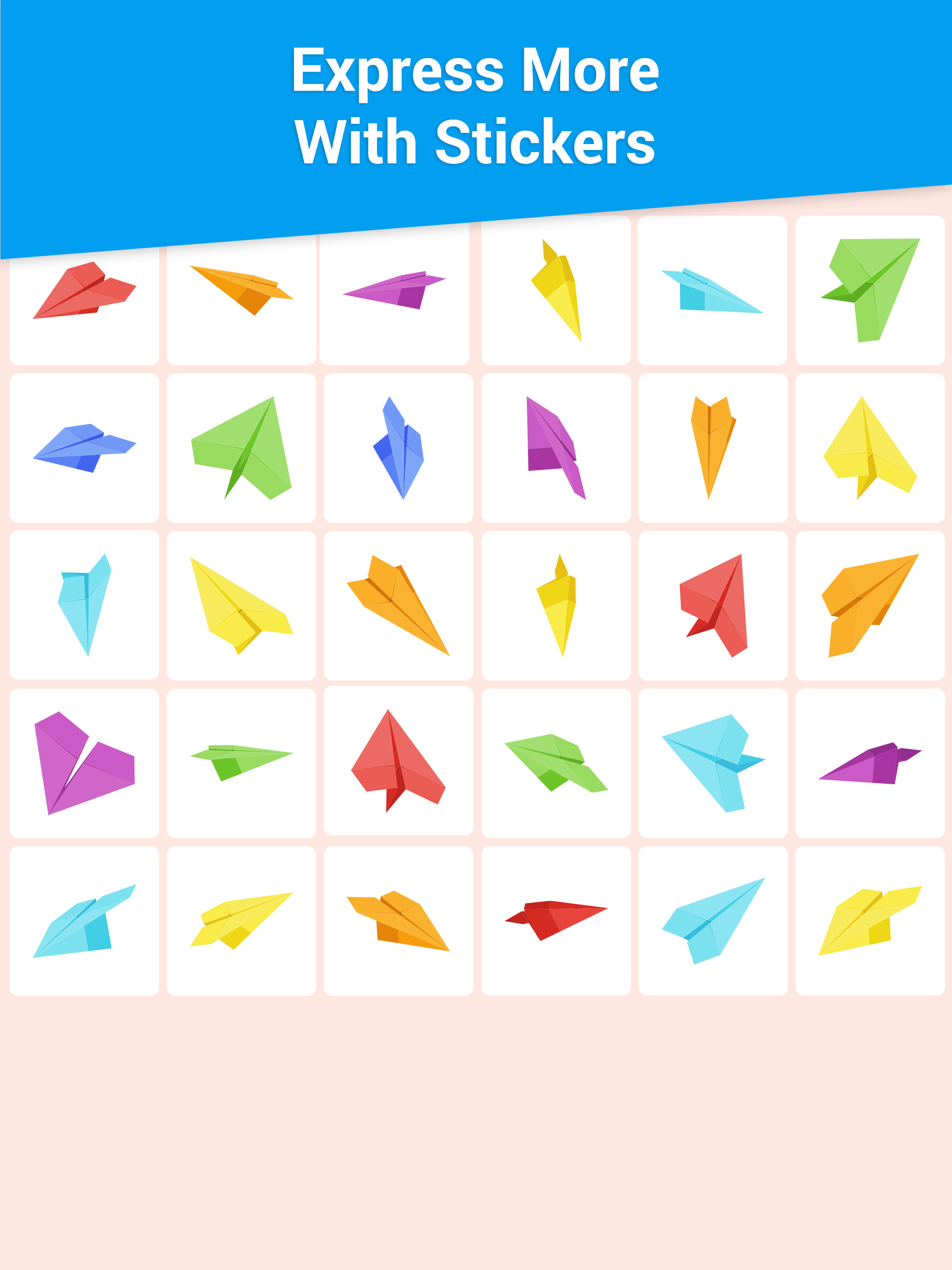
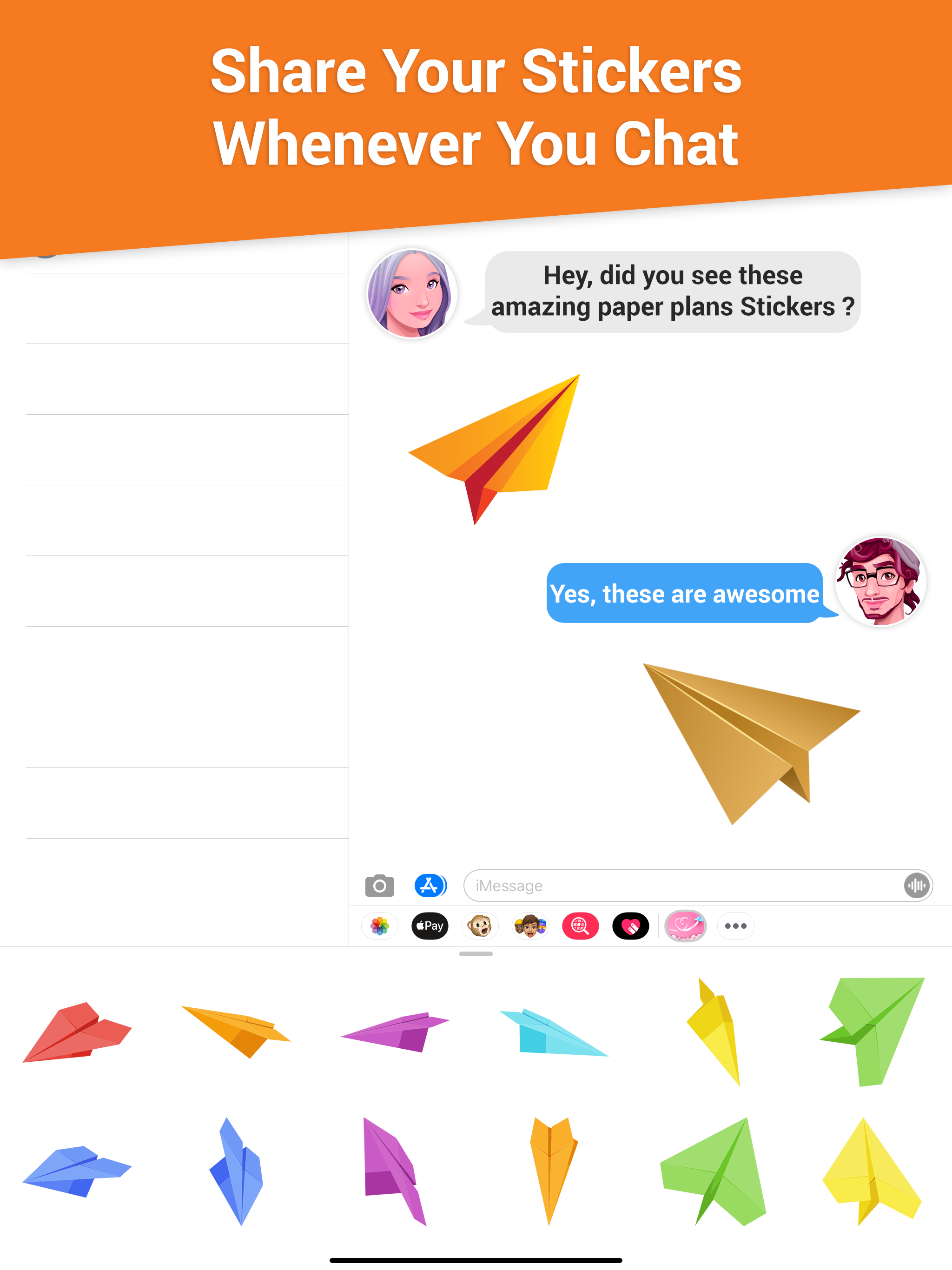
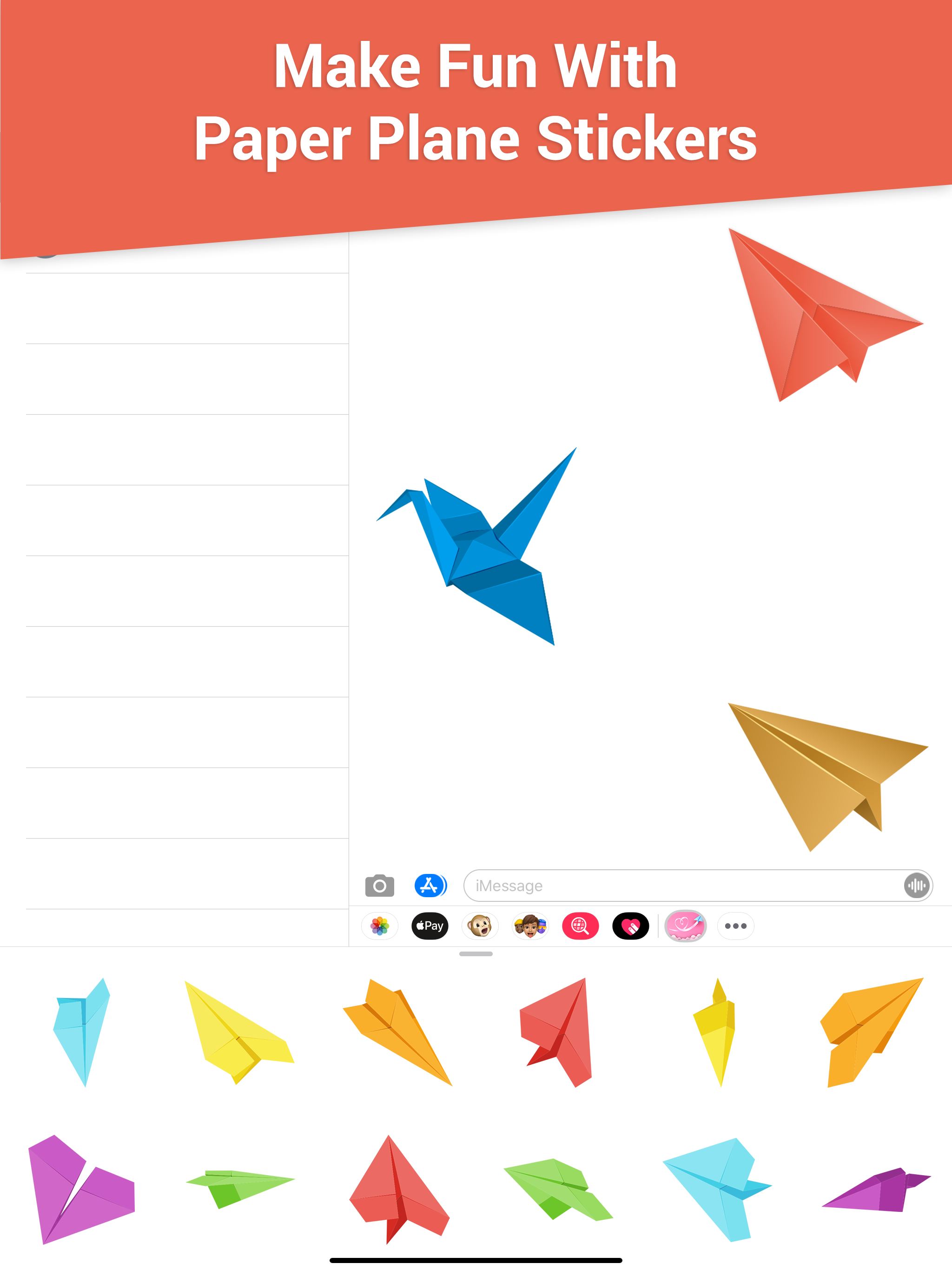
Start your conversation in new ways with paper plane stickers to help celebrate back-to-school season, expressive paper planes help you bring your stories to life as you head back to class. Tips of installing stickers: • To access Messages apps, compose a new Messages to a friend and tap the Messages App Store icon alongside the compose field. • Tap the four oval icon on the lower left corner to open the app drawer. From there, tap the plus icon ( '+') to access the Messages App Store. • In the App Store, tap the Manage tab to add and see your apps to your app drawer. How to use stickers: • Open iMessage from your iPhone • Select the your app's sticker • Just with a single tap send stickers • PEEL & PLACE stickers on top of message bubbles or photos, just tap, hold and drop! • Layer stickers over each other in conversations in iMessage • Scale & Rotate stickers by using a second finger before you place it on a bubble.