Ratings & Reviews performance provides an overview of what users think of your app. Here are the key metrics to help you identify how your app is rated by users and how successful is your review management strategy.
 4.3
4.3
User reviews affect conversion to installs and app rating. Featured and helpful reviews are the first to be noticed by users and in case of no response can affect download rate.
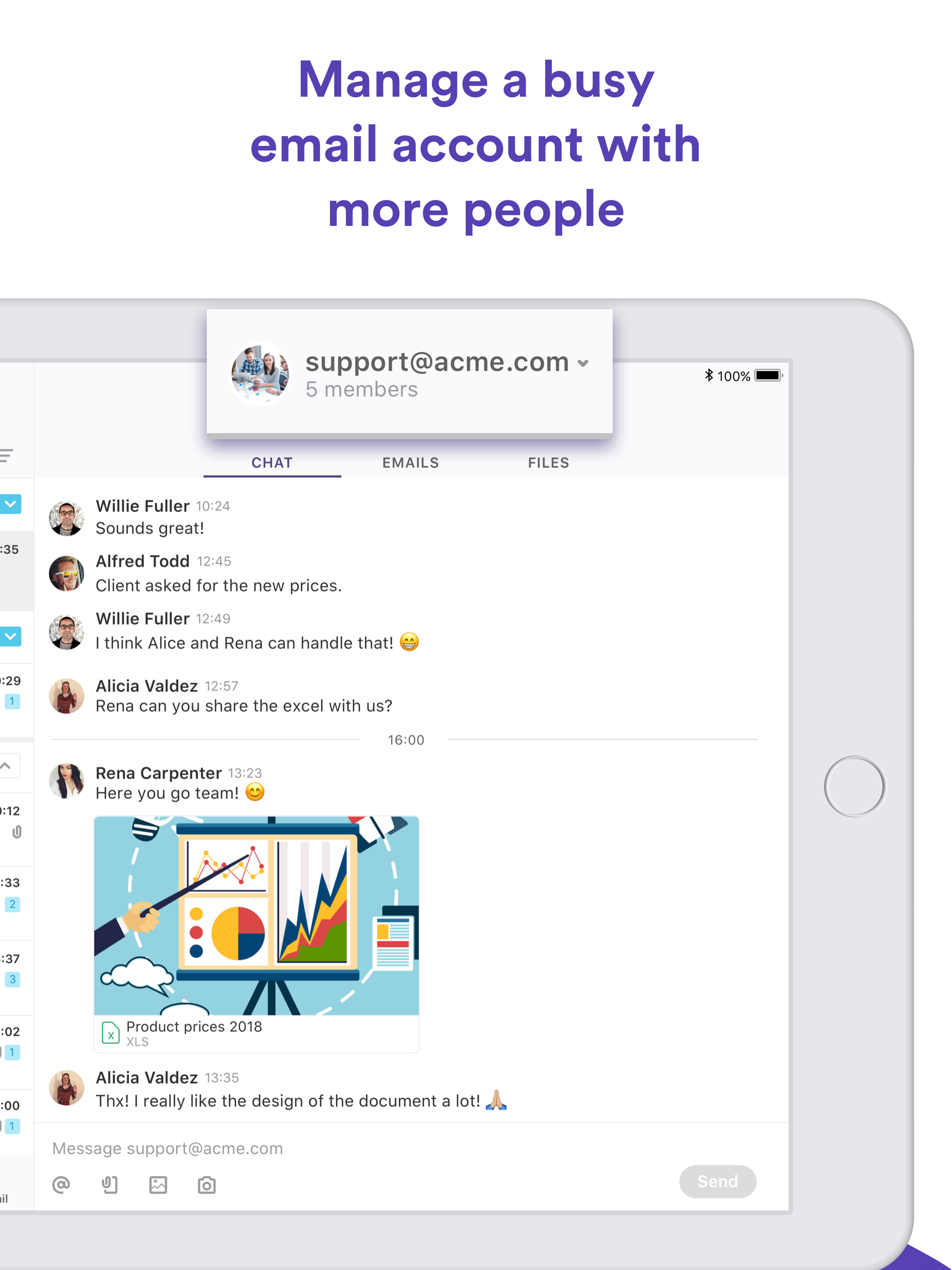
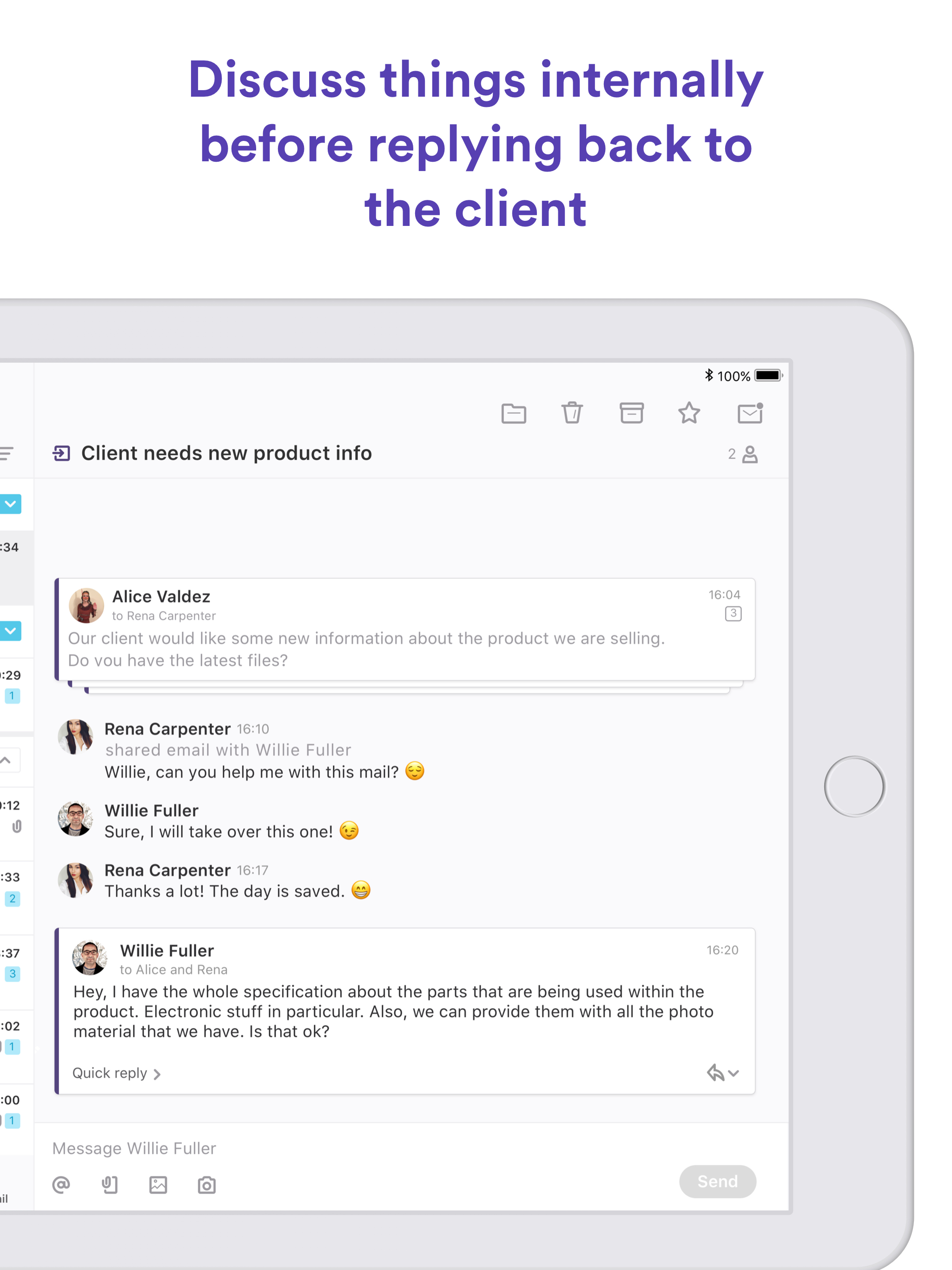
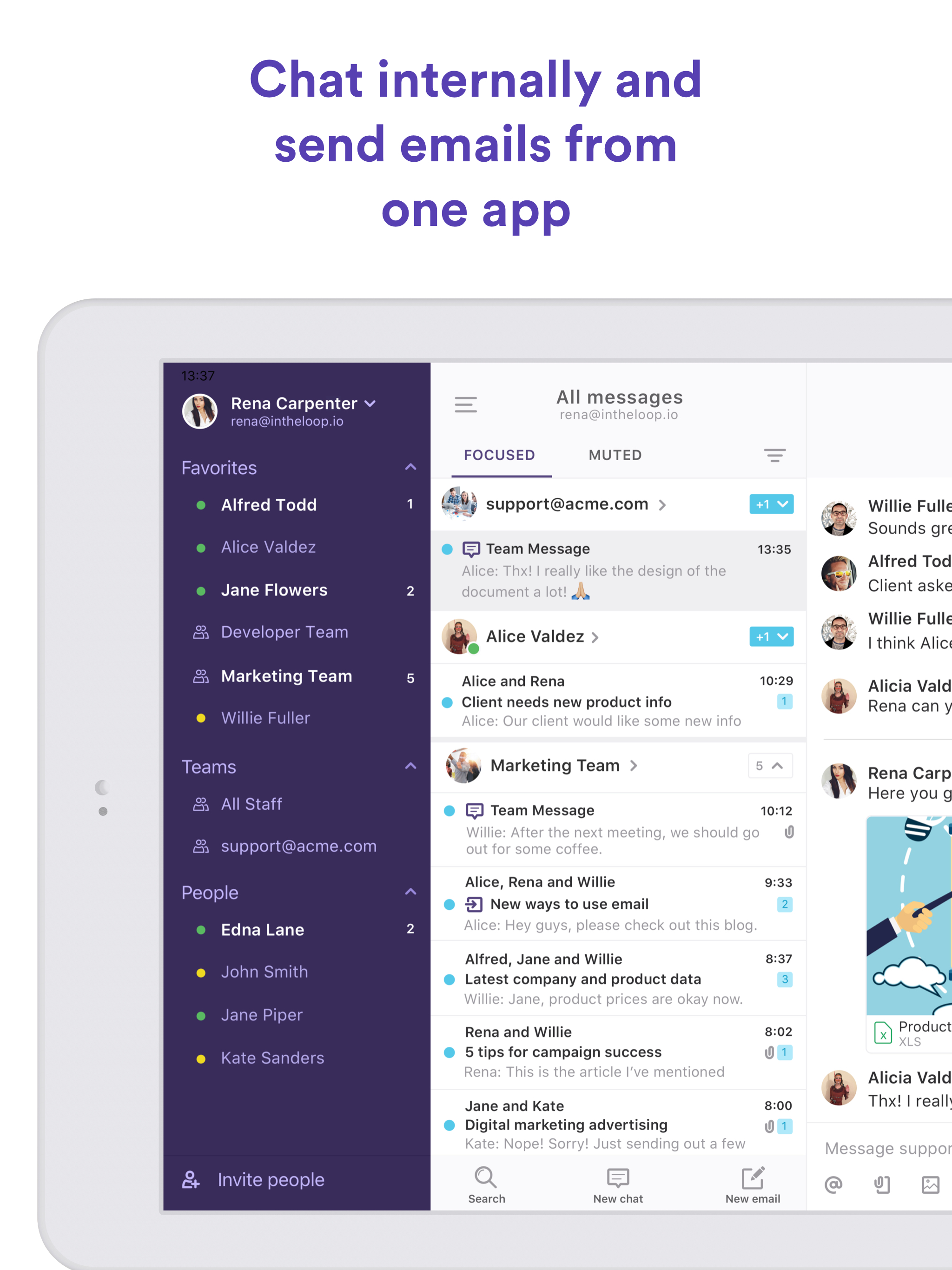
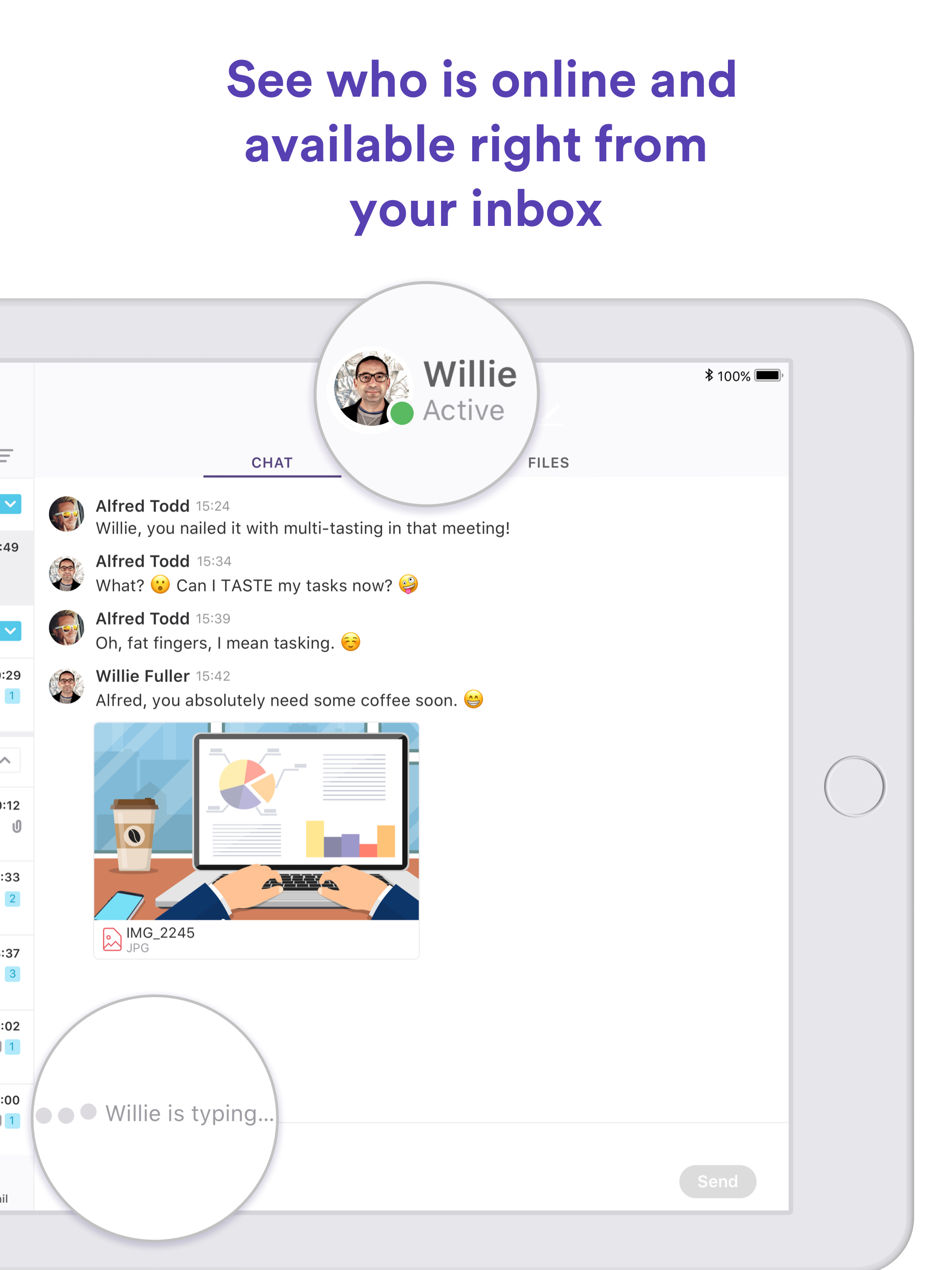
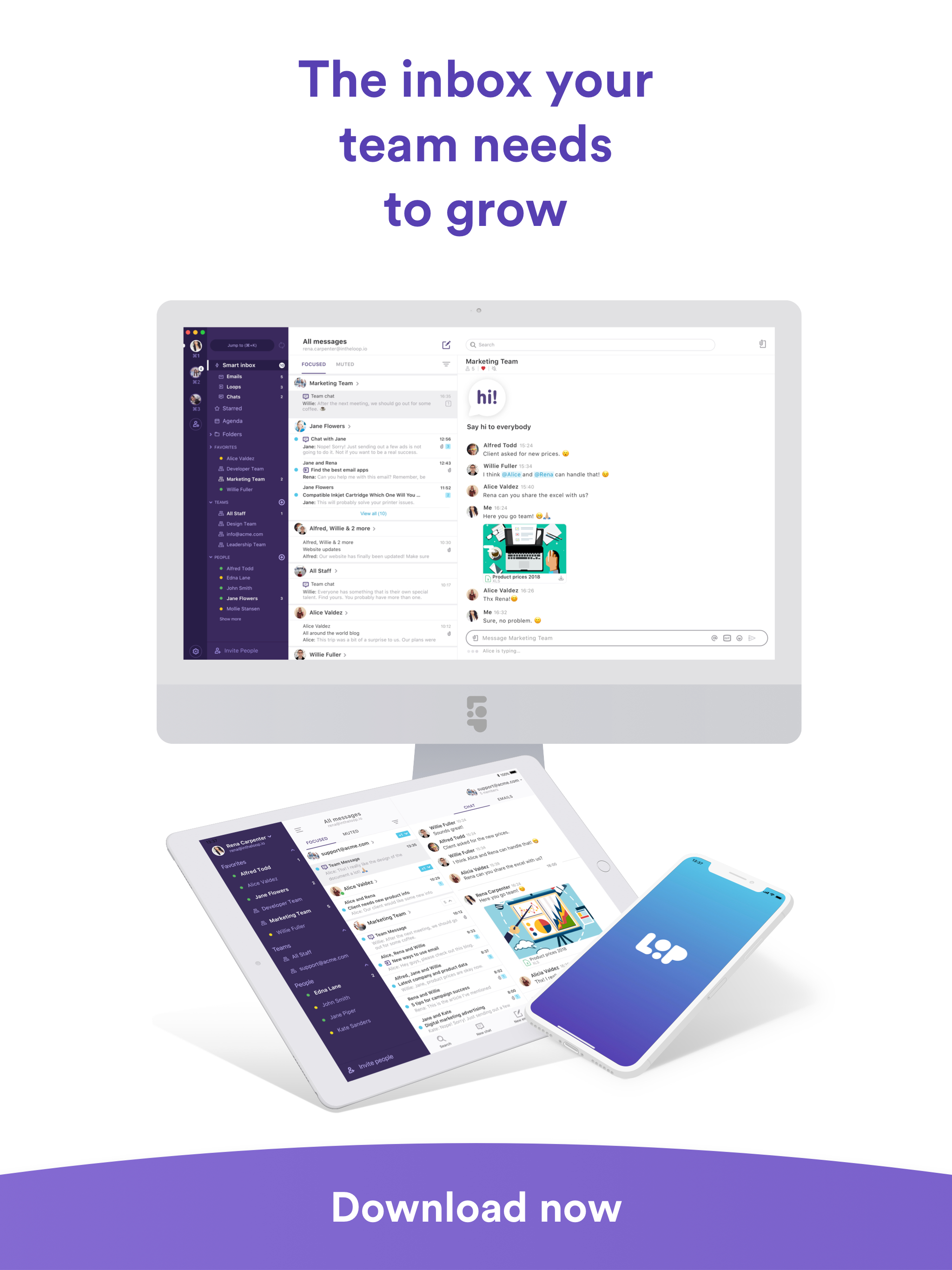
Loop Email helps teams manage customer messages in shared email accounts such as support@, contact@, info@, orders@ and more. Efficiently and on the go. Loop is a simple yet powerful team inbox, easy to set up and use for teams handling customer messages via email. With Loop no messages get missed and your team can assign ownership, chat about customer emails, exchange files, automate workflows and manage shared inboxes with ease, all within a purpose-built iOS app. With Loop you’ll be able to: - Manage any shared email accounts - Collaborate 1-2-1 and in groups with your team - Set up automated workflows to help you manage any incoming emails - Have internal discussions with your team before replying to your customers - Organize your personal as well as team inboxes for best productivity Key features: - Unified inbox: Manage all of your email accounts from one view - Shared inbox: Manage incoming emails as a team, without having to share login details - Assign owners: Know who’s in charge of any conversation - Side chat on emails: Start a private side chat on any email thread - Team channels: Use Loop for team chat as well as email management - Shared tags: Keep your team inbox organized with labels and tags - Rules & automations: Automate workflows for your team with a powerful rules engine - SLAs: Get your response time optimized with SLA notifications - Snooze: Snooze a conversation for a period of time to keep your inbox organized - Templated responses: Set up templates for frequent queires - Collision detection: Prevent sending multiple replies by mistake - Reports & insights: Customizable reports to see how your team is doing - Works across all platforms