Ratings & Reviews performance provides an overview of what users think of your app. Here are the key metrics to help you identify how your app is rated by users and how successful is your review management strategy.
 4.7
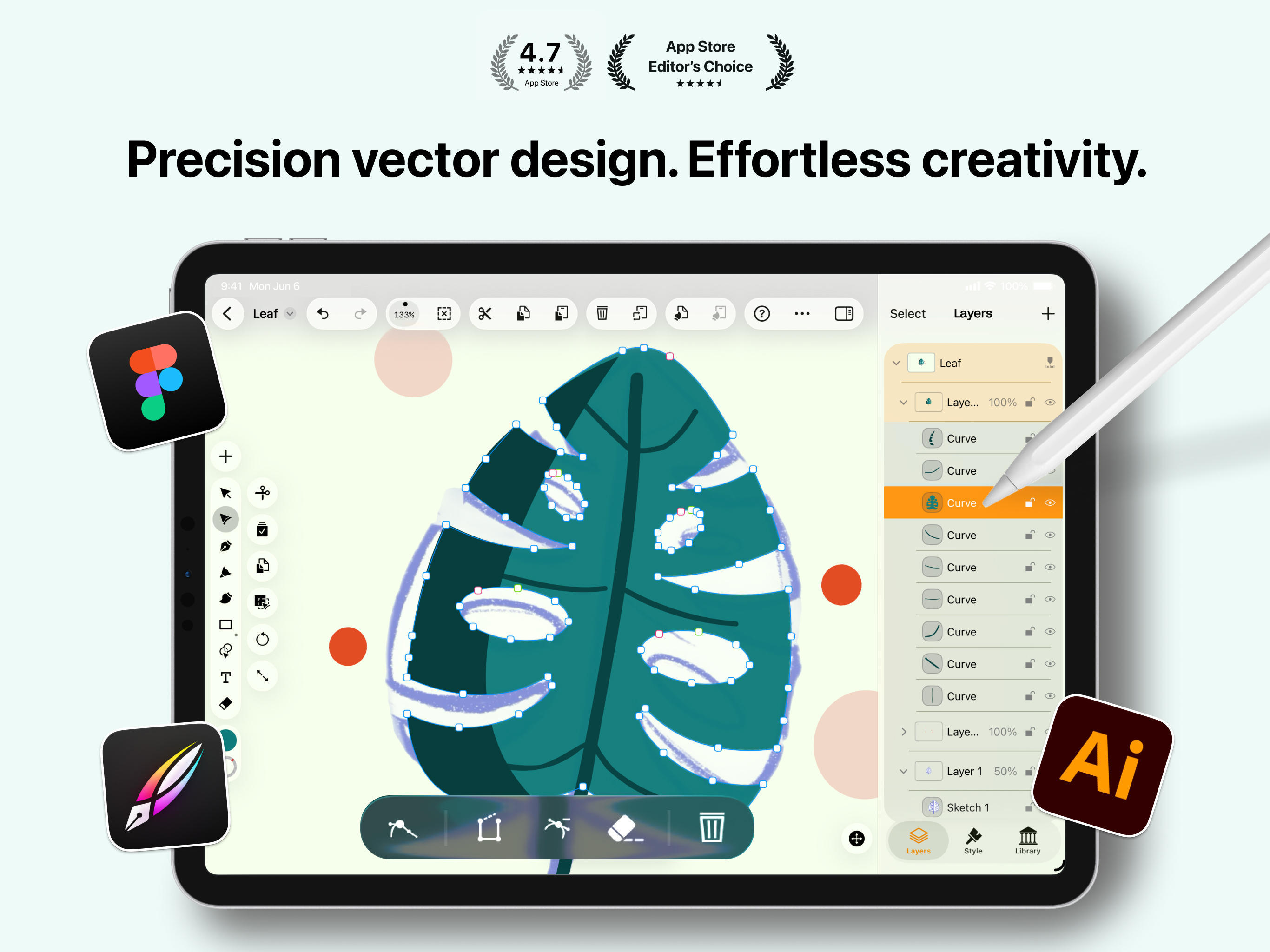
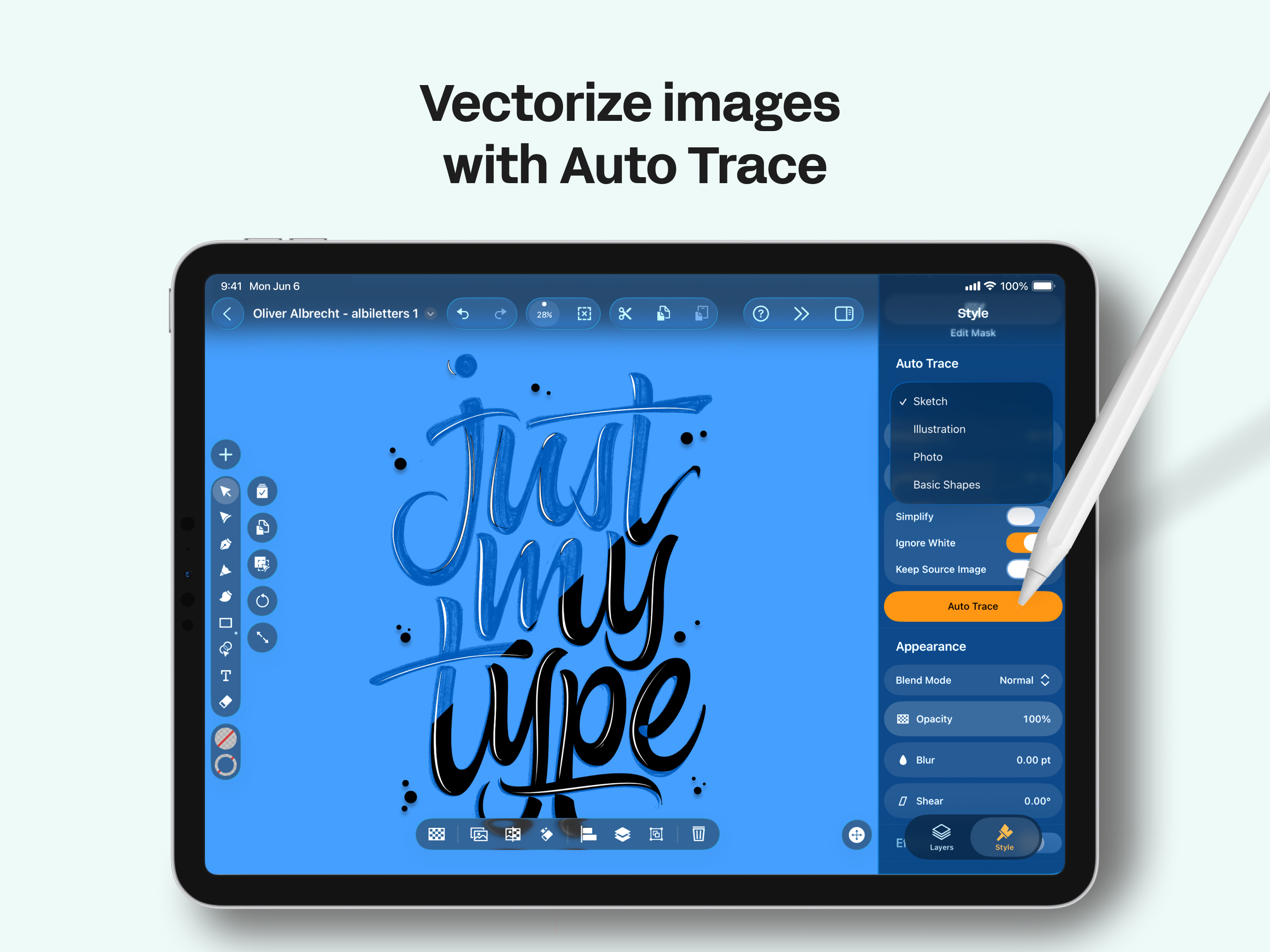
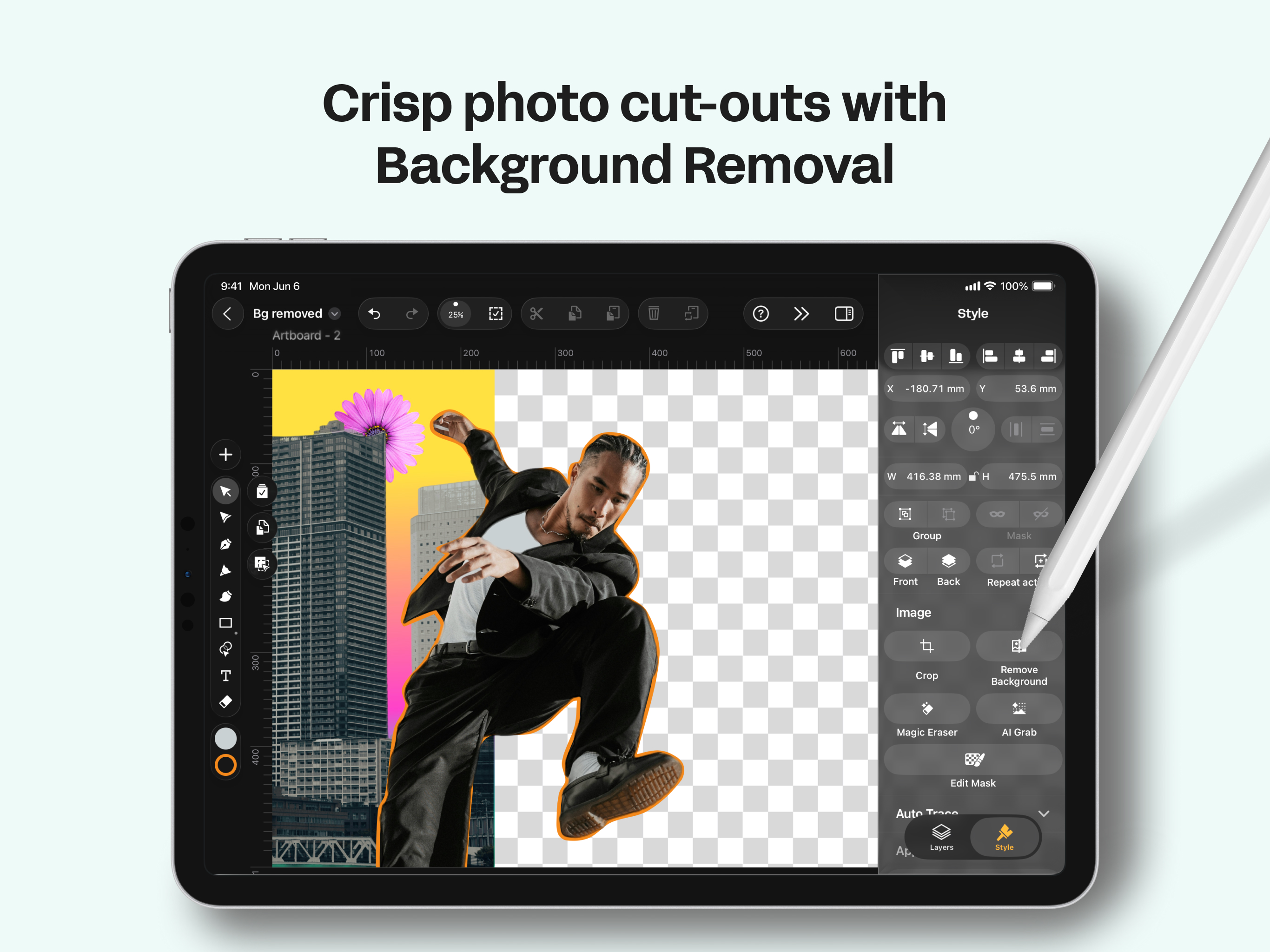
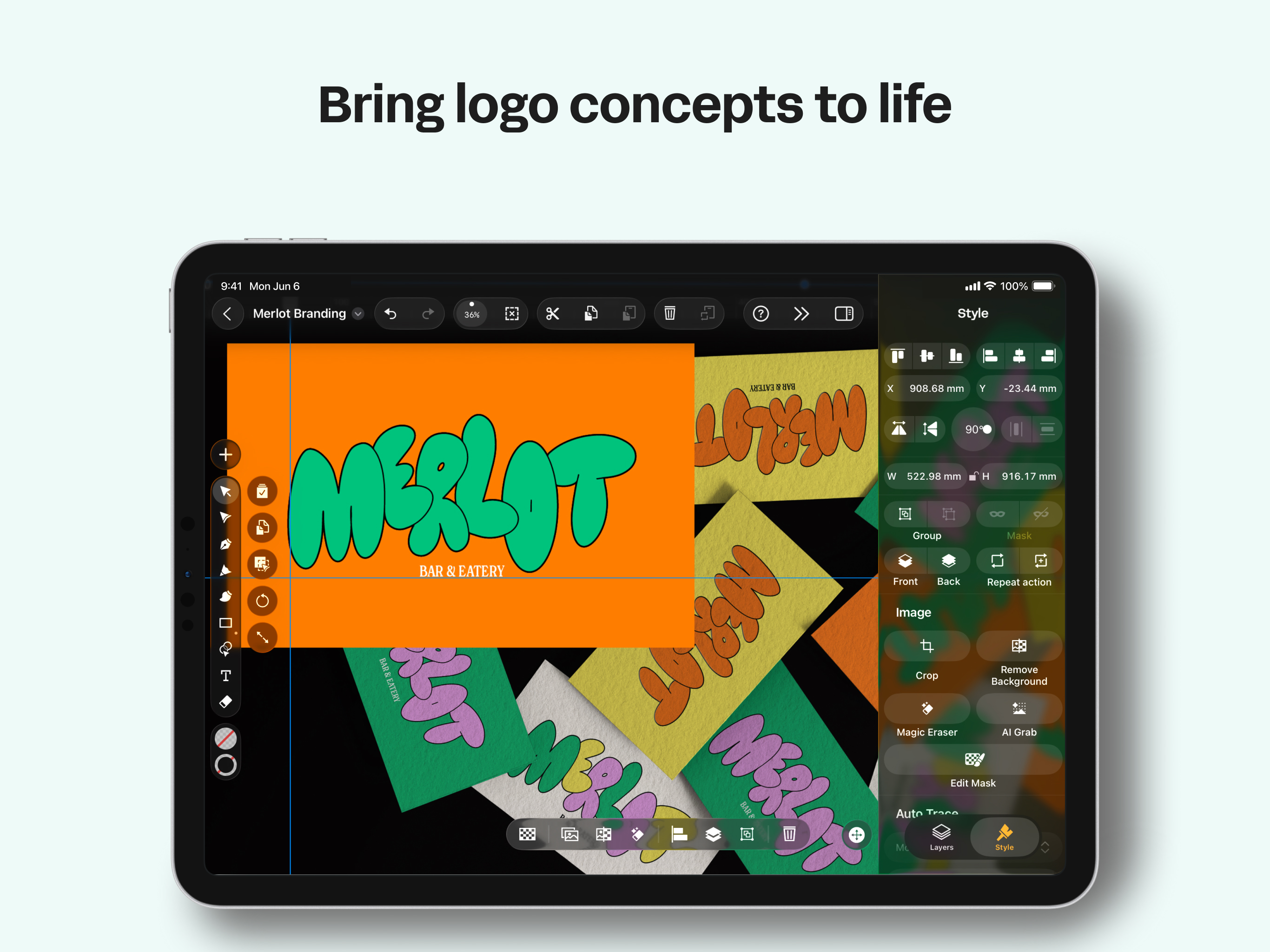
4.7Professional vector art and vector drawing software — right on your iPhone, iPad, and Mac. Linearity Curve is the vector drawing app built from the ground up for Apple. Create vector art for logos, illustrations, marketing assets, and full brand systems with precision tools that feel as natural as drawing on paper. From digital art to print-ready design art, Curve is the art maker that gives you professional results without expensive desktop subscriptions. No compromises. VECTOR DRAWING TOOLS THAT MOVE AS FAST AS YOU DO Bézier Pen and Node tools with full curve control — create smooth, scalable vector art at any resolution Shape Builder combines and subtracts shapes in a single tap Boolean operations for complex art design compositions and cutouts Smart guides, snapping, and customisable grids for pixel-perfect vector drawing alignment Professional typography with kerning, tracking, ligatures, and custom font uploads Text on path for curved headlines and expressive type layouts Multiple artboards — design entire campaigns, icon sets, or brand kits in one file AUTO TRACE — VECTORISE ANY IMAGE INSTANTLY Turn sketches, photos, and scanned artwork into clean, editable vector art in seconds. Curve's AI-powered Auto Trace does the heavy lifting so you can go from concept to polished digital art faster than ever. Trace hand-drawn sketches, logos, or illustrations into organised vector drawing layers AI Background Removal isolates subjects from any image in one tap Convert PNG, JPG, or any raster image to production-ready SVG vector art Export with properly grouped layers — no messy cleanup required DIGITAL ART & ILLUSTRATION Custom vector brushes for a signature style that stays consistent across projects Linear and radial gradients with precise colour stop control Full layer system with blend modes, opacity, clipping masks, and grouping Eyedropper and saved palettes keep brand colours locked in RGB and CMYK colour support for screen and print production DESIGNED FOR iPAD, iPHONE AND MAC Apple Pencil support with pressure-sensitive, tilt-aware vector drawing for natural digital art creation Touch-optimised interface — no desktop UI crammed onto a small screen Gesture-based canvas navigation that feels fluid and intuitive Optimised for every iPad, iPhone, and Mac screen size iCloud sync keeps your vector art projects current across all devices Full offline support — create design art anywhere, sync when you reconnect TEMPLATES, ASSETS & LEARNING Thousands of professionally designed templates for logos, social media, presentations, and ads Built-in Unsplash photo library and icon packs including SF Symbols Customisable shapes and components to accelerate your art design workflow Contextual tips and tutorials to sharpen your vector drawing skills as you work REAL-TIME COLLABORATION Shared workspaces with live editing — your team sees every change as it happens Seamless handoff between collaborators on iPad, iPhone, and Mac WORKS WITH YOUR FILES Import and export .ai, SVG, PDF, PNG, JPG, and TIFF Open projects from all major vector art and image editors Flexible export for apps, web, social platforms, and print Continue your work in Linearity Move to add animation and motion graphics Contact & Links Support: support@linearity.io Privacy: linearity.io/privacy-policy Follow us: YouTube, LinkedIn, Instagram, X & TikTok (@linearityhq)