Ratings & Reviews performance provides an overview of what users think of your app. Here are the key metrics to help you identify how your app is rated by users and how successful is your review management strategy.
 5.0
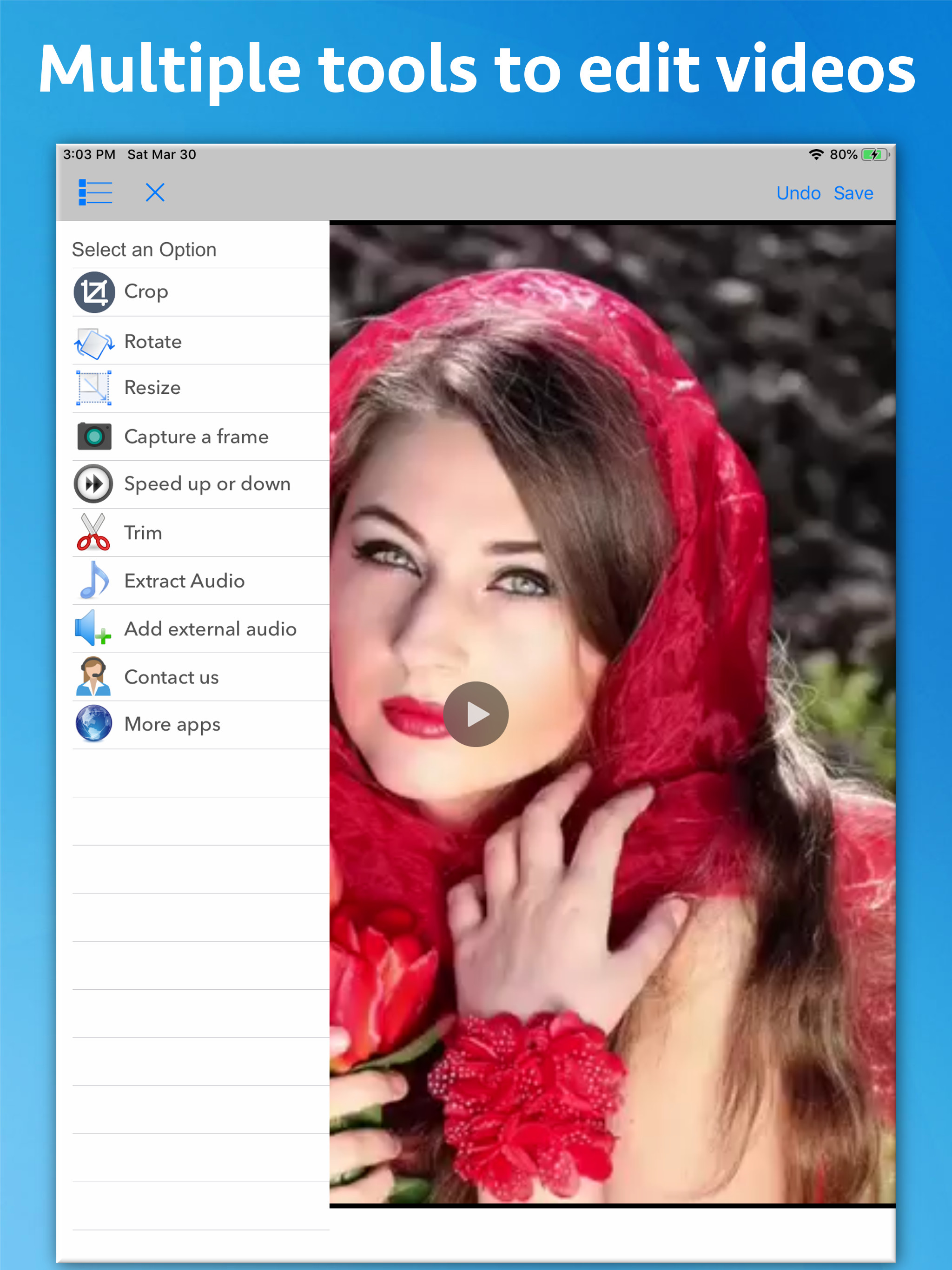
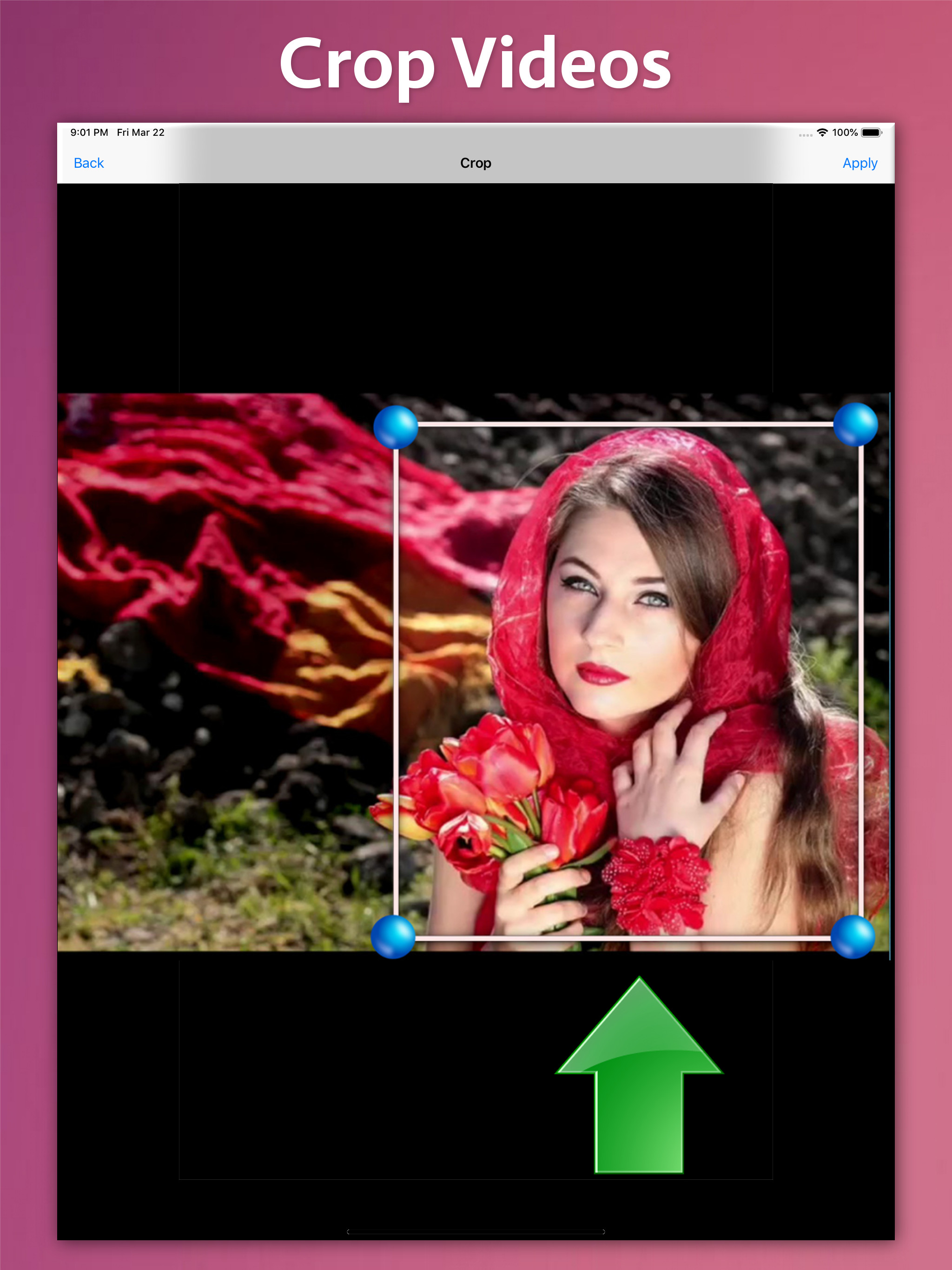
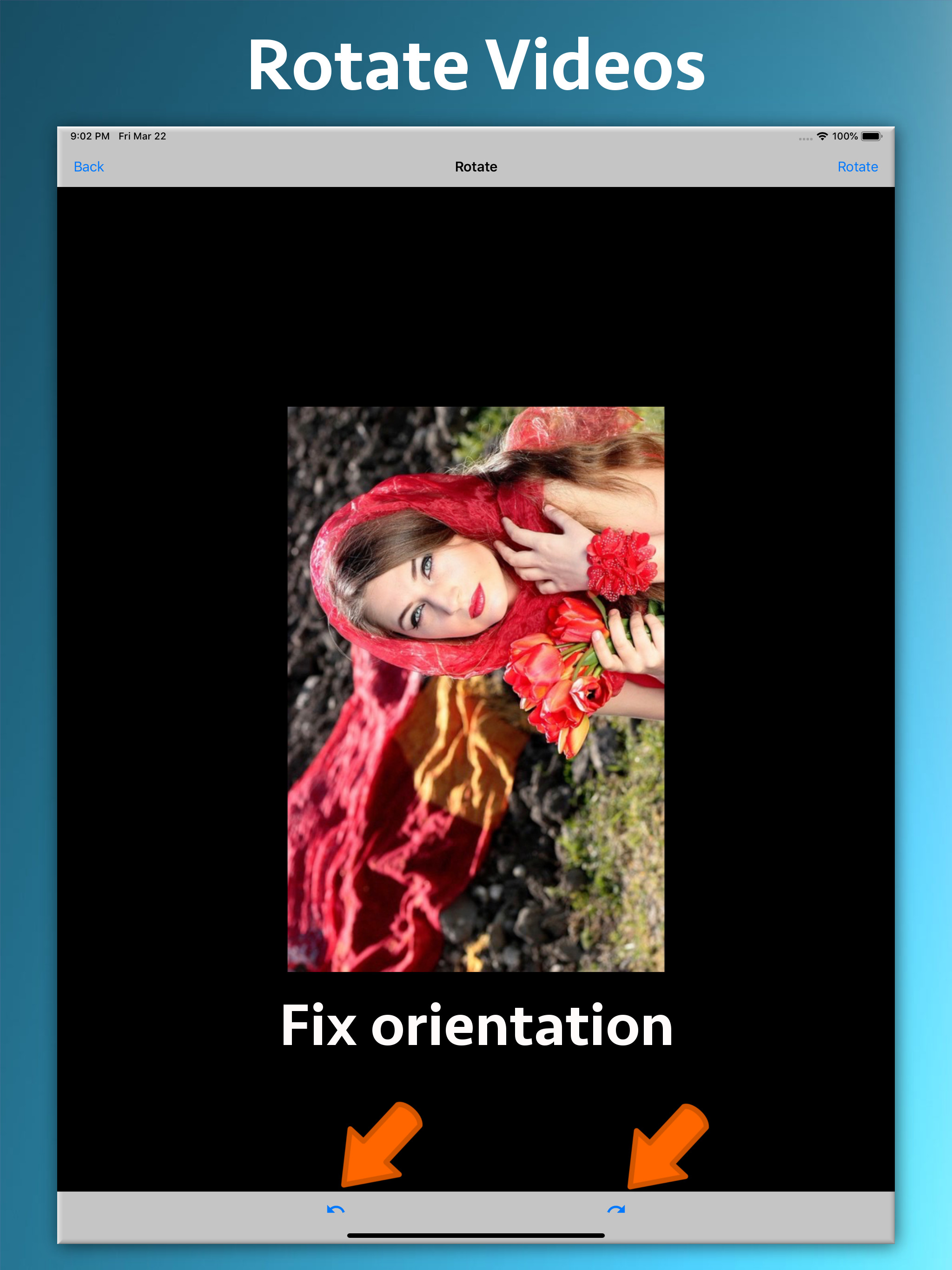
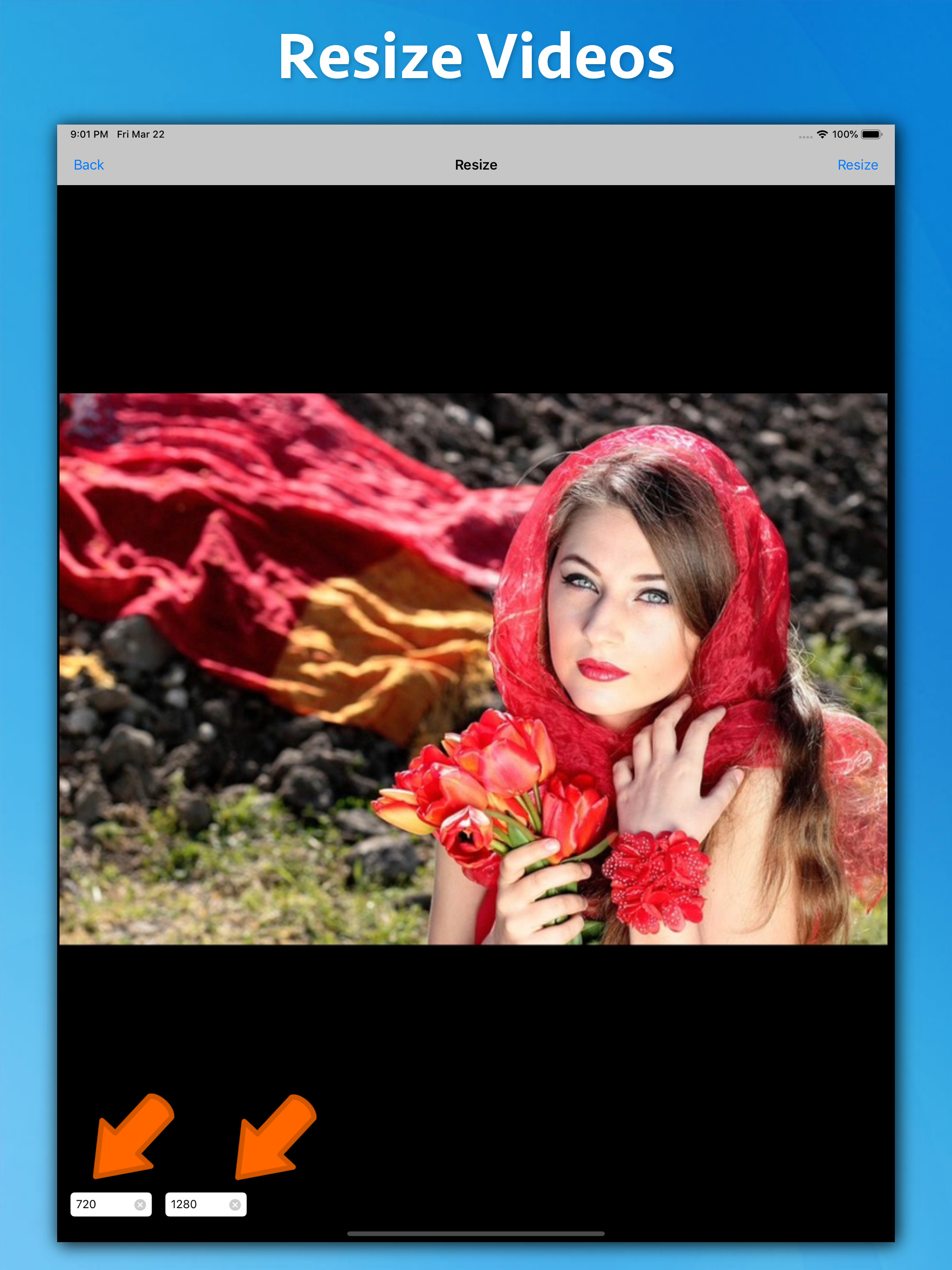
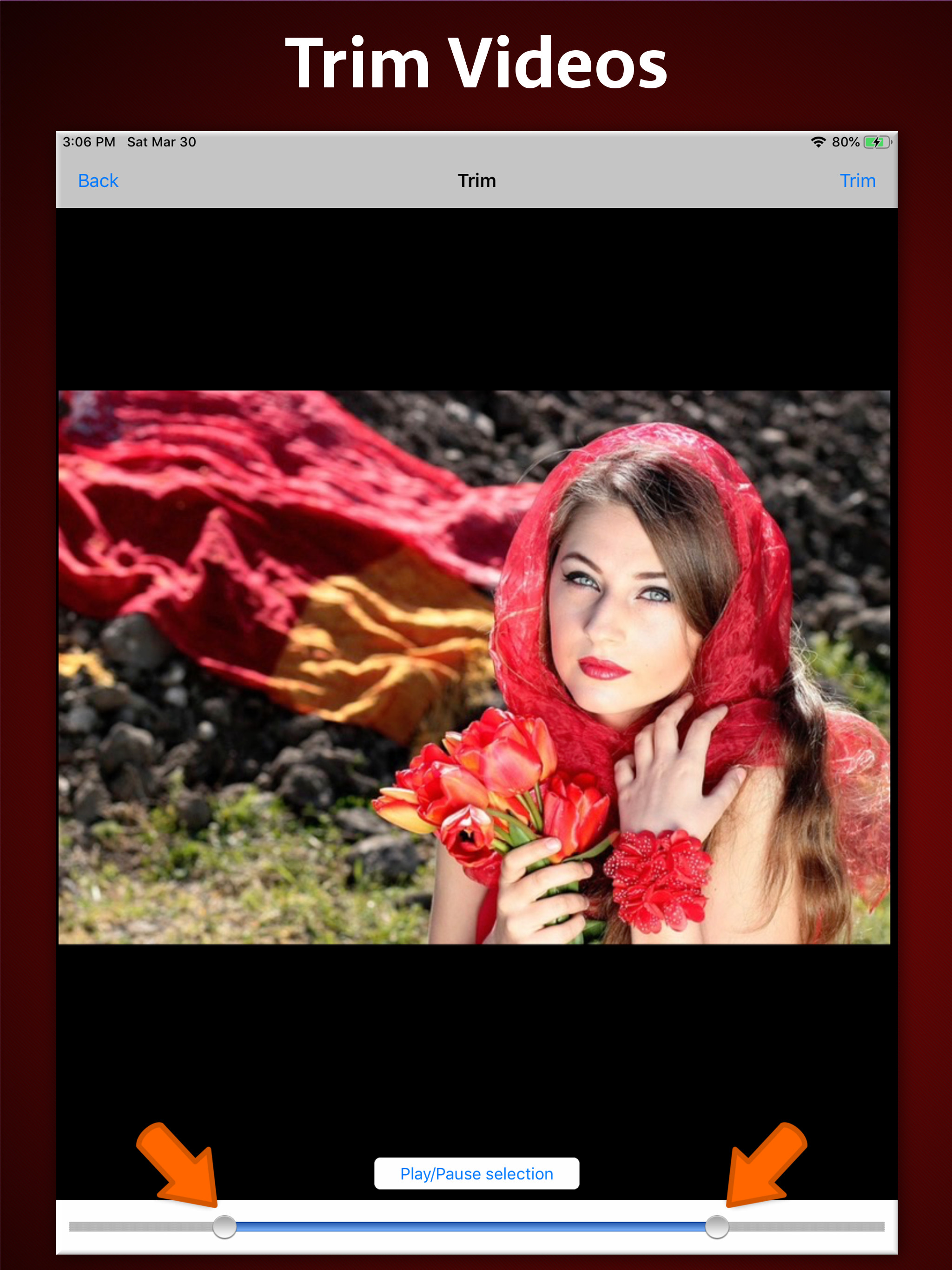
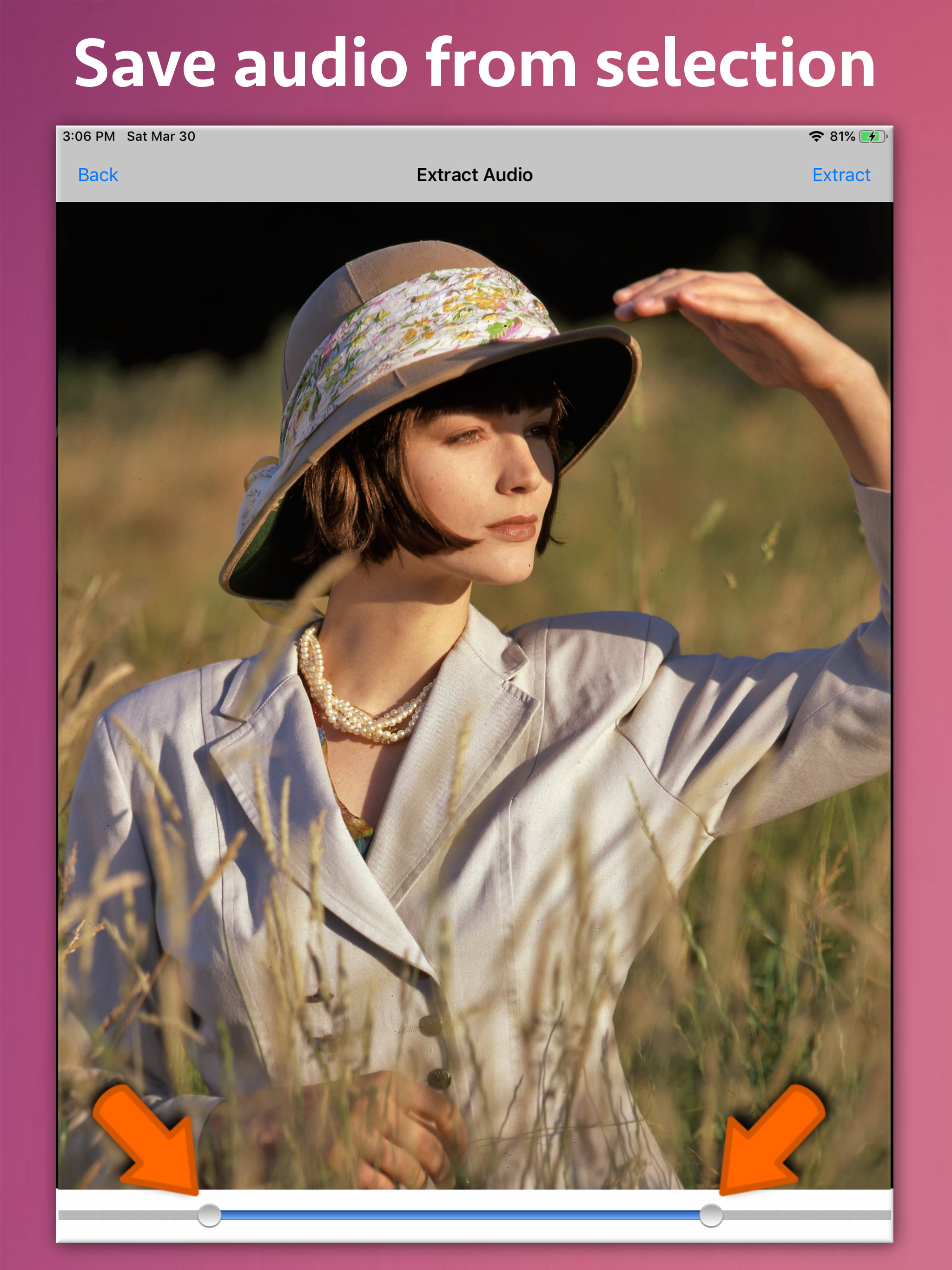
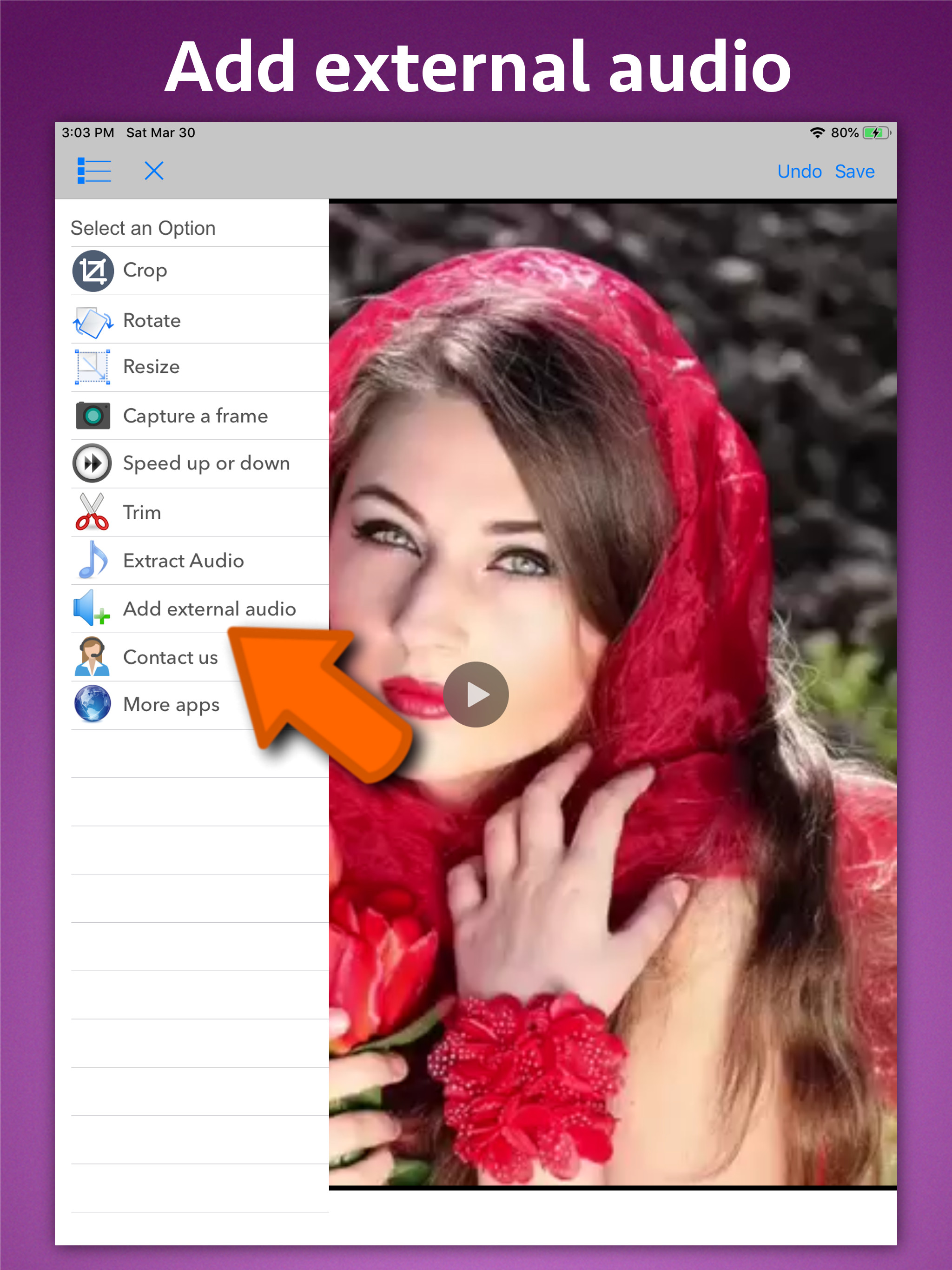
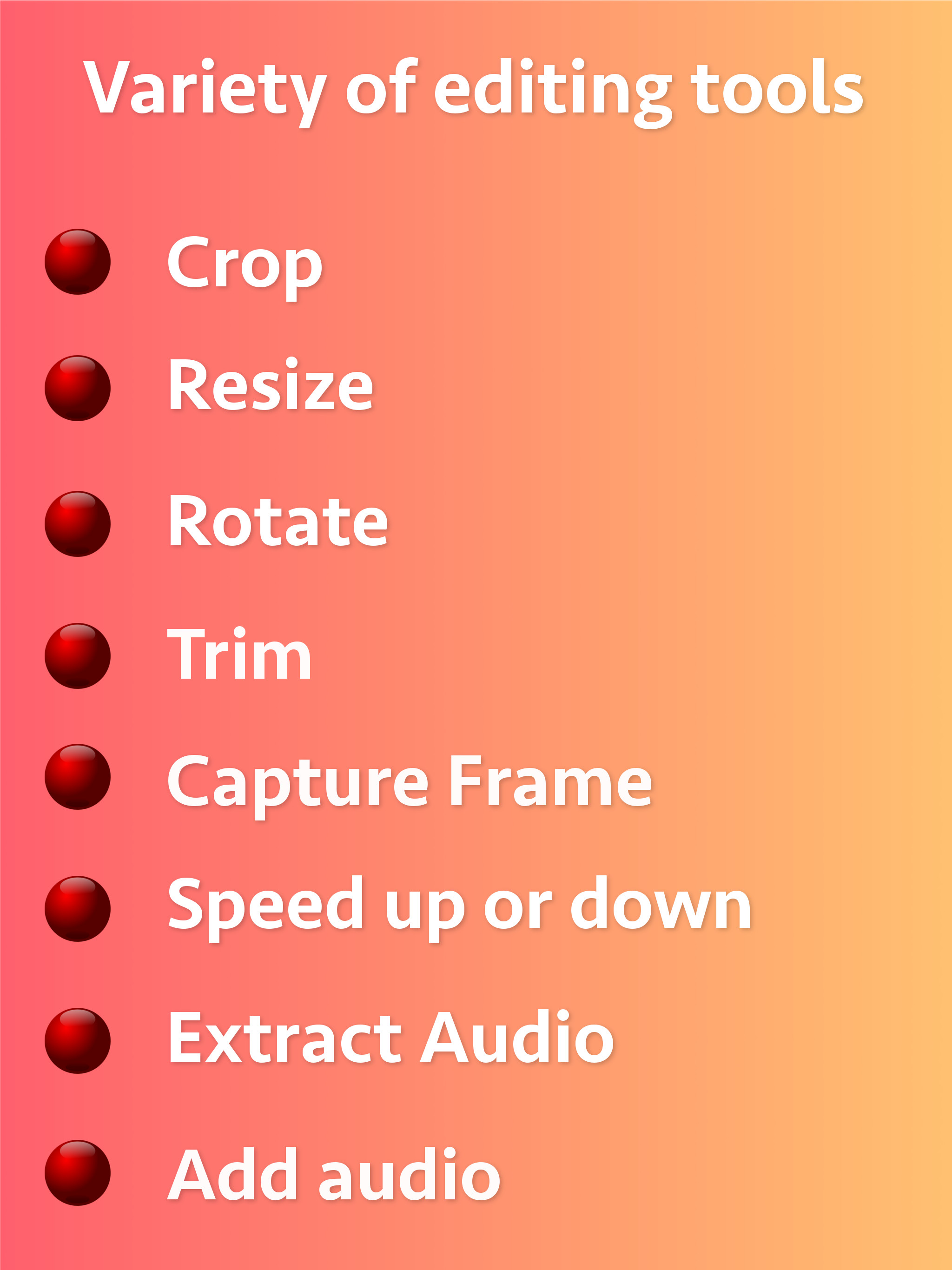
5.0Edit your videos effortlessly! Ezy Video Editor lets you crop, trim, resize, rotate, change speed, extract or add sound — all from one simple interface. Perfect for quick edits, social media posts, or professional use. Key Tools & Features ** Crop Videos Cut out unwanted areas and focus only on what matters most. ** Trim Video Length Remove beginning or ending parts to make short clips or highlight reels. ** Change Video Speed Slow down or speed up playback with clear audio output — create cinematic slow-motion or time-lapse videos. ** Rotate Video Orientation Quickly fix sideways or upside-down videos. ** Capture Frames Extract any frame and save it as a high-quality image. ** Resize Videos Adjust resolution (e.g., 1080p → 720p) while maintaining aspect ratio — great for social sharing or storage saving. ** Extract Audio Separate and save video soundtracks as audio files (MP3, M4A, etc.). ** Add Music or Sound Mix in your favorite background music or voiceover (non-DRM audio). Why Choose Ezy Video Editor ** Fast video processing & export ** Simple, intuitive design ** Supports all major formats ** Maintains video quality ** Perfect for YouTube, Instagram, TikTok, or personal projects Download Ezy Video Editor now — your all-in-one, easy-to-use video toolkit!





![How to measure customer sentiment for app reviews [7 metrics]](https://cdn.appfollow.io/blog/static/appfollow_1335e02d-b0b3-49f7-9eb6-94171dc7e379.jpg)