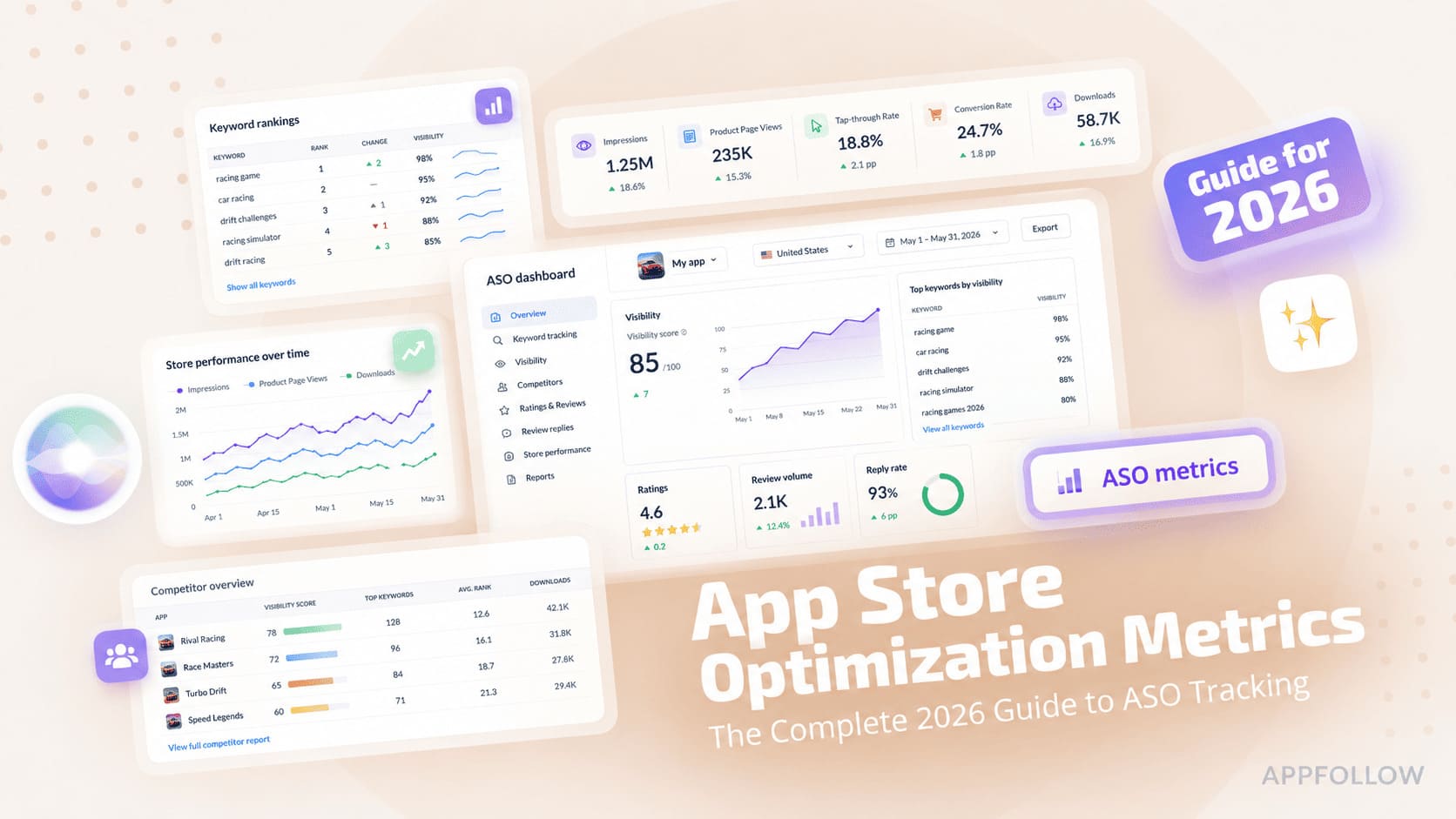
Ratings & Reviews performance provides an overview of what users think of your app. Here are the key metrics to help you identify how your app is rated by users and how successful is your review management strategy.
 4.7
4.7This app is exclusively for the Fujifilm instax mini LiPlay™ and instax mini LiPlay+™ hybrid instant cameras. You can enjoy the following functions by connecting your camera and this app via Bluetooth: instax mini LiPlay+™ Features (1) instax Sound Album™ Create videos using images from your smartphone and combining them with music. Choose an image, add a QR code, and print it from your camera. Play the video by scanning the QR code with your smartphone. You can also download the video. (2) instax Sound Print™ Add sounds to an image from your smartphone to make an instax™ photo. (3) GALLERY View images printed from your camera and videos from the app. You can also download the data to your smartphone and reprint. Basic Features (4) SOUND Sound recorded with your camera or smartphone can be converted into an instax™ photo with QR code. Scan the QR code with your smartphone to play the image with sound. With the instax mini LiPlay+™ camera, you can use the instax Sound Album™ feature to combine multiple images with sound and music into a video. (5) REMOTE SHOOTING Take photos with the camera remotely using your smartphone. (6) DIRECT PRINT Print images from your smartphone's camera roll and turn them into instax™ photos. (7) CUSTOM FRAME Change the design frame set on the camera using the app. On instax mini LiPlay™, design frames are set to the three shortcut buttons on the side of the camera. Access instax mini LiPlay+™ frames from the “Frame Settings” menu in the settings screen. [Supported OS] iOS 16.0 or later