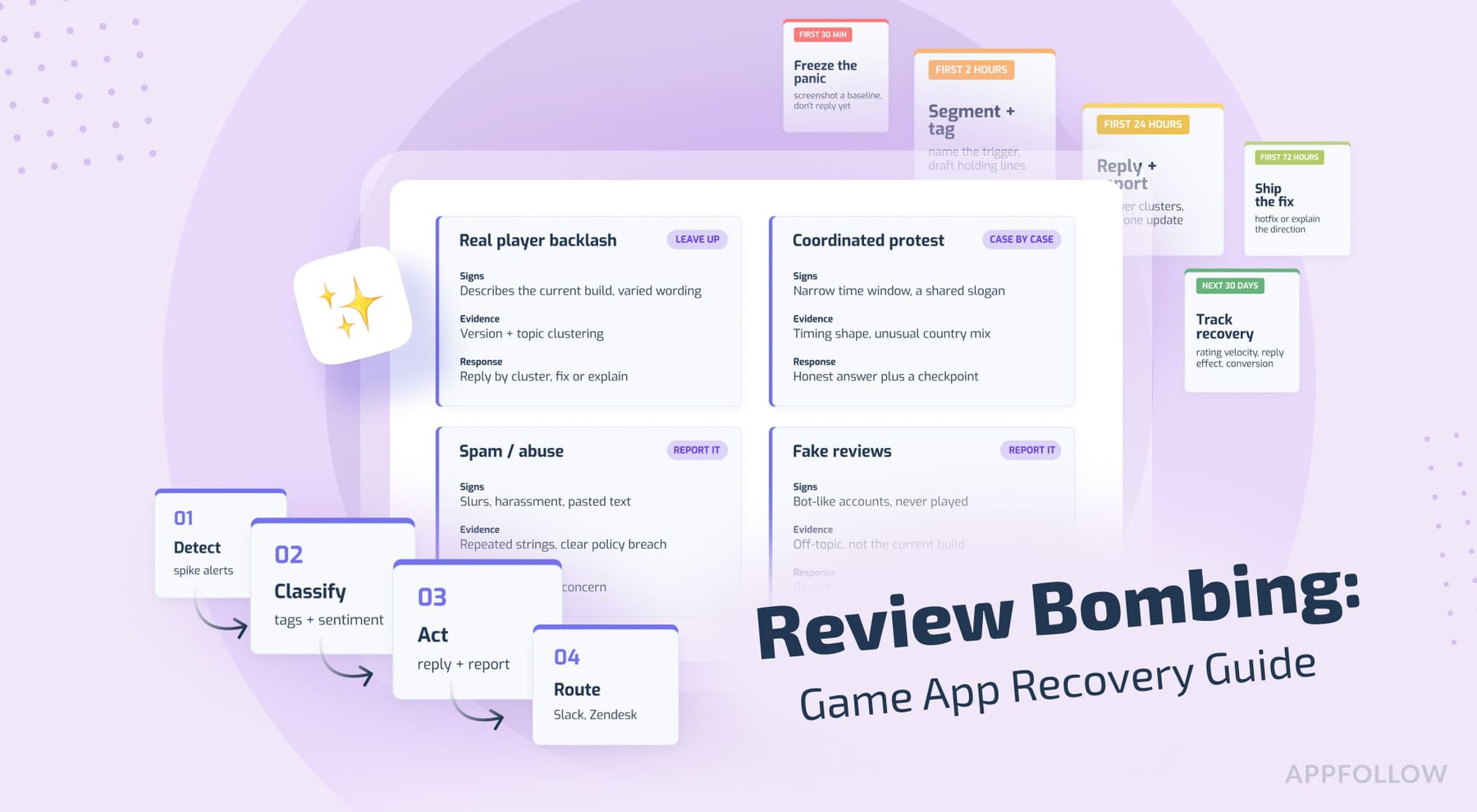
Ratings & Reviews performance provides an overview of what users think of your app. Here are the key metrics to help you identify how your app is rated by users and how successful is your review management strategy.
 3.2
3.2
User reviews affect conversion to installs and app rating. Featured and helpful reviews are the first to be noticed by users and in case of no response can affect download rate.
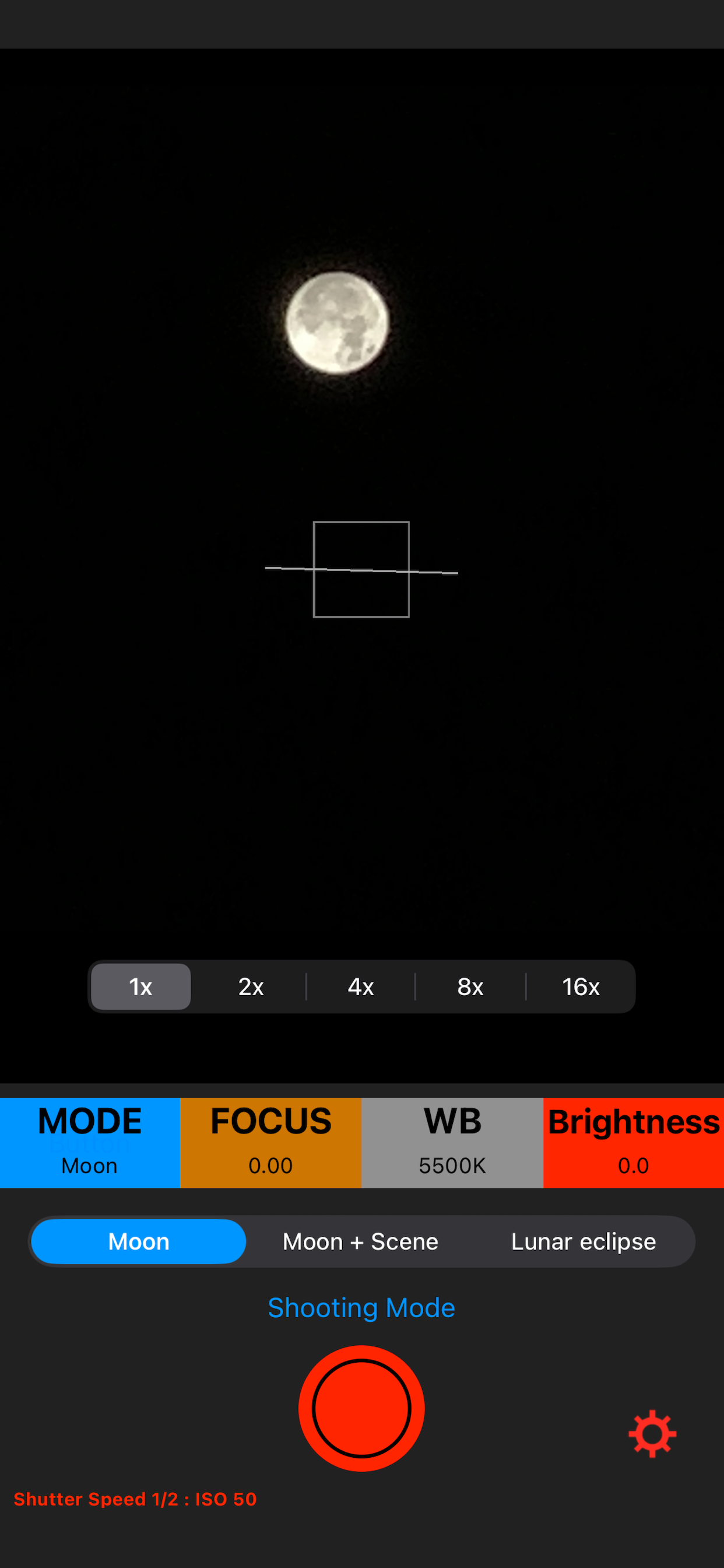
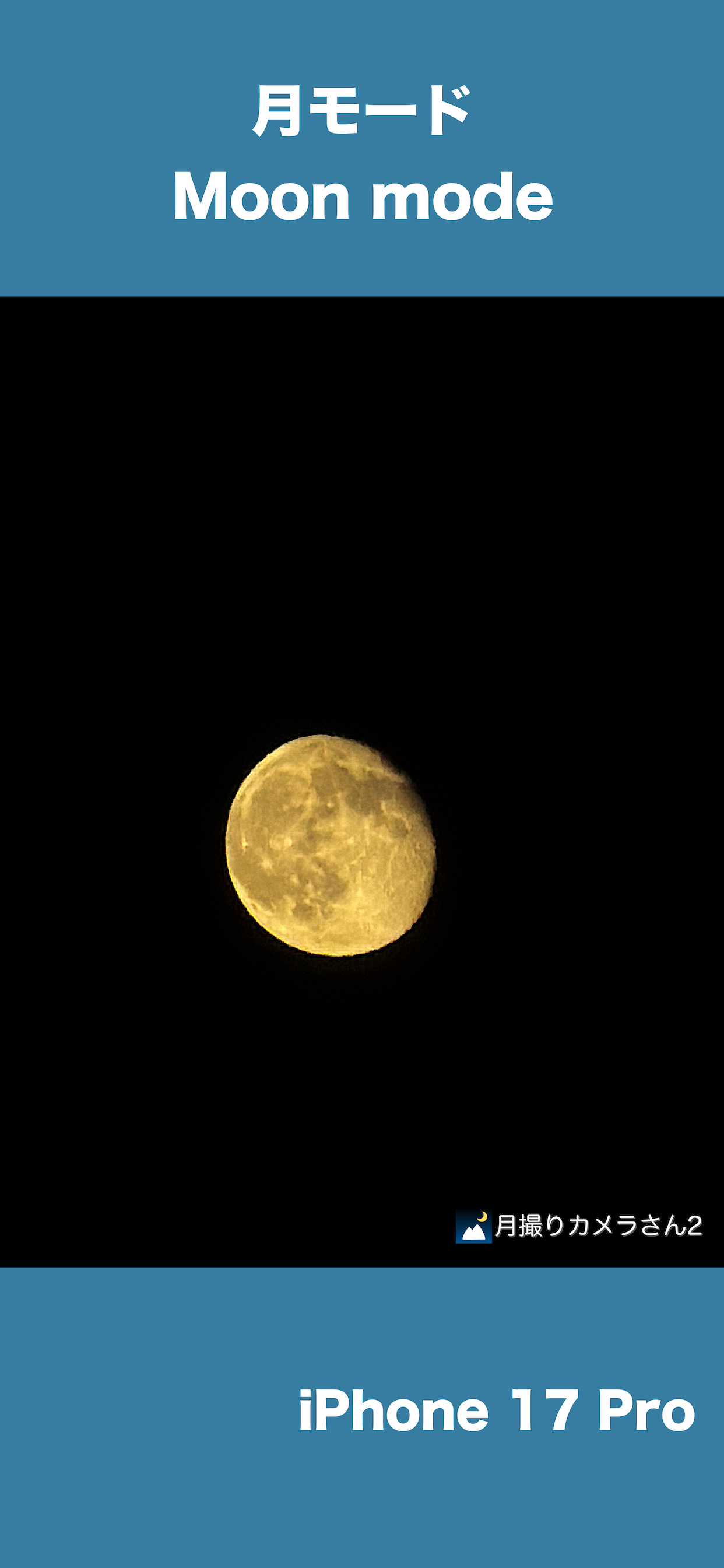
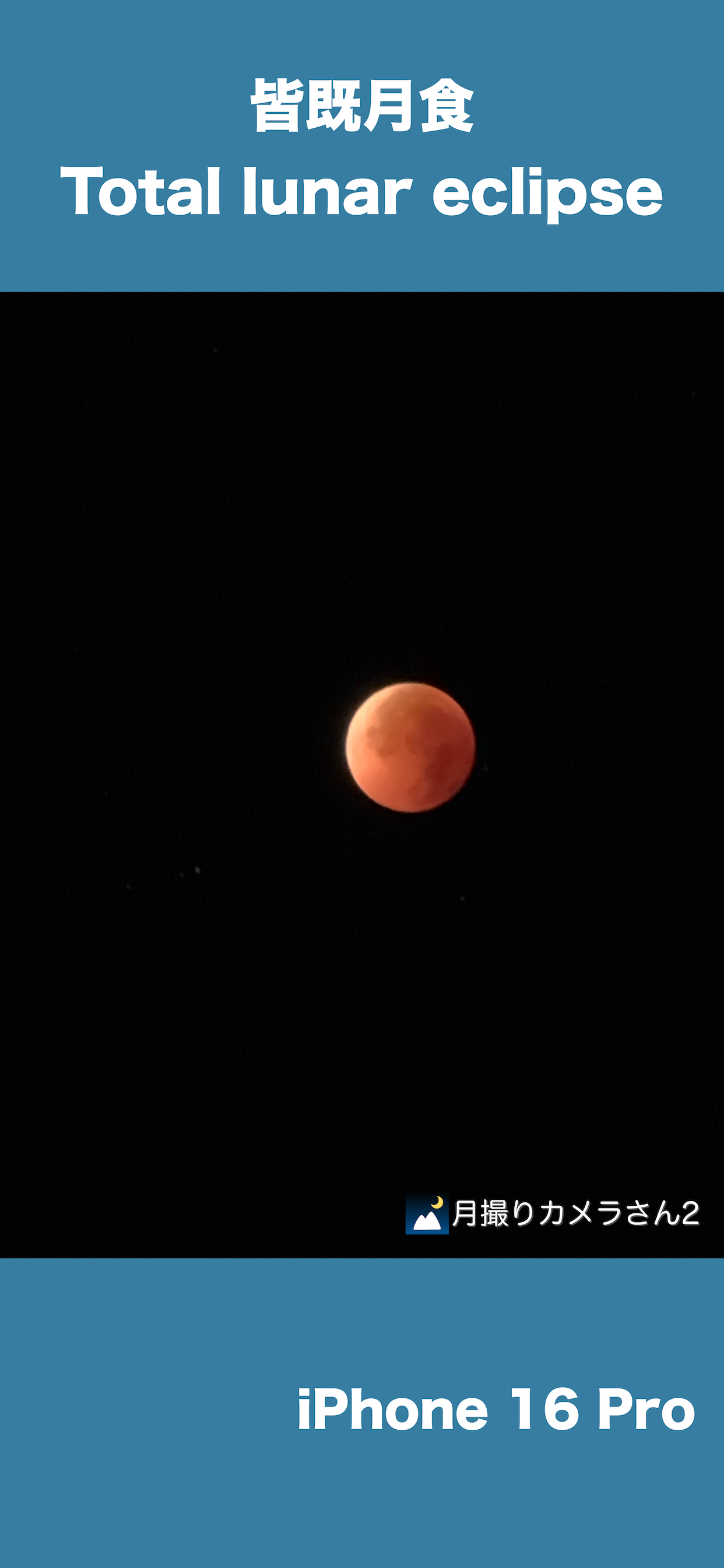
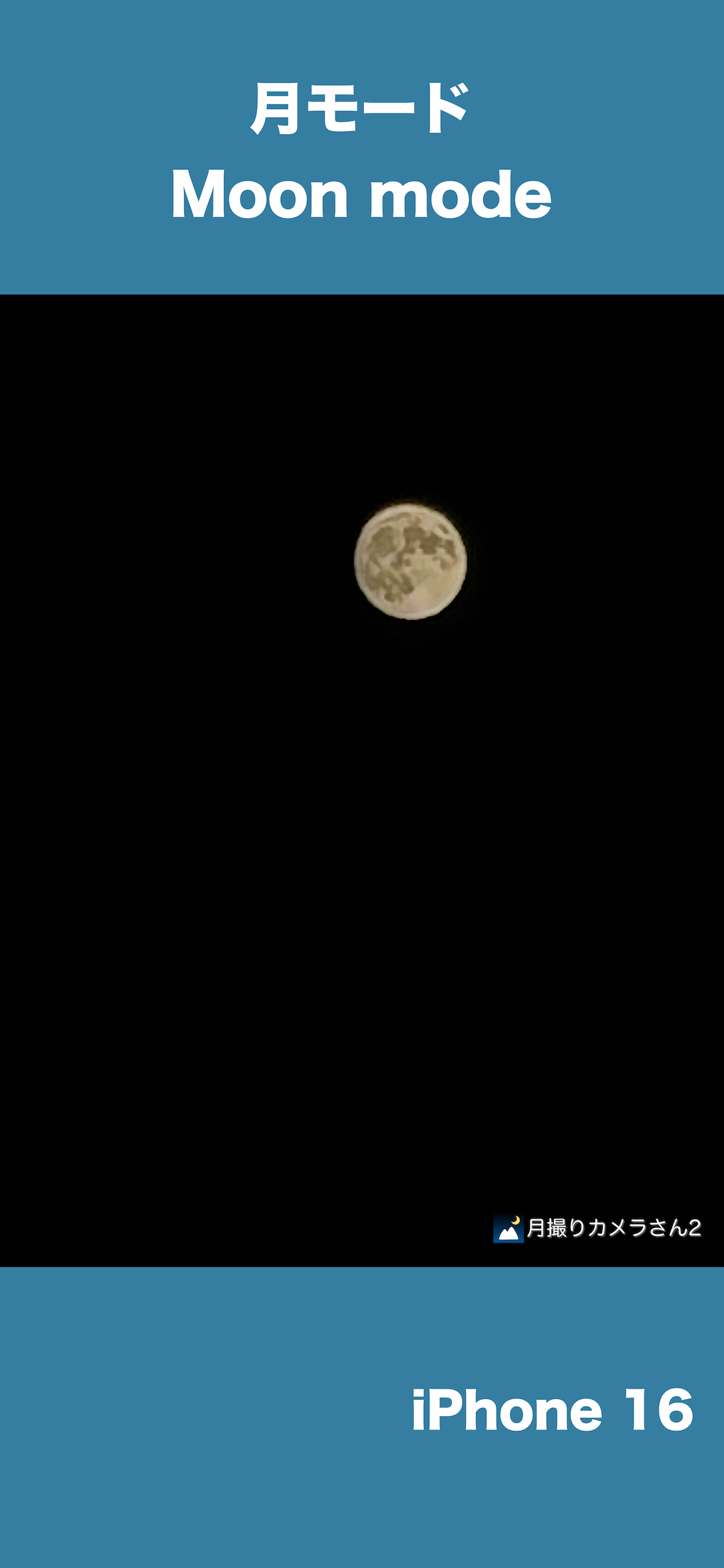
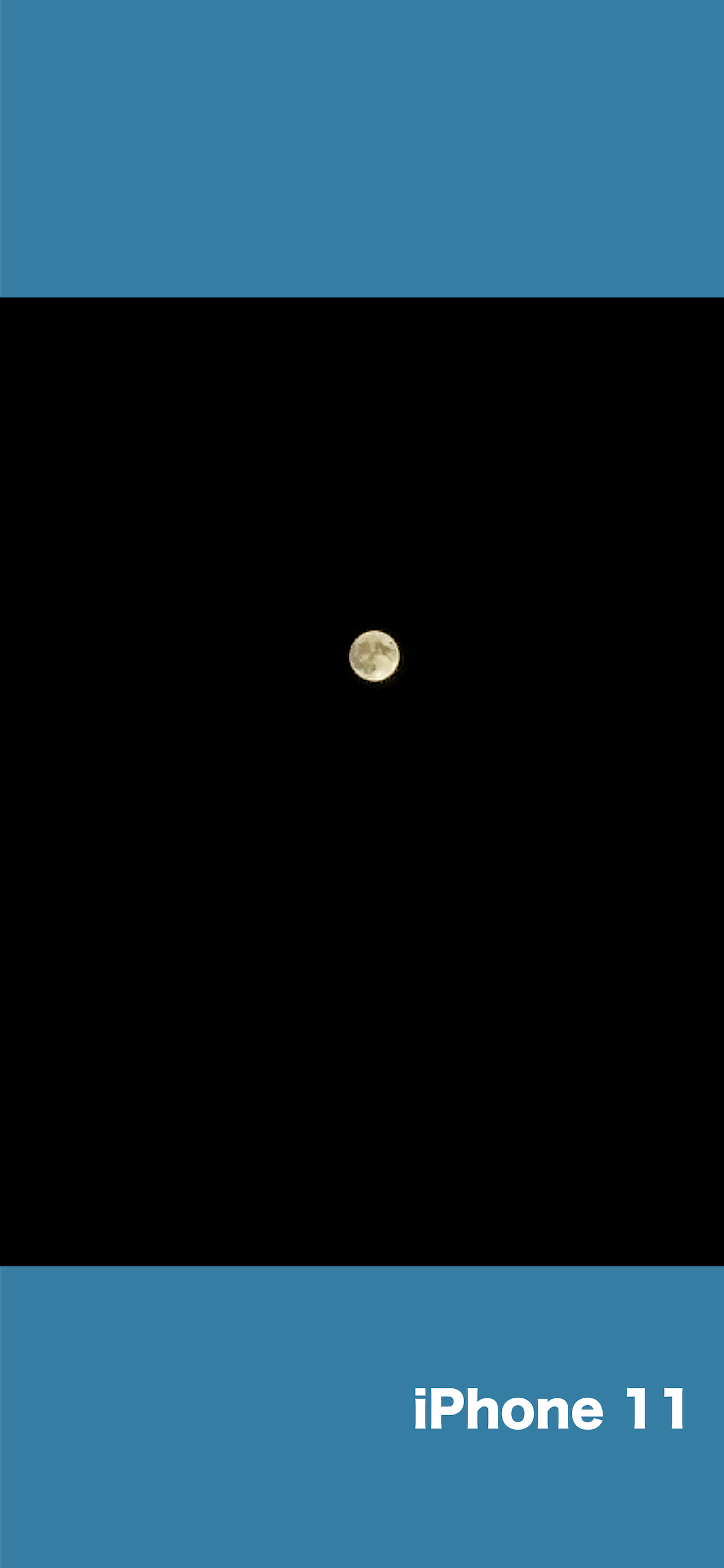
iMoonCameraPro is a camera app to shoot the moon easily. # How to use the moon mode 1. Select brightness. 2. Select zoom magnification. 3. Adjust focus manually. or Touch the moon (in case iPhone with telephoto lens) If it doesn't work, adjust focus manually. 4. Tap the shutter button. # How to use the moon + scene mode 1. Put iPhone on a tripod 2. Adjust moon brightness. 3. Tap the shutter button. 4. Adjust scene brightness. 5. Tap the OK button. 6. Wait a few seconds for the end of the shot. # How to use the lunar eclipse mode 1. Put iPhone on a tripod because a lunar eclipse is much darker than the full moon. 2. Adjust focus before eclipse begin. 3. Take a photo of a lunar eclipse. # 3 app modes Easy mode : Adjust exposure by brightness slider only. Manual mode : Adjust exposure by ISO & Shutter speed sliders. High-quality mode: The basic operation is the same as easy mode, but this mode prioritizes image quality. However, it may not function properly depending on the iOS version. # For good photos If the shutter speed is slow, fix iPhone on a tripod or something.