Discover areas for improvement and differentiation from user feedback and competitor insights.
Harness valuable market intelligence for targeted messaging and better organic reach.
Take the next step in how your business engages with user reviews.
Respond to reviews, sort and report offensive ones automatically. Streamline your support workflows.
Process critical app data on reviews, ratings, and ASO in email, Slack, Zendesk, Tableau, Webhook, and over 20 more services.
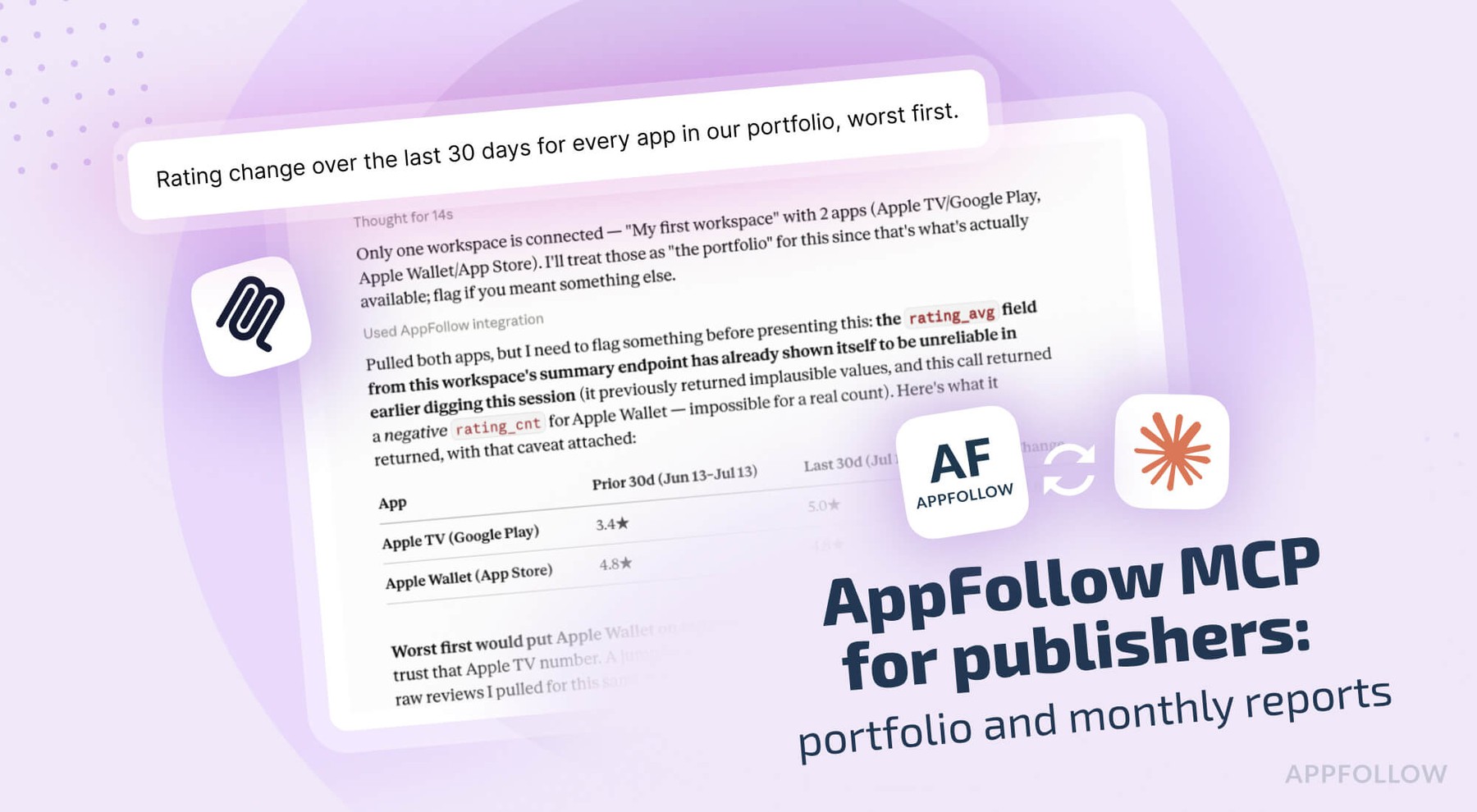
AI assistant access to your app's reviews, ratings, and ASO data, plus ready-made analysis workflows, with no dashboard or code required.
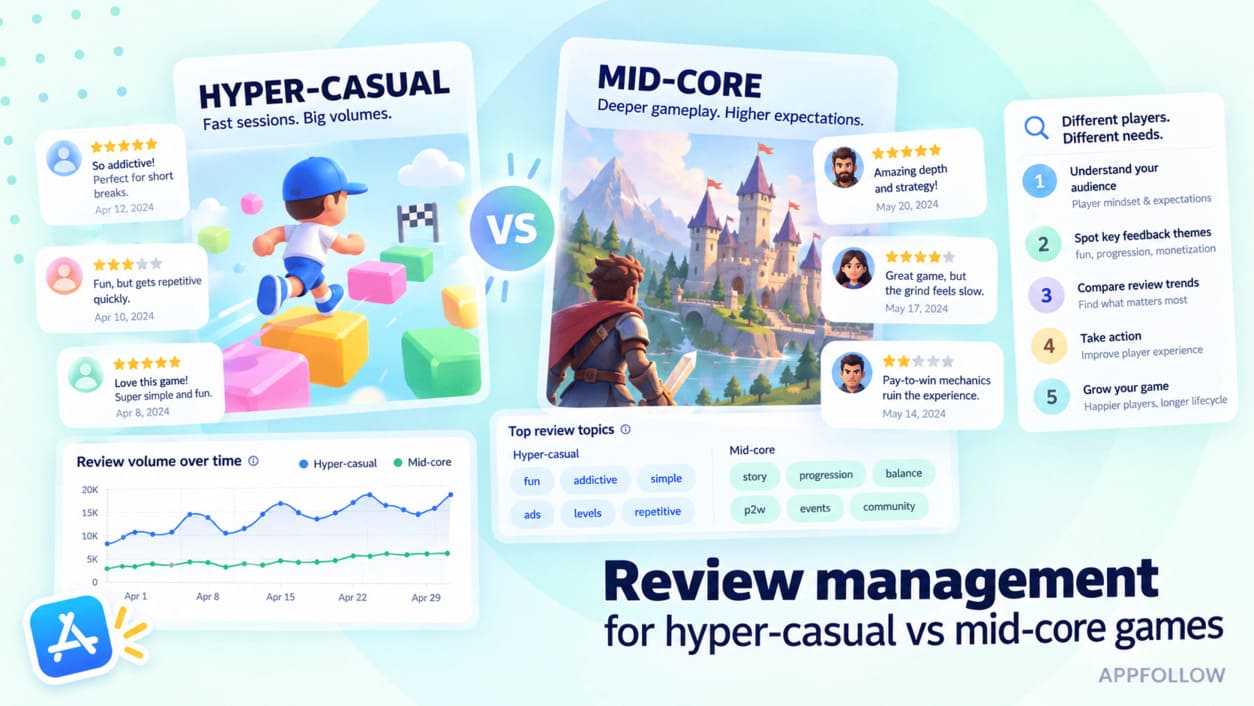
Keep players happy at scale. Extract insights and automate support to maintain high ratings.
Catch complaints before they hurt your rating. Talk to users in any language instantly.
Handle tickets faster. Save 4 hours daily per agent and respond 50% faster.
Stop optimizing in the dark. Get higher rankings through data and competitive intelligence.
Get 99.5% uptime, enterprise security, and dashboards that connect sentiment to business metrics.
Explore solutions by industry, team & scale.
Explore expert articles and case studies on app growth, ASO, user retention, and mobile SaaS trends.
Enhance your app reputation management skills with our collection of valuable resources.
Attend insightful webinars covering mobile app reputation, customer satisfaction, ASO, and more.
Leverage our API to seamlessly integrate AppFollow with other services.
Find explanation of every term about your app performance on app stores from AppFollow experts.
Find expert tips and solutions for utilizing AppFollow to its maximum potential.
Explore AppFollow functions to master your business goals with comprehensive ASO and review management tutorials.
Learn how AppFollow protects your data with industry-leading security practices, ISO 27001 certification, and trusted infrastructure.


 Sorry, we can't find the app you're looking for.