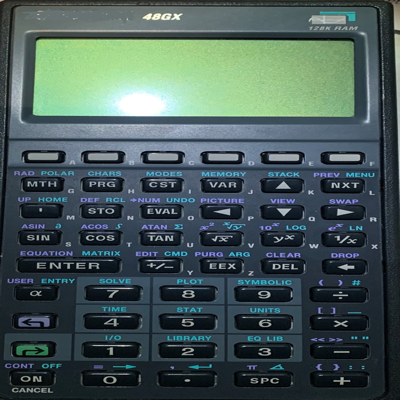
This may be the perfect calculator for someone, but not for me. I am familiar with a number of HP calculators, but not the HP48 specifically, so I was looking for a little help getting started. What was there was somewhat helpful, but it by no means is sufficient to aid a rank beginner.
First of all, my preferred display orientation is landscape. The calculator's preferred orientation is portrait, so much so that once it switches to portrait orientation there is no convenient way to switch it back to landscape. The default "zoom" is full-screen (stretch), which gives a very poor aspect ratio in landscape mode.
The calculator seems to emulate the pixelation of the original's LCD display. I'd rather it took advantage of the high resolution of my iPad's display. As is, it is barely readable when zoomed to fill the screen height.
There are a number of "skins" that come with the basic download. I made the mistake of choosing an HD skin. It made my iPad screen go black and effectively disabled the calculator from any further functionality. (The settings menu is no longer available, either.) I suspect I'll have to reinstall the app to recover. Some of the skins have nice resolution, contrast, and fonts for the keys, but the stack display does not match (see above).
By comparison to the GrafNCalc83 emulation of the TI-83/84, this one suffers badly. I would like to love it, but it hasn't made that easy.


 3.5
3.5