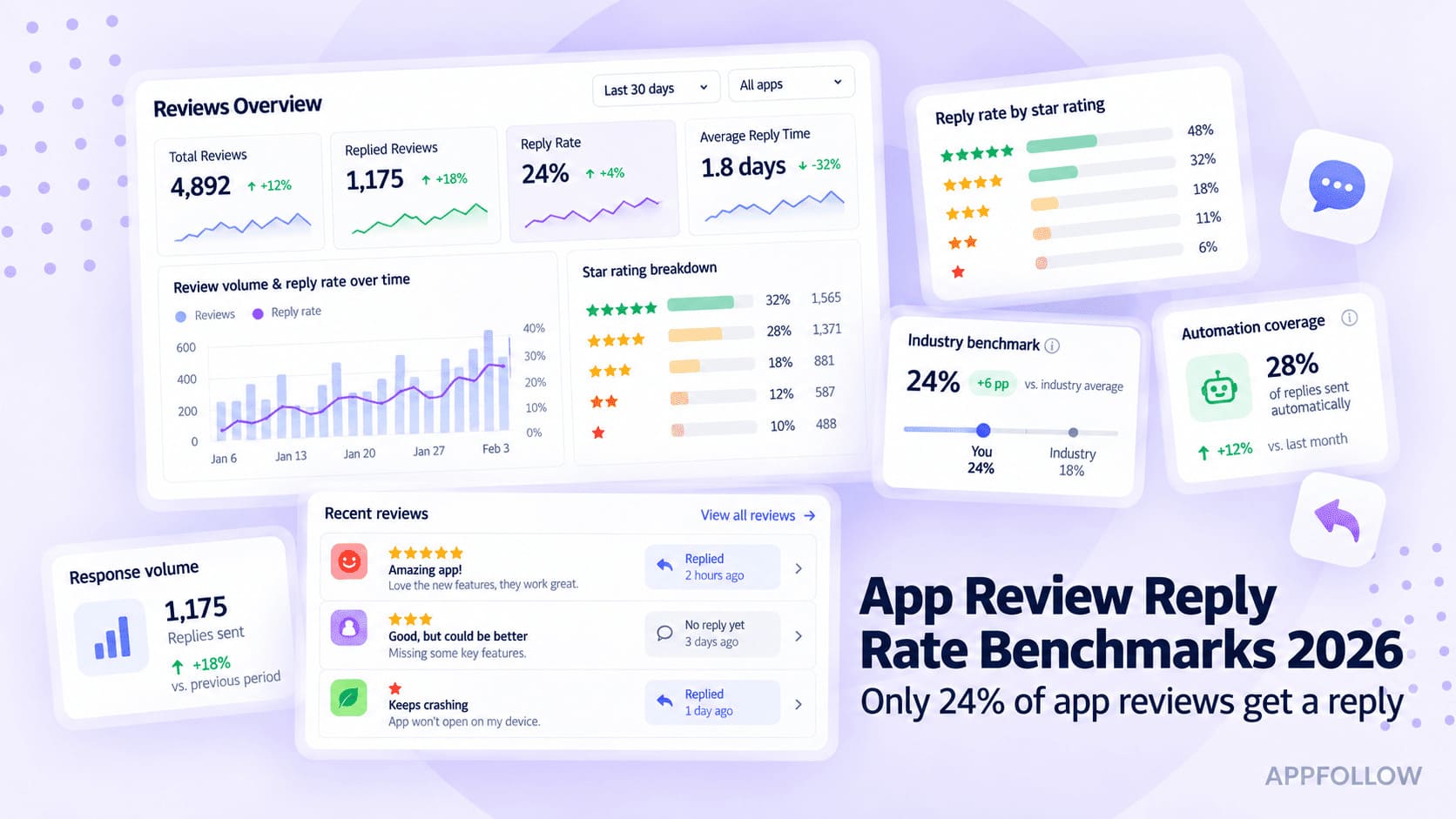
Ratings & Reviews performance provides an overview of what users think of your app. Here are the key metrics to help you identify how your app is rated by users and how successful is your review management strategy.
Tired of tapping through menus before a run? Interval Running is a simple HIIT, tabata, and interval timer - say what you want, it builds the intervals, you run. Just tell it what you want. Say something like "eight rounds, 30 seconds fast, 30 seconds easy" and the timer builds your program right then - no forms, no menus, no fields to fill in before you can start running. Prefer to build it yourself? You can: - Set work and rest by time, distance, or leave it open - Choose HIIT, tabata, fartlek, tempo, or plain run/walk intervals - Save a routine once, reuse it whenever you want Everything you need is on the screen while you run, no extra taps. - Interval, pace, cadence, and heart rate at a glance - Audio cues tell you when to switch, no need to look down - Full Apple Watch support - leave your phone at home You don't want a training plan, a coach, or a program - you want a timer that starts and stops intervals exactly when you tell it to. You want to set up a workout on the way to the track without stopping to tap through screens. You do tabata or HIIT sessions and just need something that counts rounds. You run intervals on your own terms and don't want an app deciding your pace for you. After each run, see your intervals, pace, and heart rate. Export GPX files, sync with Apple Health, and connect an external heart rate monitor if you use one. Health app integration With your permission, your interval runs count toward Activity Rings, including the Exercise and Move rings. Say it. Start it. Run. Terms of Use: https://www.apple.com/legal/internet-services/itunes/dev/stdeula/