Ratings & Reviews performance provides an overview of what users think of your app. Here are the key metrics to help you identify how your app is rated by users and how successful is your review management strategy.
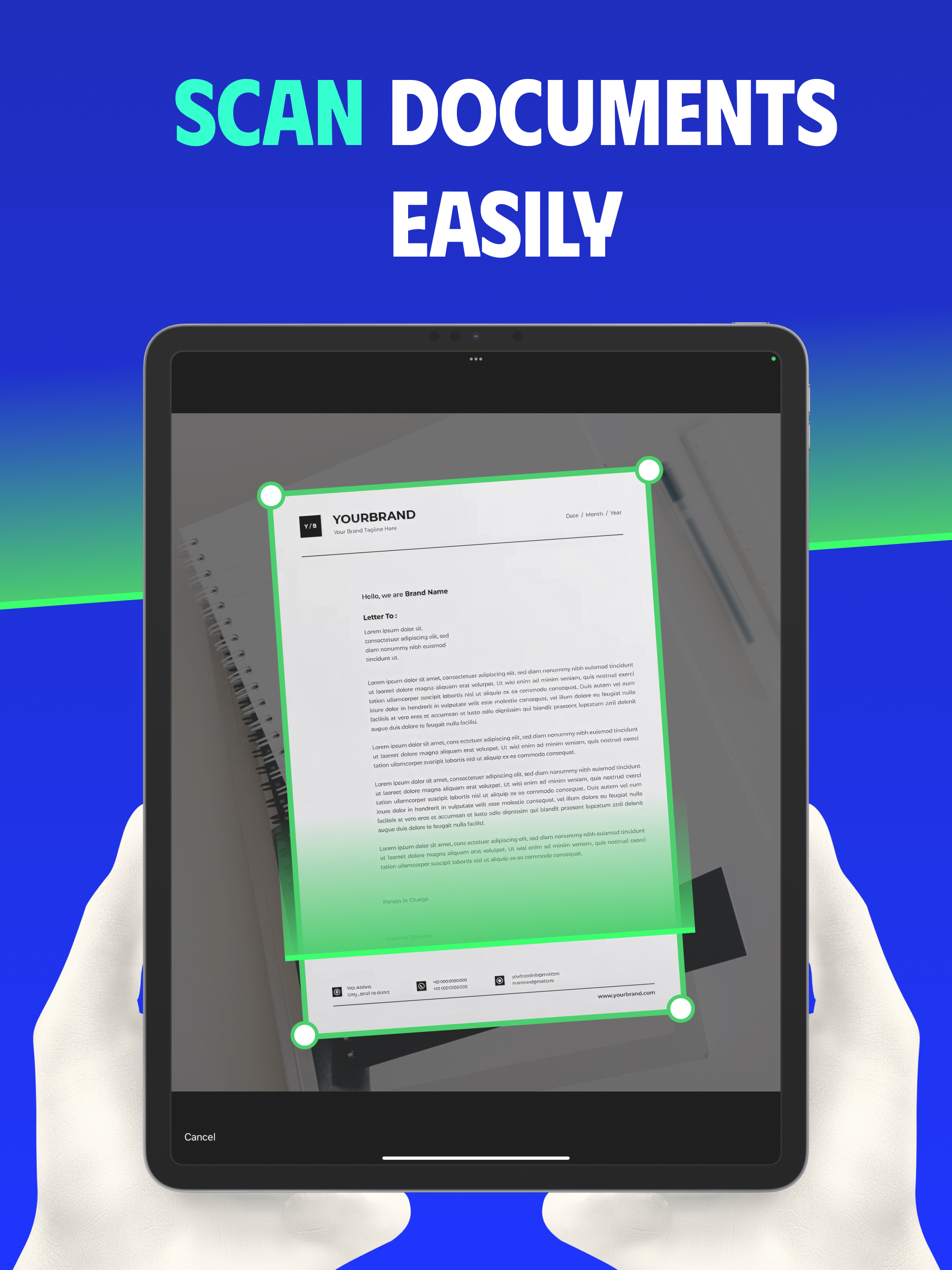
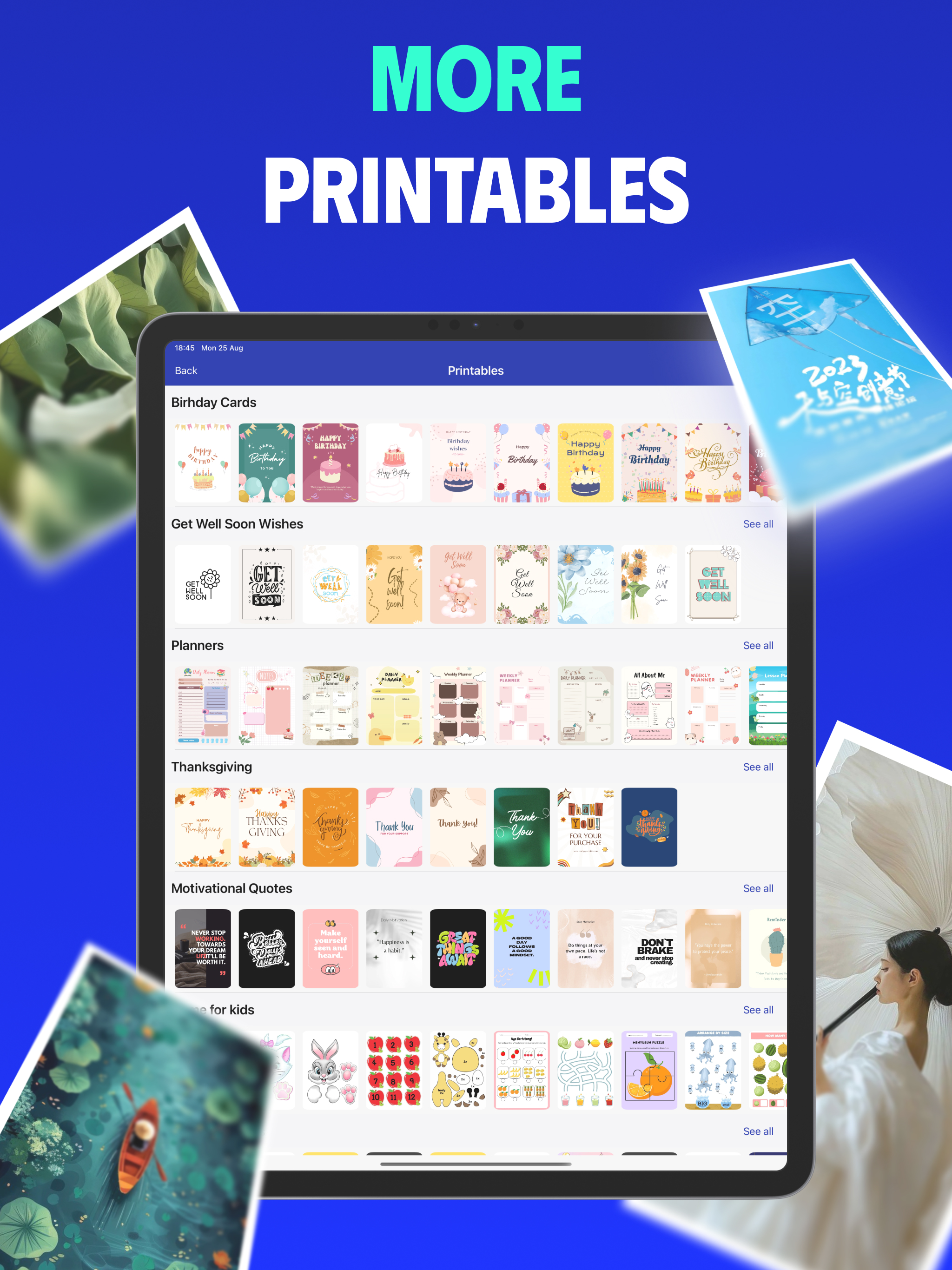
Print and scan instantly from your iPhone or iPad to any Wi-Fi enabled printer. No computer required. Perfect for home, school, or office. Key Features: • Print PDF documents with ease • Print photos directly from your Camera Roll • Print web pages straight from Safari • Scan documents to high-quality PDF • Organize and manage scanned or saved files • Supports a wide range of Wi-Fi printers • Easy one-tap connection, no setup required • Preview and manage print jobs before sending • Reliable and fast wireless printing Who is it for? Whether you need to scan and print study materials, travel tickets, business reports, or family photos, Remote Print makes it effortless. Save time, reduce hassle, and enjoy professional-quality results directly from your iPhone or iPad. Upgrade Options: Some advanced features are only available with an active subscription or one-time purchase. The free version provides limited use of basic printing and scanning functions. Privacy & Terms: Privacy Policy: https://sites.google.com/view/gia-quang-phat-privacy-policy Terms of Use: https://www.apple.com/legal/internet-services/itunes/dev/stdeula/ Disclaimer: This app is not affiliated with or endorsed by any printer manufacturers. Brand names used in screenshots are for compatibility demonstration only.