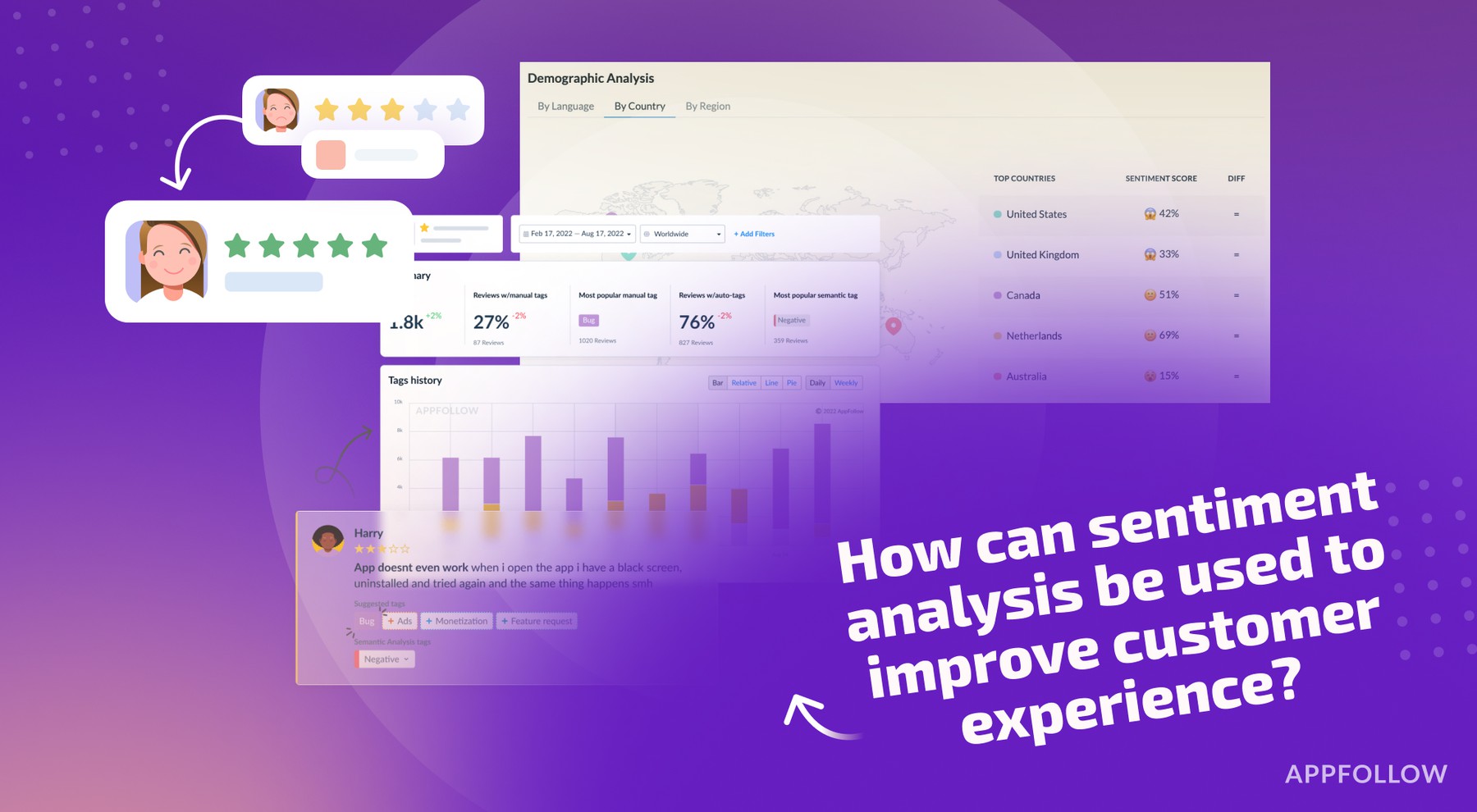
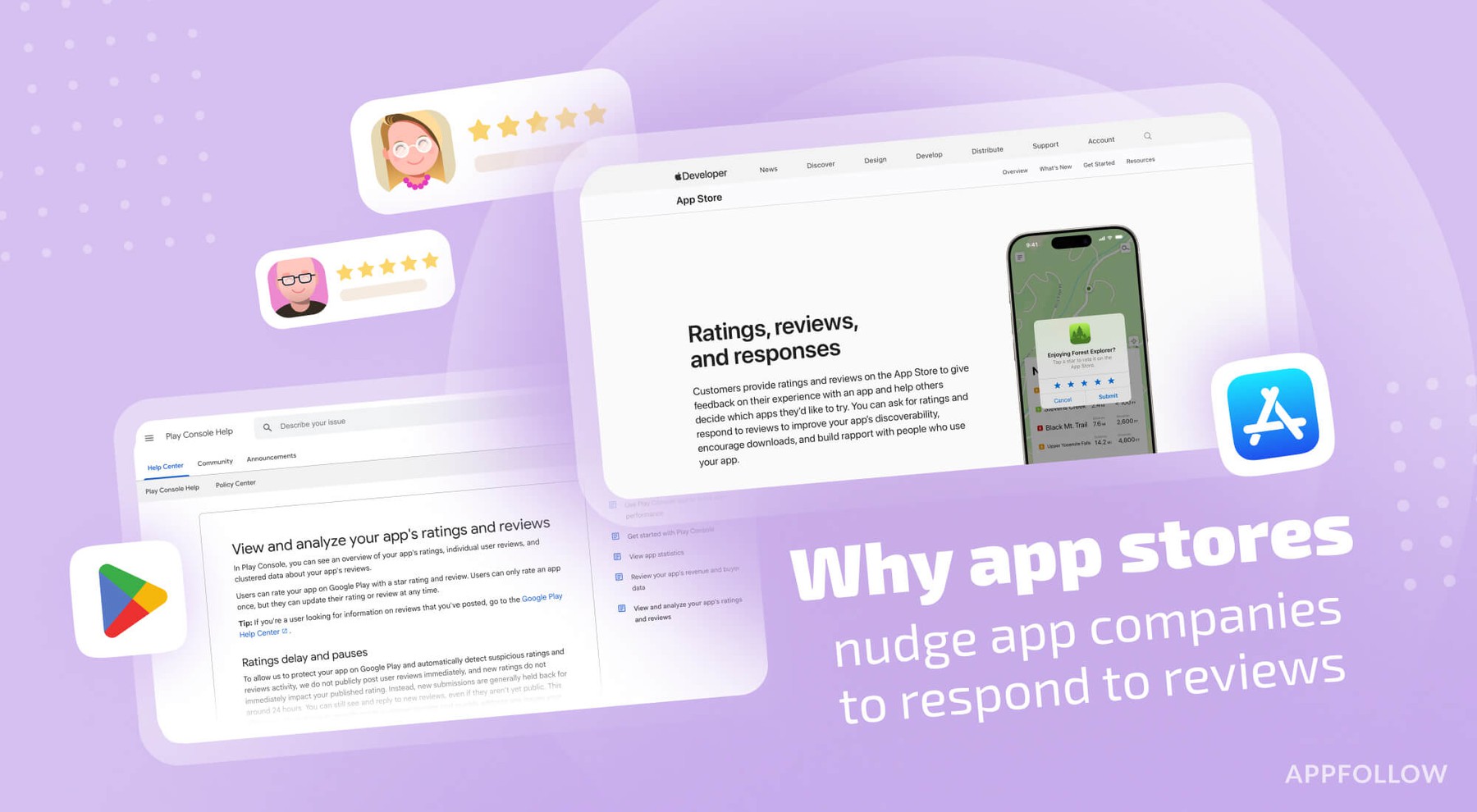
Ratings & Reviews performance provides an overview of what users think of your app. Here are the key metrics to help you identify how your app is rated by users and how successful is your review management strategy.
 3.0
3.0
User reviews affect conversion to installs and app rating. Featured and helpful reviews are the first to be noticed by users and in case of no response can affect download rate.
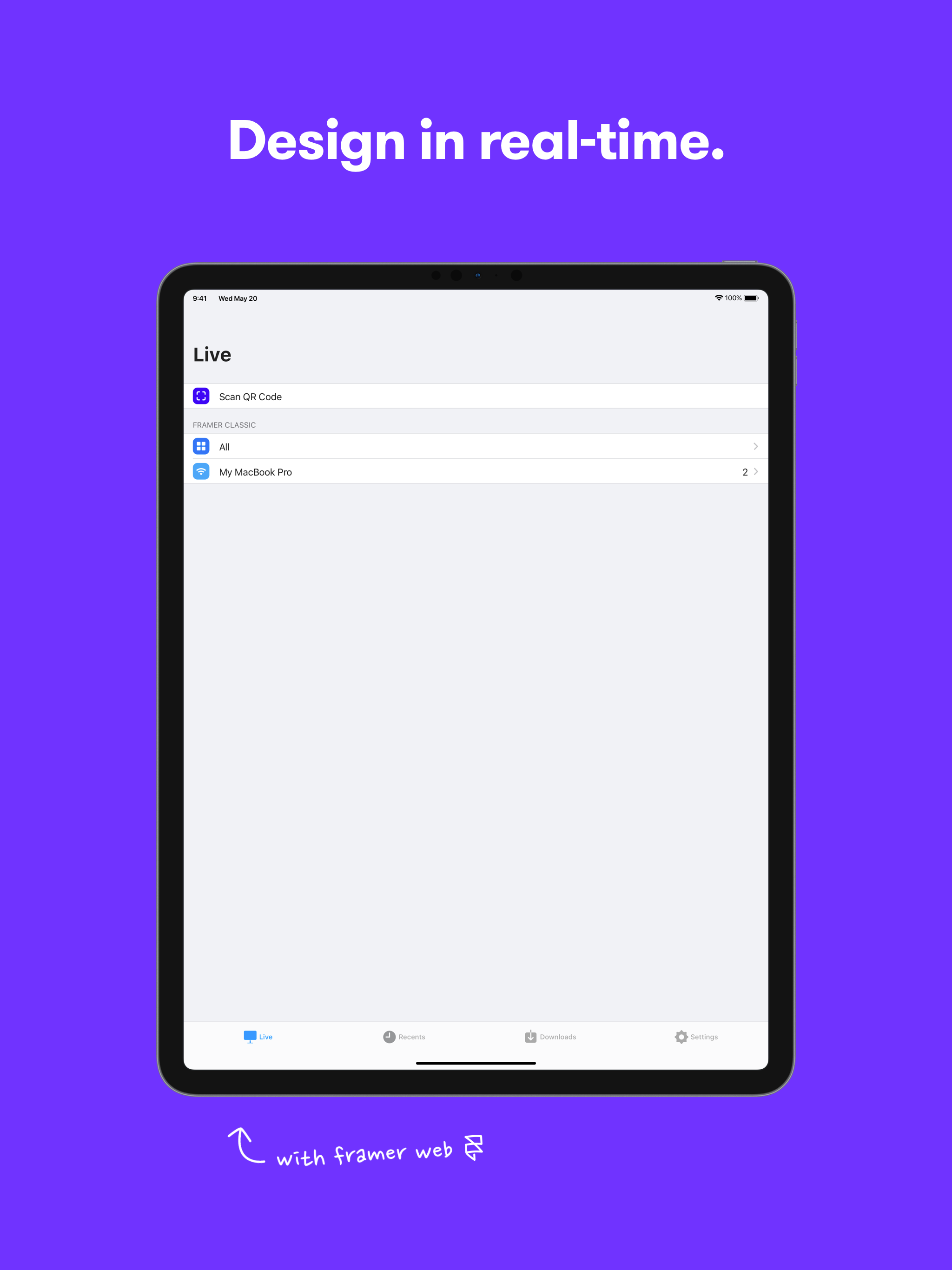
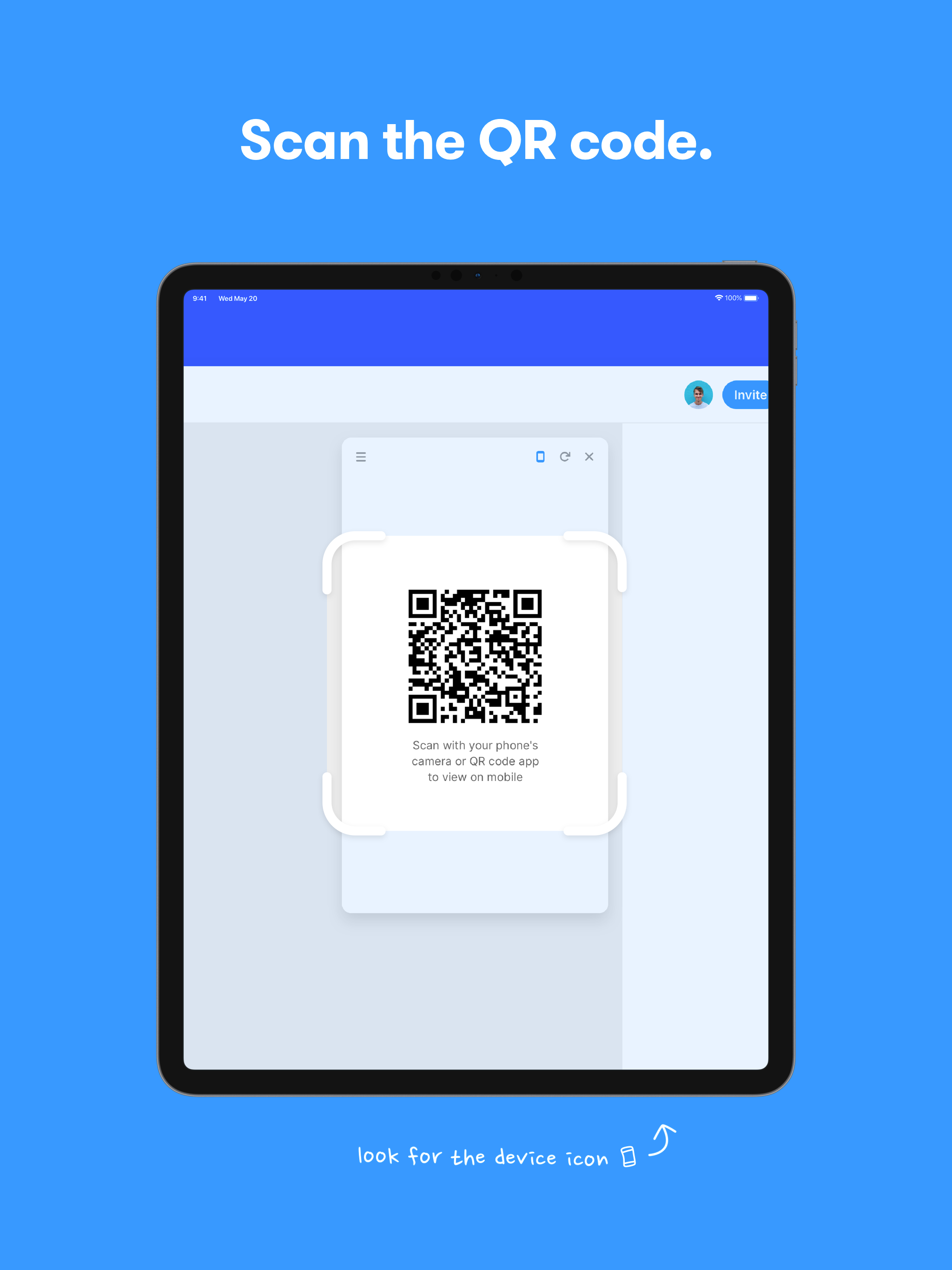
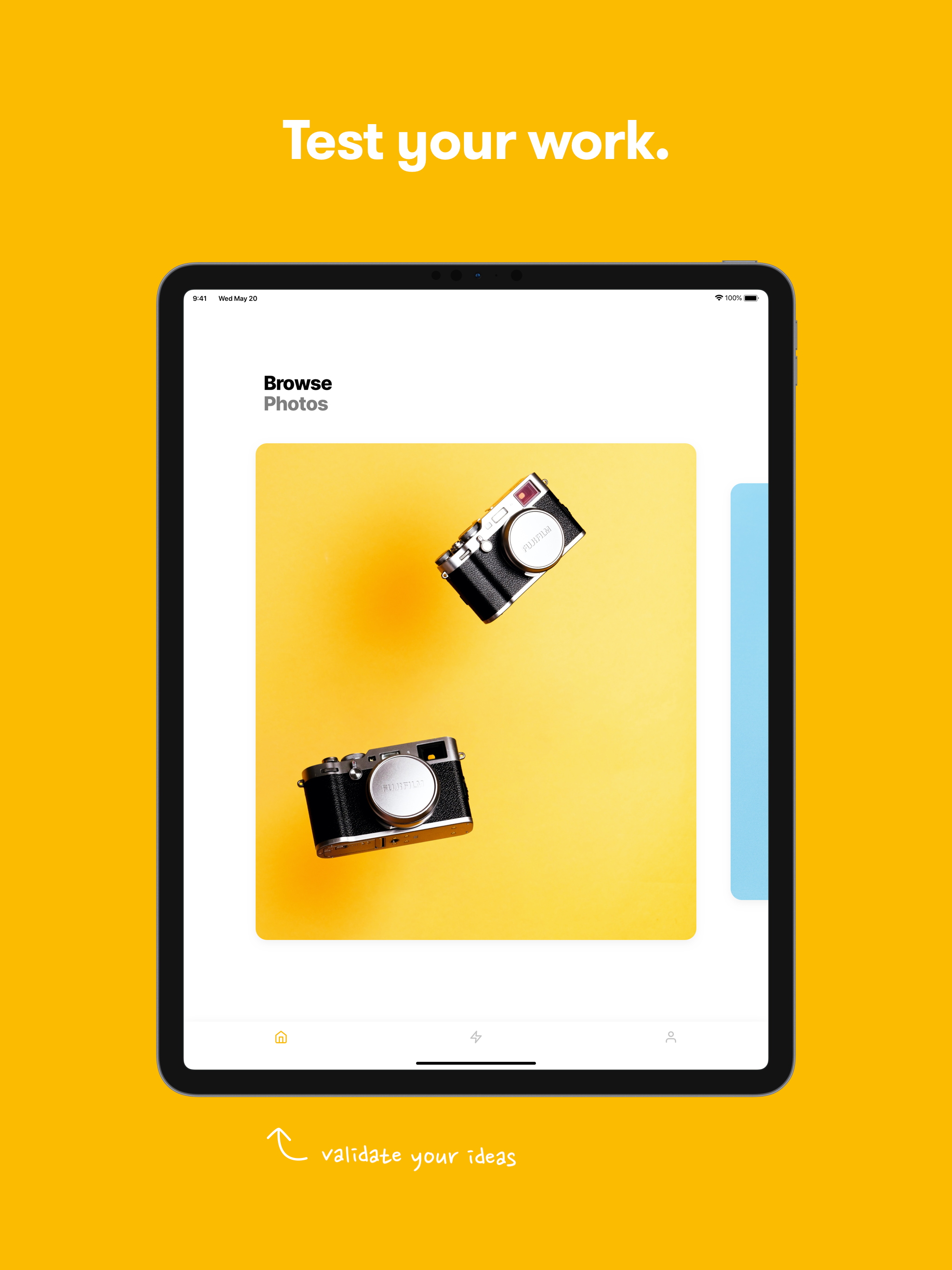
Framer Preview is the best way to view and interact with your prototypes on an iOS device. Framer Preview works on both iPhone and iPad. • Take your work from canvas to device in real-time • Pinch, swipe, and tap to test your transitions and animations • Perfect for user testing or quickly validating ideas • Find a history of the projects you have previously opened in the Recents tab To open a Framer prototype in the Framer Preview app: • Open your project in Framer Web • Click on the device icon in the Preview window or Prototype view • Scan the QR code with Framer Preview’s built-in QR code scanner • View your prototype on your mobile device