Ratings & Reviews performance provides an overview of what users think of your app. Here are the key metrics to help you identify how your app is rated by users and how successful is your review management strategy.
 4.0
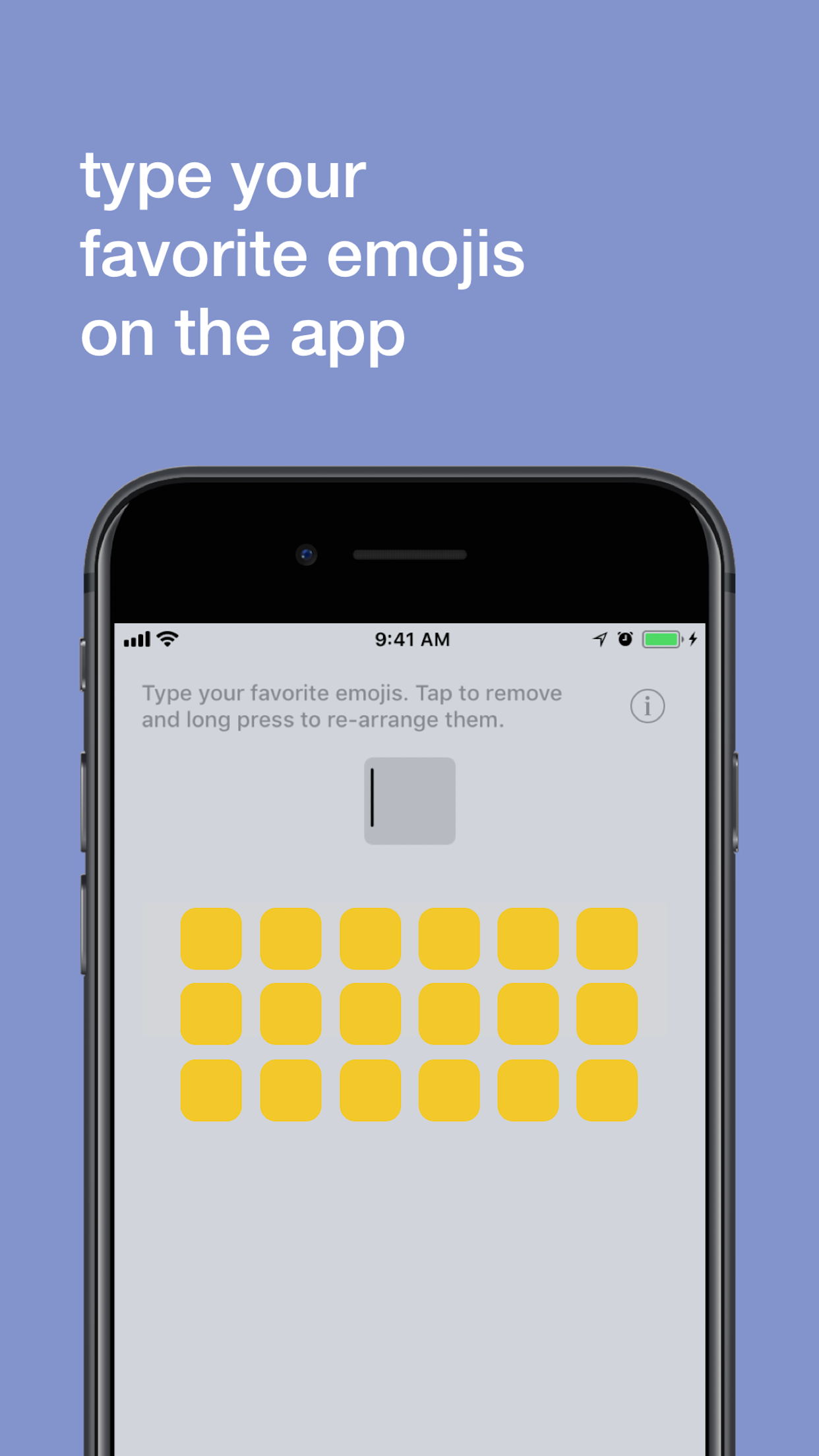
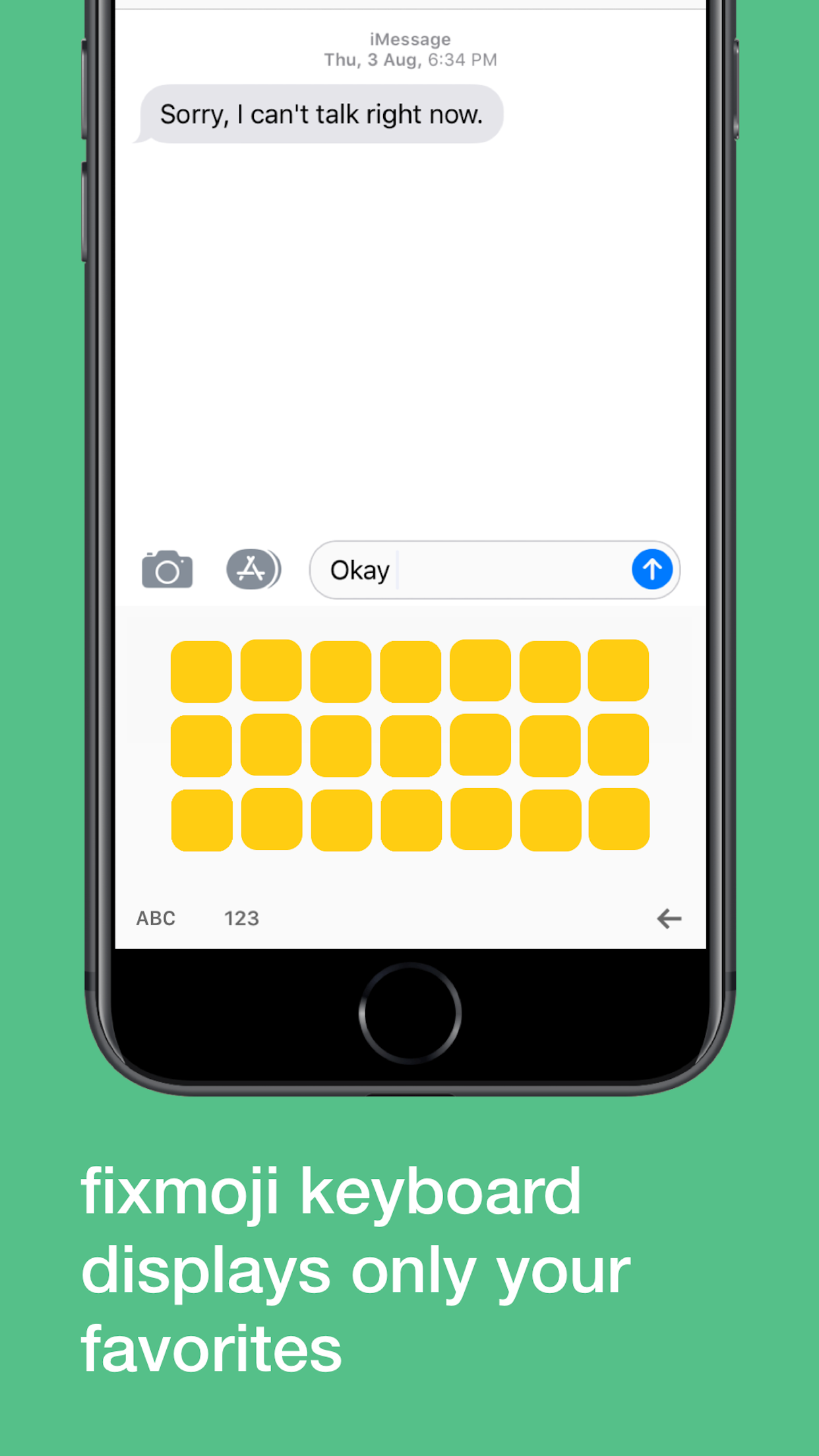
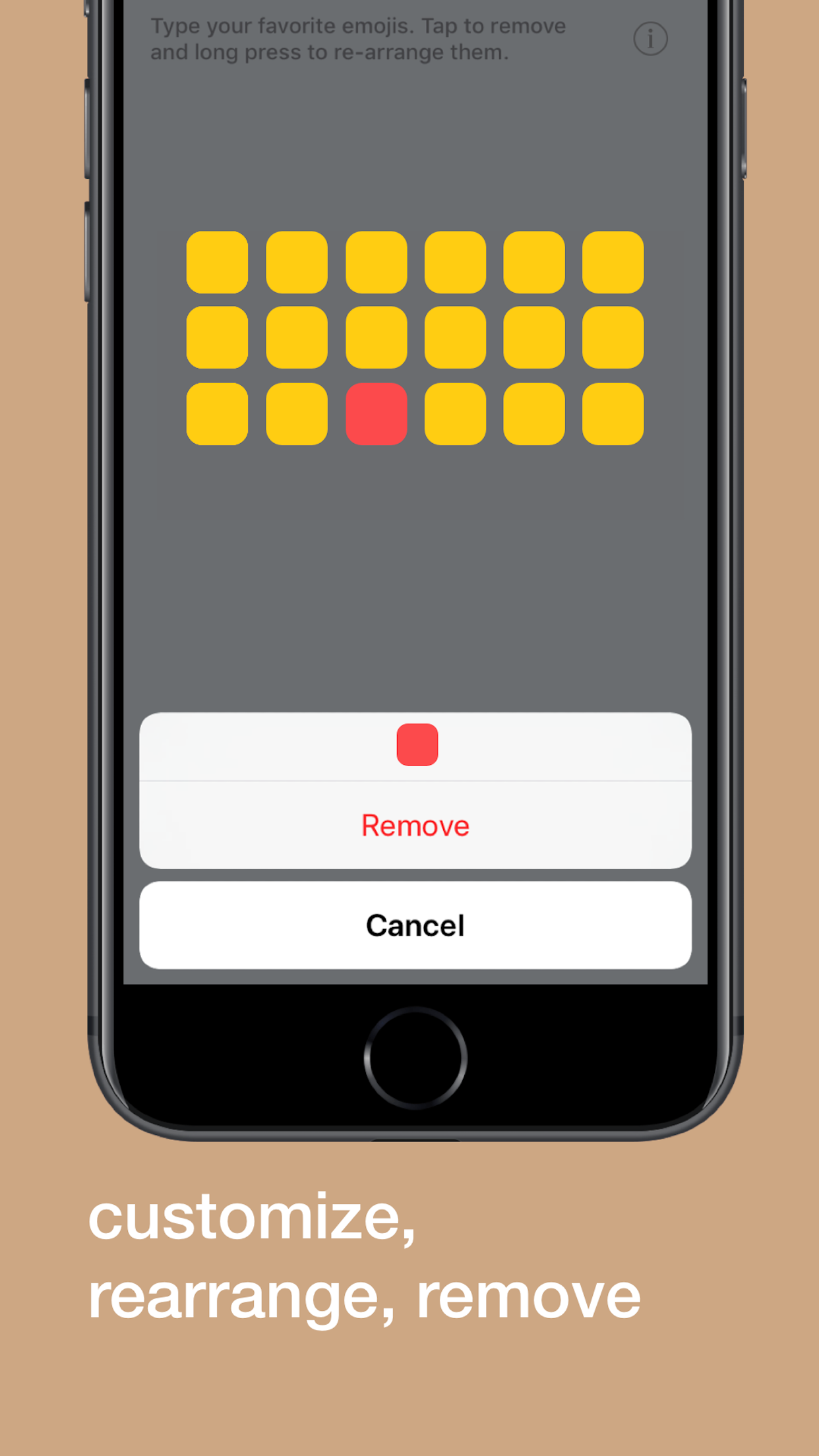
4.0There are thousands of emojis but you only use a few everyday. Fixmoji lets you select your favorite emojis and access them anytime, anywhere. Set your favorite emojis at your preferred positions on the keyboard. Just drag and re-arrange as you like. No more scrolling through pages of useless emojis and finding the one you want. You can select as many emojis as you like and also re-arrange them from the keyboard itself! How to setup Fixmoji: - Go to Settings - General - Keyboard - Keyboards - Add New Keyboard… - Find ‘Fixmoji’ and add it - Allow Full Access - Done! Now open the Fixmoji app from the home-screen, type your favorite emojis and access them from your keyboard. *Credits - Yuvraj Minawala for the original idea - Mohammad Rajabifard (@morajabi) for the Icon design