


Ratings & Reviews performance provides an overview of what users think of your app. Here are the key metrics to help you identify how your app is rated by users and how successful is your review management strategy.
 4.8
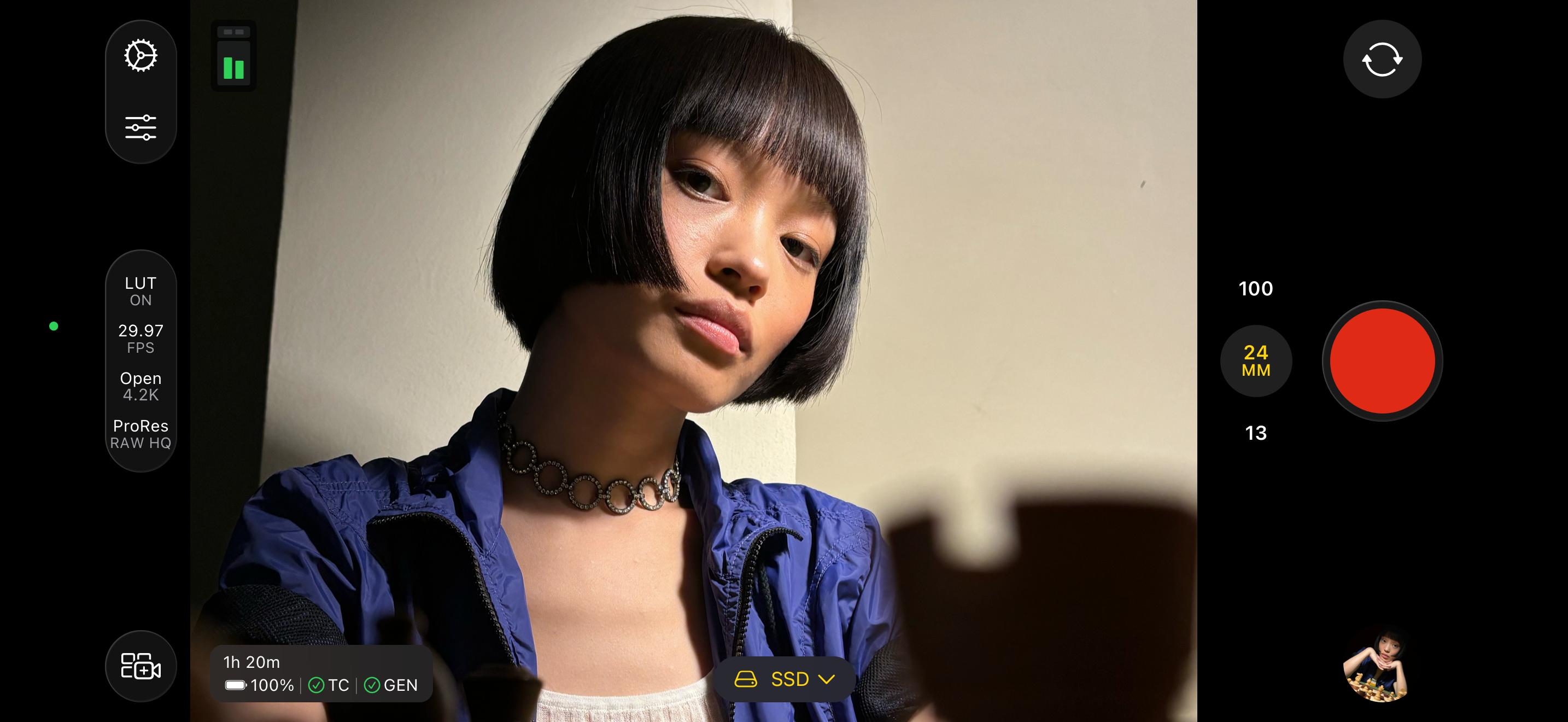
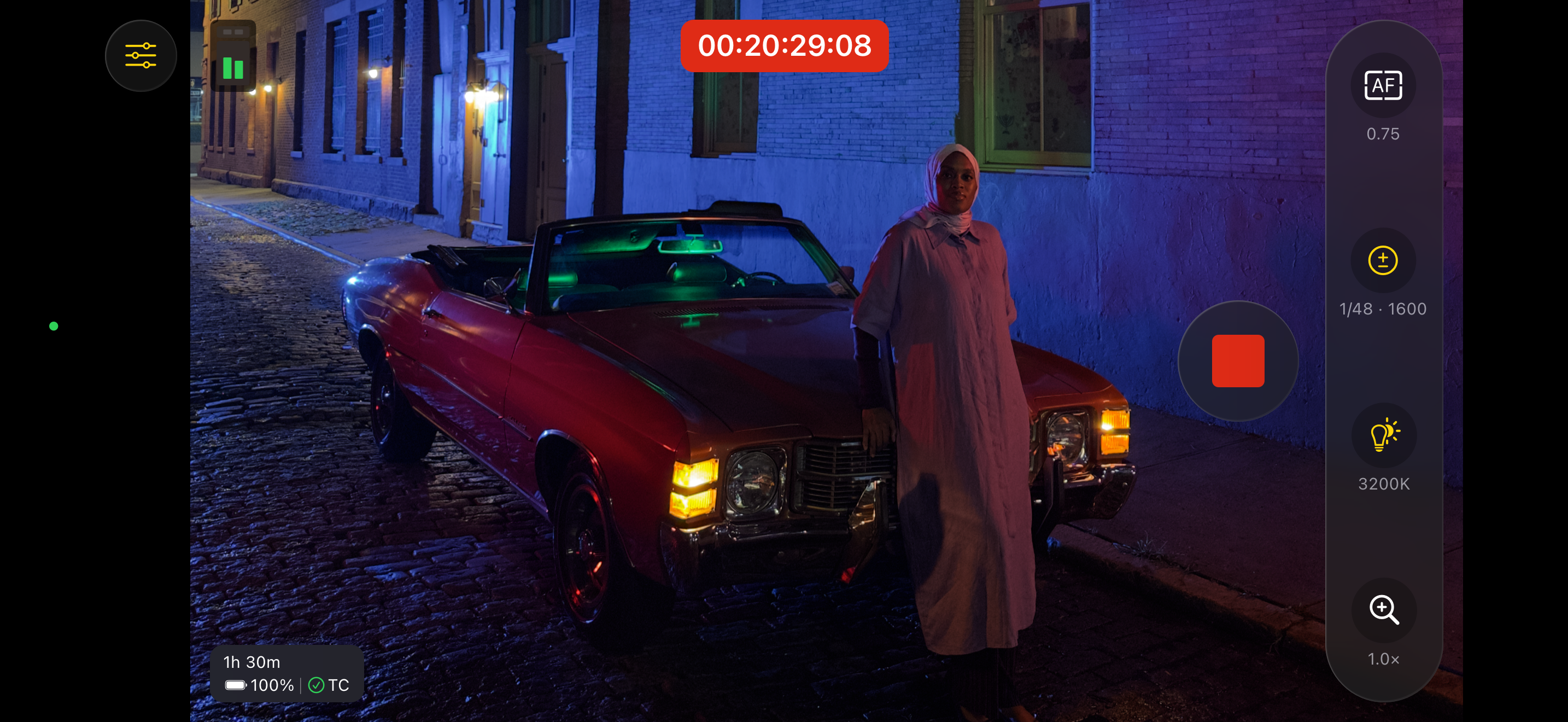
4.8Final Cut Camera puts you in the director’s chair with intuitive pro controls for your entire video production. Seamlessly start a Live Multicam session by connecting up to four devices running Final Cut Camera to preview, record and sync your video angles in Final Cut Pro for iPad. Capture with powerful settings including shutter speed, ISO, white balance and manual focus. Easily customise your resolution, frame rate, colour space and more. Quickly monitor your video with focus peaking and overexposure indicators. Dial in the perfect shot for your professional videos with Final Cut Camera. Capture professional footage with full manual control • Easily record in a range of resolutions, frame rates and codecs including ProRes and Apple Log* • Capture ProRes RAW in open gate for full-frame resolution and incredible editing performance** • Set your exposure with ISO and shutter speed controls • Adjust your white balance using presets or set a custom colour temperature • Pull focus to follow the action and keep subjects sharp • Enable timecode options including Time of Day, Record Run or external timecode • Genlock multiple video sources with precise frame alignment using a compatible sync generator** • Flexibly frame your shot in portrait or landscape with the Centre Stage front camera without moving your iPhone*** • Record with Spatial Audio for videos with even more immersive sound**** • Reduce shakiness and movement during capture by enabling stabilisation • Lock orientation to ensure your framing is consistent regardless of device position Preview, record and sync up to four devices with Live Multicam in Final Cut Pro for iPad • Quickly start a Live Multicam session by connecting your device to Final Cut Pro for iPad***** • Remotely preview, adjust pro controls and initiate recording on all your connected devices directly in Final Cut Pro • Instantly edit your multicam clips with preview media that is automatically synced in the Final Cut Pro browser • Save time in post with background media transfer that seamlessly replaces preview media with originals as you work Confirm videos look and sound perfect with powerful monitoring tools • Level videos with tilt and roll indicators or crosshairs for overhead shots • Preview your Apple Log video in SDR or HDR by applying the Apple Log LUT* • Enable focus peaking to ensure footage looks sharp • Properly expose videos using zebra indicators • Frame your shot with aspect ratio guides or grid overlays • Monitor available recording time and audio meters Easily review and transfer media directly in the browser • Save videos to Files or record onto a connected external storage device* • Browse and review your footage directly in the Final Cut Camera browser • Quickly connect to Final Cut Pro for iPad and transfer media directly into a project • Conveniently pause and resume media transfers Upgrading to the latest iOS or iPadOS is recommended * Requires iPhone 15 Pro or later ** Requires iPhone 17 Pro *** Requires iPhone 17 or iPhone Air **** Requires iPhone 16 or later ***** Requires Final Cut Pro for iPad subscription






![How to measure customer sentiment for app reviews [7 metrics]](https://cdn.appfollow.io/blog/static/appfollow_1335e02d-b0b3-49f7-9eb6-94171dc7e379.jpg)


