Ratings & Reviews performance provides an overview of what users think of your app. Here are the key metrics to help you identify how your app is rated by users and how successful is your review management strategy.
 4.0
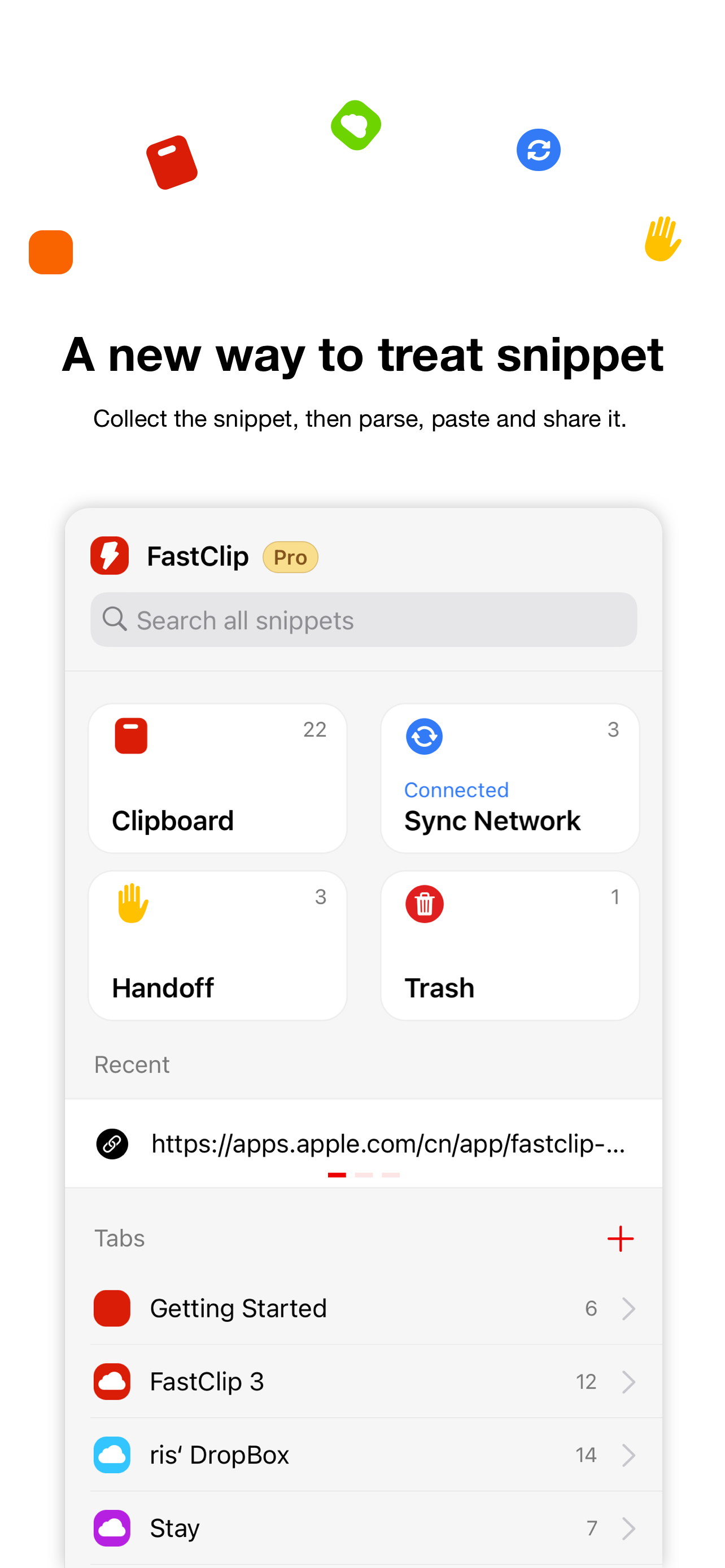
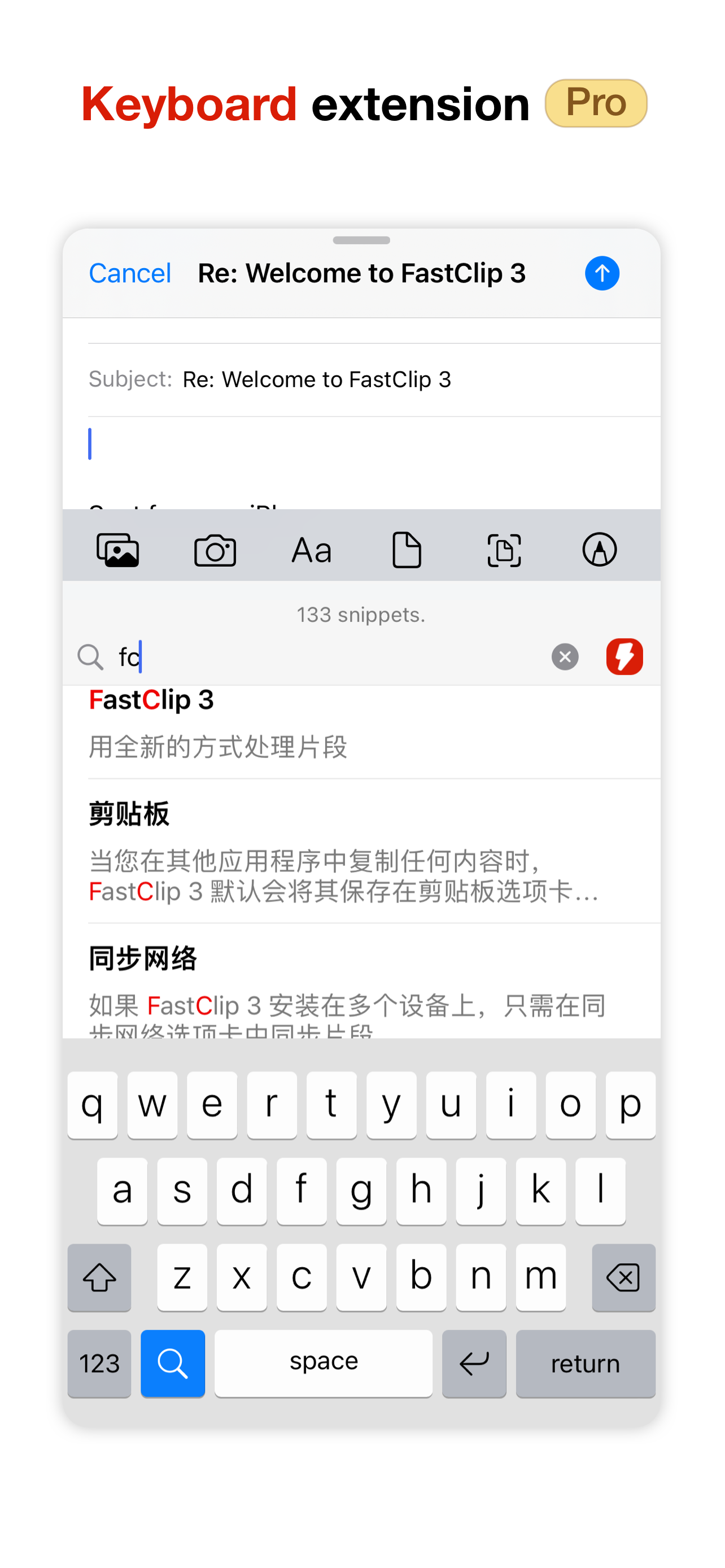
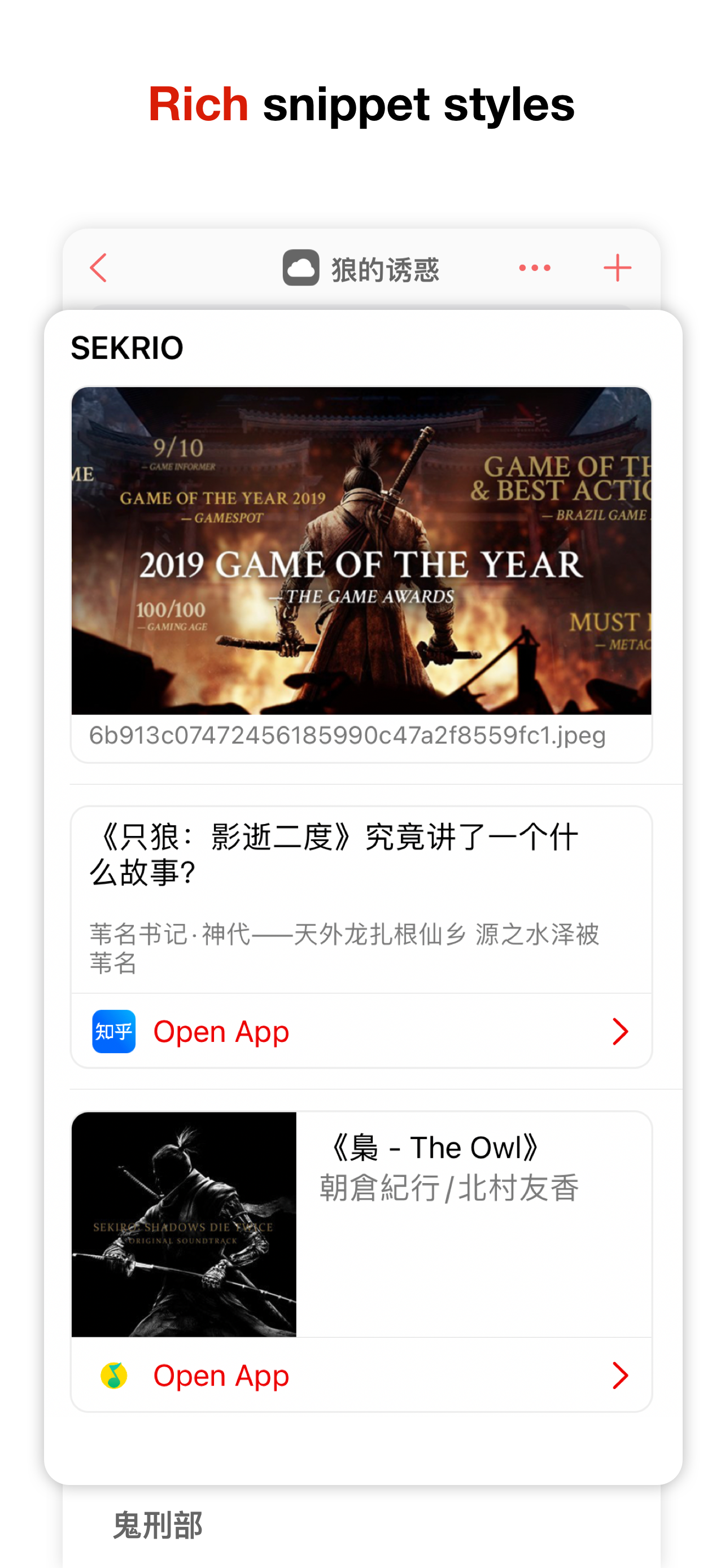
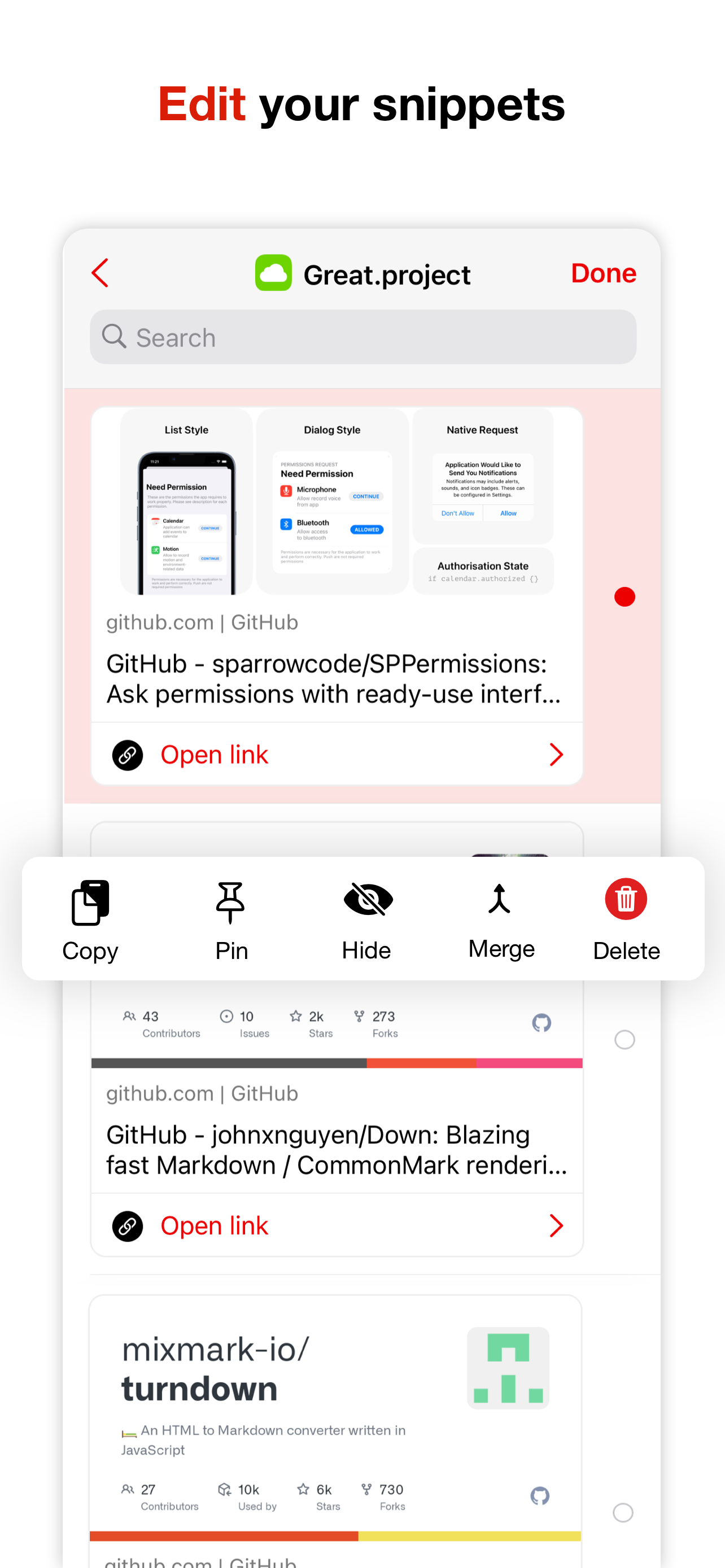
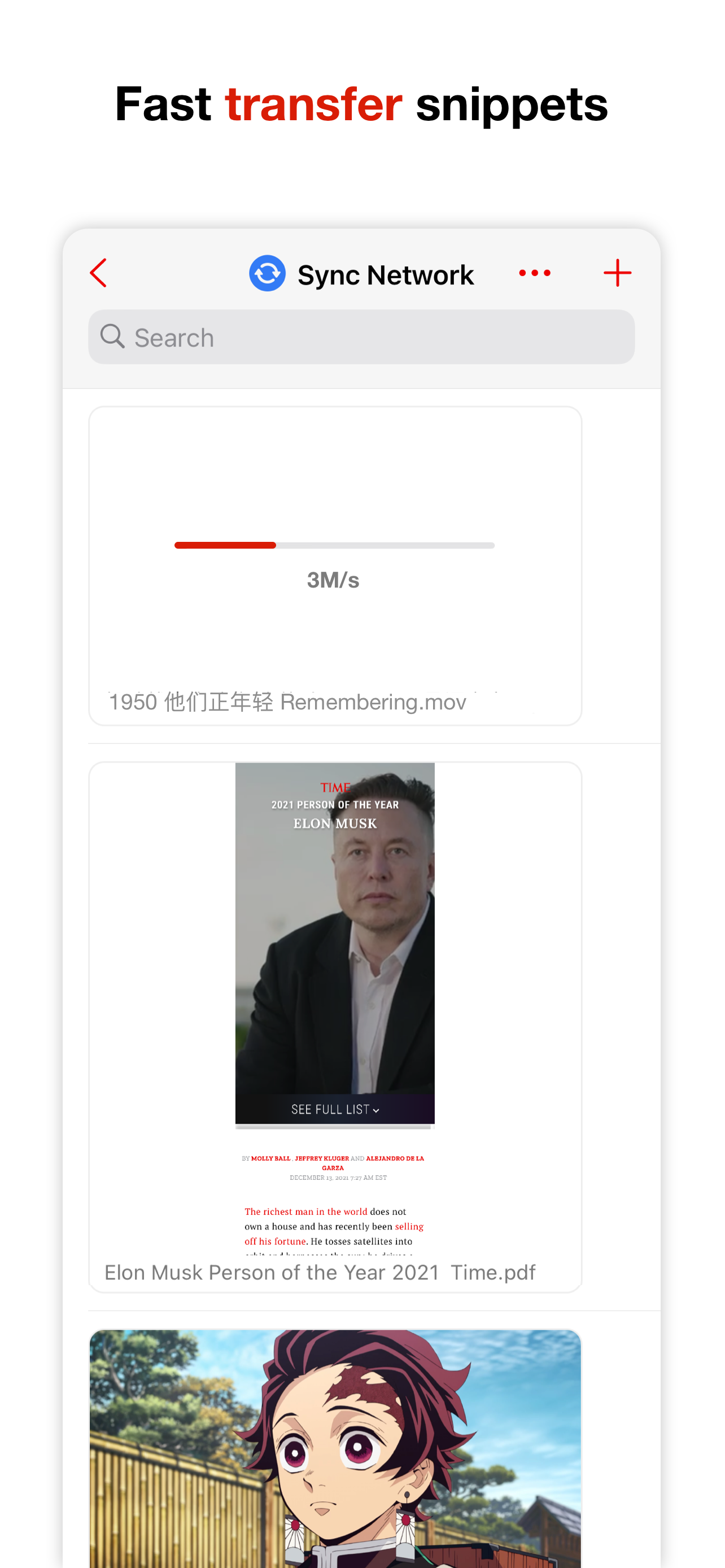
4.0FasClip 3 is a tool for collecting, synchronizing, and retrieving Snippets,including text, links, images, and files. **Available on iPhone, iPad, and Mac.** # Collect Snippets in multiple ways Snippets from the clipboard, photo albums, files, QR code scans and text edited by user are all supported. # Categorization A representative Tab for storage and management of different categories of snippets can be created for different types of Snippets. Management of the Tab via iCloud is also available in Pro version. # Quick synchronization of Snippets between devices Multiple means of synchronization are provided by FasClip 3 for different scenarios. ## Sync network - Larger Snippets (HD photos, files, etc.). - Real-time synchronization of multiple devices. ## Handoff - The app is neither in the background nor open. - Manually select whether to receive Snippets. ## iCloud - Archive - Multiple devices on different networks # Real-time retrieving of Snippets Retrieving in milliseconds without tagging the Snippets, even among thousands of Snippets, can be achieved thanks to the indexing engine of FasClip 3. For users who use Chinese can also input Pinyin to improve retrieval efficiency. # Offline storage Except Tab management via iCloud, all FasClip 3 Snippets are encrypted and stored locally, allowing offline storage or clouding of Snippets by user’s choice, which greatly increases the size of the Snippet file storage. # Unlock the Pro features - Unlimited Snippet storage. - iCloud Sync: Turn your FasClip 3 into a cloud sync tool. - Custom keyboard: Greatly improve your typing efficiency. Privacy policy: https://app.termly.io/document/privacy-policy/464fb3d0-33f5-4b1a-a2b3-6c437dc4312e Terms of Use: https://fastclip.app/policy/terms.htm For questions, please follow our official account on Twitter @fastclip1. Welcome to the Telegram Group t. me/fastclipchat