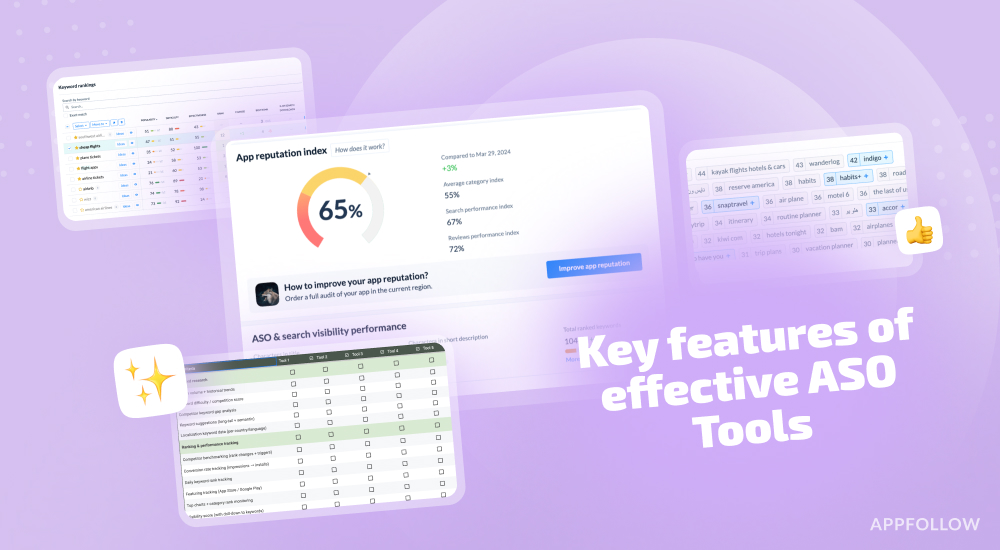
Ratings & Reviews performance provides an overview of what users think of your app. Here are the key metrics to help you identify how your app is rated by users and how successful is your review management strategy.
 2.5
2.5
User reviews affect conversion to installs and app rating. Featured and helpful reviews are the first to be noticed by users and in case of no response can affect download rate.
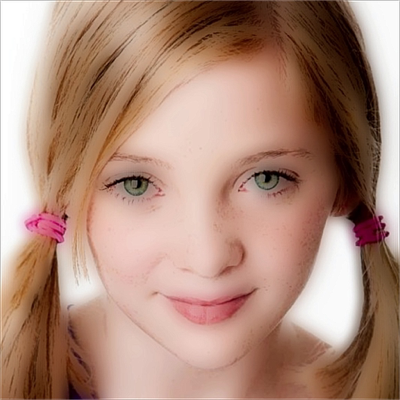
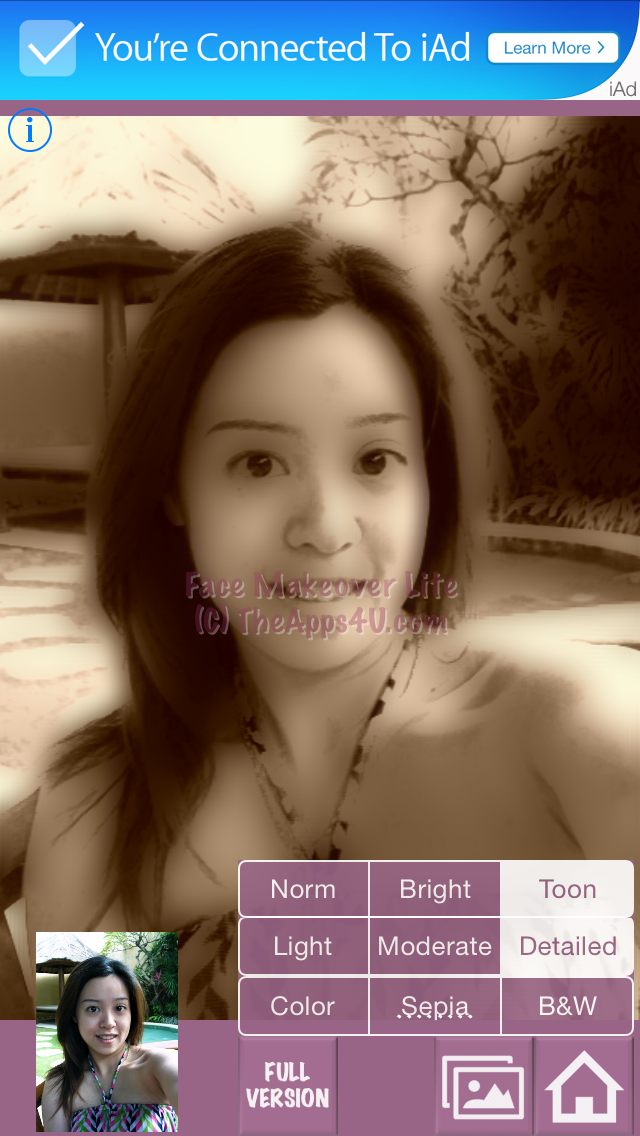
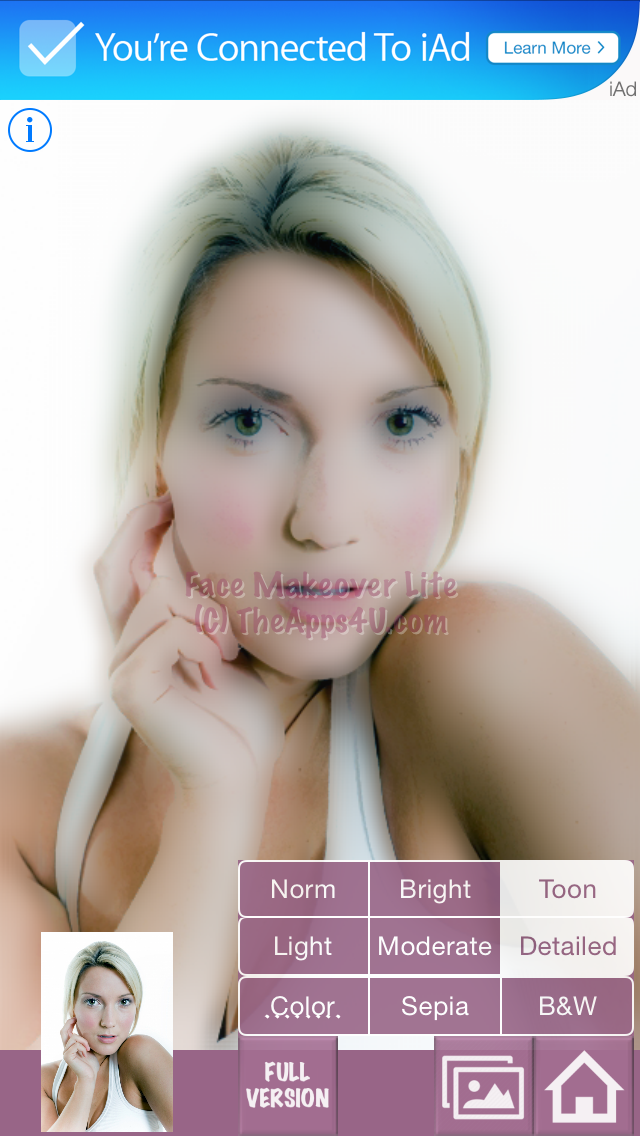
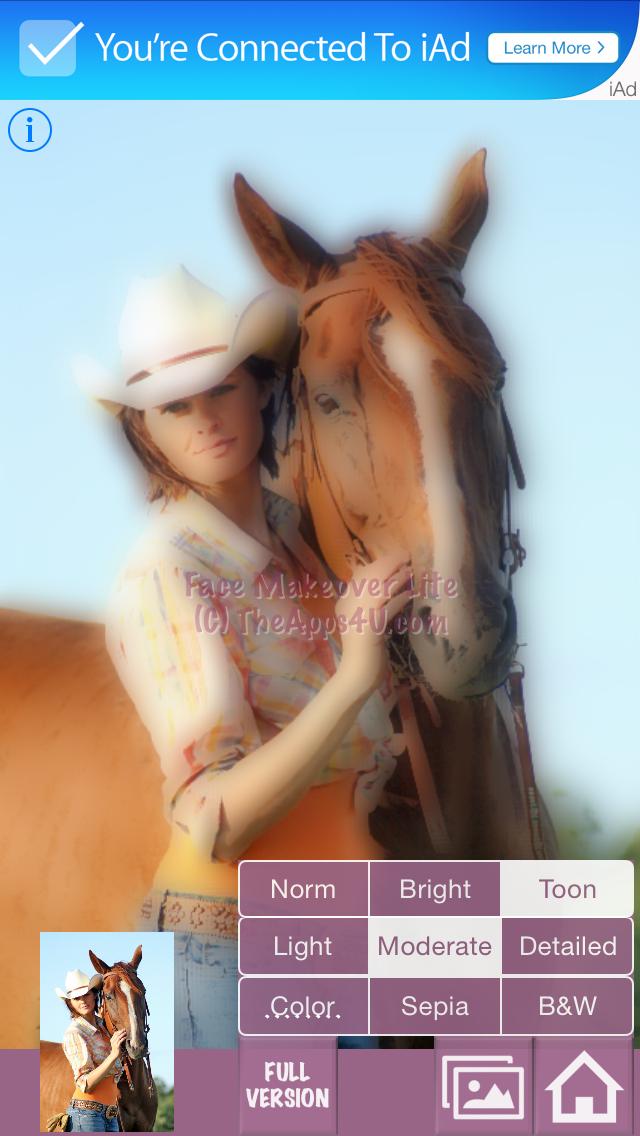
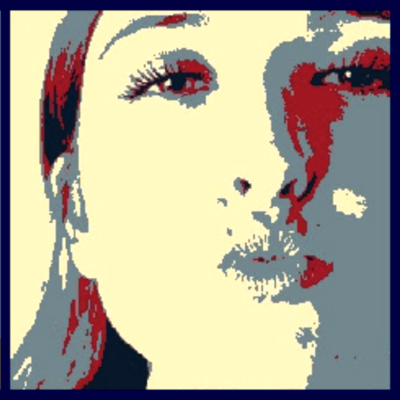
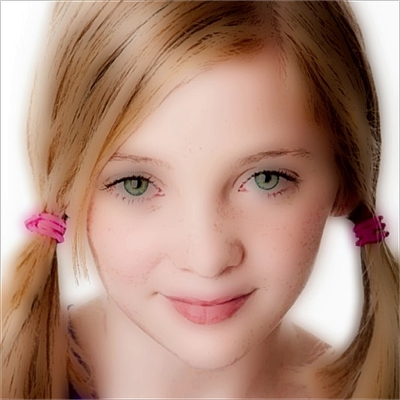
= Make glamorous photos with smoother skin = Dreamy & heavenly softener/toon effects If you've ever wondered why the models in magazines always have such perfect skin, here's your answer: Face Makeover is remarkably effective at transforming your photos into something that could quite easily go into a copy of Vogue. Now you can do it easily on your iPhone! Face Makeover includes softener effects that glamor photographers use to smooth skin imperfections. Adding softener effects to a photo gives it a soft, dreamy haze that leaves skin looking as good as a magazine cover model. It's perfect for close-up photos and portraits - any photo where you want to see the face, but not the blemishes. Also included is a special toon filter that renders your pictures cartoonish/poster-like. The effect is also softened to make pictures artistically dreamy and heavenly. The user interface is very easy and intuitive. Hassle free – just push one button, and Face Makeover will do all the hard work for you! It’s that simple! Select from your photo albums or simply use the iPhone camera to take a picture of your friends, family, pets, or landscape. Don’t have a picture just yet? Don’t worry. Use the demo pictures provided. Get started immediately! There are three color modes to choose from: Color, sepia, and black-and-white. You can even control how much detail (line features) you want for your subject with the push of a button. ** Note: This is the Lite Version of Face Makeover. In the Full Version (ADS/WATERMARK FREE), you can SAVE/EMAIL the result.