Ratings & Reviews performance provides an overview of what users think of your app. Here are the key metrics to help you identify how your app is rated by users and how successful is your review management strategy.
 4.6
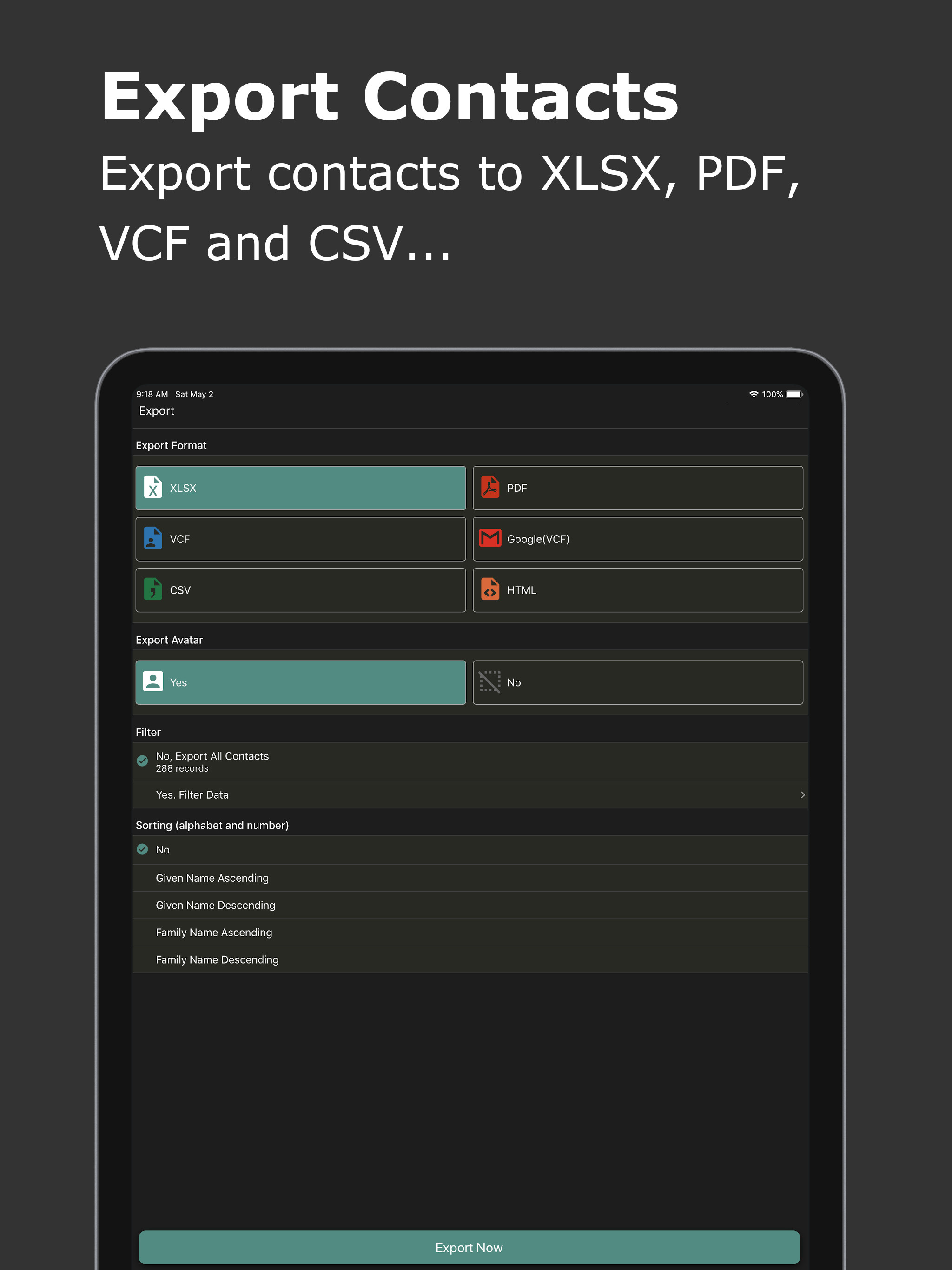
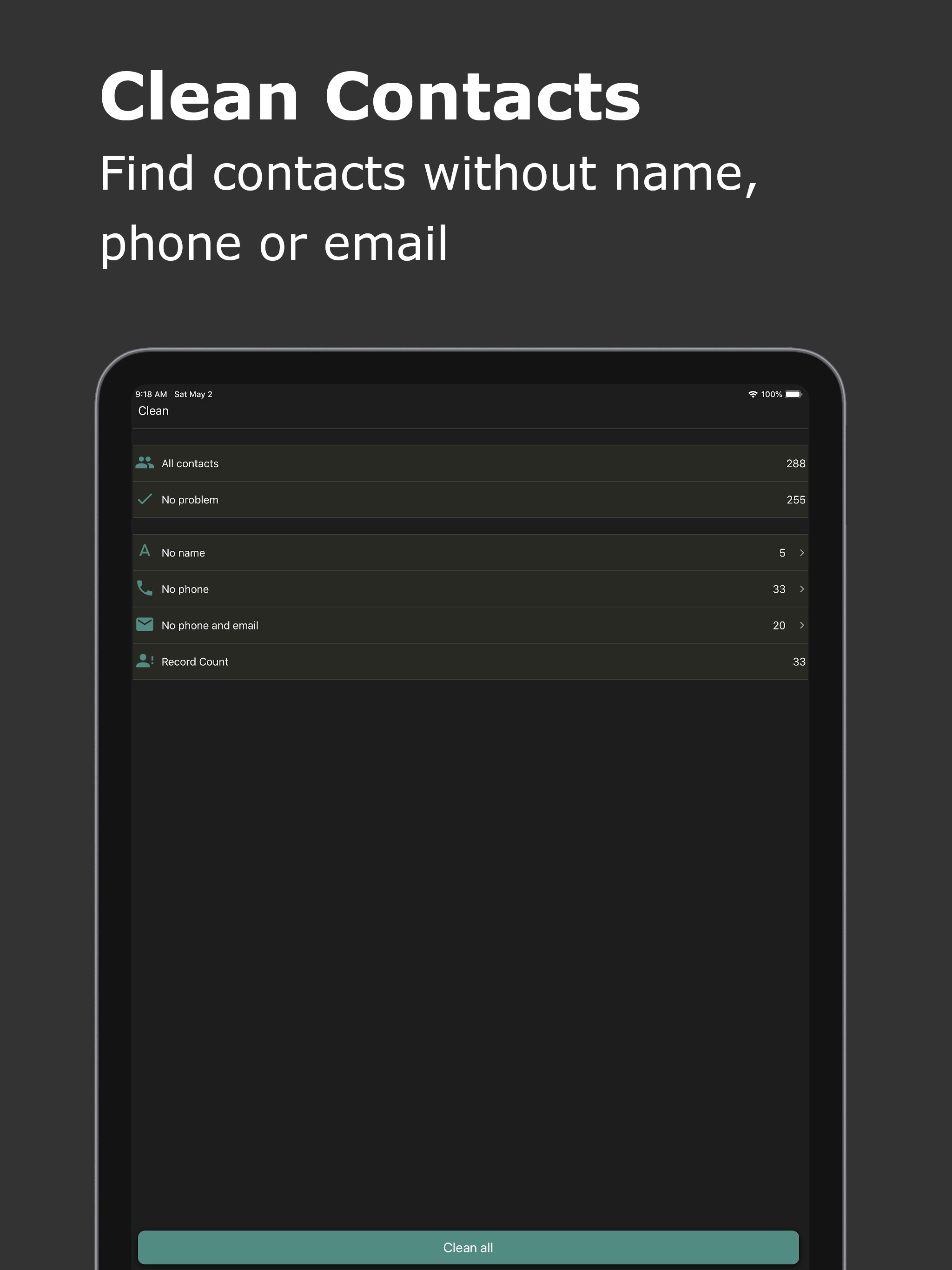
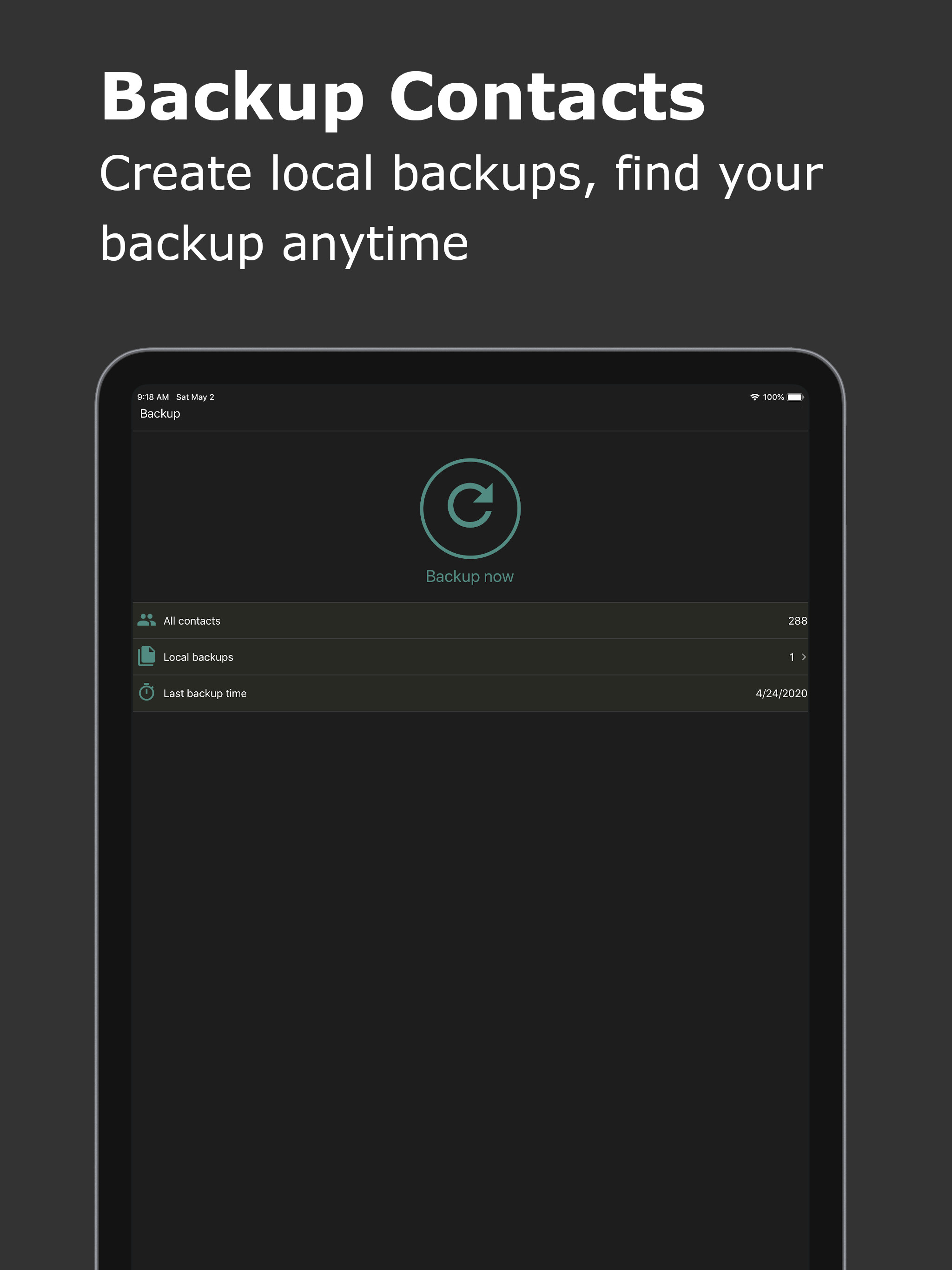
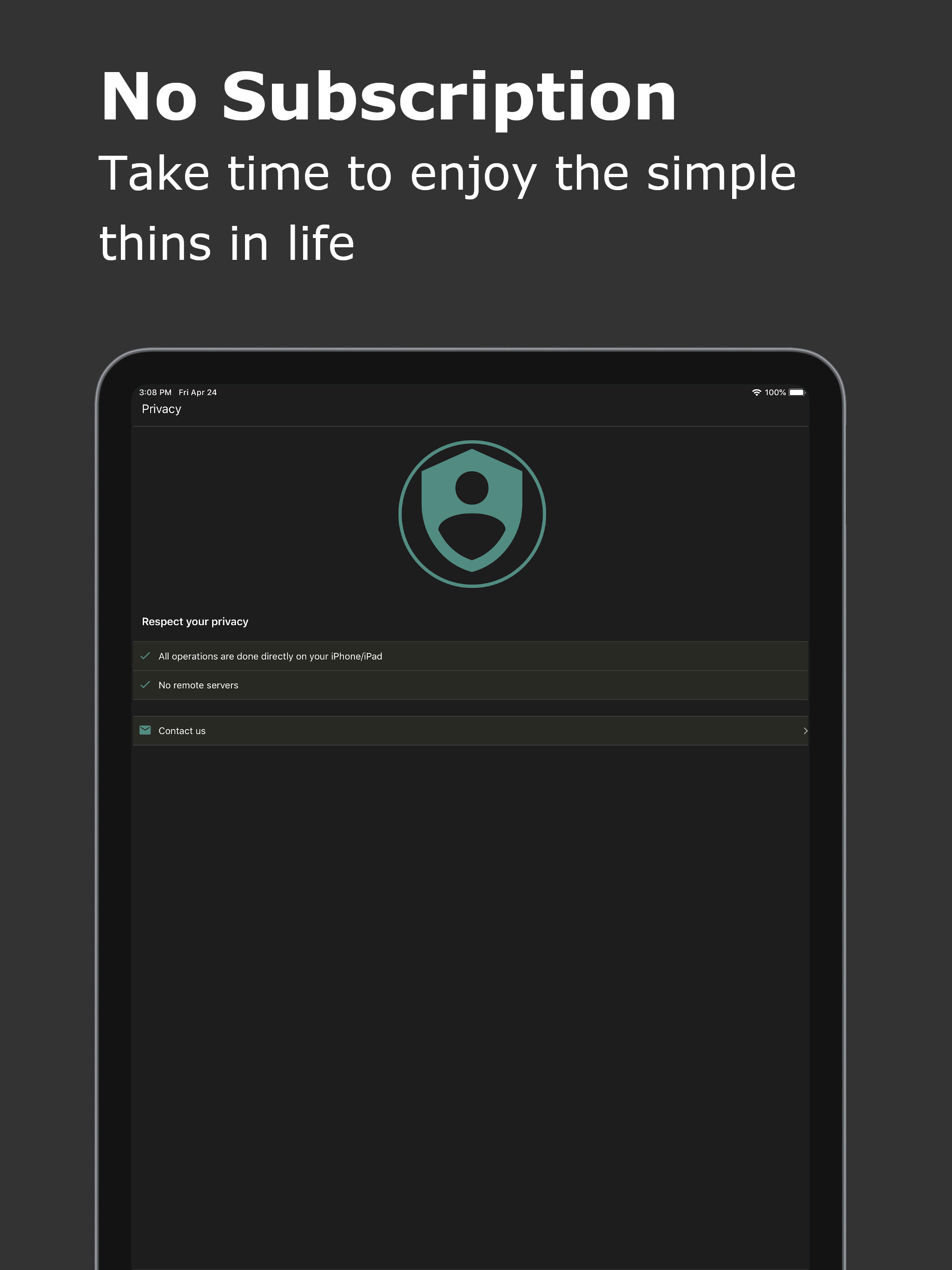
4.6Export Contacts with Ease! Effortlessly export your iPhone contacts to various formats including Excel (XLSX), PDF, Google Contacts (VCF), vCard (VCF), CSV, and HTML. With a single tap, transfer your contacts and restore them on any device. Key Features: * Export contacts to different formats: Excel (XLSX), PDF, Google Contacts (VCF), vCard (VCF), CSV, and HTML. * Seamlessly transfer contacts to other devices like iPhone, Samsung, Google Pixel, or Google Gmail. * Clean and manage your contacts by merging duplicates and removing incomplete entries. * Backup your contacts to prevent data loss and easily restore them when needed. Supported Export Formats: * Excel (XLSX): Includes all contact fields: Name, Phone, Email, Instant Messages, Social Profiles, Birthday, Organization, Job Title, Addresses, URLs, and more. * PDF: Limited fields (Full Name, Phone, Email, Birthday, and Address) optimized for A4 paper size. * VCF (vCard): Exports all fields for easy contact transfer. * CSV & HTML: Supports full contact data for maximum flexibility. Send Files Anywhere: Share your exported contacts via iMessage, Email, iCloud, Slack, AirDrop, Dropbox, Google Drive, and more. Smart Contact Cleanup: * Identify and remove contacts without names, phones, or emails. * Merge duplicate contacts based on name, phone, or email. Backup & Restore: Create secure local backups to safeguard your contacts. Recover deleted contacts easily, ensuring you never lose important information. Your Data, Your Privacy: All processes are handled locally on your device. No data is ever sent to a remote server.