Ratings & Reviews performance provides an overview of what users think of your app. Here are the key metrics to help you identify how your app is rated by users and how successful is your review management strategy.
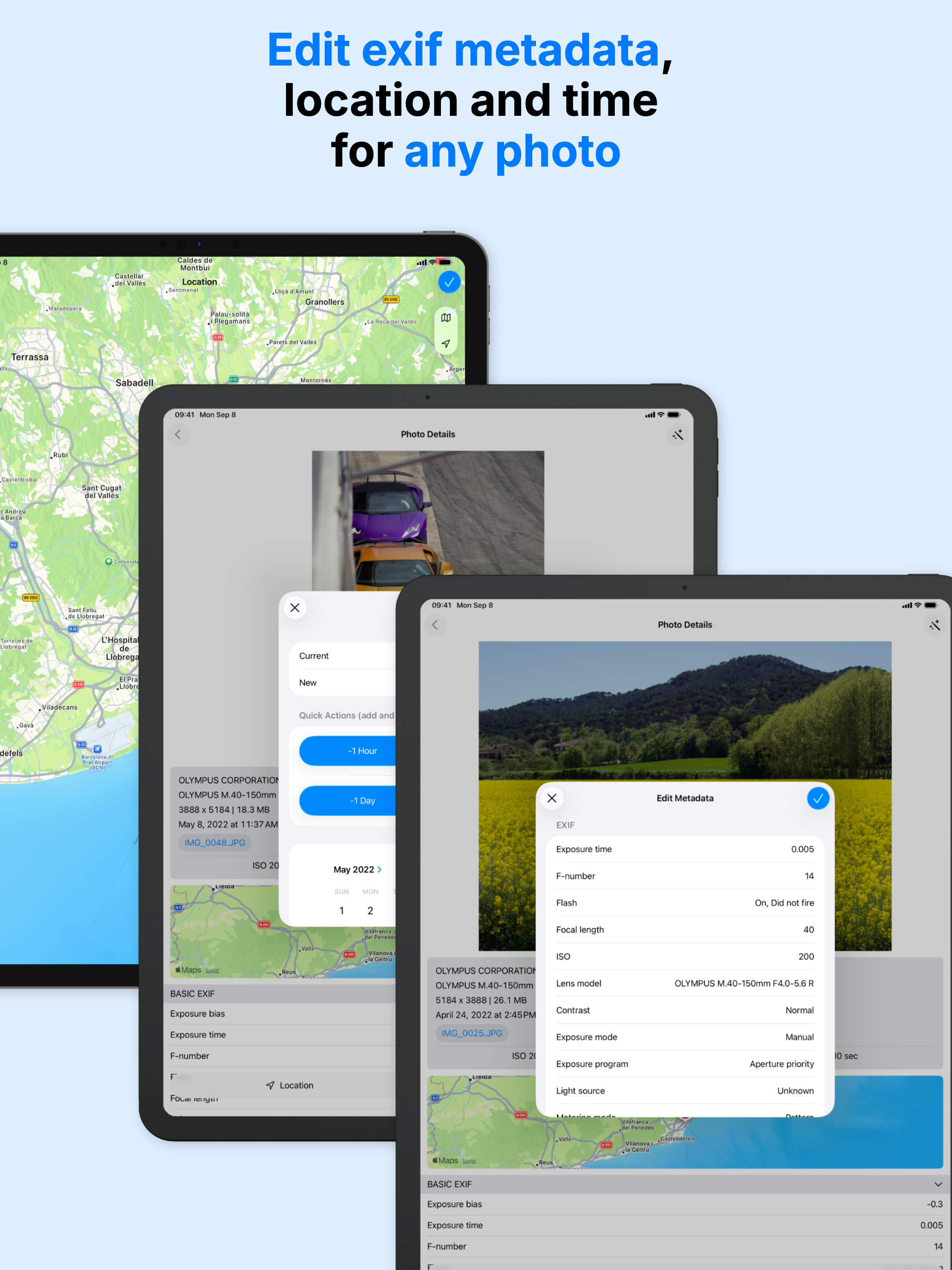
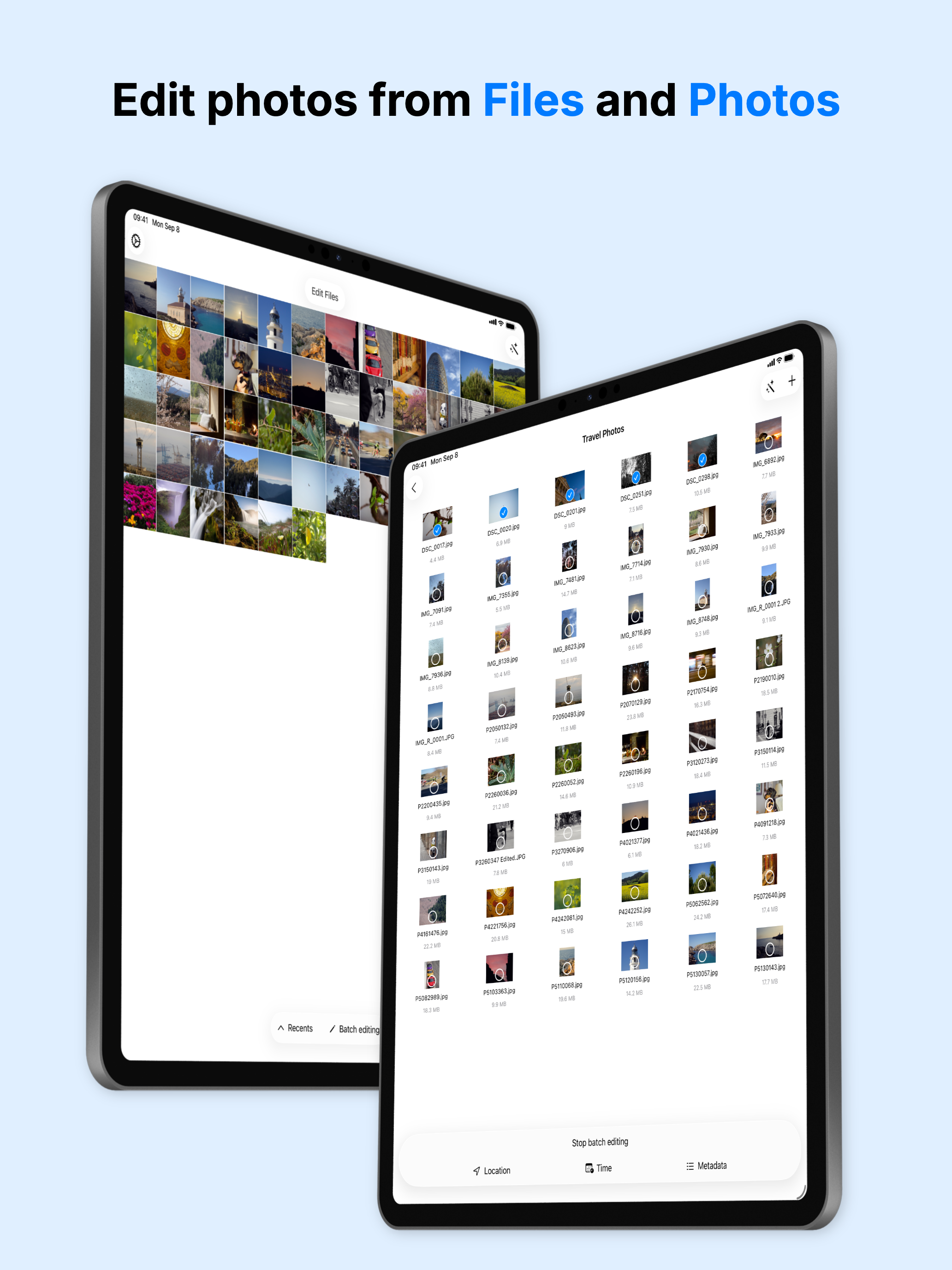
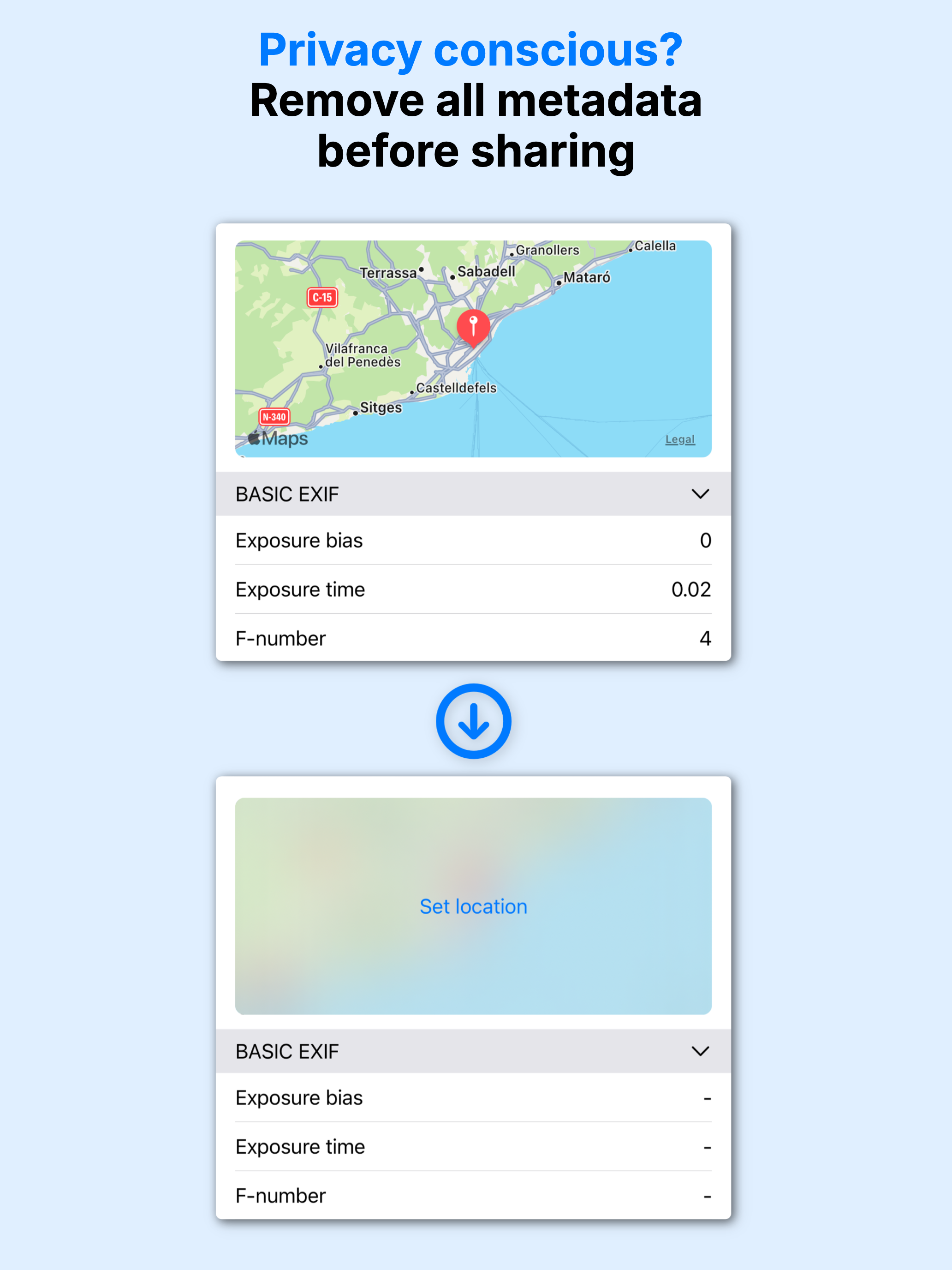
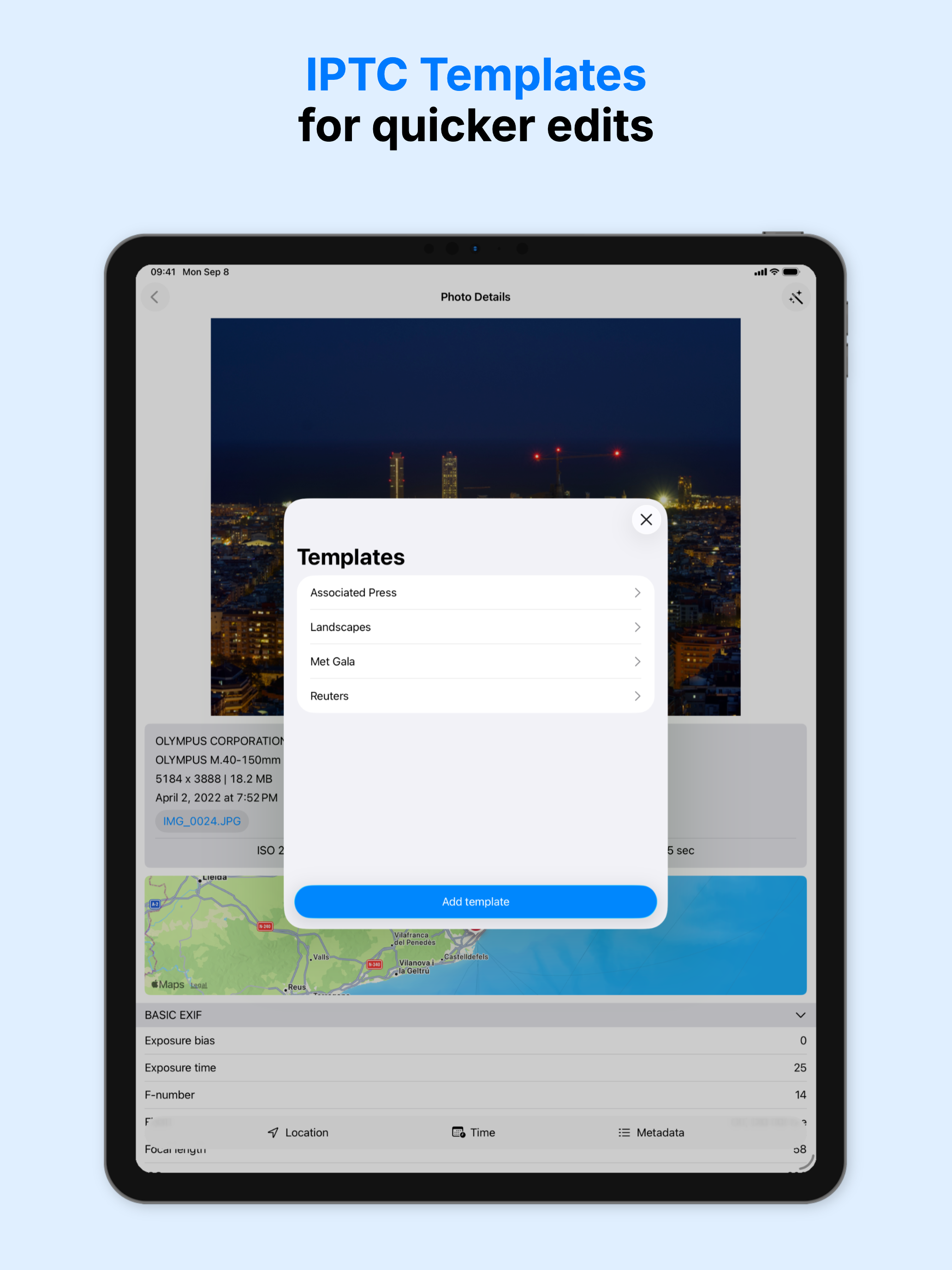
Need to fix GPS location, capture date, or privacy-sensitive metadata before sharing a photo? Metadata Editor makes it fast and simple on iPhone and iPad. Metadata Editor supports editing RAW photo metadata directly, with support for DNG, CR2, CR3, ARW, NEF, RAF, RW2, and ORF, plus XMP template import for faster professional workflows. FEATURES View - Browse photos from Photos Library and Files - Inspect EXIF, IPTC, GPS, TIFF, PNG, and other supported metadata - See camera model, lens, ISO, aperture, shutter speed, and more - Check locations on an interactive map - Review album photos and file-based photos in one app Edit - Edit metadata from both Photos and Files - Add, change, copy, or remove GPS location - Adjust date, time, and time zone - Batch edit multiple photos at once - Edit RAW photo metadata, including DNG, CR2, CR3, ARW, NEF, RAF, RW2, and ORF - Edit EXIF, IPTC, TIFF, PNG, and other supported metadata - Import XMP templates and save your own IPTC templates - Limited video metadata editing support For professionals - Manage copyright, creator, caption, description, and keywords - Prepare files for agencies, editorial workflows, and stock submissions - Keep originals or create edited copies - Apply consistent metadata across large shoots faster Protect your privacy - Remove GPS location before sharing - Strip metadata from a photo - Replace location data with a different place when needed WHO IS METADATA EDITOR FOR? - Photographers who want clean, complete metadata in their library - Professionals editing in the field before sending files to clients or agencies - Photojournalists working with IPTC-based workflows - Privacy-conscious users who want safer sharing - Film and analog photographers adding metadata after capture EDITABLE METADATA Edit 50+ metadata fields, including GPS coordinates, EXIF camera settings, IPTC keywords, TIFF image details, and PNG metadata. Note: The app is free to download and use, but some features may require premium access. CONTACT If you need help or have any questions about the app, contact us at www.andrespiza.com or from Settings inside the app. We are happy to help. UNLIMITED ACCESS AND SUBSCRIPTION TERMS Your Metadata Editor unlimited access subscription will automatically renew unless auto-renew is turned off at least 24 hours before the end of the current period. You can go, on your iPhone, to Settings > Apple Account > Subscriptions to manage your subscription and turn auto-renew off. Your Apple Account will be charged when the purchase is confirmed. Terms and Conditions: https://www.andrespiza.com/apps/metadata-editor/terms-of-use/ Privacy Policy: https://www.andrespiza.com/apps/metadata-editor/privacy-policy/